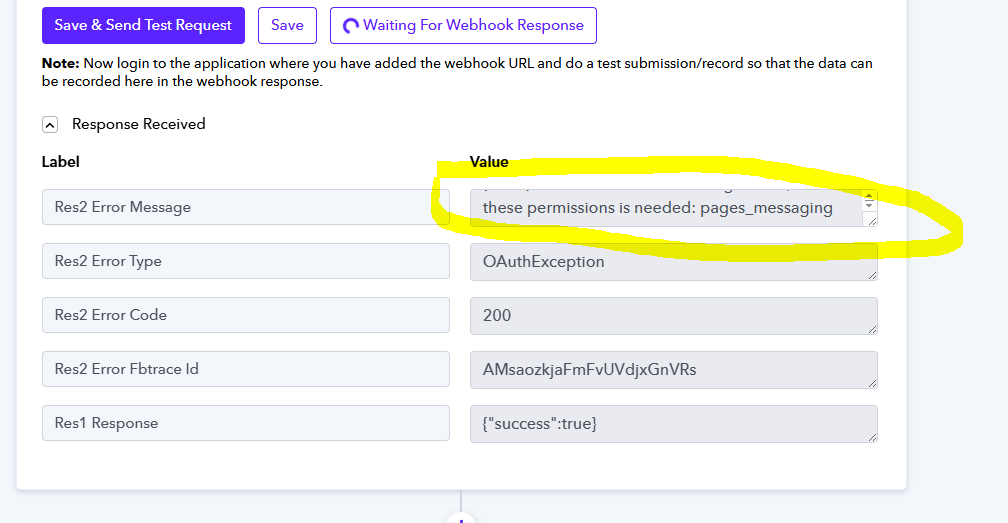
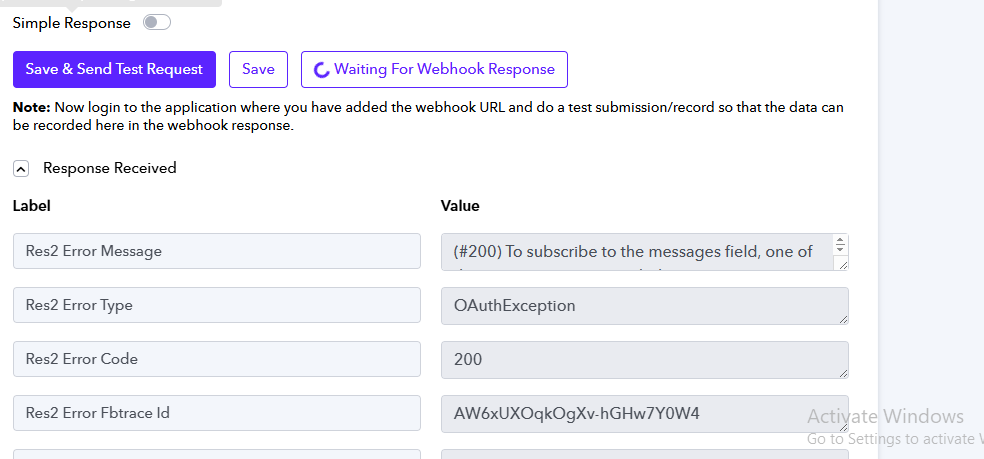
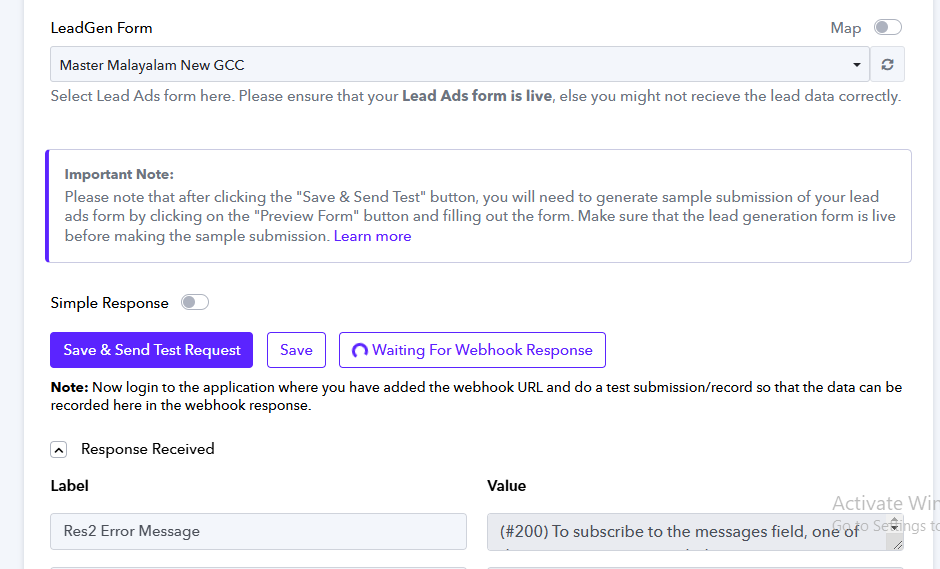
(#200) To subscribe to the messages field, one of these permissions is needed: pages_messaging
Status: Open · Asked by Hasan on · 0 views
Hi @Hasan,
Could you please elaborate a bit more on the exact issue you are encountering? Also, please share the workflow URL where you have this concern.
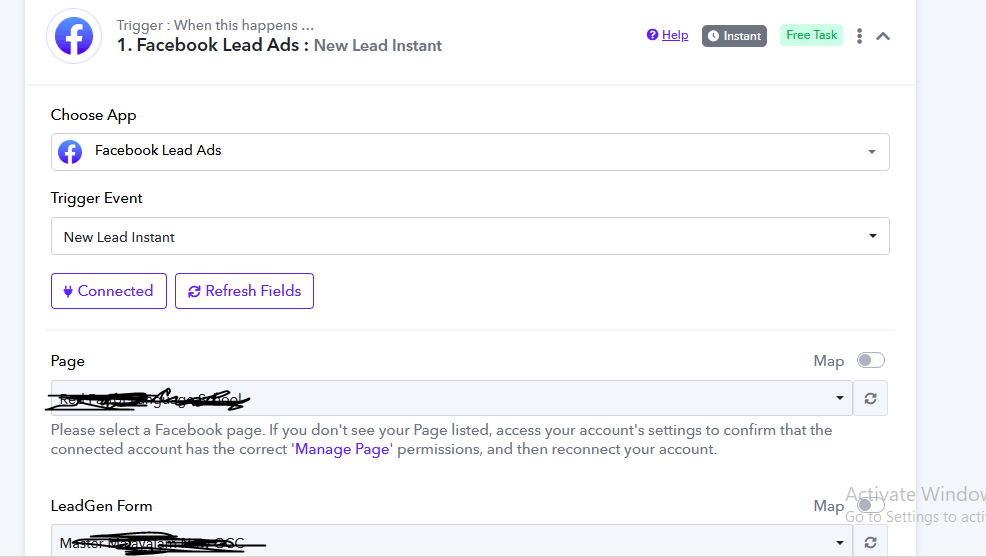
When new leads come in Facebook, I need to do some actions. But, when the lead generation form is submitting, no response we recive inside pabbly. Instead, gettign the error "
(#200) To subscribe to the messages field, one of these permissions is needed: pages_messaging"
I am using the Facebook Lead testing tool to generate the Lead
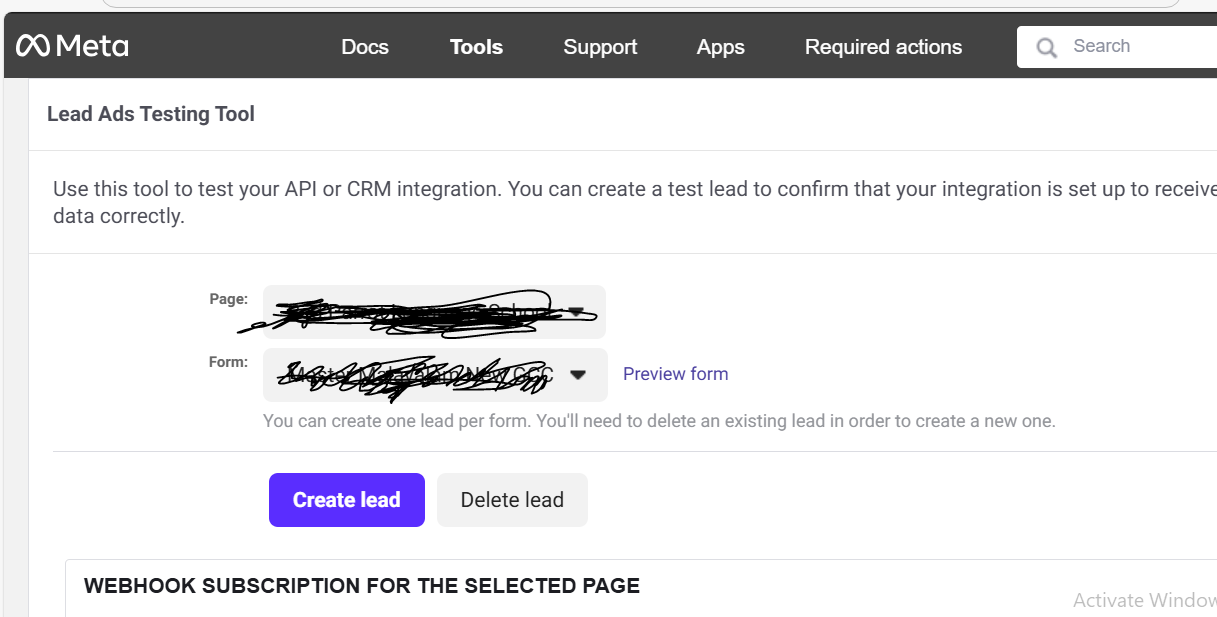
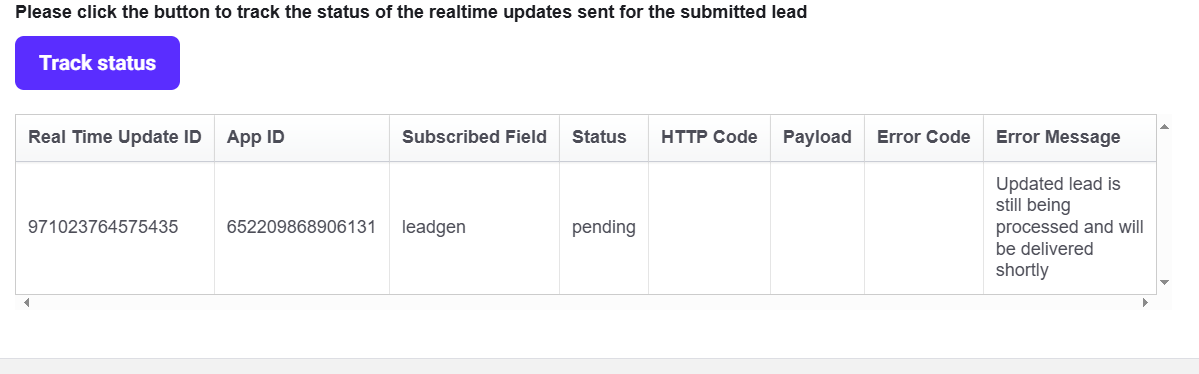
After submitting the lead, always status is shown below in Meta
Please create a new workflow from scratch without cloning and establish a new connection with your Facebook Lead Ads account by following the steps given in the video shared below.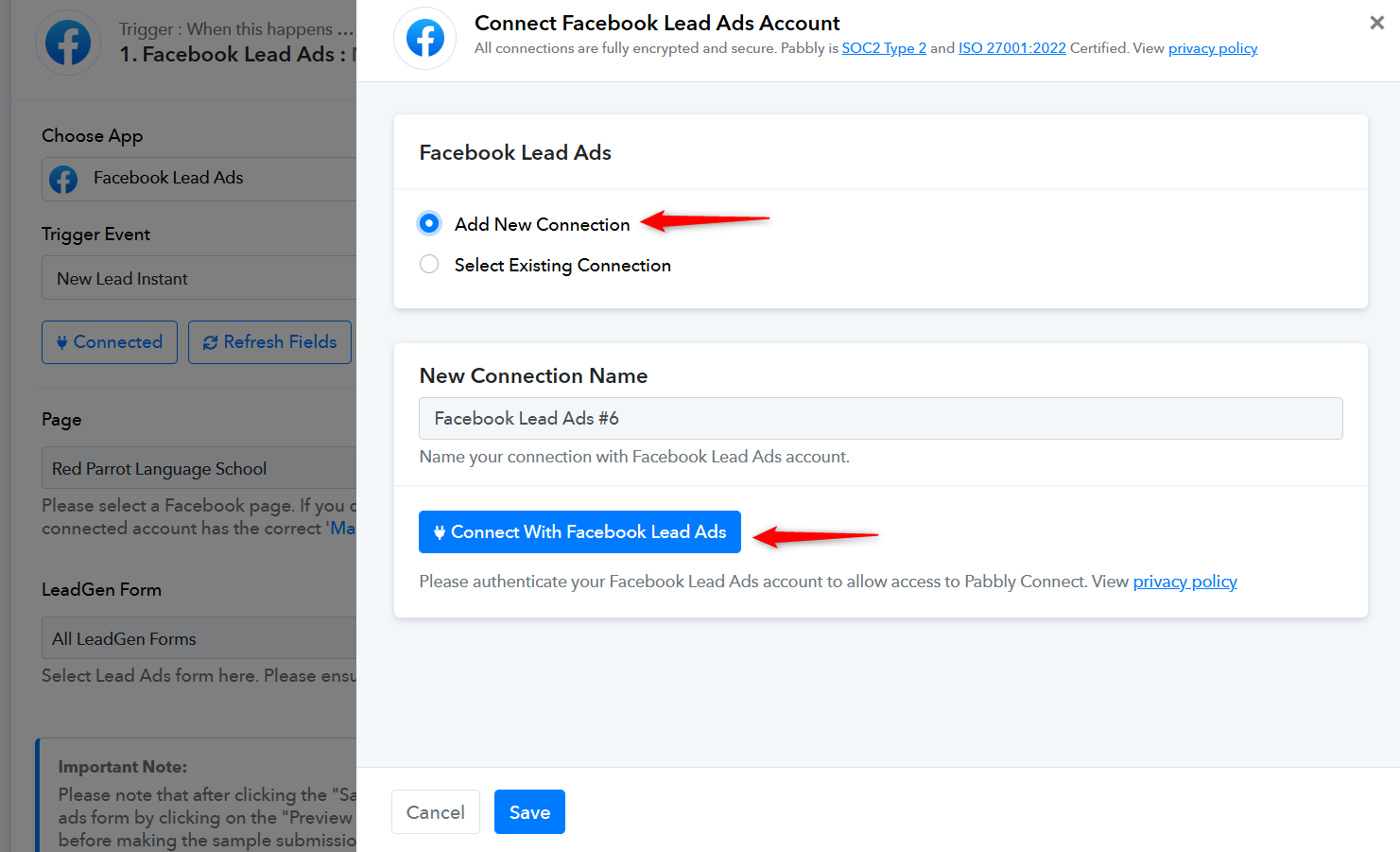
youtube.com/watch?v=Mn6RtwtWfQ8
Please ensure that the Pabbly Connect application is added to your Facebook account and has all the necessary permissions.
https://drive.google.com/file/d/1oL8E3WH3SMlfSh-ykJAxpOmN_ObU5yto/view
Thank you for your reply. I was following your guidelines. But, as shown in video, page access token is not displayed once selected Lead.Gen form
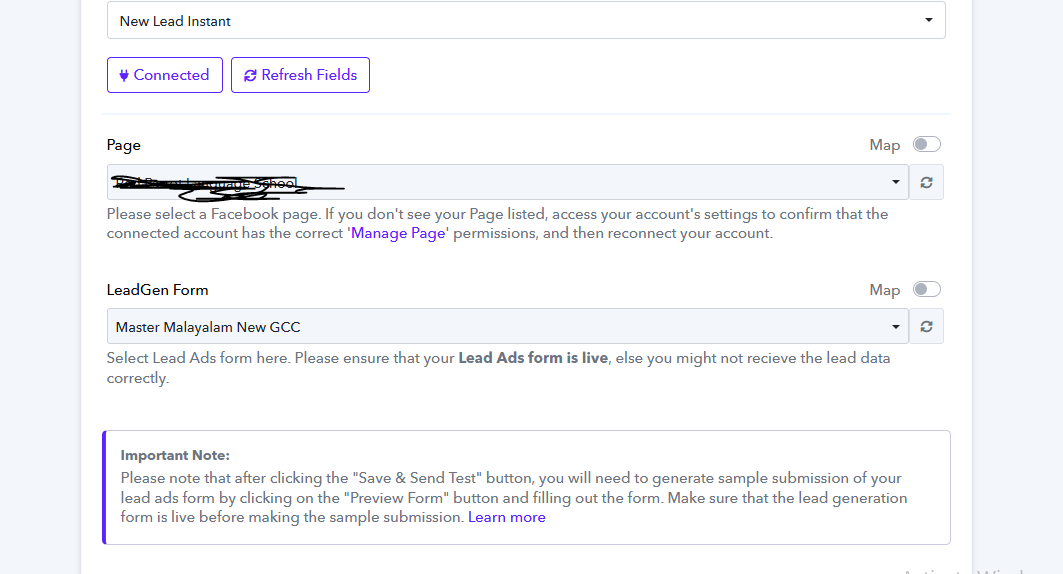
And. again the following error message once clicked Save & send test request
Hello @Hasan,
Dear [User's Name],
The error (#200) To subscribe to the messages field, one of these permissions is needed: pages_messaging suggests that there may be an issue with the connection or the permissions granted to the Pabbly Connect app.
For more details on the error, you can refer to Facebook’s official documentation:
Facebook Error Reference
To resolve this issue, please check the following:
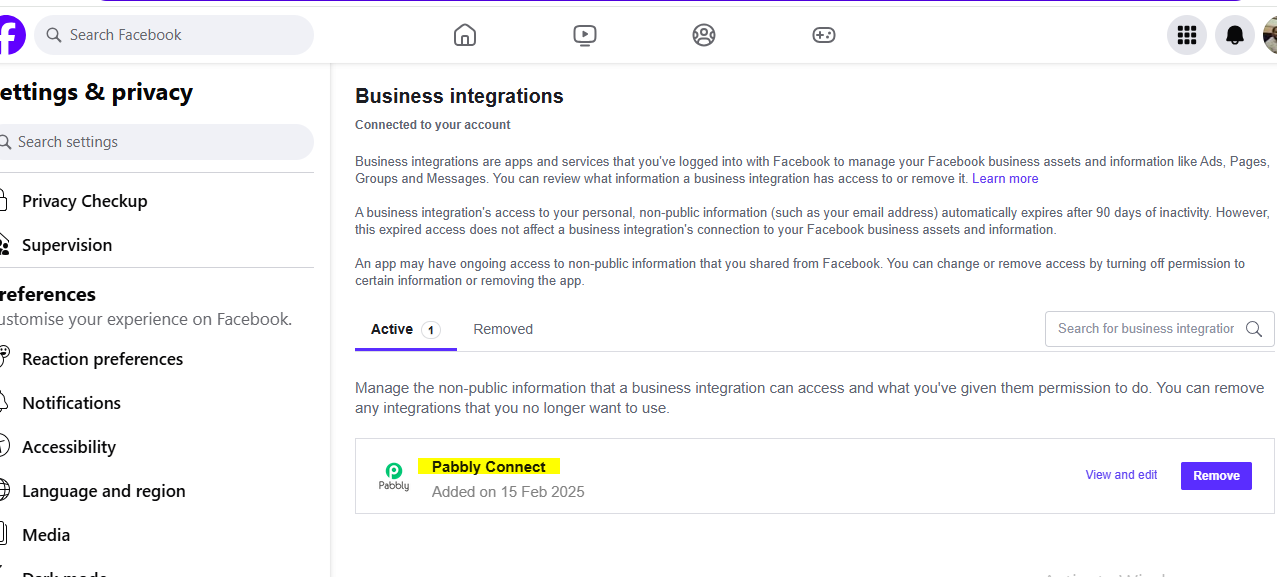
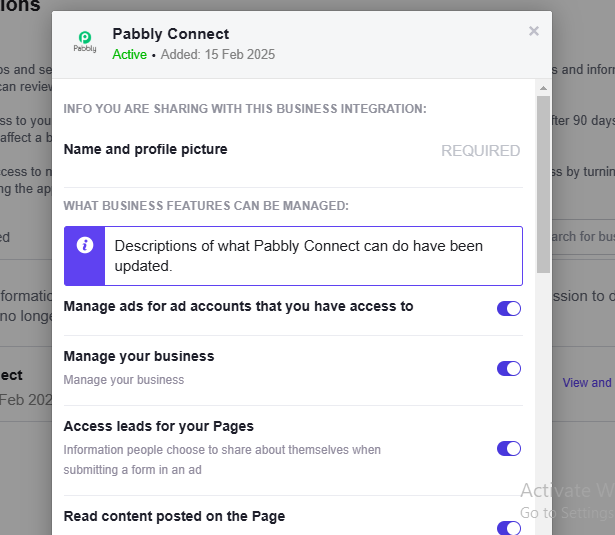
- Permissions in Facebook Settings – Go to Facebook Settings > Business Integrations and verify that the required permissions are granted to the Pabbly Connect app.
- Assets or CRM in Meta Suite – Ensure that the relevant assets (such as pages, leads access, or CRM tools) are correctly assigned.
- Reconnect the Integration – Establish a new connection to ensure the permissions are updated properly.
Once these steps are completed, please test again and let us know if you need further assist
Hi Preeti
I am trying to reconnect. Can you please check this is correct
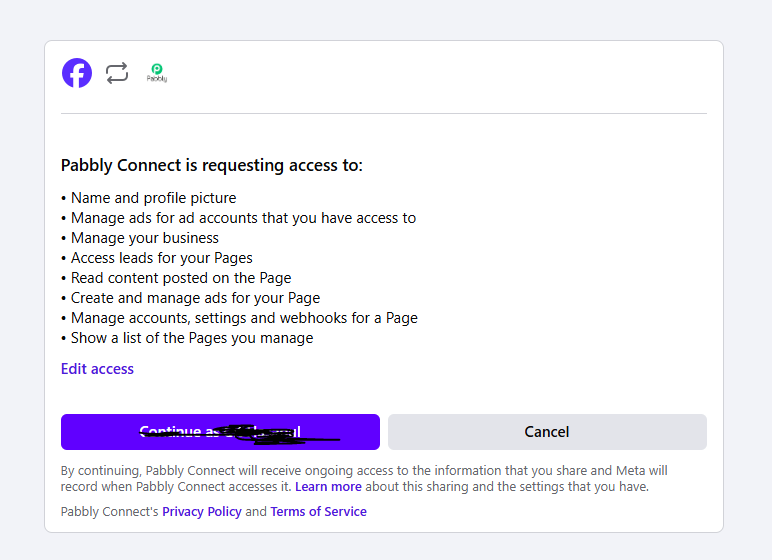
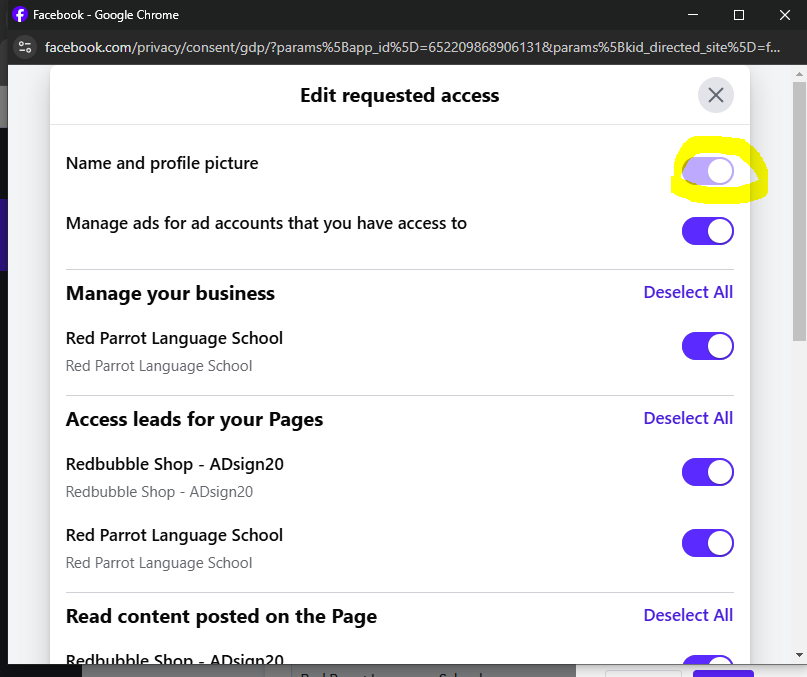
"Name and Profile Picture" permission is disabled? Is this okay?
Hello @Hasan,
We can see that the Name and Profile Picture permission is enabled, but the switch is currently inaccessible. Please ensure that all the required permissions are granted, including Page Messaging, to maintain full functionality.
all enabled. But still the problem persists
Hello @Hasan,
Could you please confirm if the Pabbly Connect app is correctly installed in both Facebook and Meta Suite for the specific page you are trying to access?
For a better understanding, you can refer to this video - https://www.loom.com/share/326b3e6b49ad4bc9975c1a49d6331920?sid=bc6d8b6e-e6fd-4250-aca5-90ac827d4d78.
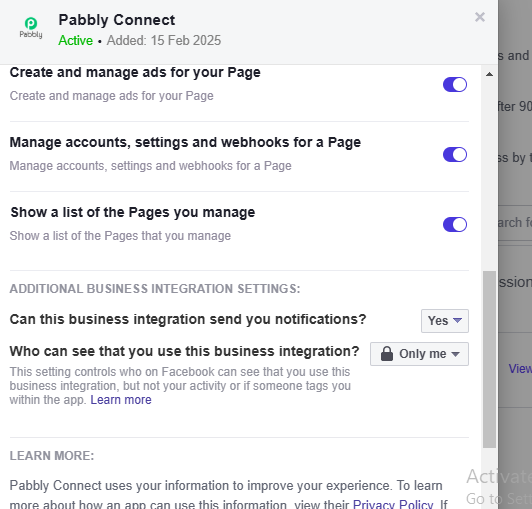
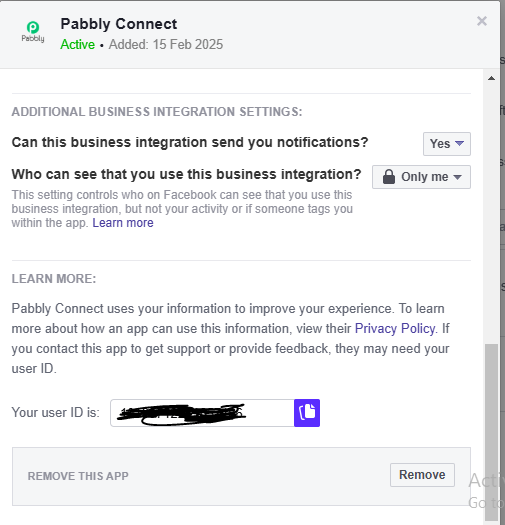
Hi Preeti.
Everything is perfect
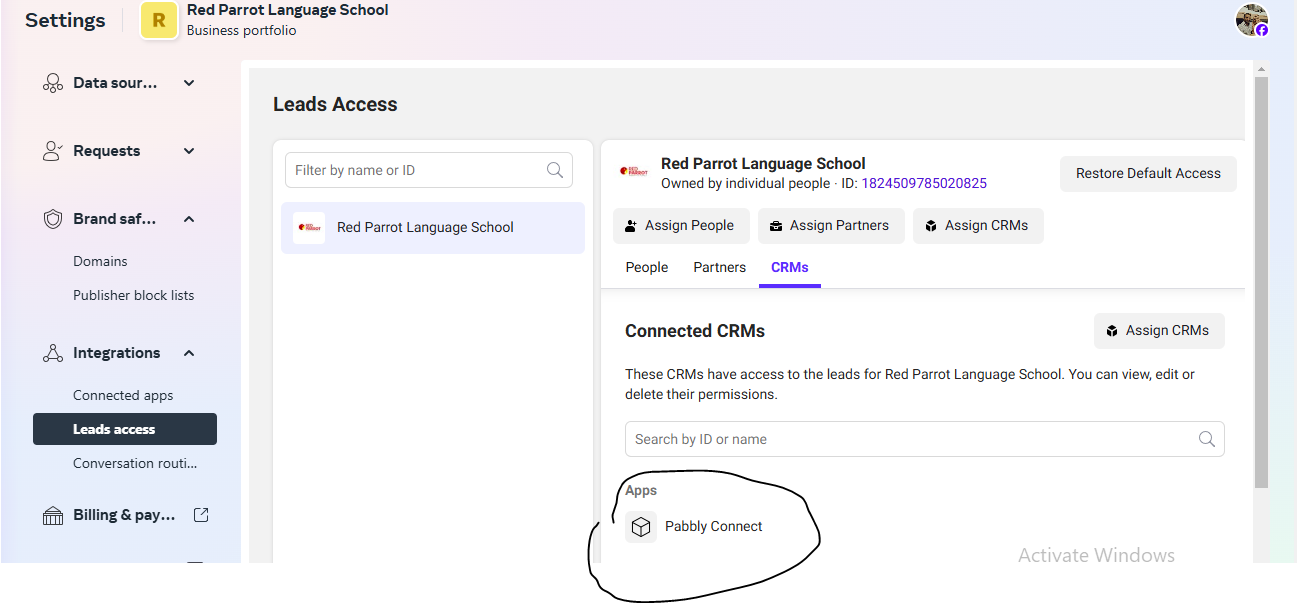
Hello @Hasan,
Could you please confirm if you are the owner of the page you are trying to use?
If you are the owner but are still encountering the same error, we recommend reaching out to Meta Support for further assistance. Since the issue is related to permissions on Meta's end, their team would be better equipped to help resolve it.
Yes. I am the owner of the page. How to reach Meta support?
You can reach out to Meta Support through the following link - https://developers.facebook.com/support.