Add Google drive Image to a google side template
Status: Open · Asked by f18 on · 0 views
Hello, how can I add a google drive image to a google slide template?
I tried to add the webcontentlink and the webviewlink, but both are not working. Which is teh correct data from google drive file? Or do I need an other step?
Thanks for your help.
Hi @f18,
Please try using the 'Upload Image in Presentation' action event along with the webcontentlink and see if that fixes your issue.
Upload works, but not as I would like. I have a placeholder in the template. Which I would like to replace with the image from google drive. Any other options?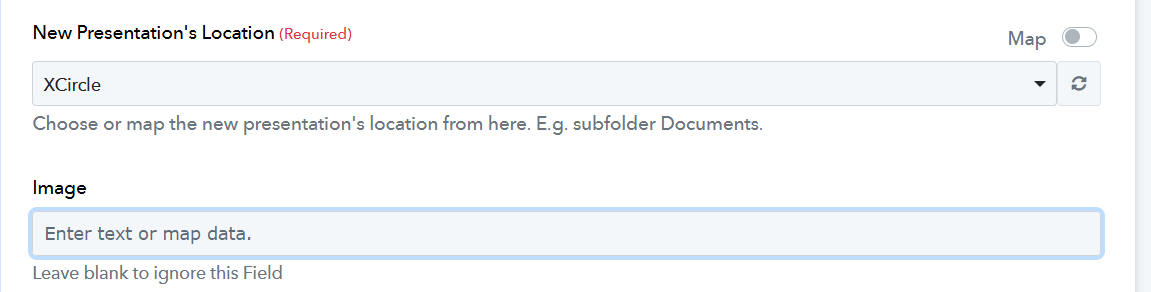

The image is also very smal in the presentation 
It's not possible to upload a file to a regular text placeholder. Please watch the video shared to understand how to add the placeholder to your presentation and then upload the file. Try this and see if it also fixes your small image issue.
Okay, I understand, I need a placeholder Image instead of a text placeholder. Thanks for the help.