Adding tags from Interact Survey into Systeme.io
Status: Open · Asked by jowhyte on · 0 views
Hi there I have this work flow set up and the contact in going into my systeme.io account fine but then the very last step of adding the tag from the survey isnt going into Systeme.io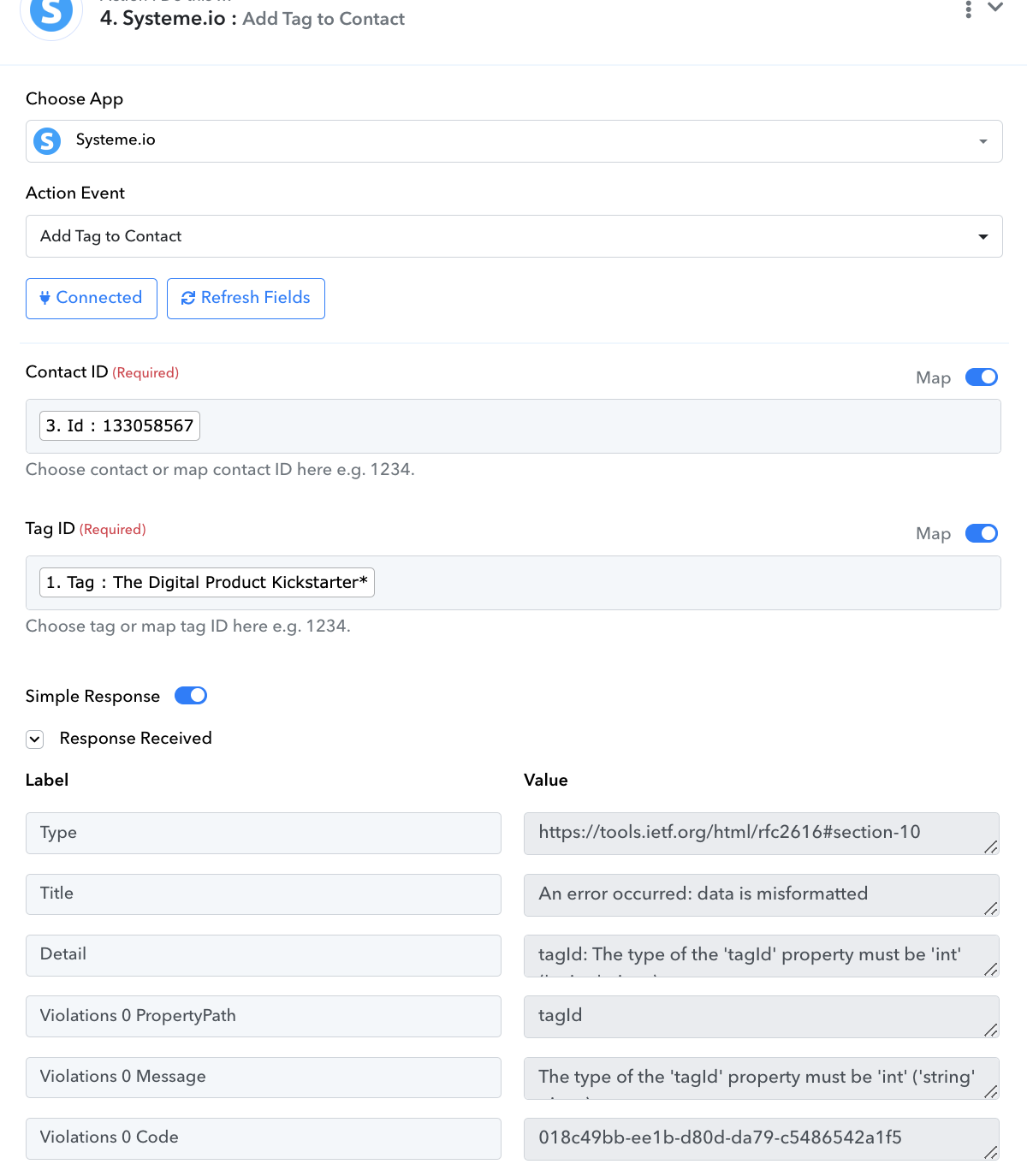
Hello @jowhyte
You have mapped the Tag Name instead of the Tag ID. Kindly map the Tag ID to avoid any issues.
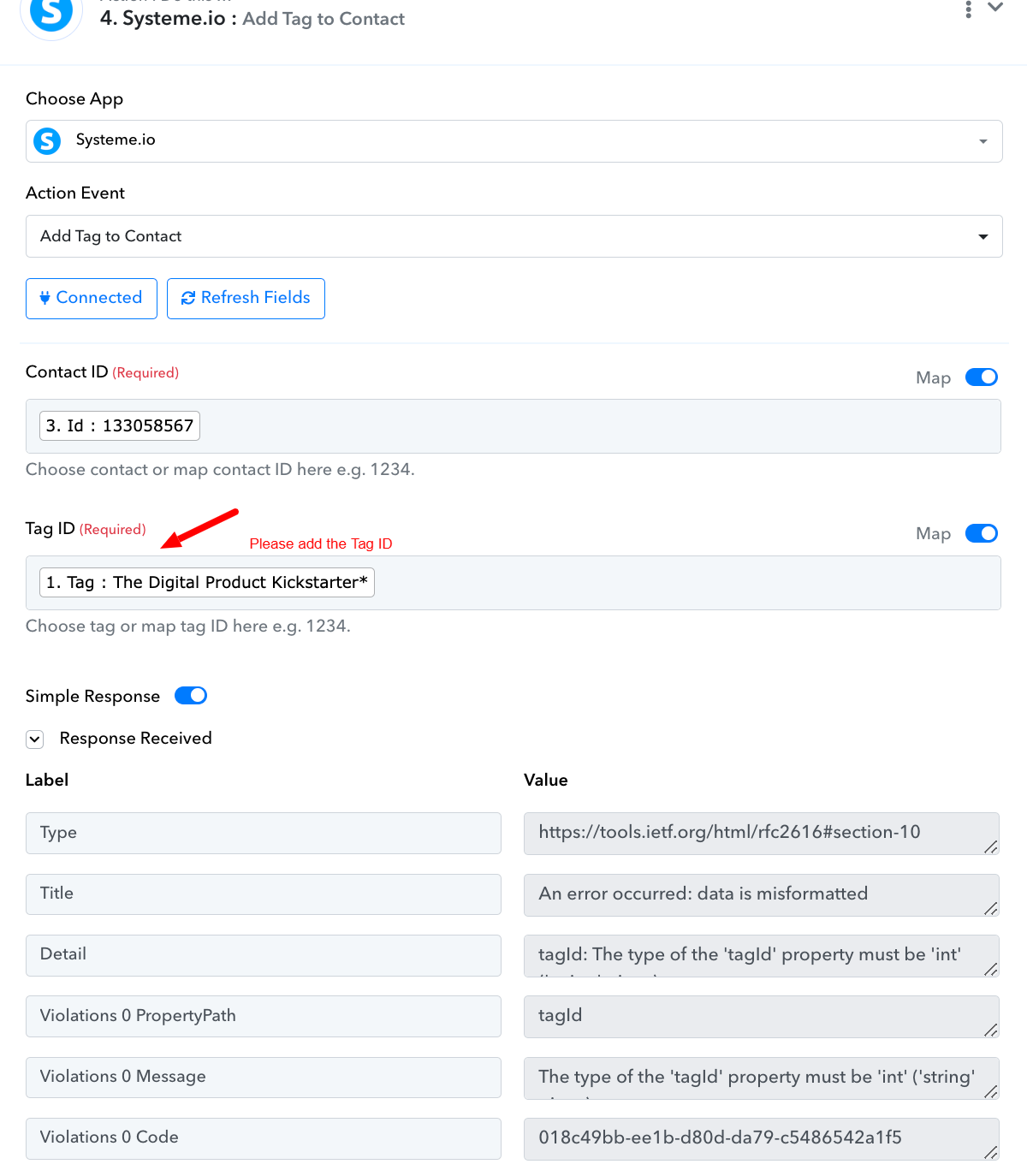
Hello how do I find the tag ID?
My quiz comes out with three different answers, depending on what the client chooses, But I cant seem to get those answers added as a tag or the contact inside Systeme.io
This is what i have tried to set up and then added each answer to try get it into systeme.io as a tag
Attachments
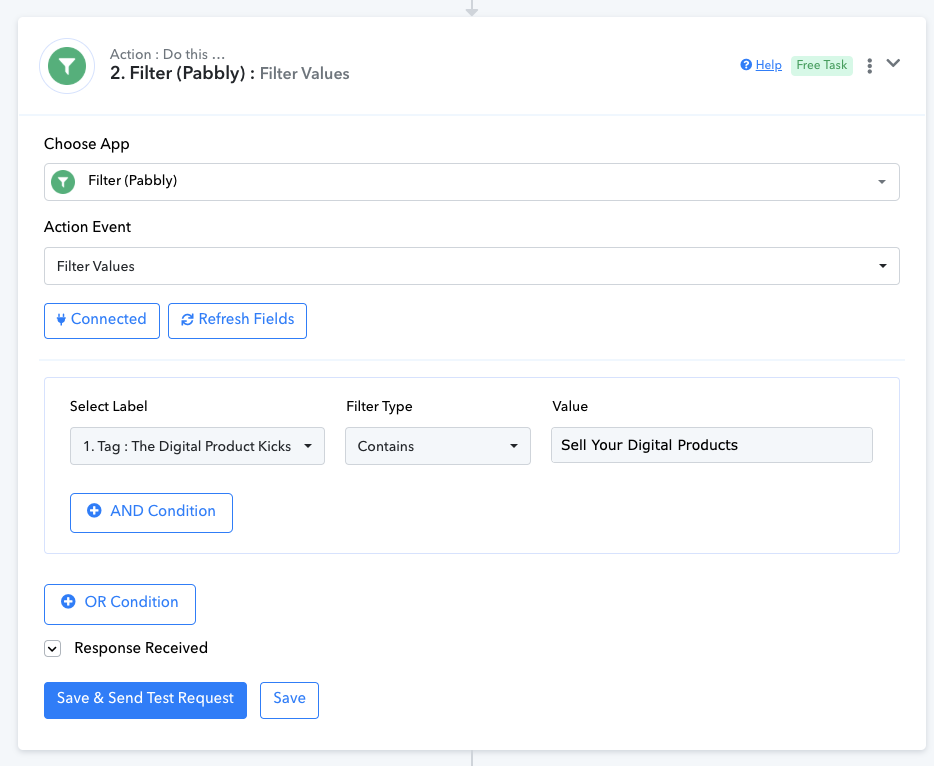
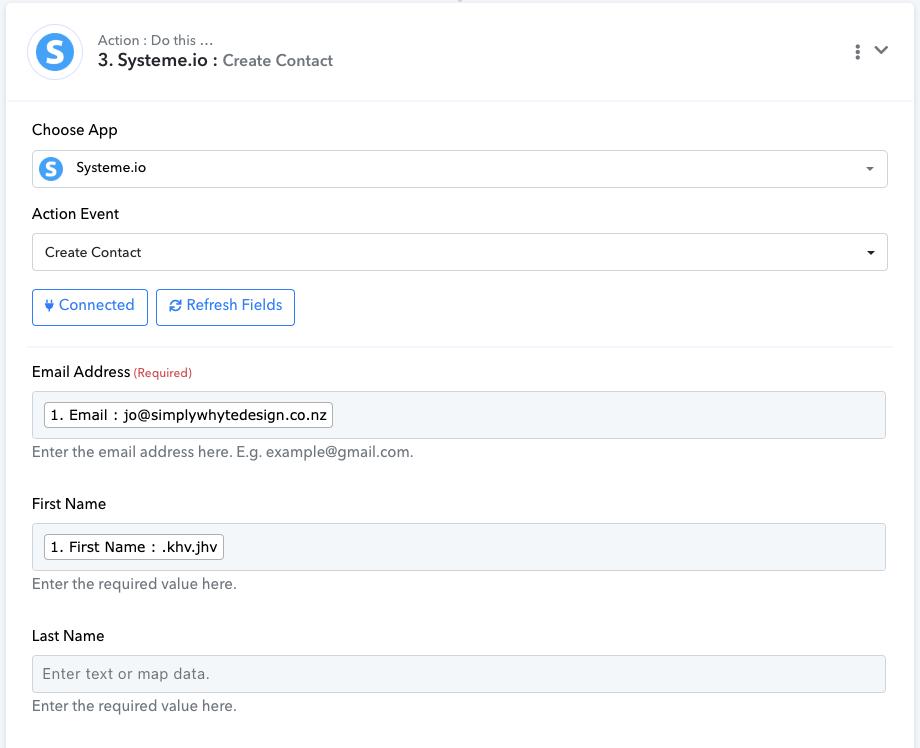
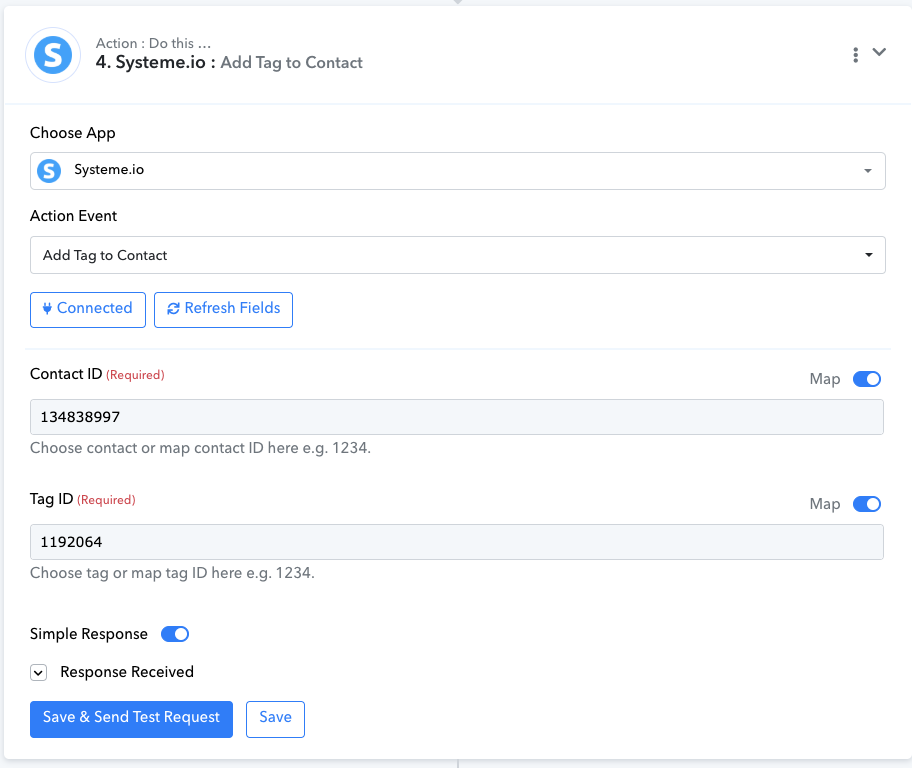
Hello @jowhyte ,
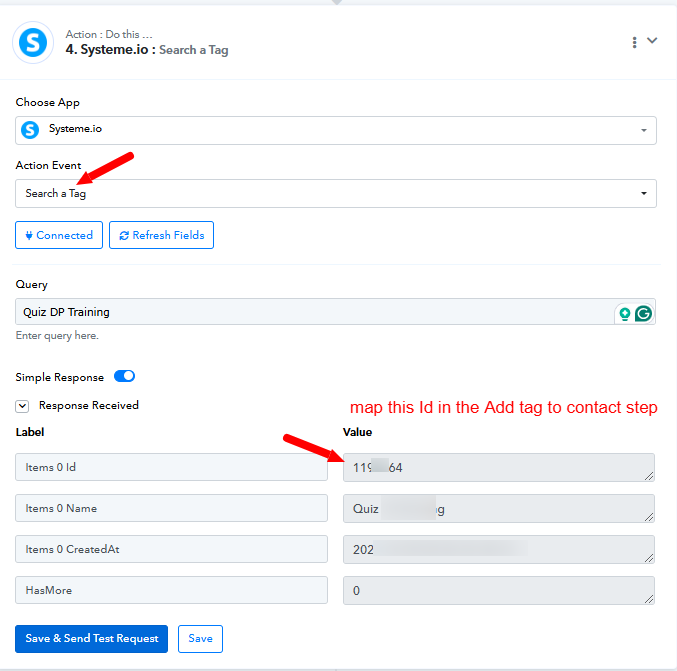
you need to add "search tag" Action before "add tag to contact" action from there you'll find Tag ID.
If you are still not able to solve this on your own feel free to DM me and we can do a free zoom call. FYI I'm not from Pabbly Connect team, just a freelancer who helps other Pabbly users.
Contact me - https://www.facebook.com/himeshsoni07
Email - [EMAIL][email hidden][/EMAIL]
Hello @jowhyte
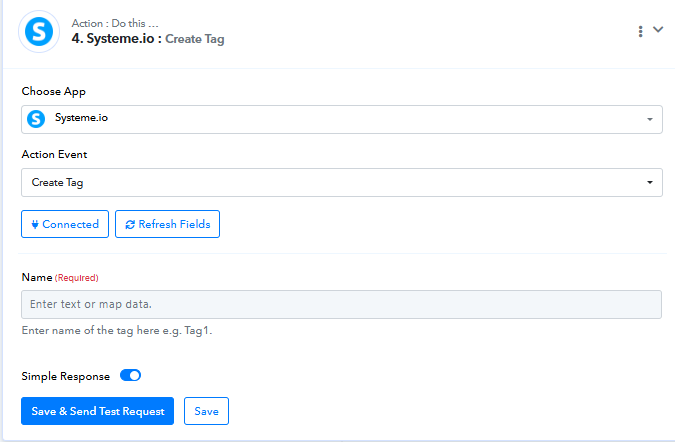
To add a tag to a contact in Systeme.io, the tag must already exist in the system. You can use the "Search a Tag" action to check if the tag exists. If it doesn’t, you can use the "Add a Tag" action to create it, refer to the attached screenshots to learn more about both the actions.
Also, please elaborate on the exact use case you're trying to acheive so we can better assist you.
I am trying to get results from interact quiz into systeme.io, the quiz has different results and I want to add the tag into systeme.io based on the results. 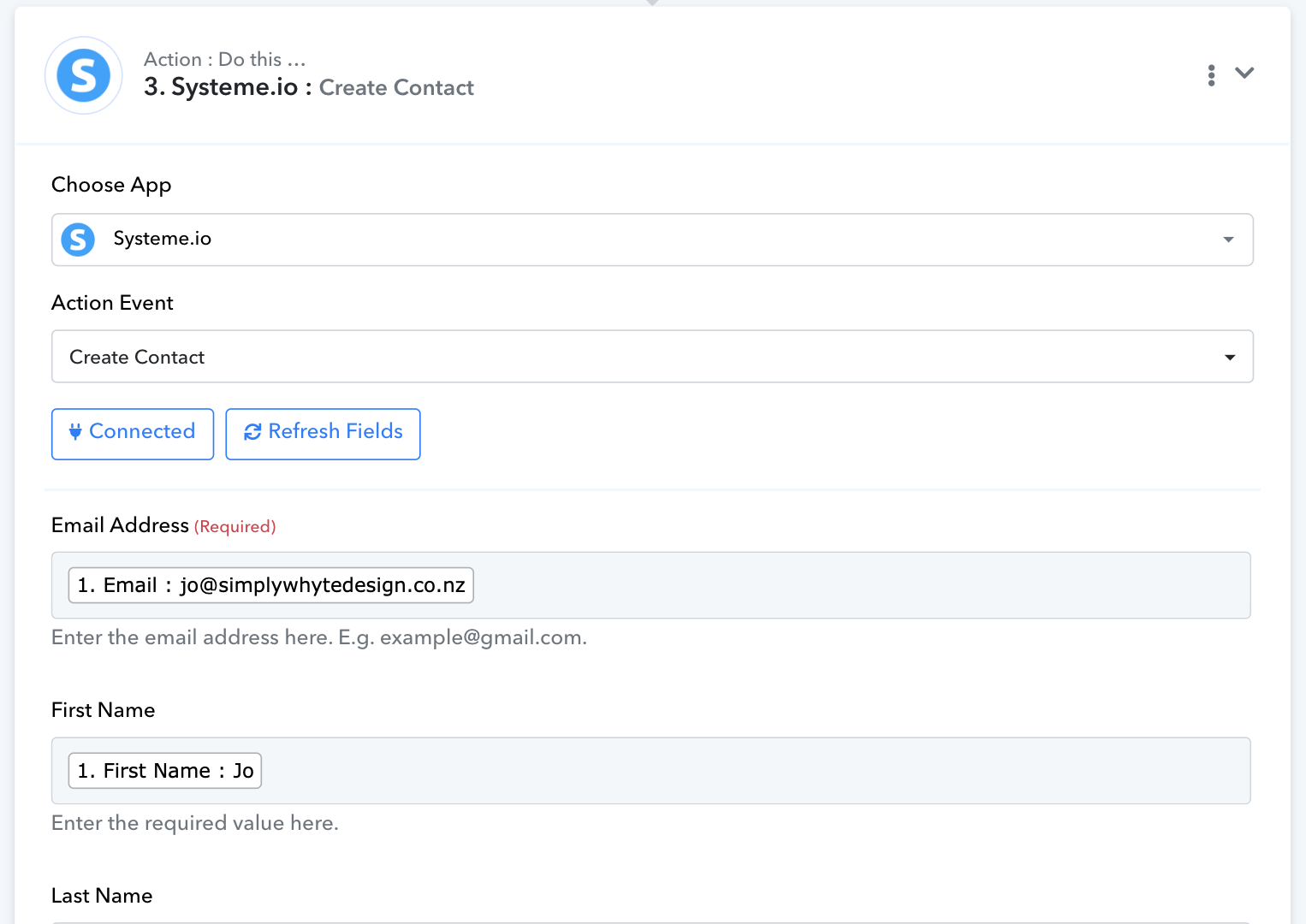
Attachments
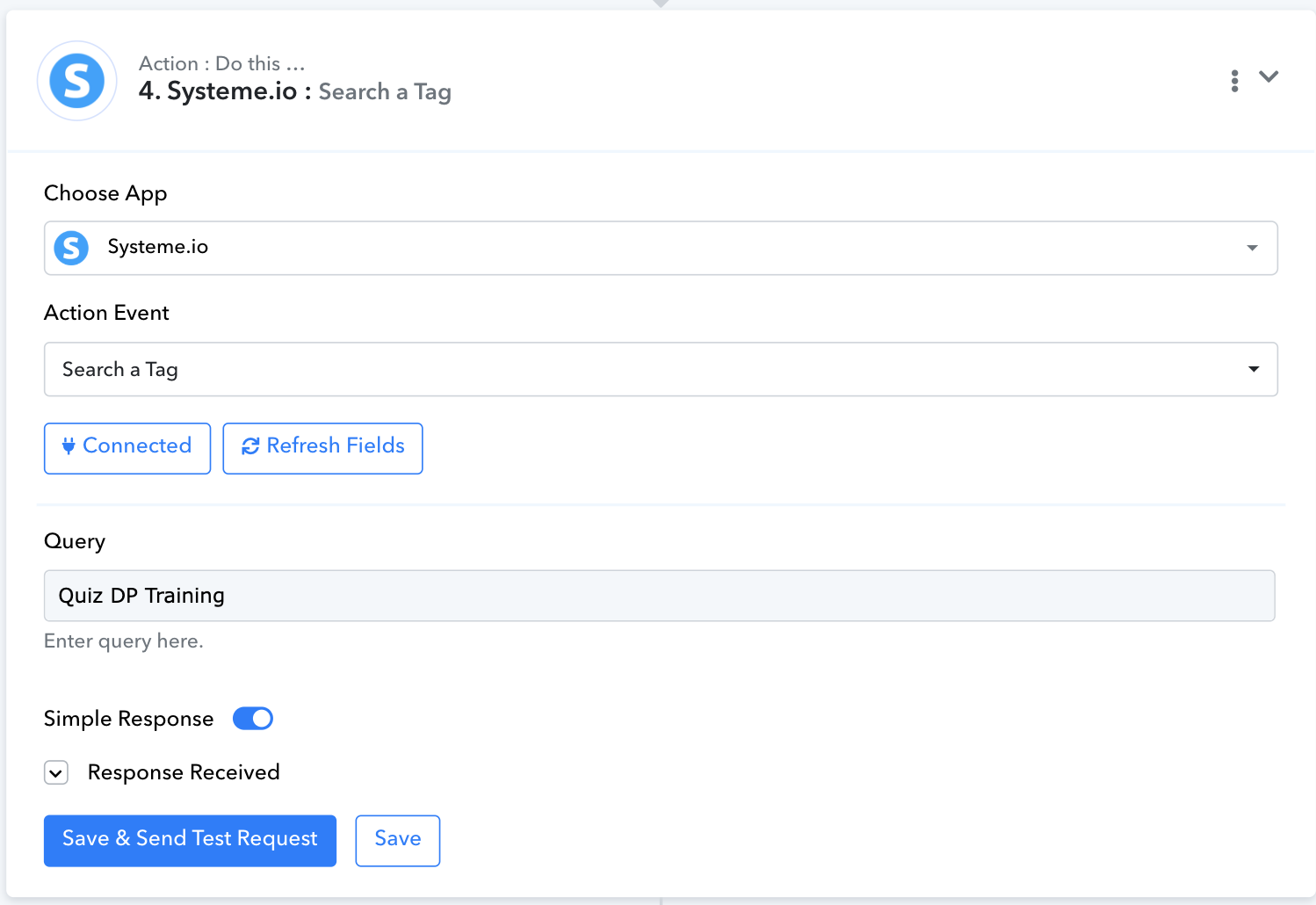
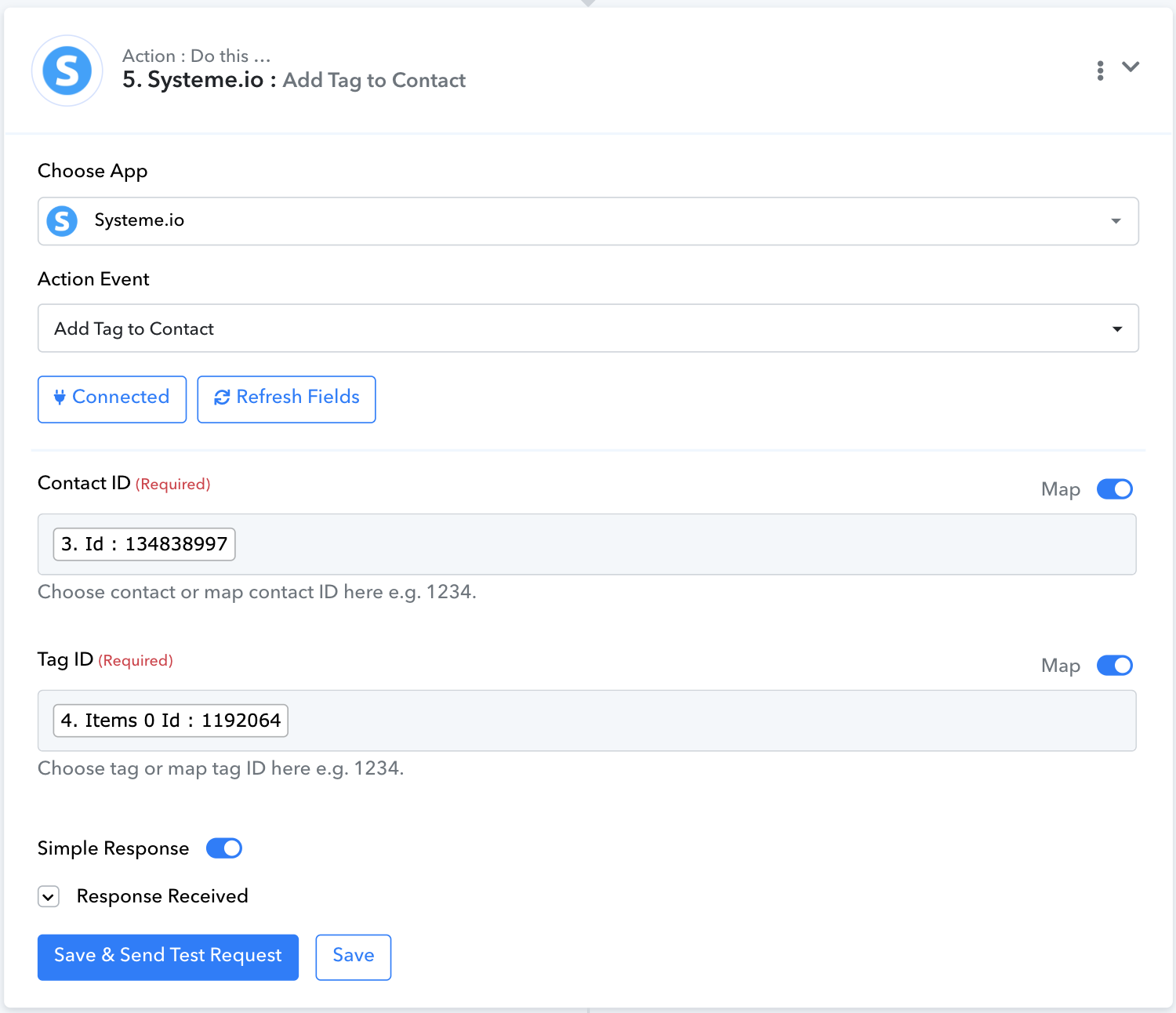
I have managed to get each different tag and user into systeme.io when I test the flow manually through Pabbly, but when I complete the survey on Interact it doesnt work
Hello @jowhyte
We have set up a workflow in your account that aligns with your use case. Please add the webhook URL received from Interact to the form accordingly, capture the response on save, and send it. Then, capture a test lead and let us know if the workflow meets your requirements.
Here’s the workflow URL for your reference: Workflow URL.
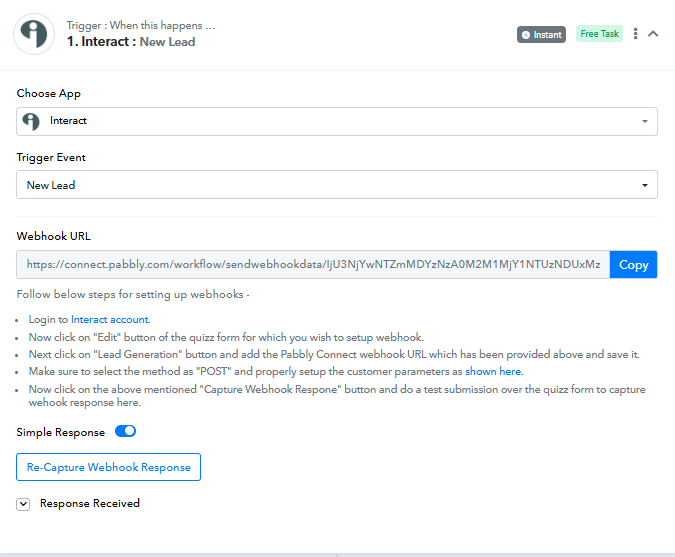
Hello, thank you for that. I've connected the web hook. The only issue is that I have three survey outcomes.
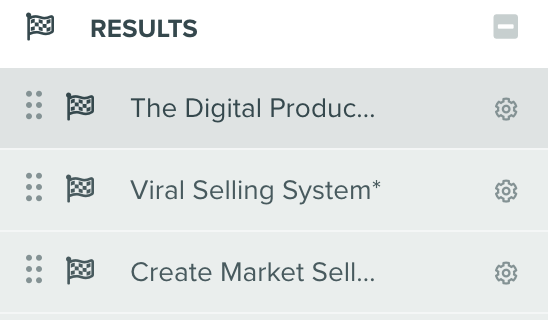
Quiz DP Training
Quiz Viral Selling System
Quiz Digital Product Kickstarter
These are all set up as tags in my Systeme.io account. So I need the workflow to be able to go through and see which result came out and then create the contact and apply that tag in Systeme.io
Hello @jowhyte
If there are three quizzes, then there would be three separate forms, and each form would require a dedicated webhook setup. Kindly confirm if this is the case so we can assist you accordingly.
Hello, there are not three quizzes, but three different results from the quiz.
Attachments
Hello @jowhyte
I have recorded a detailed explanation video for you kindly watch it and test the workflow and let us know if it works for you.
video URL - https://www.loom.com/share/6369dd9cae1d48afb01d9c23fcceb9e9 sid=5d5c6505-6a2a-431b-9a28-ee5f453cb204
workflow URL - https://connect.pabbly.com/workflow/mapping/IjU3NjYwNTZmMDYzNzA0M2M1MjY1NTUzNDUxMzci_pc