After 1 hour delay next step didn't run but didn't show error
Status: Open · Asked by Javier Salinas on · 0 views
We have a workflow that create a task in HubSpot after 1-hour delay, it usually works perfect, but yesterday it didn't run after the 1-hour day, but it didn't show any error, I'm sharing the screenshots
Here is how it is programmed
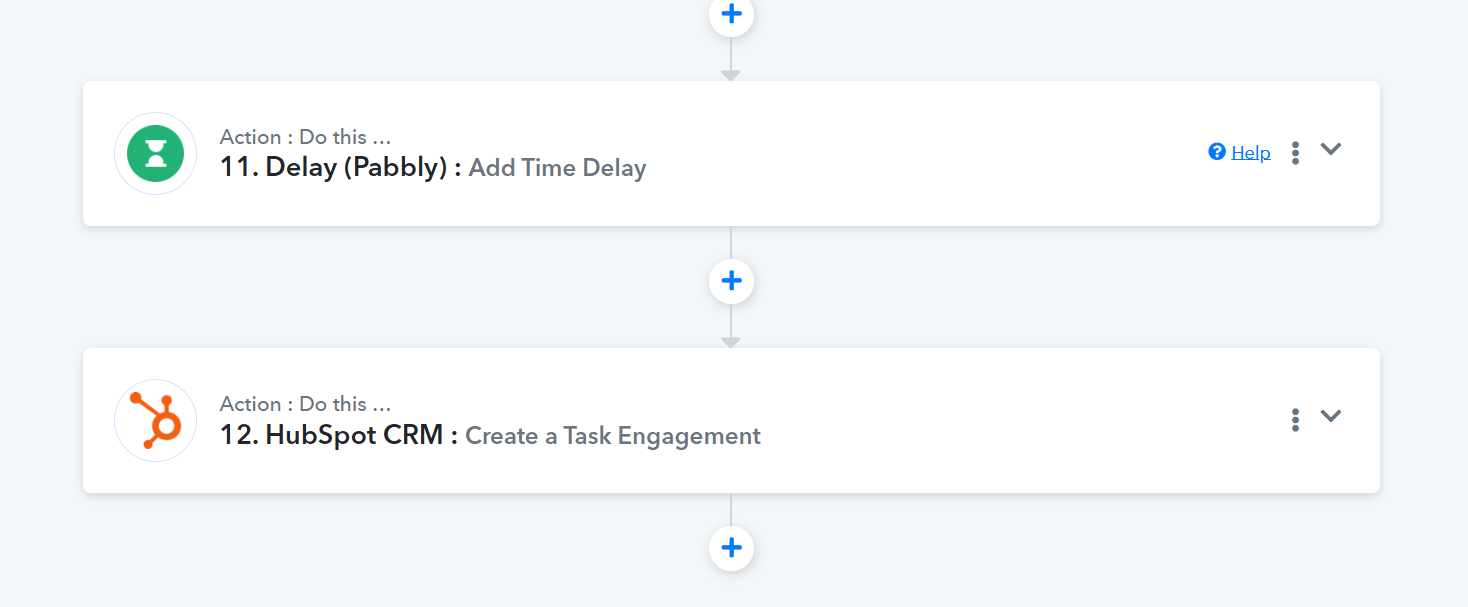
Yesterday it didn't run the creation task engagement
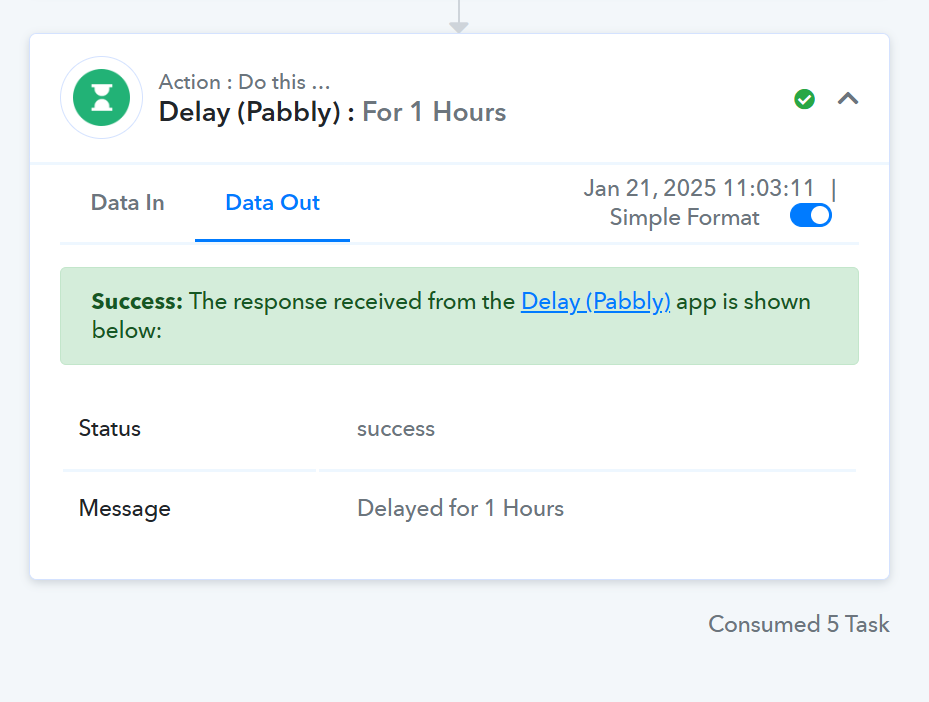
Usually it works like this 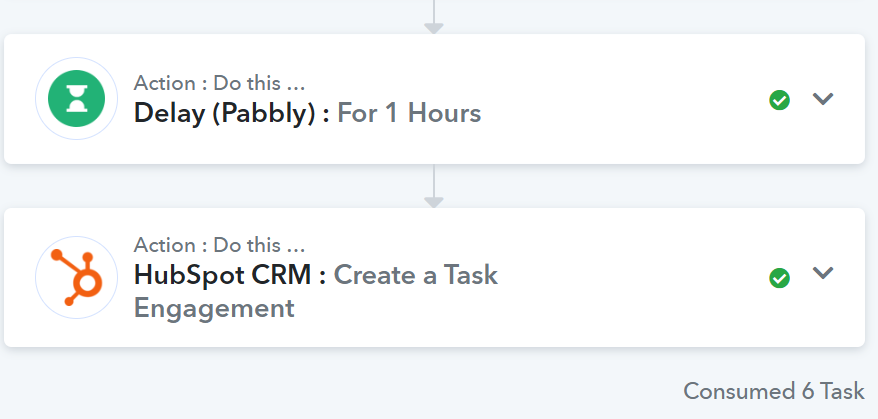
But yesterday it didn't run completely and didn't show any error (it should be 12 steps and it only ran 11 steps)

Any idea why that happened and how to prevent it?
Thanks a lot!
Hi @Javier Salinas,
Task History ID - IjU3NjUwNTZmMDYzMjA0Mzc1MjY4NTUzYzUxMzE1MTY2NTQzMjBmMzYi_pc
Did you, by any chance, stop the execution of the workflow after the Delay step by clicking on the 'Stop Execution' button? If not, please monitor your workflow for some time, ensure you do not click on the 'Stop Execution' button, and if the issue occurs again, do let us know.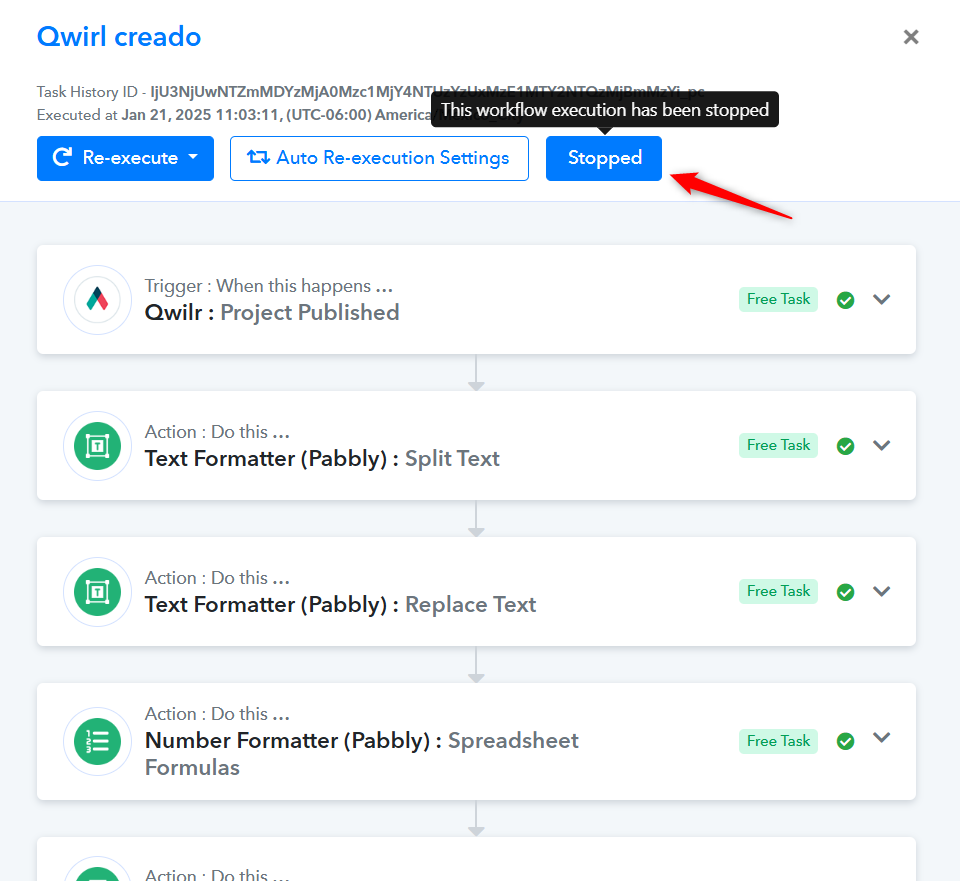
Hi @Javier Salinas,Task History ID - IjU3NjUwNTZmMDYzMjA0Mzc1MjY4NTUzYzUxMzE1MTY2NTQzMjBmMzYi_pc
Did you, by any chance, stop the execution of the workflow after the Delay step by clicking on the 'Stop Execution' button? If not, please monitor your workflow for some time, ensure you do not click on the 'Stop Execution' button, and if the issue occurs again, do let us know.
Thanks for the reply, no we didn't click the stop button, actually we found it when the customer was looking for the note in HubSpot, odd enough the next time the workflow activated it worked correctly
Thank you for sharing this information. As of now, we are unsure why it has stopped executing the next steps. We suggest you monitor your workflow for some time, and if the issue persists, please let us know.