AI assistant pabbly
Status: Open · Asked by edwardzev on · 0 views
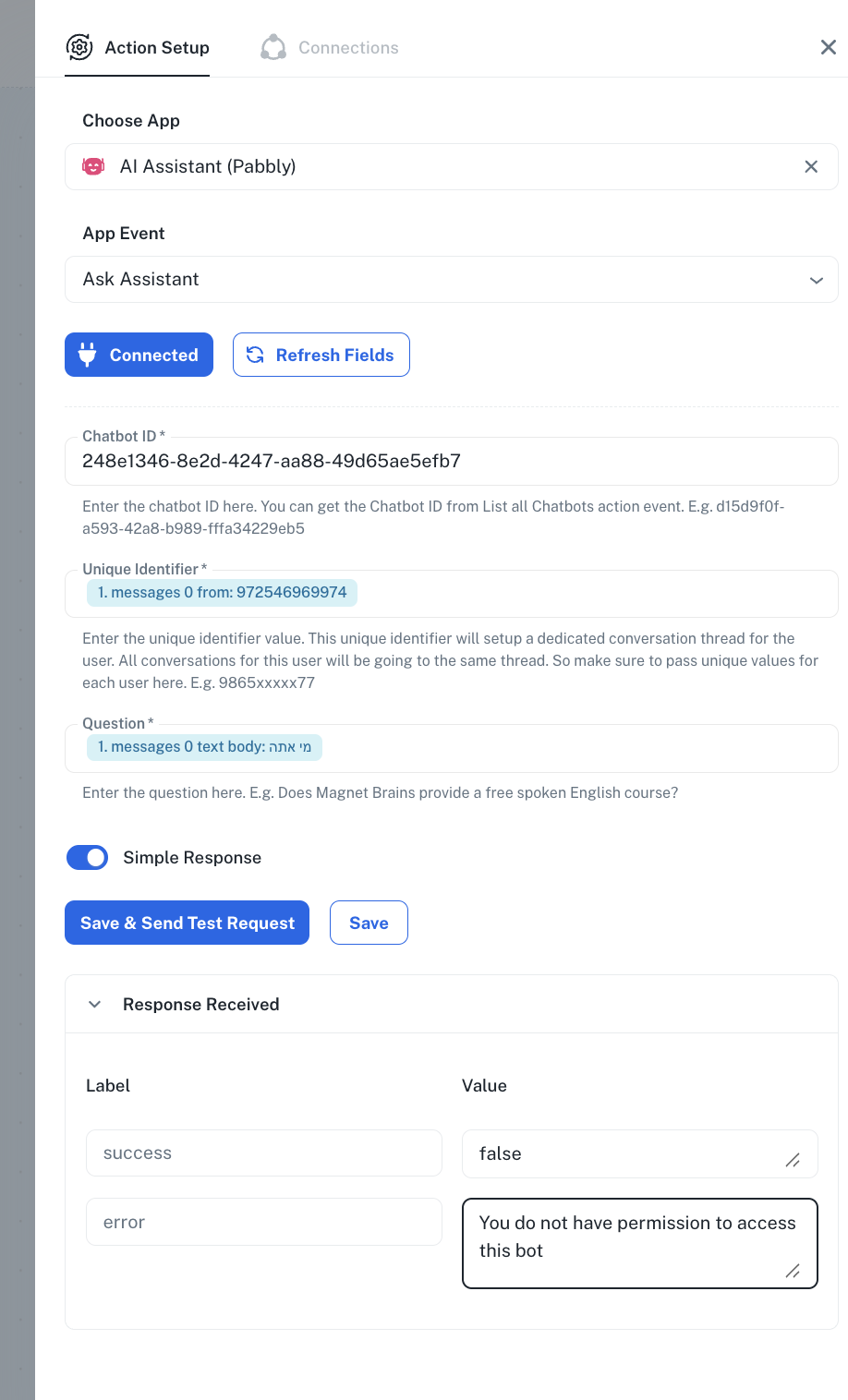
Pabbly ai assistant - ask assistant action is not returninng success response.
https://connect.pabbly.com/v2/app/workflow/mapping/IjU3NjYwNTZhMDYzNzA0MzQ1MjZkNTUzMjUxMzQi_pc
in this particular workflow. it works on other workflows
What is even more strange is that when running workflow it does work without any problem. Only whe clicking Save and send test request it returns error. This wont allow me to use the response in later stages.
Hello @edwardzev
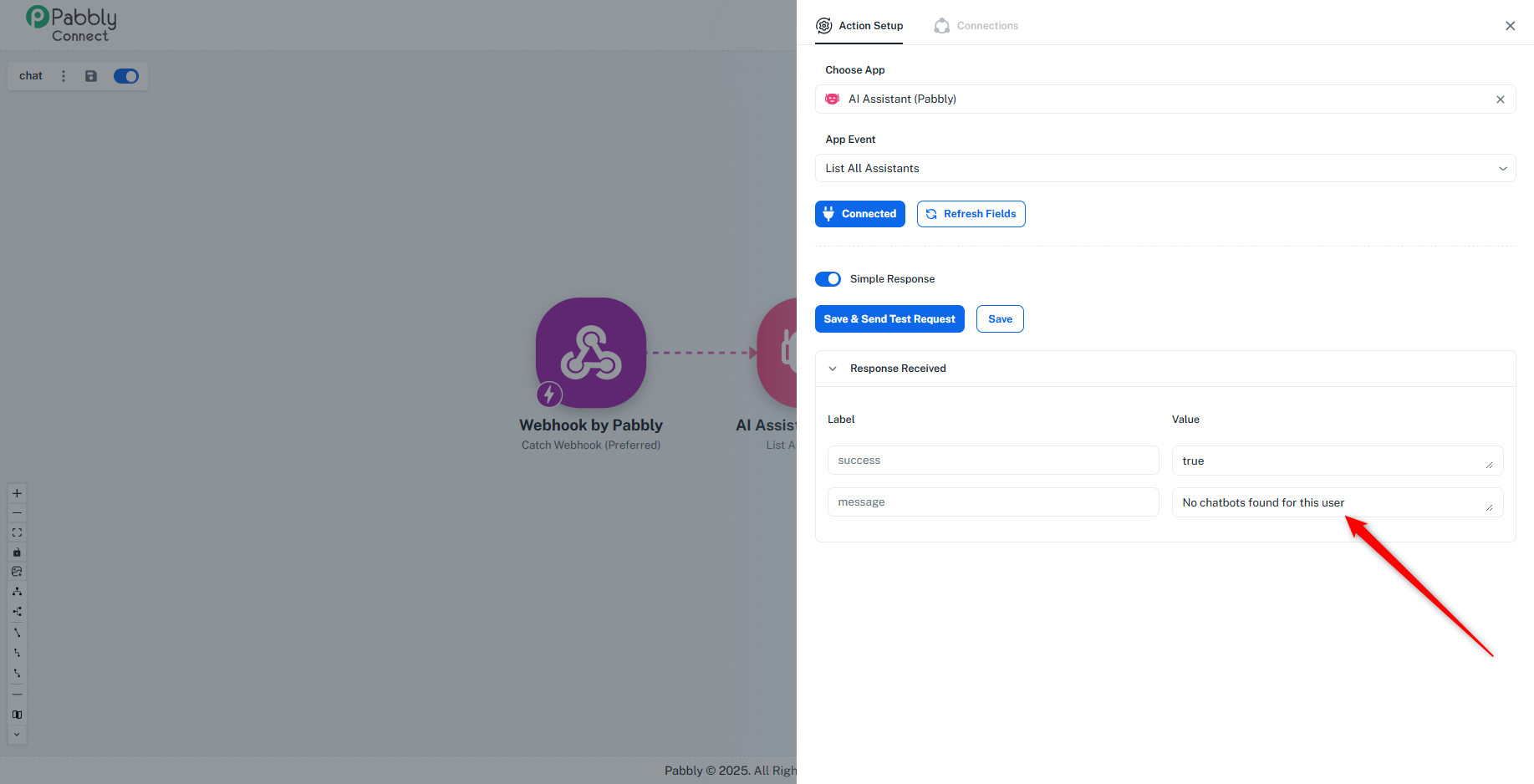
As we checked the action step "AI Assistant (Pabbly): List All Assistant" using the connection you created, the response returned was: "No chatbots can be found for the user", which indicates that no chatbots currently exist under your account.
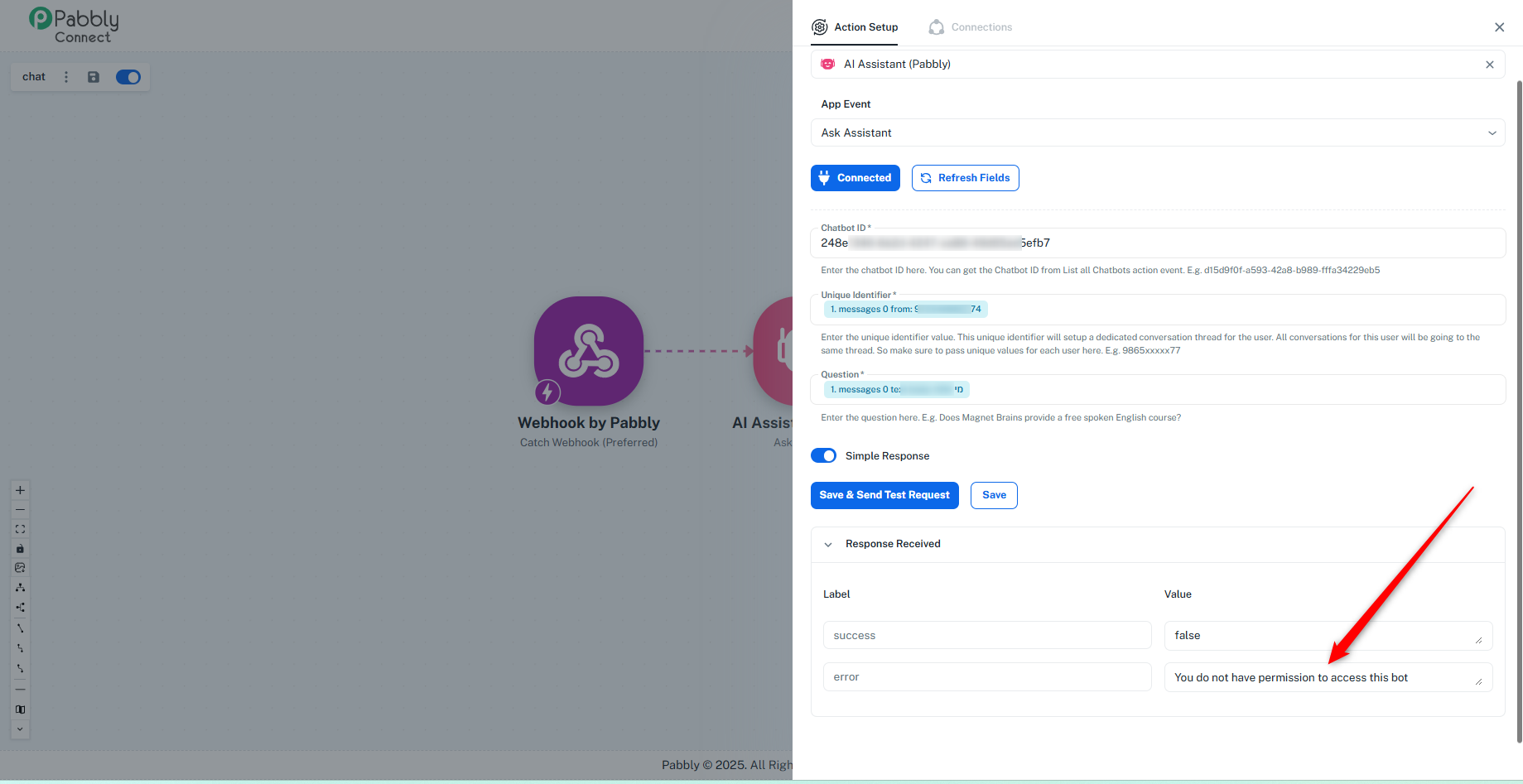
Therefore, when you try to add a Chatbot ID in the action step "AI Assistant (Pabbly): Ask AI", it shows the message "You don't have permission to access this bot", since there is no valid chatbot linked to your account.
To proceed, please create a chatbot first using the action step "AI Assistant (Pabbly): Create Assistant."
Let us know if you need help setting this up.
Hi, where can we see the AI Agent created? How can we get AI Agent Id and how can we make changes to the prompt of these AI Agents?
Hello @ravimittal7
We have responded to your query on the following thread:
? https://forum.pabbly.com/threads/ai-agent-like-n8n.31184/
Please refer to the thread for further clarification.