Authorization issue with Connecting Typeform App
Status: Open · Asked by Dev Ops on · 0 views
Hi Pabbly team,
I'm facing an issue while configuring the Typeform App on Pabbly connect.
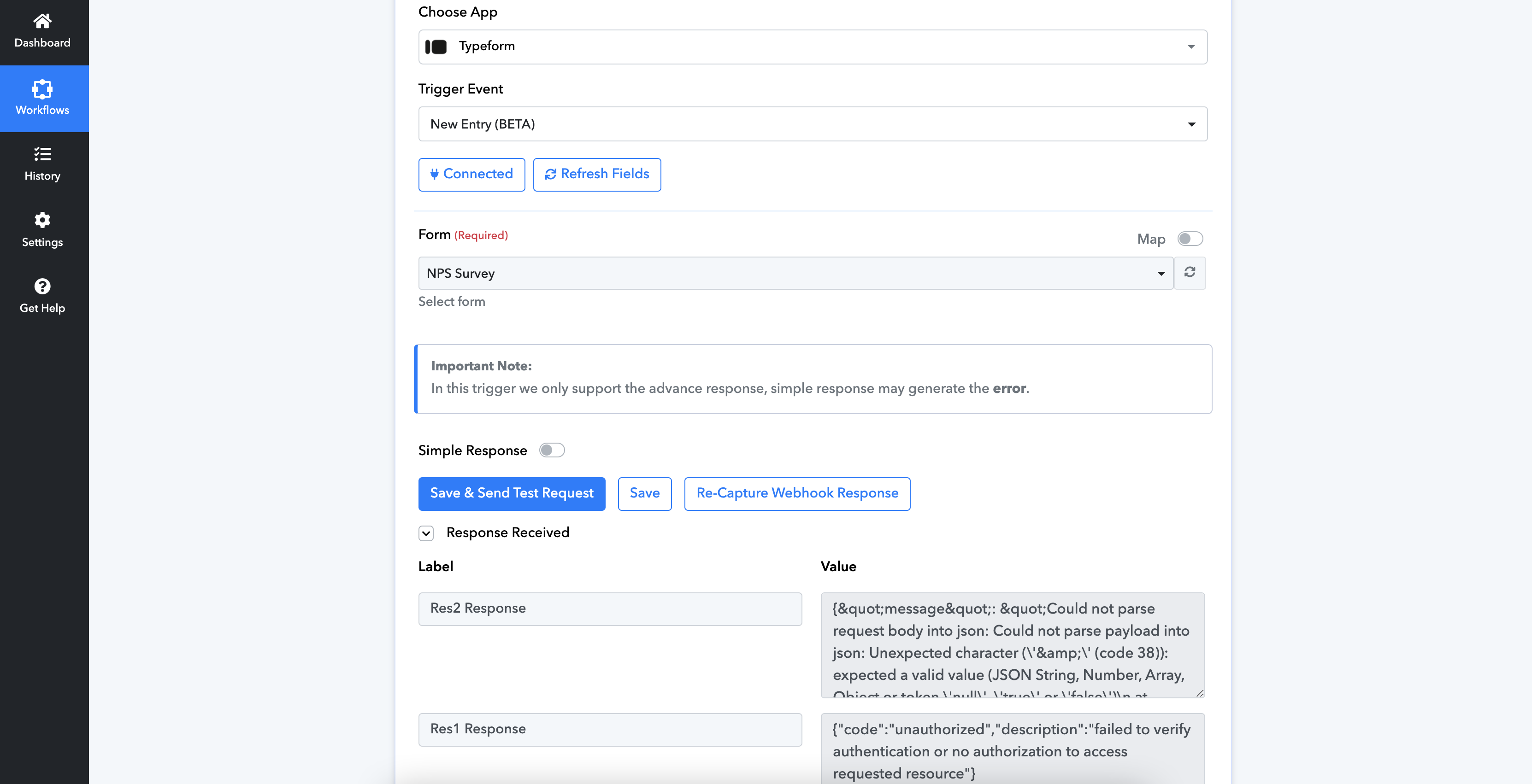
I've already authorised Pabbly for Typeform and even the forms I've created on Typeform are showing up in the dropdown but in the next step, when I try to fetch a new entry in the form, I'm getting the Authorization issue on Pabbly.
Please find the Screenshot of the issue i'm facing.
Hello @ul_devops
Please create a new connection with Typeform and if the issue persists please provide us with a short screen recording of the process. This would help us to better understand the issue.
Please note that we have tried using the same trigger at our end and it is working fine.
Please find screen recording link with example of the issue persisting.
Hello @ul_devops
Please create a new workflow, set the trigger as Typeform, and provide us with the workflow URL. Also please provide us with the Form URL and Form Name, so we can check the issue at our end.
Workflow URL: https://connect.pabbly.com/workflow/mapping/IjU3NjYwNTZjMDYzMTA0M2Q1MjZmNTUzNzUxMzIi_pc
From Name: NPS Survey (https://admin.typeform.com/form/K4eRU0jP/results - Private)
Hello @ul_devops
We are unable to access the form, please provide us with the share link of the form so we can test the workflow by adding a test entry.
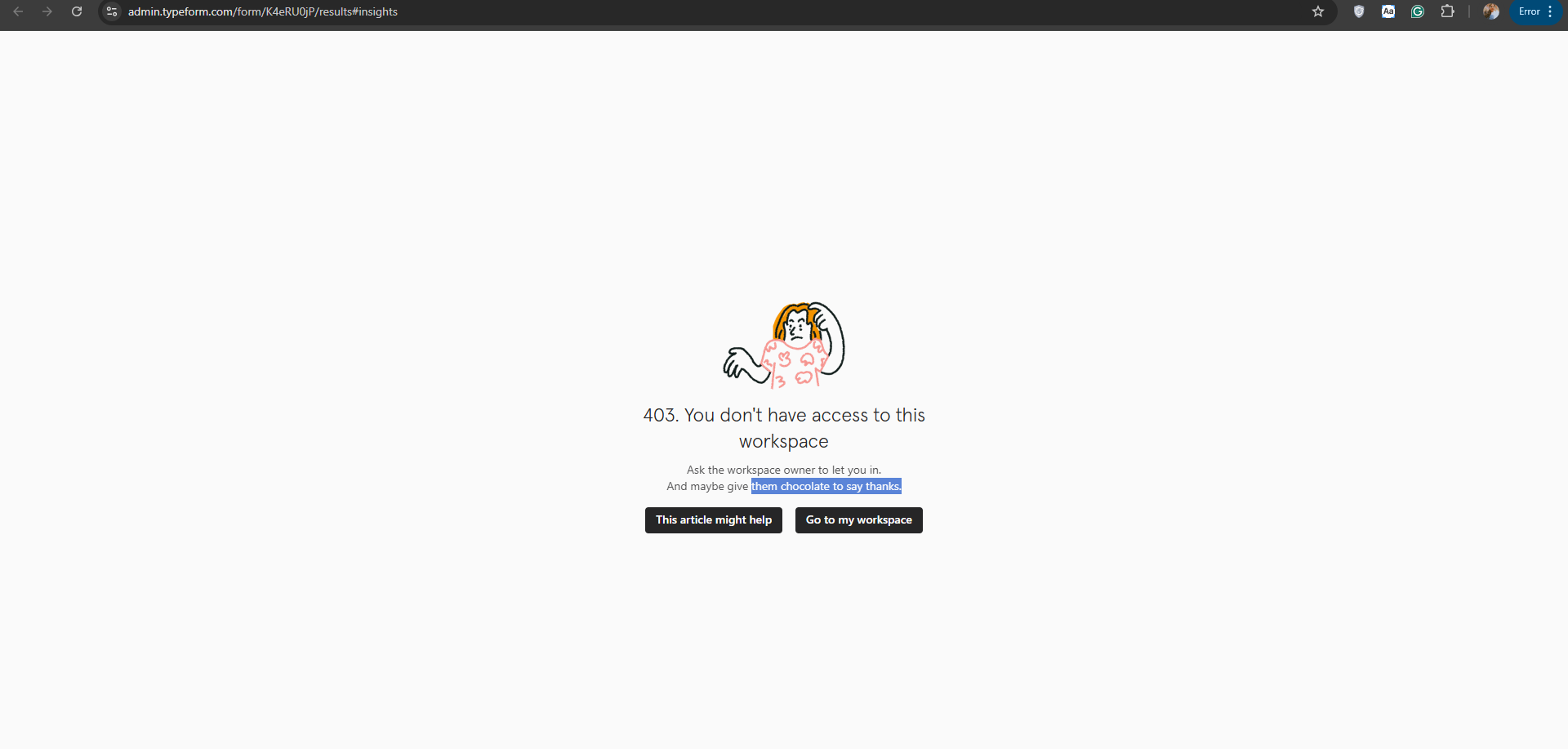
@Preeti Paryani There are two "NPS Survey" forms. First one is selectively shared with our Customers, so won't be able to share that.
However, there is another form (2nd one) with same name ("NPS Survey"), here is the link for the same. You can try it here:
Hello @ul_devops
We have recorded a video of the whole process, please set up a workflow following that video and let us know if the issue persists - https://drive.google.com/file/d/1oj7X4HcHwFD0d2RuqBGt5DsZwPcxajC_/view usp=sharing.
@Preeti Paryani I think a wrong video is attached in drive. Right now i see video with recording of a http call via Postman to zoho APIs, which I am not sure how it is relevant here.
Hello @ul_devops
Sorry for the inaccuracies, I have added the correct video link, please check it again.
Thanks for revert @Preeti Paryani but it didn't work for the form i shared. It did work for the another form we have.
I think it's because even though the Typeform user i'm using for integration is Admin/Owner but it lacks the workspace edit permissions (as i could see). Which could be potential reason for the error "Authorisation Error".
Let us figure this out and sort. We shall reach out if further assistance is required.
Thanks again for the help!
Hello @ul_devops
Sure, please look into the permission issue, if you need any further assistance we're here to help.