Auto-assign owner on PipeDrive
Status: Closed · Asked by Marketing IPLNT on · 0 views
Hi everyone.
I'm setting up Pipedrive CRM for a business that requires automatic deal owner assignment. My current automations are as it follows:
1. Facebook Lead Ads: New Lead
2. Pipedrive: New person
3. Pipedrive: New Deal
I used to use Pipedrive's own auto-assignment, however, it's too expensive for my budget. Here's an example of how those automations worked:
New Deal Added > If Answer to a certain deal is xx than Owner to that deal is yy
Is it possible to do the same using Pabbly?
Hi @marketingiplnt,
You can try adding a router to your workflow to achieve the desired use case. The filter conditions for your routes will be based on the deal's answer.
Hi @marketingiplnt,You can try adding a router to your workflow to achieve the desired use case. The filter conditions for your routes will be based on the deal's answer.
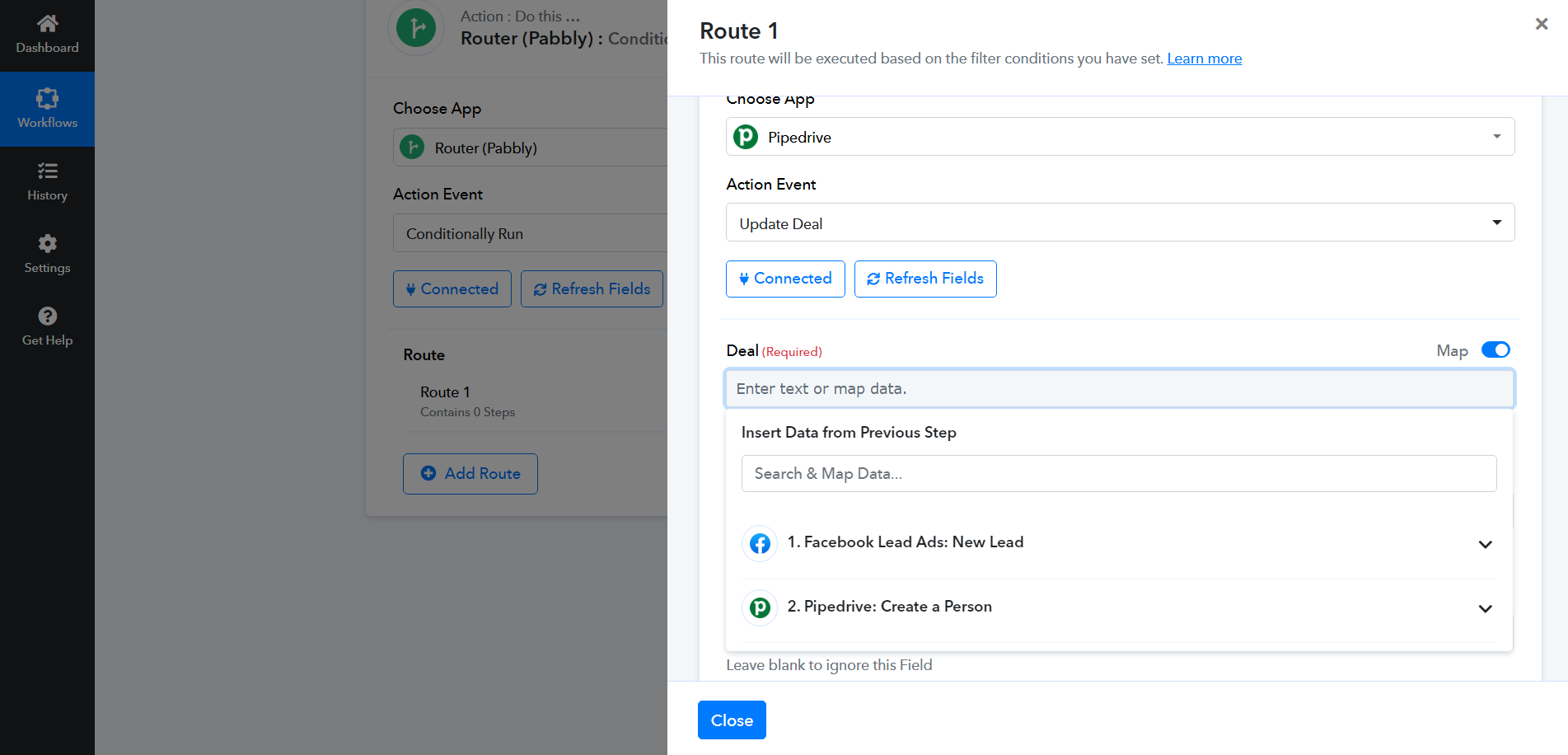
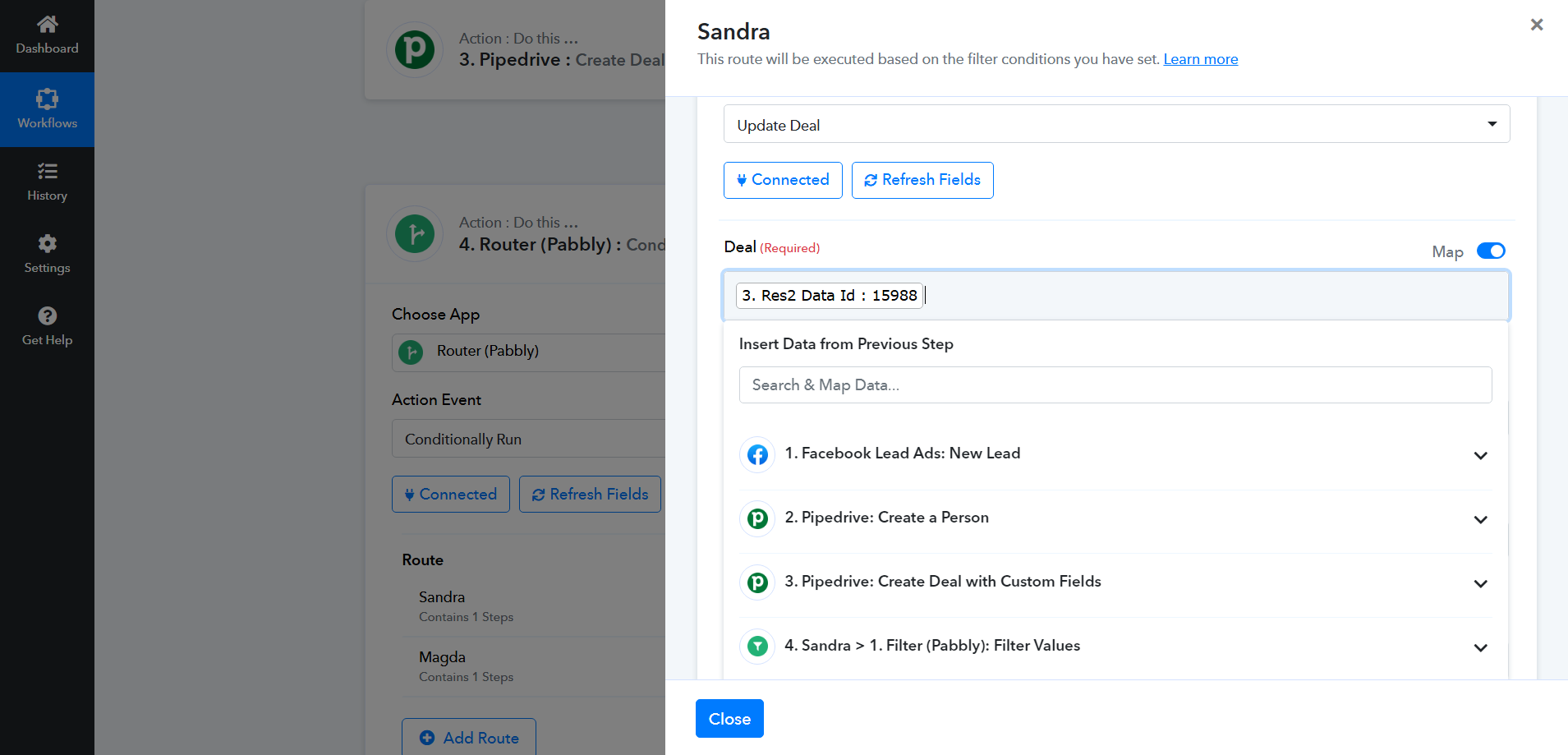
Hi Arshil! I managed to set up routers on one workflow just fine (([Form] Gestão 2024)) (image 2). However, when I tried to do the same to my other workflows, I couldn't find my previous step answers (image 1).
My current workflow is looking like this:
1. Facebook Lead Ads: New Lead
2. Pipedrive: New person
3. Pipedrive: New Deal
4. Router Pabbly: Conditionally Run
1. Filter Pabbly: Filter Values
2. Pipedrive: Update Deal
Am i forgetting something from one workflow to the another?
Attachments
Hello @marketingiplnt
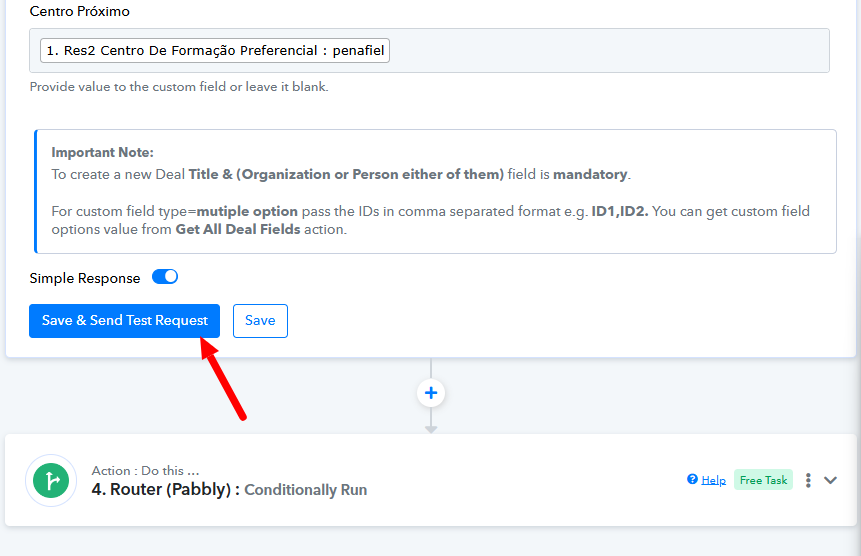
It seems that you haven't captured the response on the "Save and Send Test Request" button. Kindly go to the third step of your workflow and capture the response by clicking on the "Save and Send Test Request" button after that l the responses from your previous steps will appear as required.
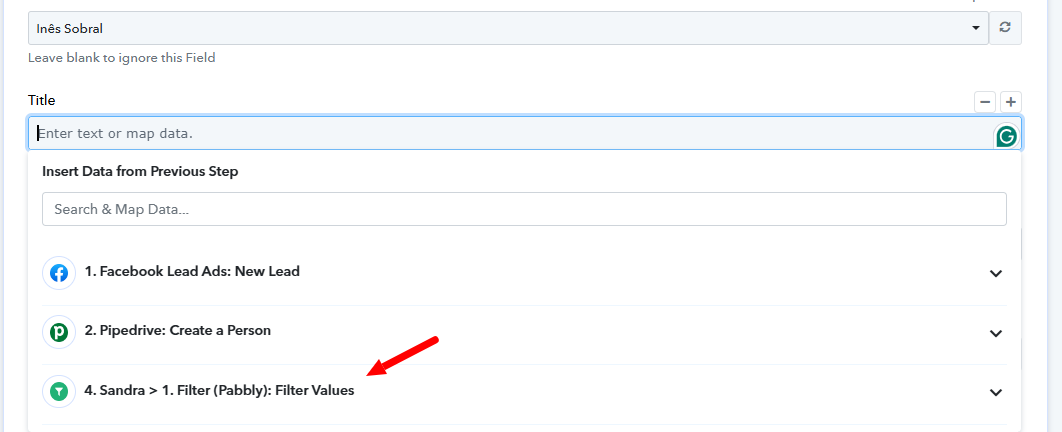
Please do the same and let us know if it works for you
Thank you for your help! I was abble to set everything up successfully!