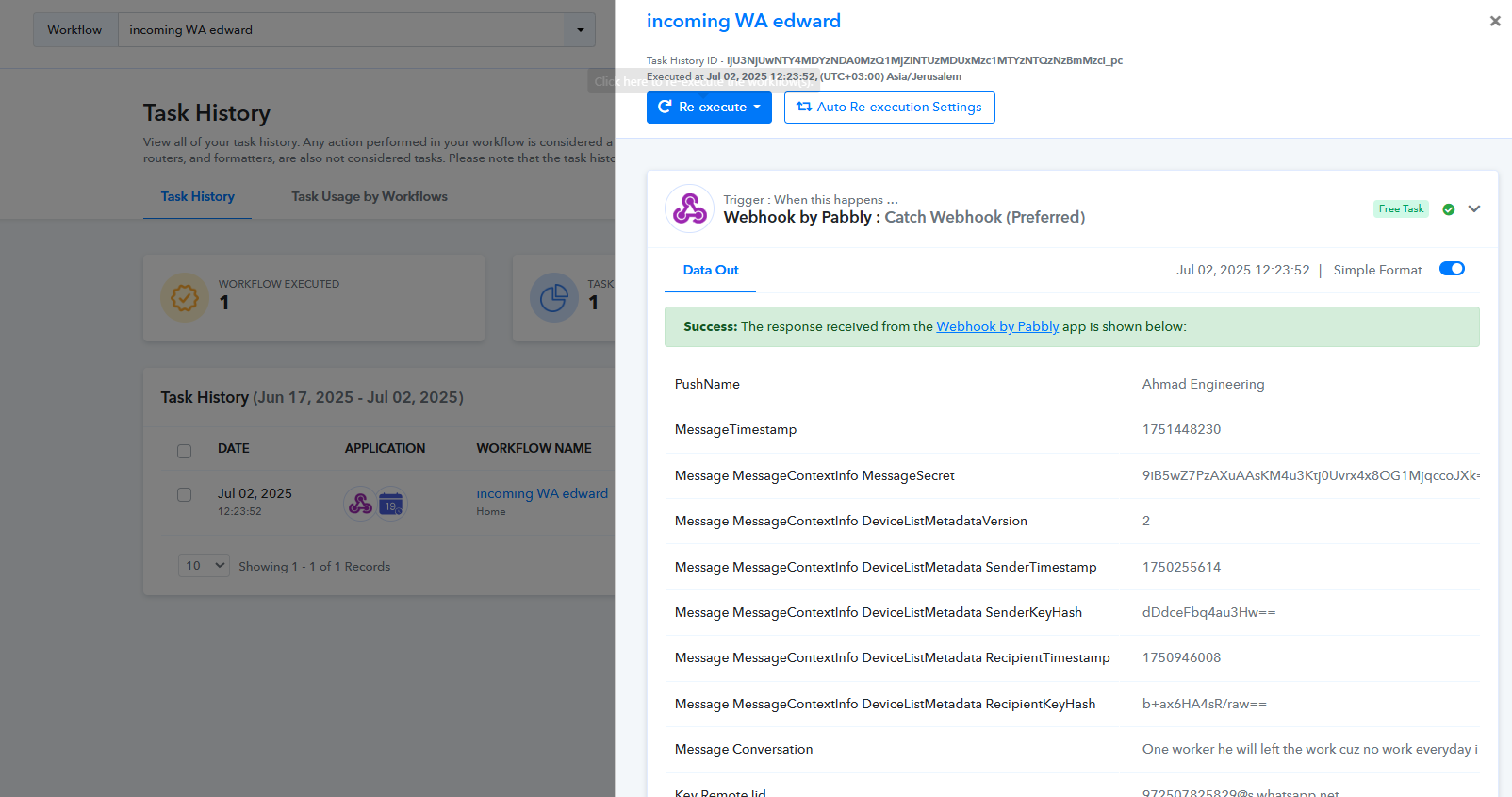
Bug in history interface
Status: Open · Asked by edwardzev on · 0 views
Hi there is a bug in interface when you checj history items. pls check the video.
I use chrome. Pls note that in icognito mode everything works fine. So it is only regular chrome. Didnt check other browsers.
Hi @edwardzev,
Please check out this thread:
https://forum.pabbly.com/threads/workflow-step-details-not-expanding-in-task-history-view-only-in-one-specific-workflow.29841/
hi
there is bit of a problem here.
"With these changes, you’ll now see the task history entry appear immediately after a task is performed. However, the detailed view (accessible by clicking the Task History ID) will only be available once the task is fully completed."
first, my task history id is not clickable.
second, this new rule prevents from attending tasks that are in delay as part of workflow, as they are not completed.
why change something that worked perfectly well and very convenient.
Hello @edwardzev,
Thank you for your detailed query.
You can click on each step within the history, think of it as a structured box or table, where each step gets recorded as it is executed. For example, once the delay step is triggered, it will appear in this sequence, and you'll be able to access every part of your workflow in real time.
This enhancement has been introduced to resolve several challenges we previously faced with task history visibility. It’s designed to ensure more accurate tracking and reduce errors in the long run.
That said, if you're still experiencing issues accessing the workflow steps, we recommend clearing your browser cache and trying again.
Let us know if the issue persists
I cleared cache but still none of the blocks are clickable
Hello @edwardzev,
Could you please share a screen recording of the issue you're experiencing? Additionally, please share the workflow URL where this issue is occurring. This will help us investigate and assist you more effectively.
Task History ID -
IjU3NjUwNTY4MDYzNzA0MzI1MjY4NTUzNTUxM2E1MTYyNTQzNDBmMzIi_pc
Hello @edwardzev,
Thanks for sharing the screen recording regarding the task history. However, upon checking, we couldn’t find any task history associated with the provided ID.
Could you please double-check the ID in the providers section to ensure it’s correct? In the meantime, try performing a hard refresh on your browser and let us know if that helps.
Non of the flows opens.
Task History ID -
IjU3NjUwNTY4MDYzNDA0MzQ1MjZiNTUzMDUxMzc1MTYzNTQzNzBmMzci_pc
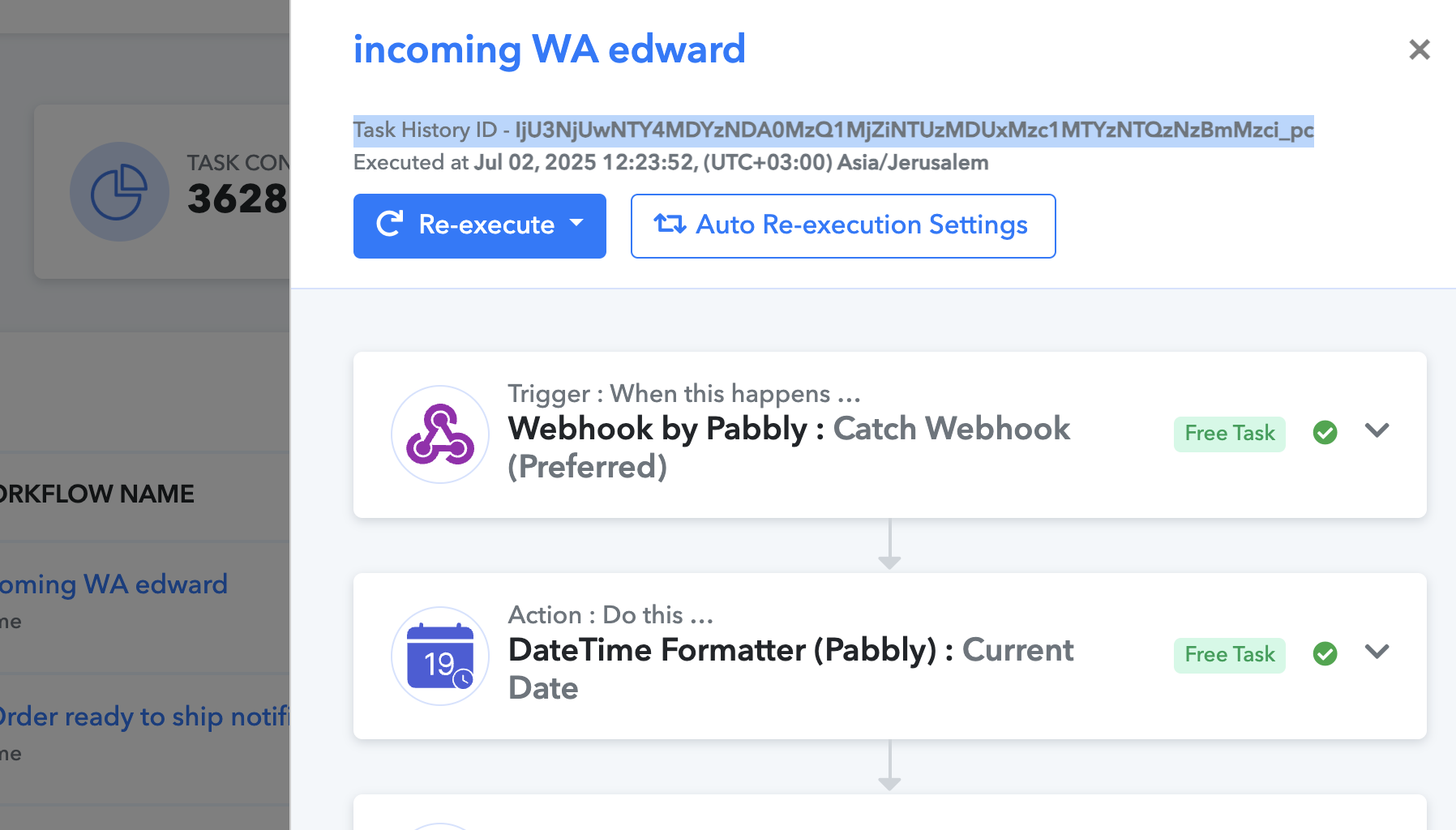
Hello @edwardzev,
At our end, we can access the task history without any hassle. Could you please share how you are trying to clear the cache? Or try using any other device and let us know if it fixes the issue.