Bug with date interval in subscriptions view
Status: Closed · Asked by Christian Johansson on · 0 views
Browser: Firefox 95.0.1
Step to reproduce:
* Go to https://payments.pabbly.com/app/subscription/1/all/
* Click Date interval and select "All Time"
Expected result:
See subscriptions of all time
Actual results:
Can't see any subscriptions, can't change date interval anymore, only way to get back is to clear cookies. See attached
Other note: A lot of issue when using date interval in Google Chrome as well, please test the feature more in different browsers
[JUSTIFY]Thank you for reporting this to us. We would suggest you clear all the cache data once and continue using Pabbly Subscription Billing. The date range issue would be fixed.
Also, we've tested it in Google Chrome, Microsoft Edge, Safari(Mac) and Mozilla firefox too. It's working fine. Although, we'll have it checked in other browsers too.
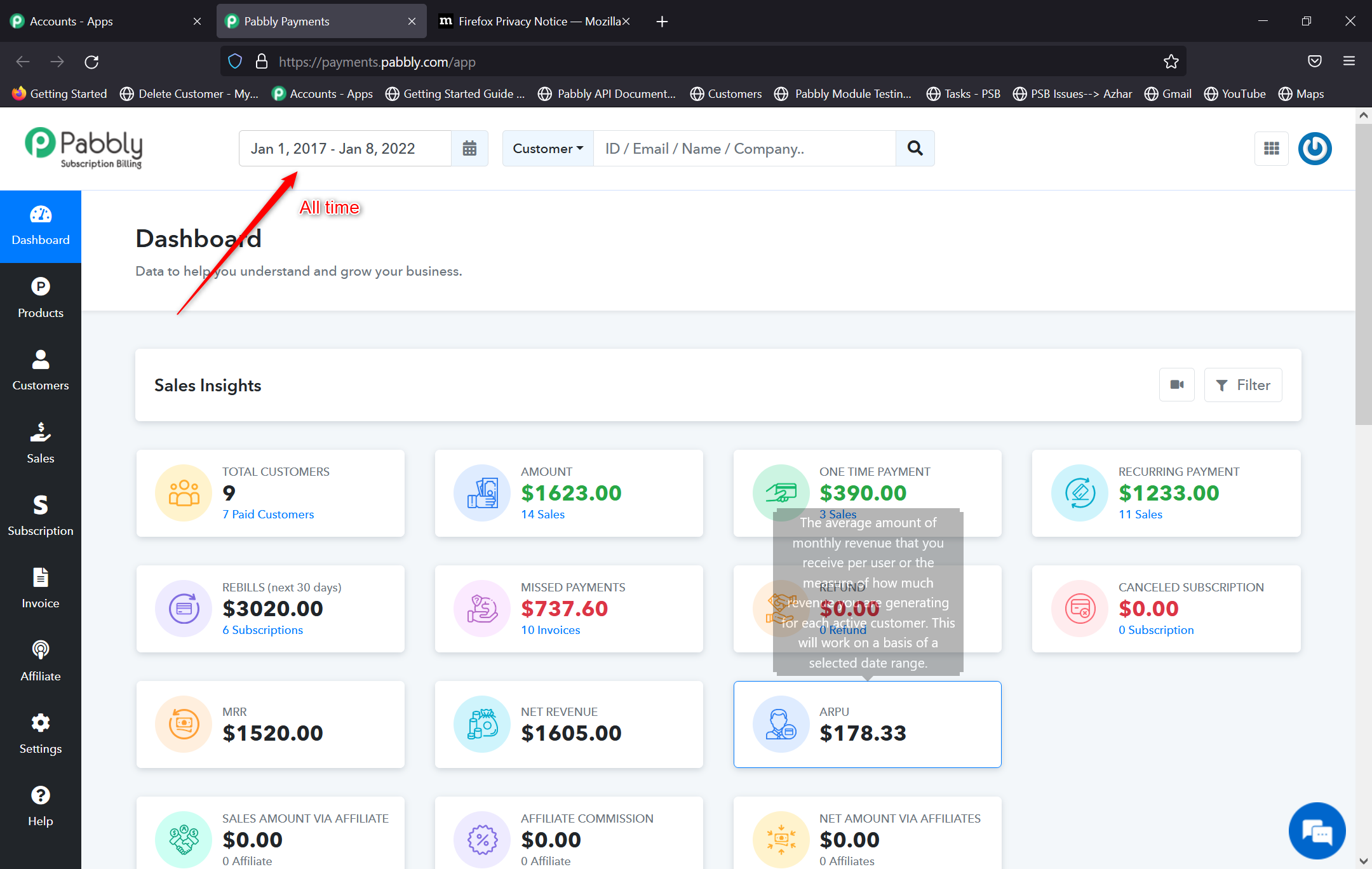 [/JUSTIFY]
Thank you, "All Time" works now
Another issue I noticed now is that if you select "Last Month" now in January 2022 it sets interval to "Dec 1, 2022 - Dec 31, 2022" but it should be "Dec 1, 2021 - Dec 31, 2021"
Hello, we reviewed it on our end in all the above mentioned browsers and it's working fine on our end. Again, we would suggest you to clear all the cache/cookies and try again. If the problem still persistsm, do share a screenshot.
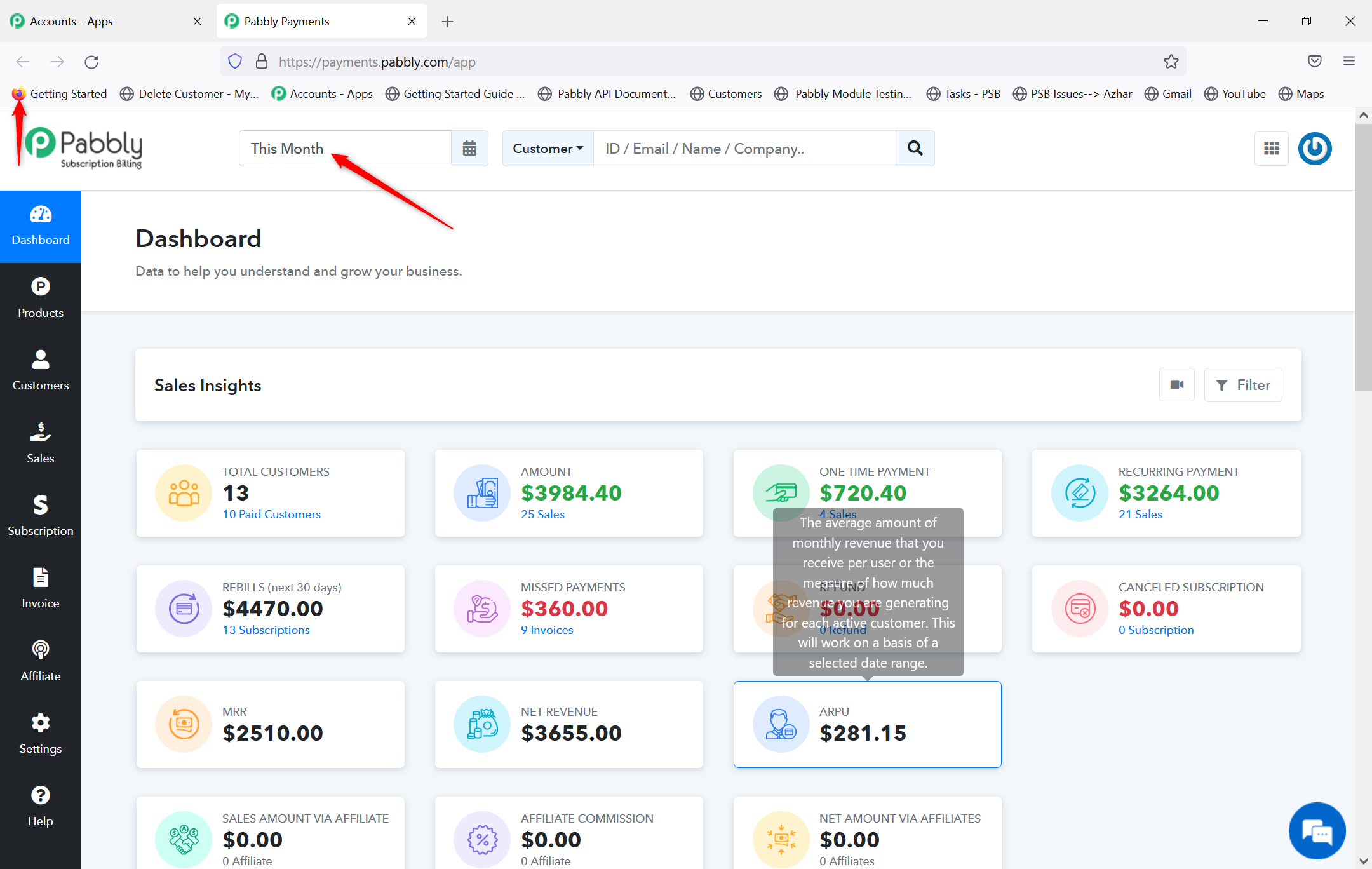
Thank you, I can confirm that it is working (y):)