Can't delete subscribers
Status: Closed · Asked by Raymond St Clair on · 0 views
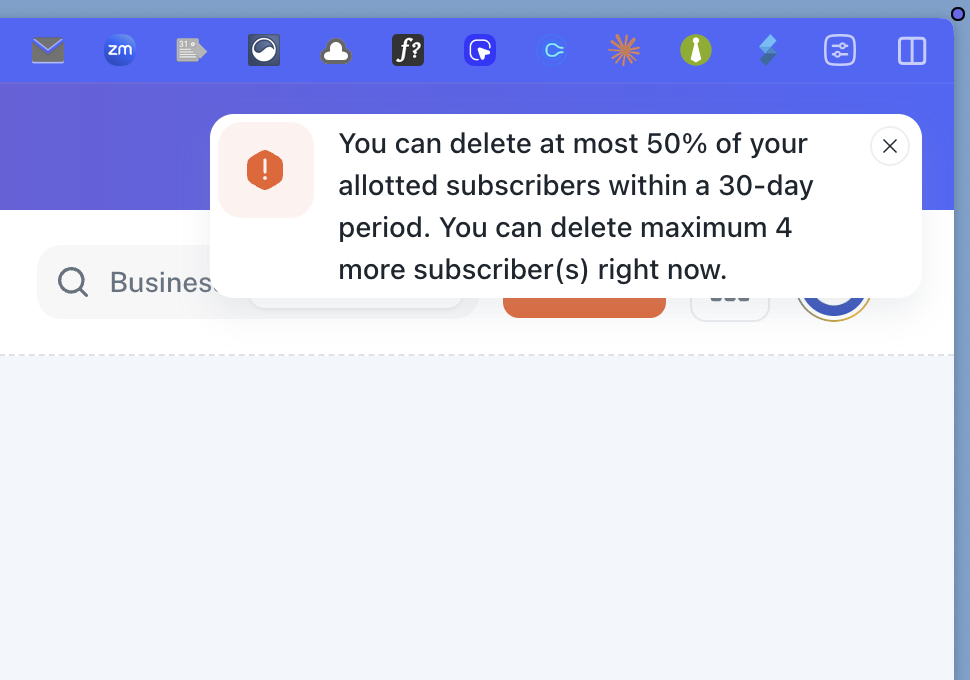
Hi Raymond,
Thank you for providing the screenshot!
Looking at your dashboard, your main account quota has indeed been updated to 10,000 subscribers. However, the individual business profile "Elite Team Global" currently only has 100 subscribers allotted to it, which is why you are receiving the quota limit error.
How to allocate subscribers to your business:
Go to your Pabbly Email Marketing Dashboard.
Locate your business "Elite Team Global" in the list.
Click on the three vertical dots (
⋮) under the Action column on the far right side of that business row.Select Allocate Subscribers.
Enter the number of subscribers you wish to allocate to this business (e.g.,
10000).Save the changes.
Once you increase the allocated subscriber limit for this business, you will be able to import your contacts without any issues!
Please let us know if you need any further assistance.
Thanks & Regards,
Hrishabh
Customer Support Associate
🌐 Pabbly.com
👉 Rate your support