Canva Image Upload Error 409 using OpenAI URL
Status: Open · Asked by Rene Nunez on · 0 views
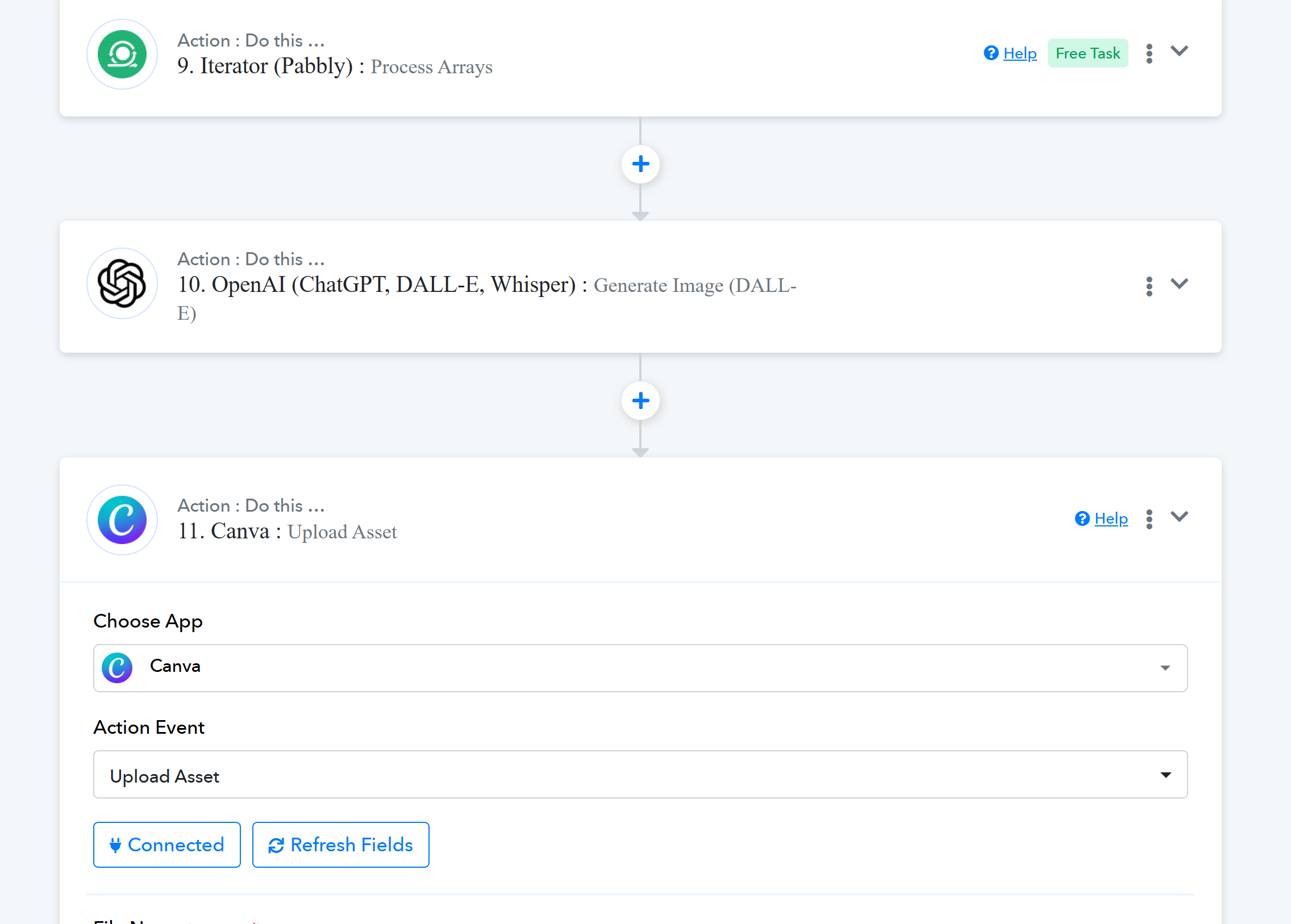
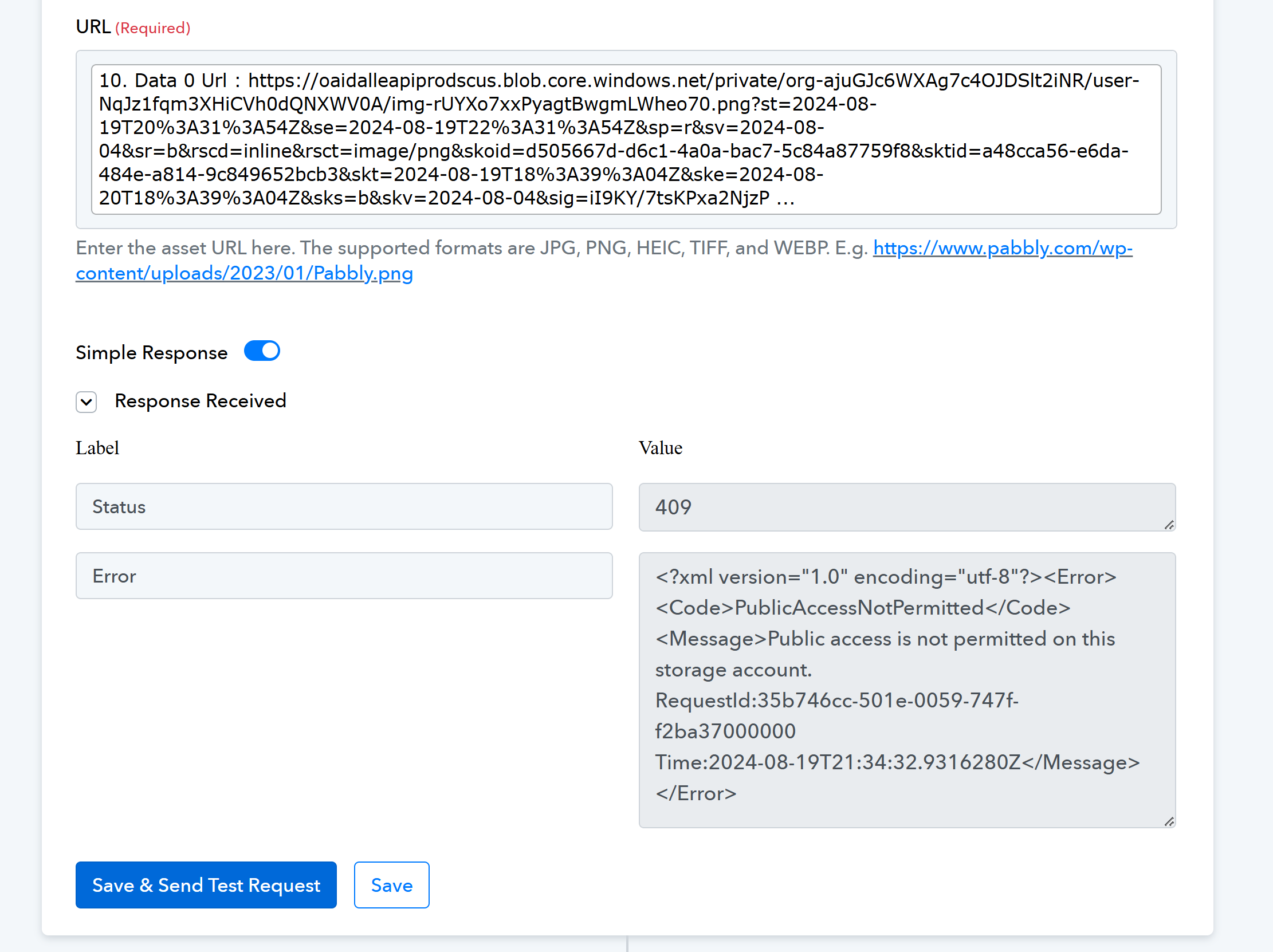
I created a flow where I create an image in Openai and then retrieve the url and try to upload it to Canva to use it, but I get an error 409. I am using the url from openai for the image, which works on my browser, but not to upload it to canva using pabbly. Is there something I'm missing, maybe a setting in openai? please lmk. this is my workflow
Hi @Sensum,
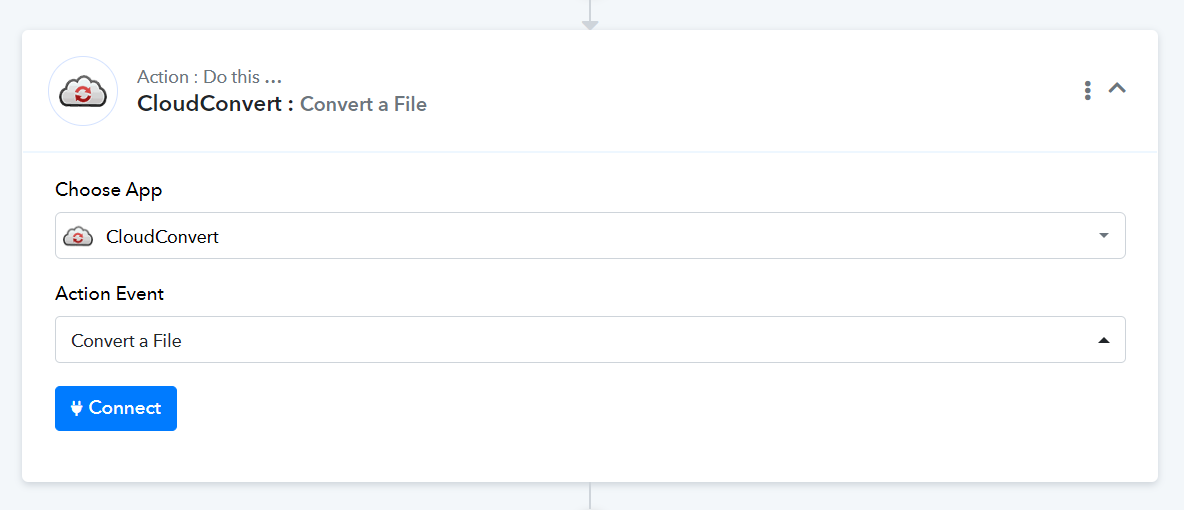
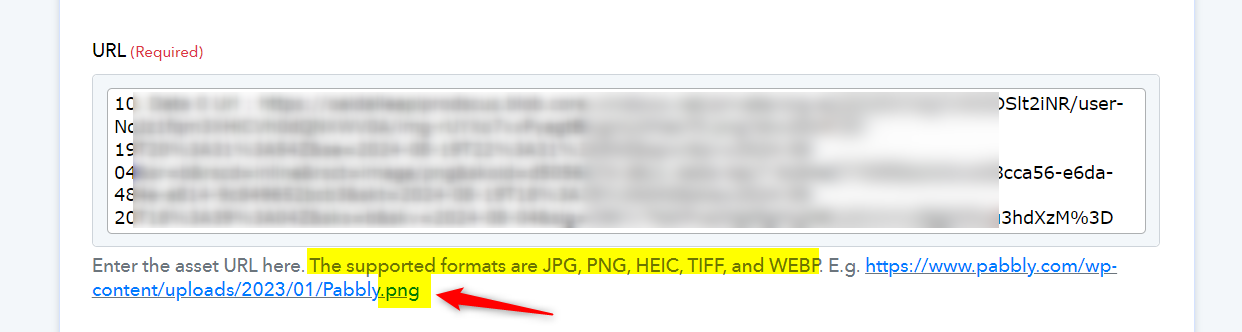
Please try uploading the file generated by OpenAI to CloudConvert. This should provide a file with the necessary extension. You can then use this file in the 'Canva: Upload Asset' action step.
Thank you for the reply and info. I did something similar but using google drive that had a few extra steps to get the image to Canva to be used later. 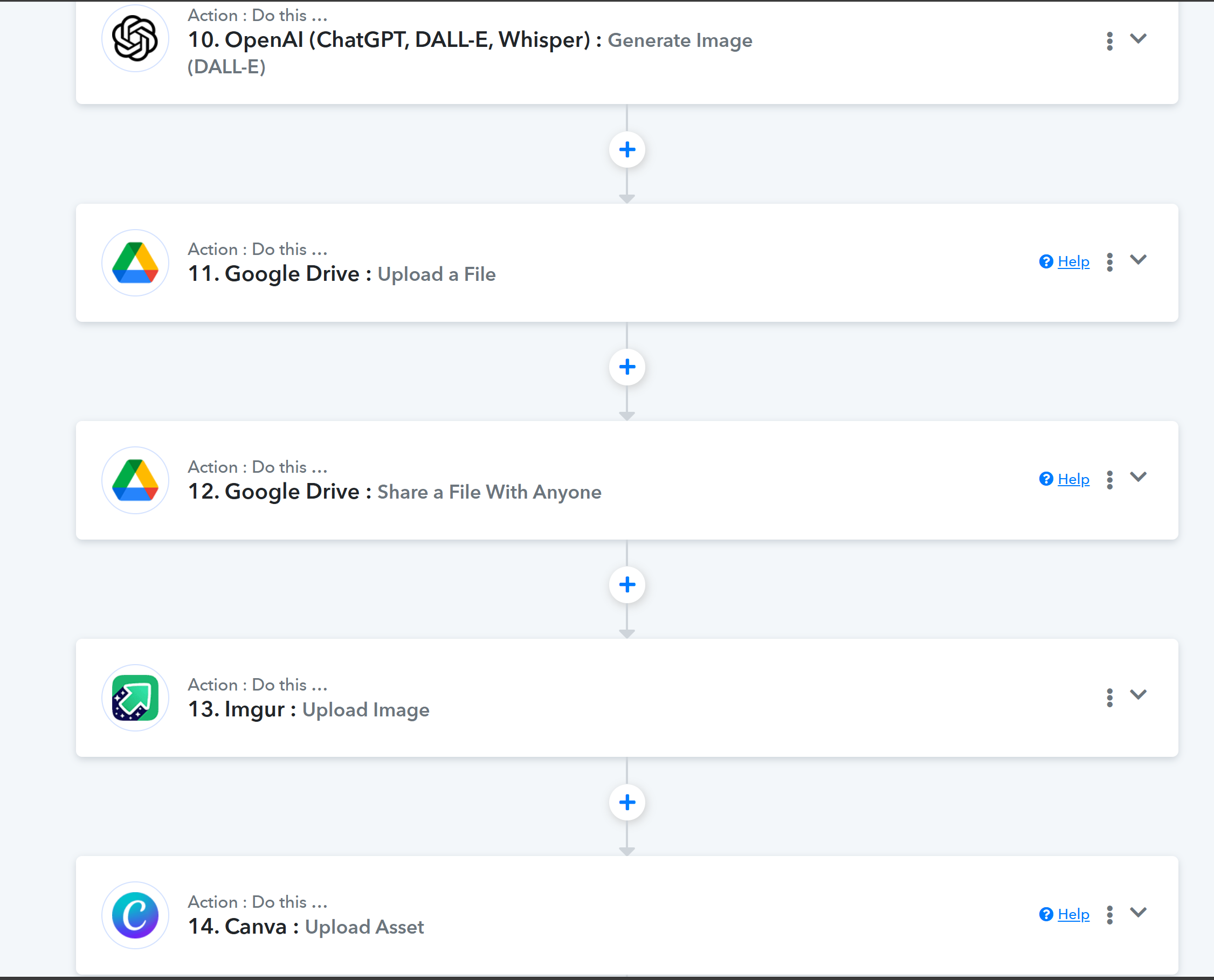
Sure, you can use Imgur as well.