Canva + Pinterest Automation
Status: Open · Asked by Marcos Assis on · 0 views
Hello friends, good afternoon! I would like to thank you for your support.
My question is the following:
I am building an automation to create automatic pins (pinterest)
The automation follows the following steps:
1 reads a post from my blog
2 organizes this post into 4 pins with GPT
3 creates the pin layout in Canva
4 creates the post on Pinterest
everything is working perfectly, what I need now is the following:
every pin has an image, I want each post to use a different image that is inside a folder in Canva.
How do I make sure that the images are not repeated and that with each automation action it uses a different image from the folder?
Here is the link to my automation
https://connect.pabbly.com/workflow/mapping/IjU3NjUwNTY0MDYzZjA0M2Q1MjZjNTUzNDUxMzYi_pc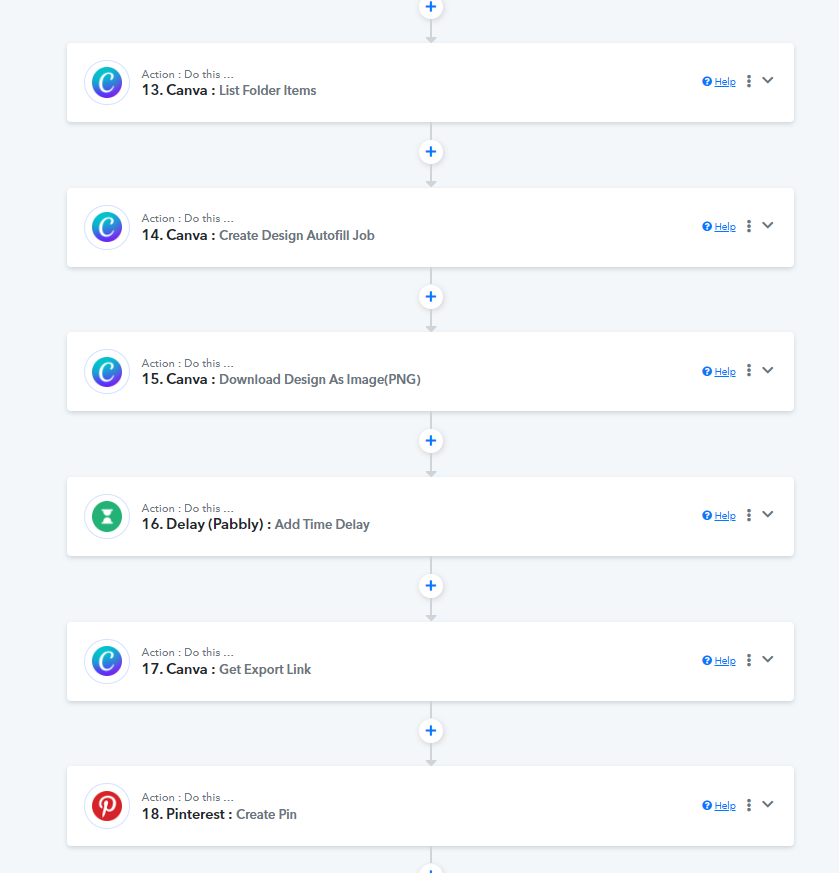
Hi @Marcos Assis,
Based on your Workflow URL, we can see that you have 6 images in your Canva folder. I assume you want to pick a random Image ID from this list and map it to the next step, 'Create Design Autofill Job'.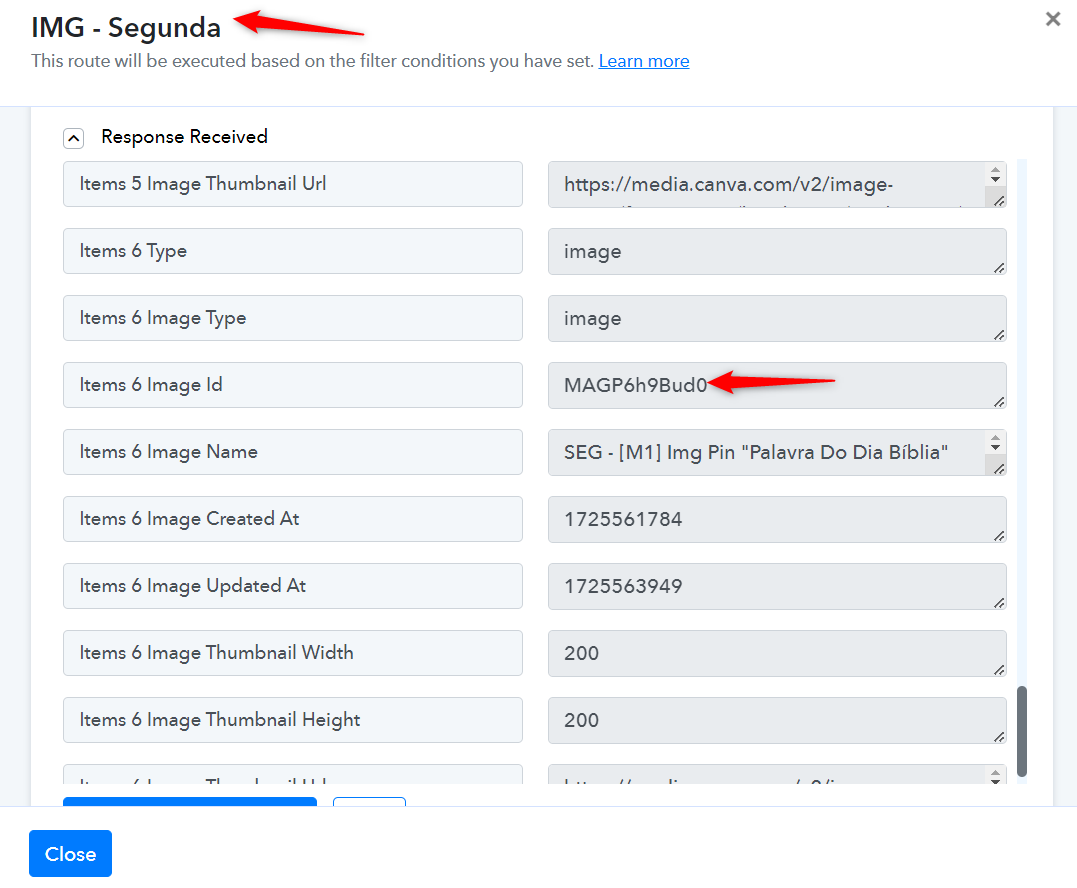
If these are the only 6 items from which you want to randomly choose an Image ID, you can add a 'Code by Pabbly' action step to your workflow. You need to write a code (or you can ask ChatGPT to write one for you), enter all the Image IDs manually into the code, and the code can randomly choose an ID and provide it as a result, which you can then map to the next step, 'Create Design Autofill Job'. This code will randomly feed an ID to 'Create Design Autofill Job' action step during automation.
youtube.com/watch?v=iNVjyBfwqno
Please note that this is just a workaround and does not guarantee that the images will not be repeated.
If, over time, you end up with more than 6 items in your folder and you want to randomly choose Image IDs from those additional items, then the use case you want to achieve is not possible.