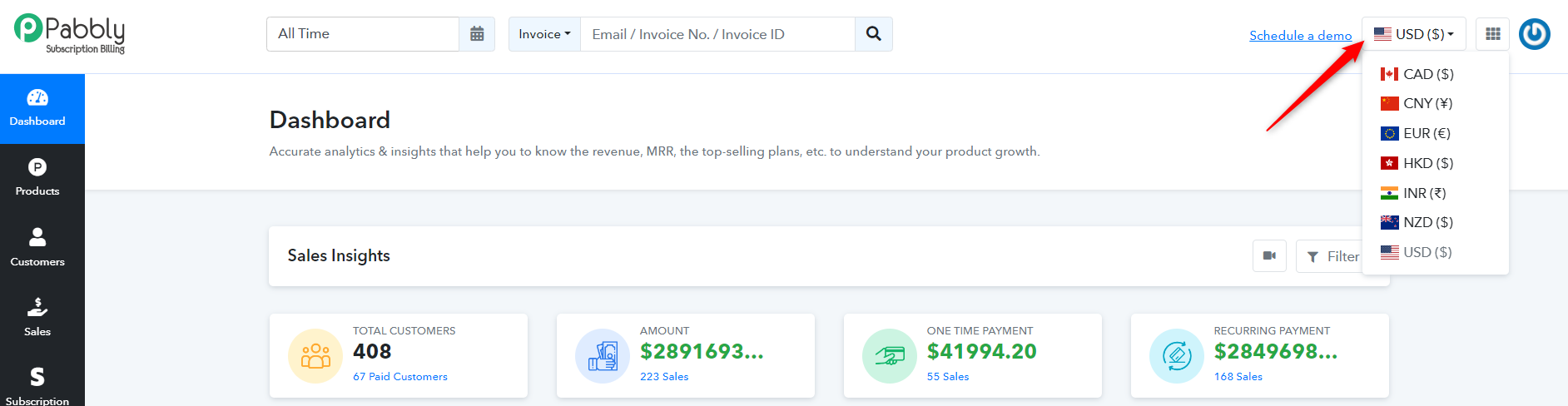
Change currency to Euros €
Status: Closed · Asked by Abdulnour Suliaman on · 0 views
Hi,
how can I change the main currency from USD to EUR, please?
I don't have the settings shown in this video
XxlxQKw6TLA, list: PLgffPJ6GjbaLPC2vr3H7CEPC3xsVlbtHt
Thanks in advance
Hello @abdulnour ,
To change the default currency in your account to another currency, you need to delete all subscriptions associated with the current default currency. This action will automatically remove the currency from the dropdown menu. The next currency listed in your account will then become the default currency. For example, if you wish to switch the main currency from USD to EUR, you must delete all transactions associated with USD. This will set EUR as the default currency in your account.
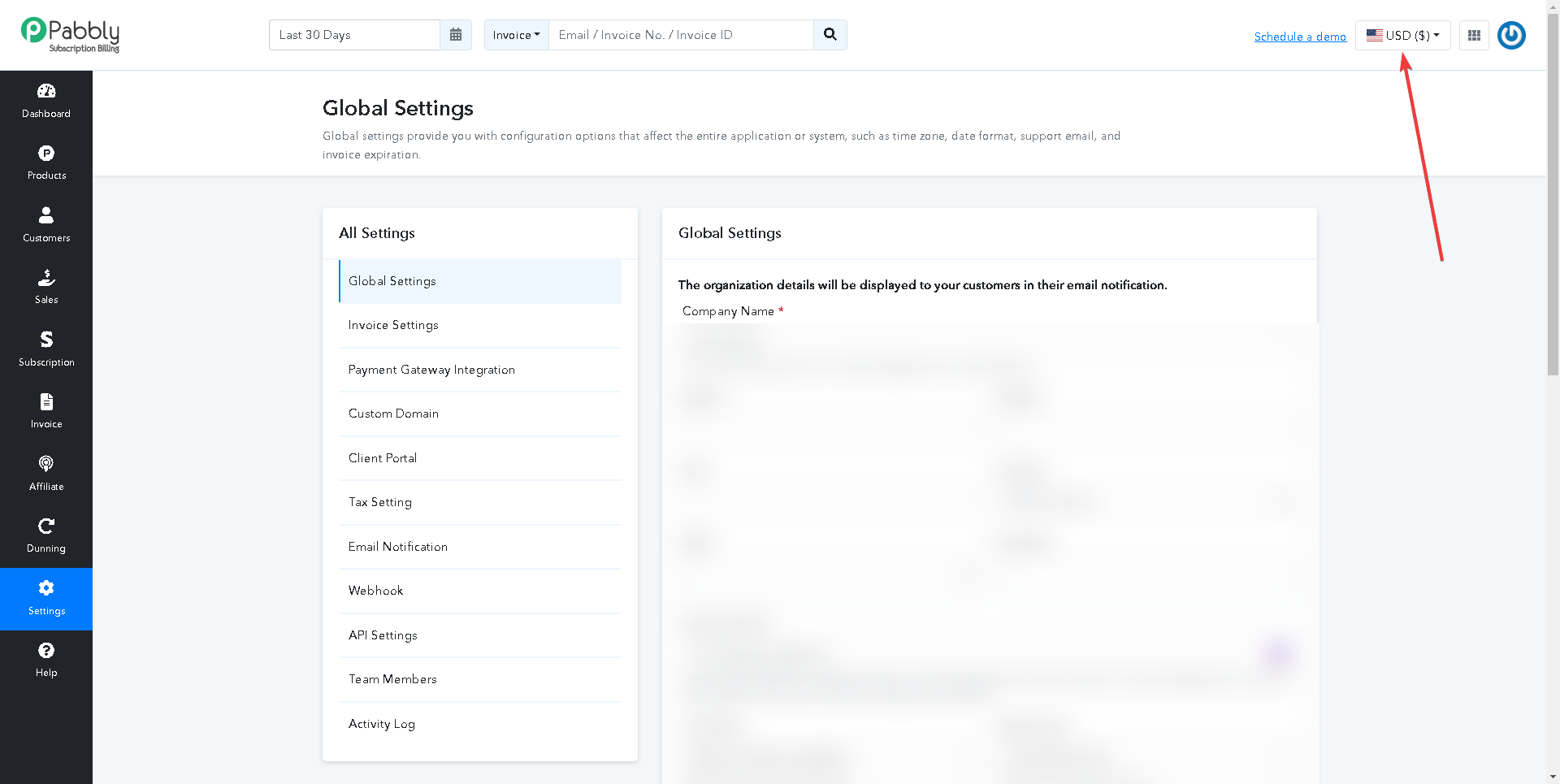
Additionally, to add EUR as a currency in your account, you need to create a plan with EUR currency and then proceed with a test purchase. Once this is completed, EUR will be added as a currency in your account. You can then switch between currencies using the currency option located at the top.