Change default email footer colour
Status: Closed · Asked by Qi_40 on · 0 views
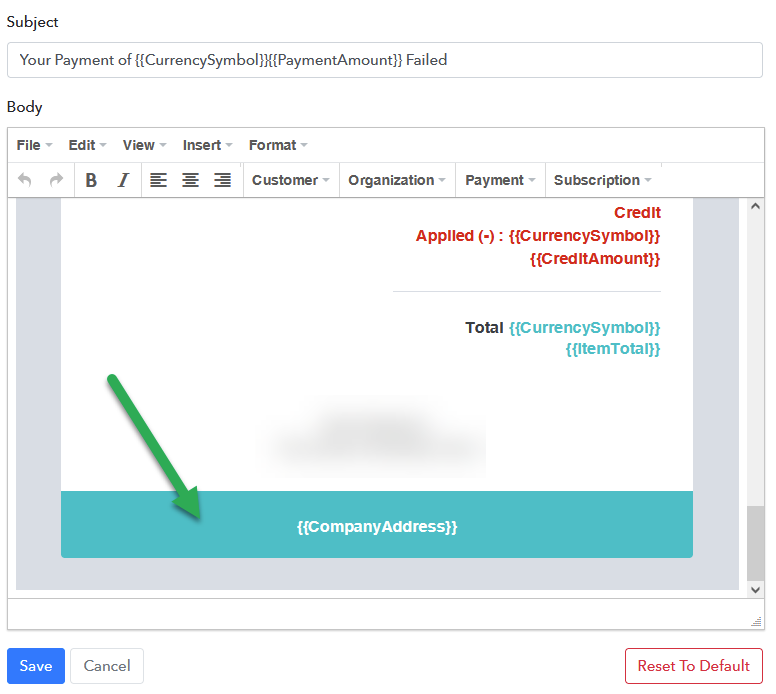
Is there a way to change the color of the footer in the default Pabbly Subscription Billing email templates?
Hello There!
We would like to inform you that currently we do not provide this feature on our software so you can not change the color of the footer in the default Pabbly Subscription Billing email templates.
But in future if there will be more such requests for the same feature then we may include this on our roadmap of development so you will get the update regarding this.
Hope the above information helps you.
If you need further support please reach out to us.
Regards,
Vipin Mishra
Hey,
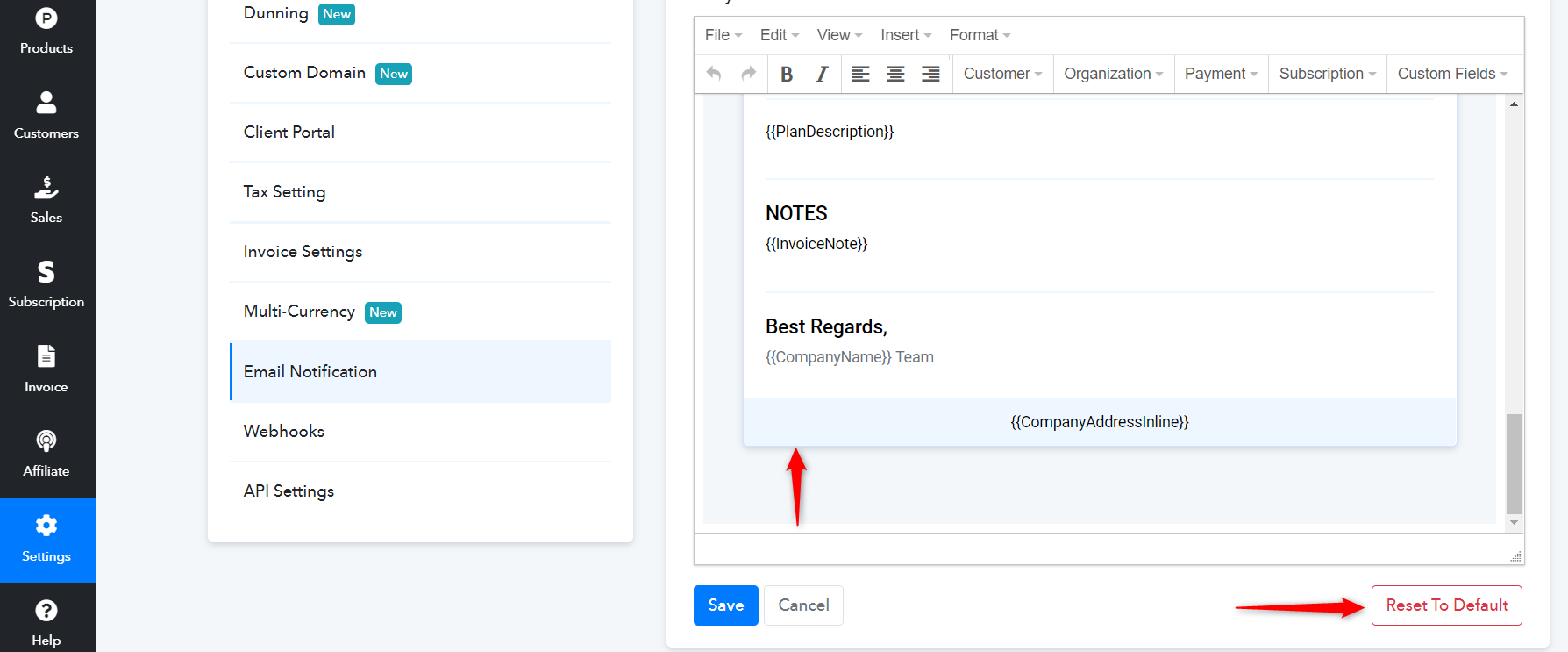
We would like to inform you that the changes you want to made can be done through the default page. For this, you have to edit Email Notification to the default after which the color of the footer will be change in the default Pabbly Subscription Billing email templates.
Settings >> Email Notification >> Edit (Click on 3 dots given on right side of the mail you want to det default) >> Reset to Default.
Hope the above information helps you.
If you need further support please reach out to us.
Regards,
Vipin Mishra