Chatflow Embed on Zoho Sites
Status: Closed · Asked by Abhilesh Jha on · 0 views
I want to embed my Chatflow to Zoho Sites directly on left bottom for which i tried what i could but it doesn't appears/shows/loads. Please check and help
website: https://www.taxaj.com
Attached Screenshots
Hello @taxajca,
We can find the chat button under your website.
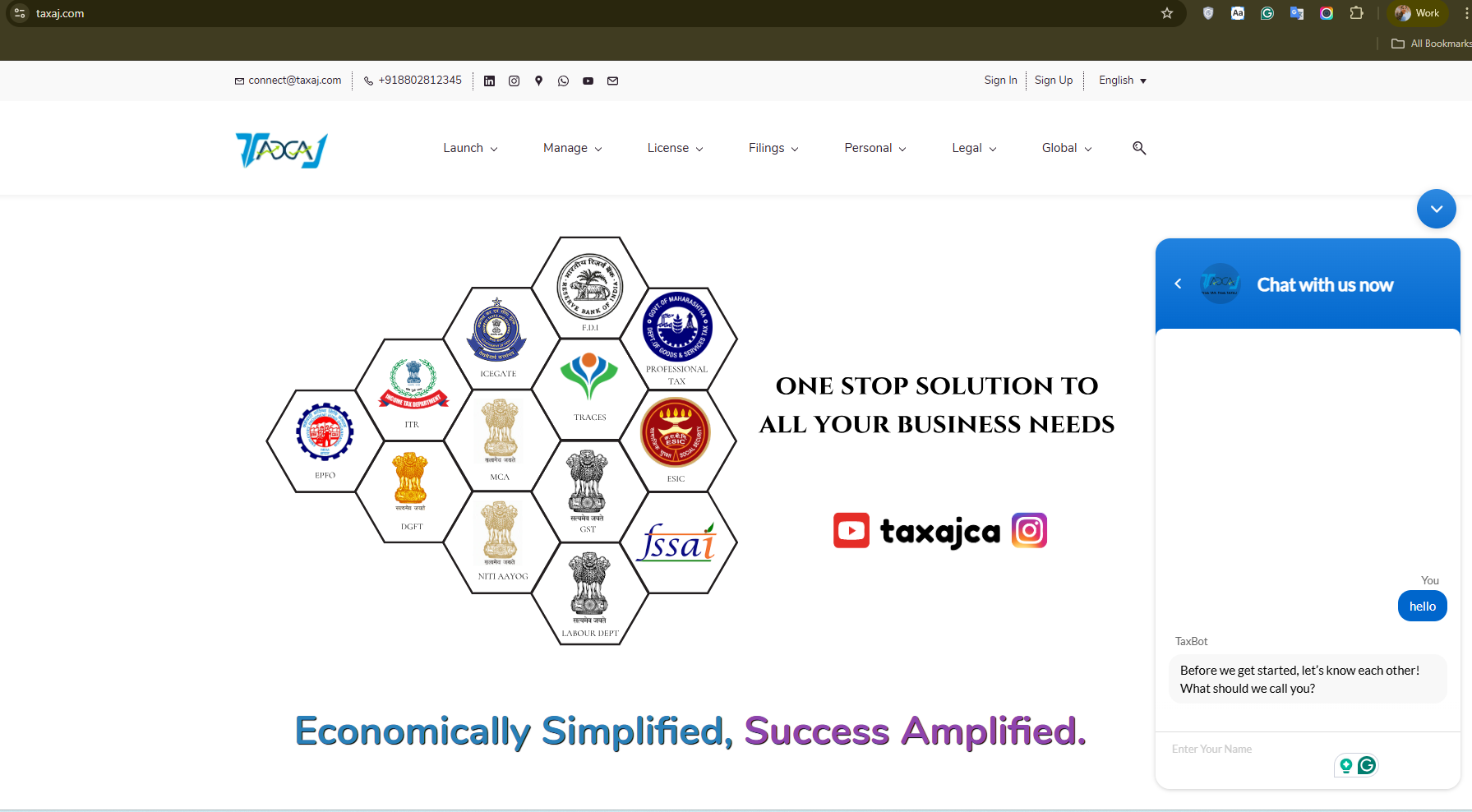
What you see on right side is Zoho SalesIq Chat Box and what i need is Pabbly Chatflow Assistant on Left Bottom Side which should look like WhatsApp Icon i guess
Hello @taxajca,
It depends on the images you add under the styling section of the AI Assistant.
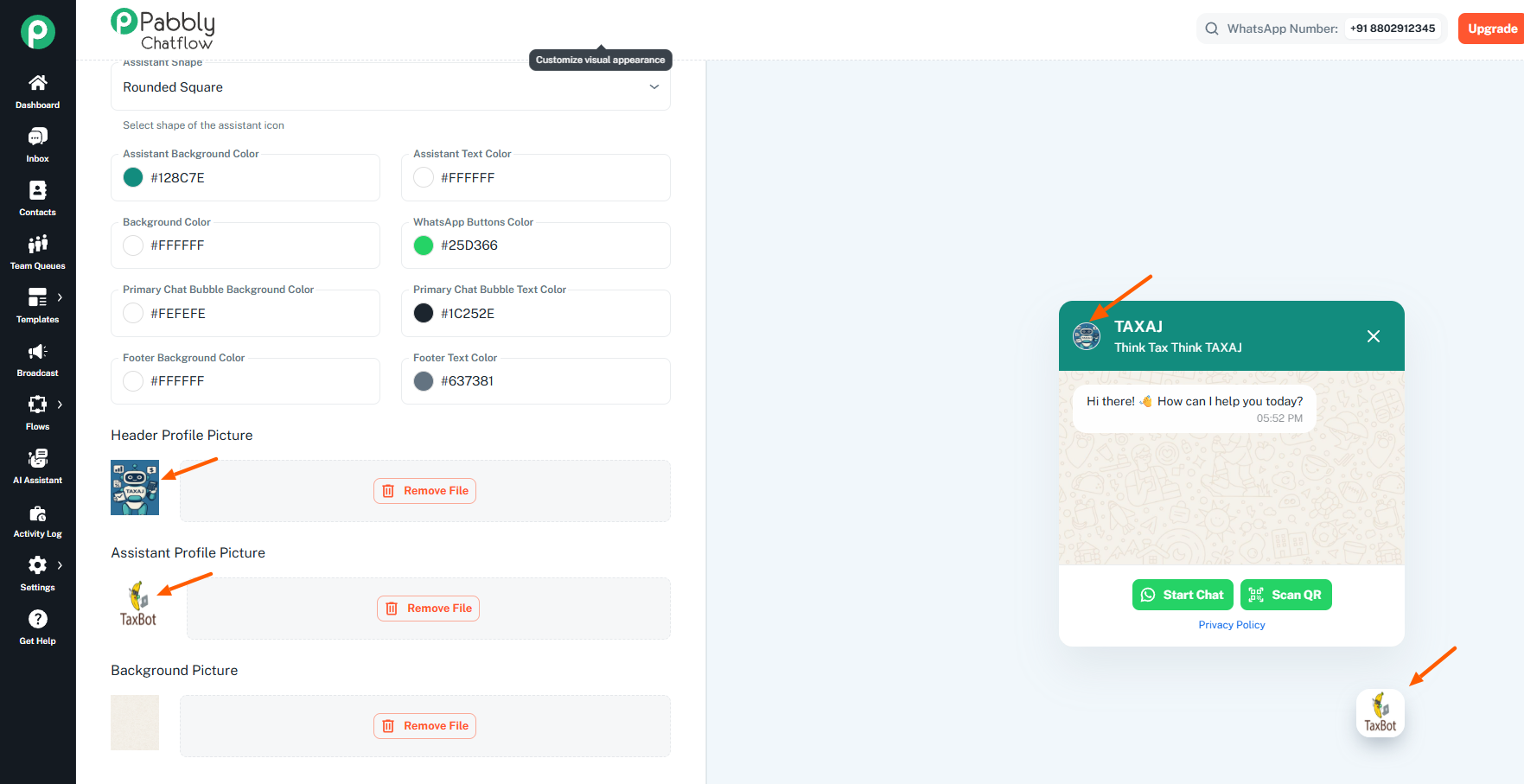
Hi Preeti
I think i am not able to explain to you properly. I mean I dont see ChatFlow's ChatBox on my website but only SalesIq ChatBox which is default chat box. I also want pabbly's chatflow to appear on left bottom side.
Please check out the video shared below, which explains how you can embed the AI assistant on your website.
This video doesn’t answers my query, i already have done whatever mentioned in this however i am not able to embed the chatbot to my website which isn’t mentioned in this video.
Hello @taxajca,
Could you please share a screen recording showing us where in the website code you have added the AI Assistant's embedded script? This will allow us to better look into the issue and assist you with it.
Here it is https://jumpshare.com/s/sRvRZbU1GouRaOMW11CV
I have added the code to Footer Section of Zoho Sites Home/Main Page which default applies it to all pages
Hello @taxajca,
Could you please join us over a Google Meet so we can look into the issue in real time and assist you with it? Please book a convenient slot using the following booking link:
https://calendly.com/d/cskj-n6q-b63/support-from-pabbly-preeti
Once booked, please let us know.
Hi Preeti, Thanks for the effort however i have got this done with the help of ChatGpt :)
Resolution by using the following code
Here's how my website looks now :)
Hello @taxajca,
Glad that your issue is now resolved!!
PS: I'm not able to access the GPT thread.
Hi preeti
Unfortunately the above worked only for home page and not site wide, hence have scheduled appointment with you for 3:30pm - 4:00pm, Thursday, October 30, 2025
Hello Abhilesh,
Thanks for the update.
Looking forward to assisting you.
Here’s what Zoho Sites Team told me
Hello Abhilesh,
You may try contacting the Zoho Sites team then. Let us know how it goes.
They said this is beyond their scope and should be dealt by Pabbly Chatflow team since everything is perfect at Zoho’s end and the issues lies with Chatflows code
Hello @taxajca,
Abhilesh, based on my testing yesterday, the script provided through the Pabbly Chatflow is working correctly in its raw form. I also tested it by adding it to my website's code, and it functioned as expected. However, it’s possible that the script is conflicting with the existing code and scripts of ZohoSites.
Could you please confirm with their team where exactly this script should be added so that it applies site-wide rather than only to a specific page?
As discussed in the last meeting, you mentioned that you had AI-generated code for this script, which was added to the home page and worked fine there — but it isn’t visible on the other pages. We can use that same script; we just need to place it in a section where it executes across the entire site.
Please check and confirm with them where the code can be placed to ensure the button appears site-wide.
resolved it now! thanks :)
Hello @taxajca,
Glad the issue is now resolved!
Could you please let us know how the issue was exactly resolved? It would help other future users with the same issue to find an effective way to install the script in ZohoSites.
I used my modified code from Chat GPT and entered in Settings > Code of my website, earlier i was entering in HomePage's Footer Code.
The original code still didnt worked
Hello @taxajca,
Thanks for letting us know the resolution. The script provided by Chatflow may not have worked due to the conflict between the Zohosites native code.
However, as your issue has been resolved, we’d appreciate it if you could share quick feedback on the support you received so far:
https://forms.gle/GAjS4wdPYKuhnEYV9
Thank you for your time.