Chatwoot - Create Contact from Google Business
Status: Open · Asked by Jpaulo on · 0 views
Hello,
My objective is to reply to a Google Business Profile's local user review. I tried playing with it but I could not get around it. I need to understand the logic in the setup.
I could not find any docs and I am first timer. I really need all the streps so I can fallow.
Any help is appreciated.
Thank you.
Hello @Jpaulo
Thanks for reaching out. We have a dedicated tutorial that will help you learn how to set up the workflow, please refer to the tutorial using the following link -
youtube.com/watch v=Zdeh3Tqdv1w
You can also refer to the other tutorials on our YouTube channel as well - https://www.youtube.com/@Pabbly
Hi Preeti, thanks, but I meant it from Chatwoot. I put it on the title but I didnt explain well in the description.
I want to get the reviews in the chatwoot inbox and reply top them form there. Any tutorials? :)
Please set up Google Business Profile as your trigger step by following the steps provided in the video above.
Once you have done that, you can use the 'Chatwoot: Create Contact' action event to create contacts in Chatwoot.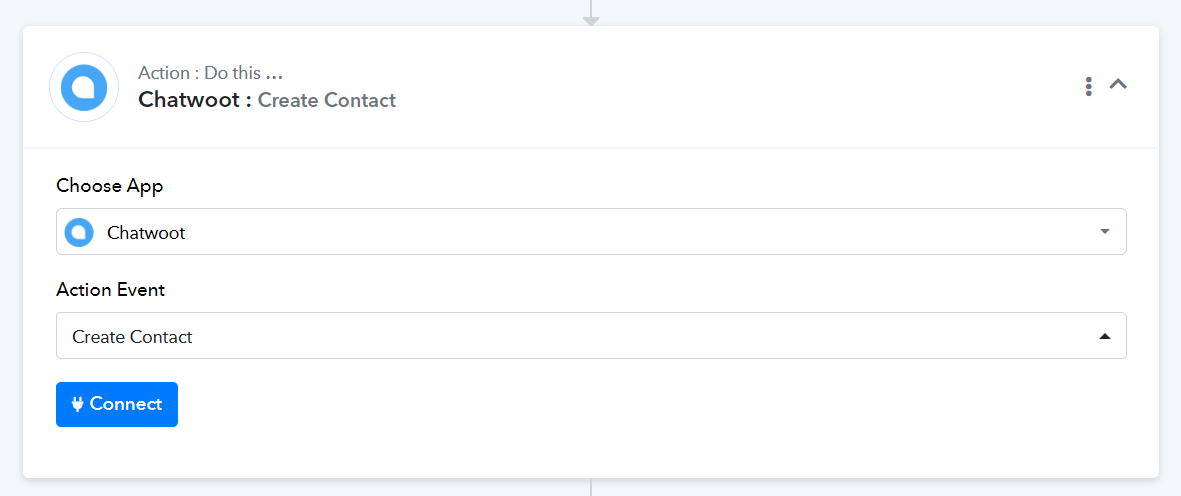
Hello,
I tried that before starting the topic here. I am only asking because there are various details that come along.
So no tutorials on this?
Currently, we don't have any tutorials available for the Chatwoot application. However, if you face any specific issues with the 'Create Contact' action step, please let us know.