Clickup
Status: Open · Asked by Dan Cook on · 0 views
Clickup modules did not work at all in this workflow.
Every single one failed as apparently no task ID was there.
The first set of clickups, I know that isn't right as the task ID was definetly there in the webhook.
The other clickups also failed for the same reason and those task IDs did load in as well. Something must be broken with the API or the dynamic field that populates the task id in the endpoint URL.
Thanks
Hello @dan90,
Could you please confirm if you have tested the specific steps within the workflow by clicking the “Save & Send Test Request” button? If not, kindly do so, as we’re currently unable to see any response data under the workflow builder.
Additionally, please let us know from which application or source the webhook is capturing the response so we can better understand the setup and assist you accordingly.
Yes it does work when you do it manually.
Automated it isn't loading any task ids into the clickup apis.
The original webhook is coming from clickup directly.
I checked the webhook data that came in for the failed tasks and the Task ID is there, it just wasn't loaded in.
But the clickup api steps shows it not being there.
This then happens for all subsequent steps where the task id is coming from other places (not the original webhook) and it has the same error, task ID missing.
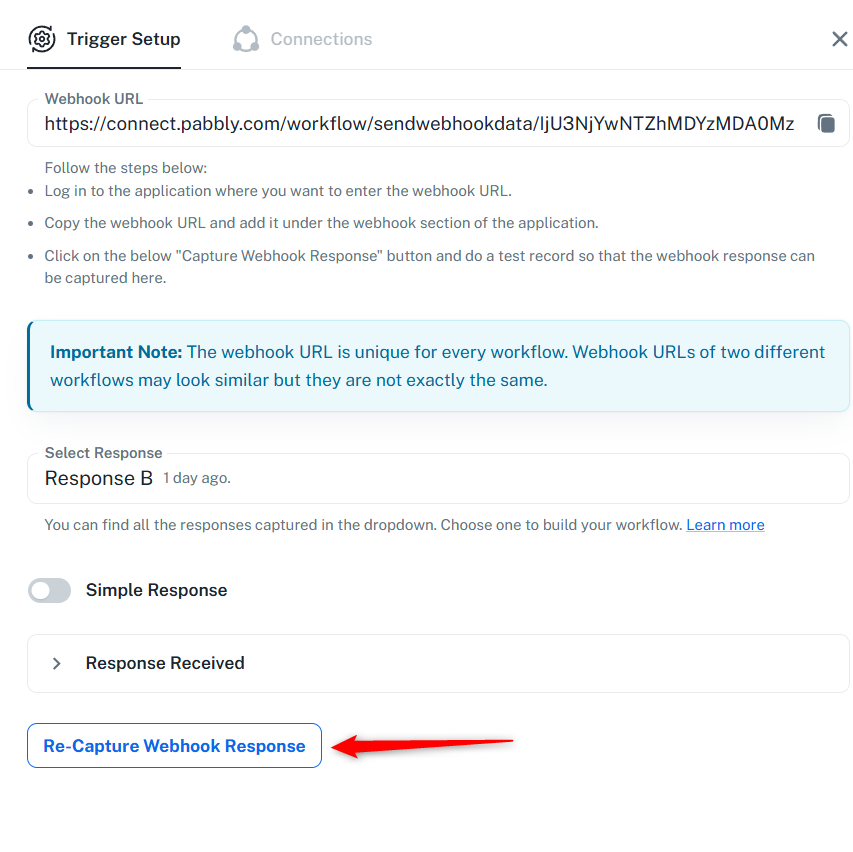
Please click on 'Re-Capture Webhook Response' and capture a new response in your trigger step. Then remap the data to the subsequent steps wherever needed and see if that fixes the issue.