Code by pabbly cannot read html snippet
Status: Closed · Asked by Shahidul Islam Pranto on · 0 views
When I implement the same code in a interpreter, the code executed fine, but not in code by pabbly. I think there is some problem in pabbly reading the html code. It is ignoring the html codes.
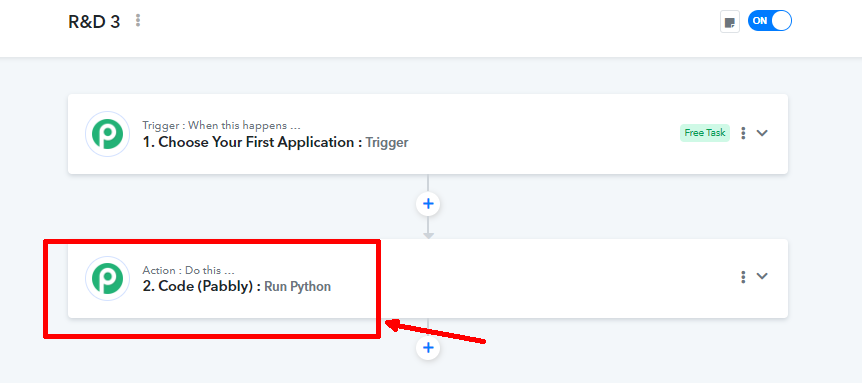
the workflow: https://connect.pabbly.com/workflow/mapping/IjU3NjYwNTZkMDYzNjA0MzY1MjZlNTUzMzUxMzci_pc
Hey @shahidul islam pranto
Please share the complete code used in the workflow, so we can review it and provide guidance accordingly.
import redef extract_main_text(html):
row_regex = re.compile(r'(.* )<\/tr>', re.DOTALL)
rows = row_regex.findall(html)# Prepare the output string
output = "Tradars Market Scanner Update:\n\nScore Flips\n\n"bear_to_bull = []
bull_to_bear = []# Extract data from rows
for i in range(1, len(rows)): # start from 1 to skip header
columns = re.findall(r'(.* )<\/td>', rows[i])
if len(columns) >= 3:
date = re.sub(r'<.* >', '', columns[0]).strip() # Get the date
bear_to_bull_text = re.search(r'(.* )<\/pre>', columns[1])
bull_to_bear_text = re.search(r'(.* )<\/pre>', columns[2])if bear_to_bull_text and bear_to_bull_text.group(1).strip():
bear_to_bull.append(f"{bear_to_bull_text.group(1)} at {date}")
if bull_to_bear_text and bull_to_bear_text.group(1).strip():
bull_to_bear.append(f"{bull_to_bear_text.group(1)} at {date}")# Append Bear to Bull scores if any exist
if bear_to_bull:
output += "Bear to Bull\n\n"
output += "\n".join(bear_to_bull) + '\n\n'# Append Bull to Bear scores if any exist
if bull_to_bear:
output += "Bull to Bear\n\n"
output += "\n".join(bull_to_bear) + '\n\n'output += "For more details, visit QuantBox: www.quantbox.co"
return output# Example HTML input
html_input = """
Score Flips Bear to Bull Bull to Bear 2024-08-27 10:57:59 2024-08-27 13:58:02 2024-08-27 14:58:02 2024-08-27 20:58:01
"""
# Execute the function and print the output
formatted_output = extract_main_text(html_input)
print(formatted_output)
We are checking on it, please allow us some time.
Hi, replying to know updates about the mentioned issue.
Hey @shahidul islam pranto
Have you tried the Text Formatter: Remove HTML Tag action step to produce the response?
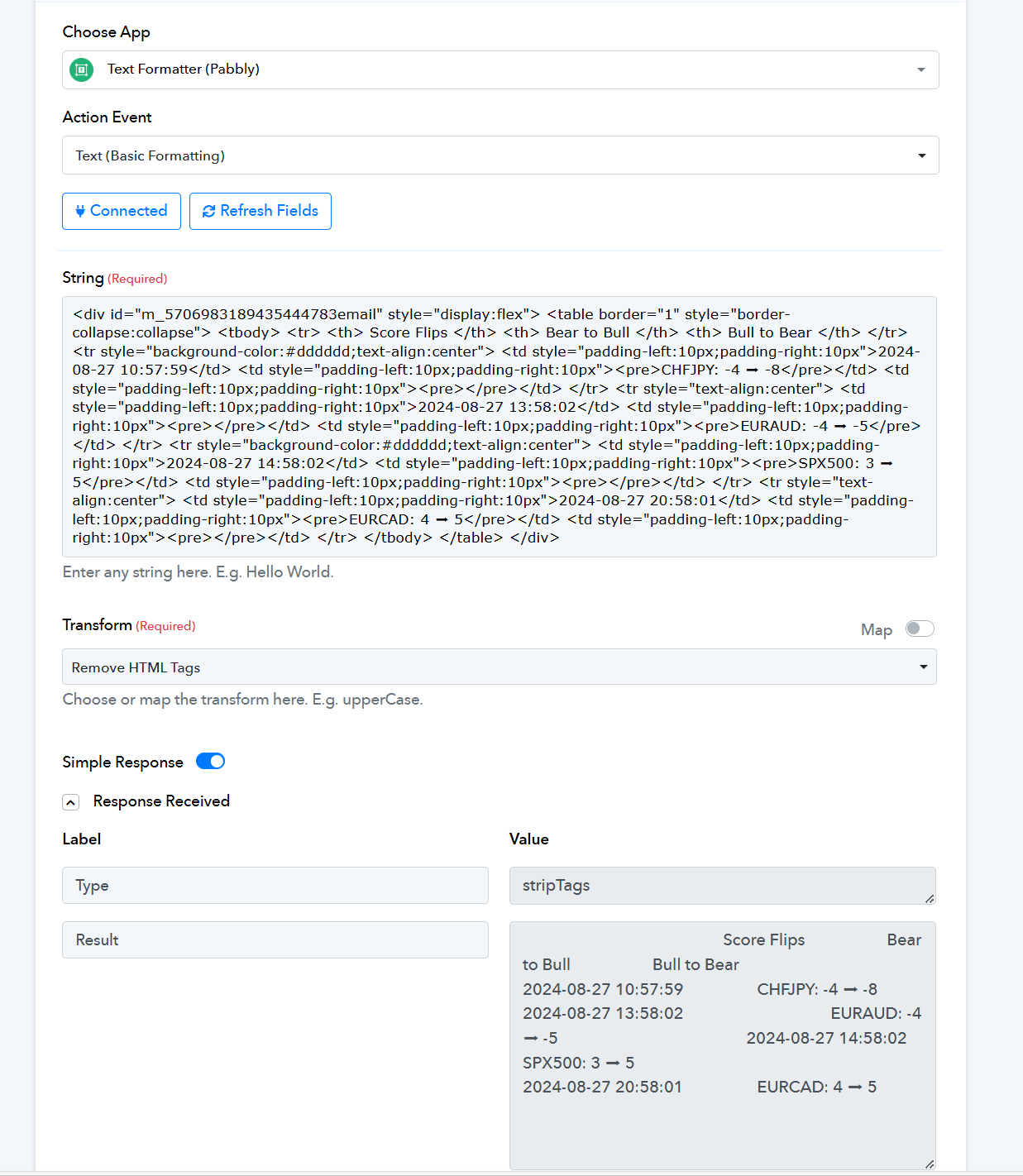
I have. but the code takes the formatted text cannot do the operation that I want. the only operation it can do when I give it html tags. Therefore, I have to use the html tags with the python.
Kindly try parsing the simple text to the Python code to extract the data from it.
Hey @shahidul islam pranto
I've received an update from the technical team indicating that we currently do not support HTML in the 'Code by Pabbly' action step for further processing. Therefore, it may not be possible to parse the HTML table using your Python code. As an alternative, you might consider using the 'Text Formatter: Remove HTML Tag' action step to generate the response.
OK