Configure SMTP Relay service with SMTP Module
Status: Open · Asked by Vitorouski on · 0 views
Hi,
A few months ago i was using a Pabbly connect workflow to sends Emails using SMTP Relay (Gmail account)
It was working without problems, but today I try it again and i've get an Autenticate error from SMTP server.
Configuration doesn't changed since the las time it was used.
Perhaps (Pabbly server IP) has changed in this time. is it possible?
In Gmail SMTP service Relay config I only accept connections from whitelist IP: 44.224.102.169 (Pabbly server)
Have I add another IP / or range of IPs to the whitelist?
Hi @Vitorouski,
The error message "SMTP Error: Could not authenticate" indicates that the email client or application is having trouble authenticating with the email server to send emails.
To resolve this issue, it is recommended to establish a proper connection with the SMTP server using accurate login credentials, and then try sending the email again. You can refer to the below video to understand more about SMTP and its configuration:
(Watch the 2nd part of the video)
youtube.com/watch?v=URKjEOv9xFM
Please establish a new connection and see if that fixes your issue.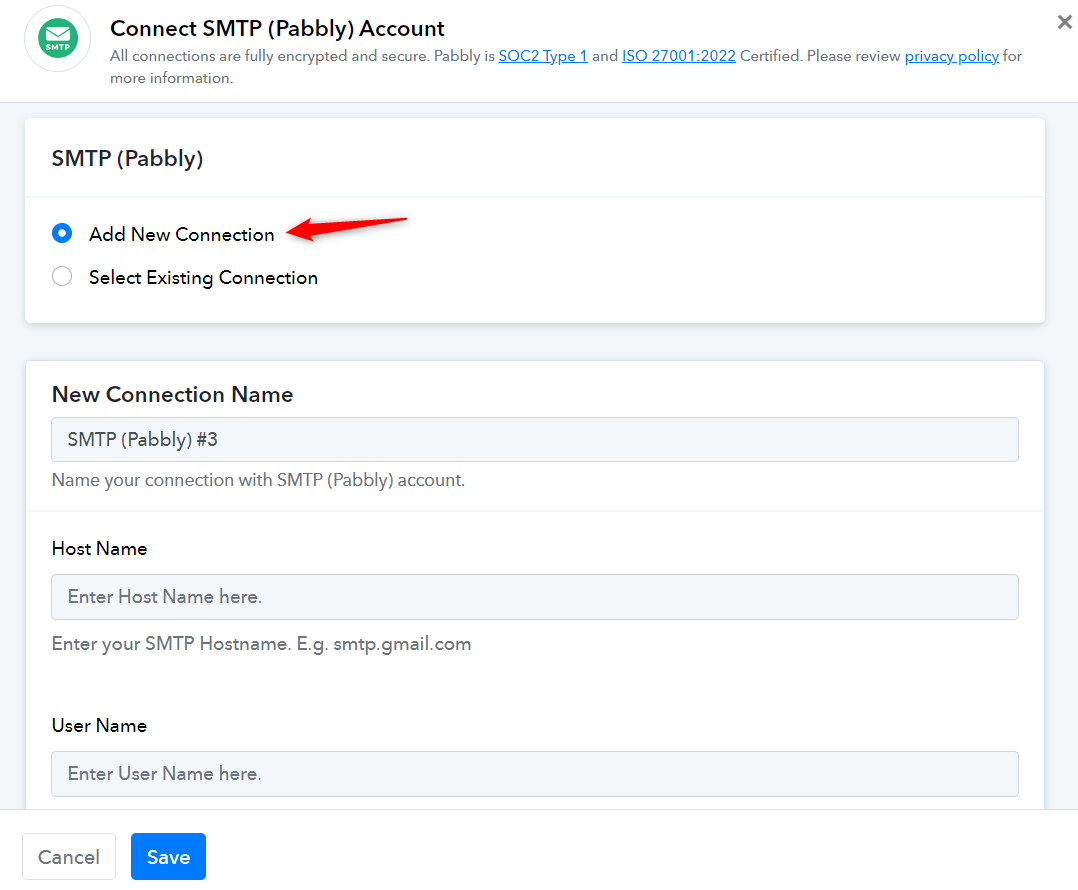
Configure SMTP relay using SMTP module by setting host, port, auth. Use SMTPmart, Sendinblue, or Mailgun for reliable, scalable, and secure email delivery.