Connection to brevo
Status: Open · Asked by WSC Image on · 0 views
I am trying to connect pabbly to brevo to do transactional emails. however I keep getting a 405 HTTP error. can you help me sort this issue. my workflow is
https://connect.pabbly.com/workflow/mapping/IjU3NjUwNTZhMDYzNDA0MzM1MjY0NTUzNDUxMzIi_pc
Hi @rickwsc,
Please follow the steps provided in the video shared below to establish a new connection with your Brevo account and see if that resolves your issue.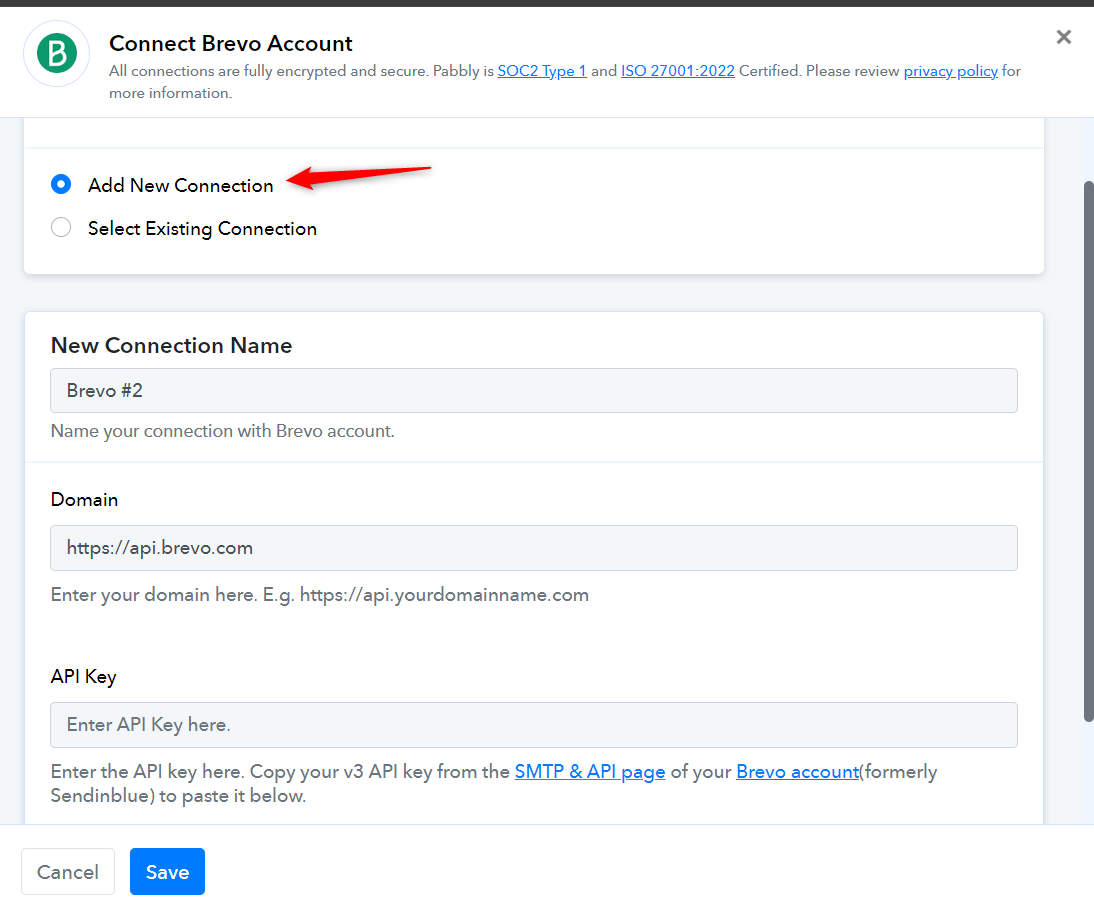
Hi Dear
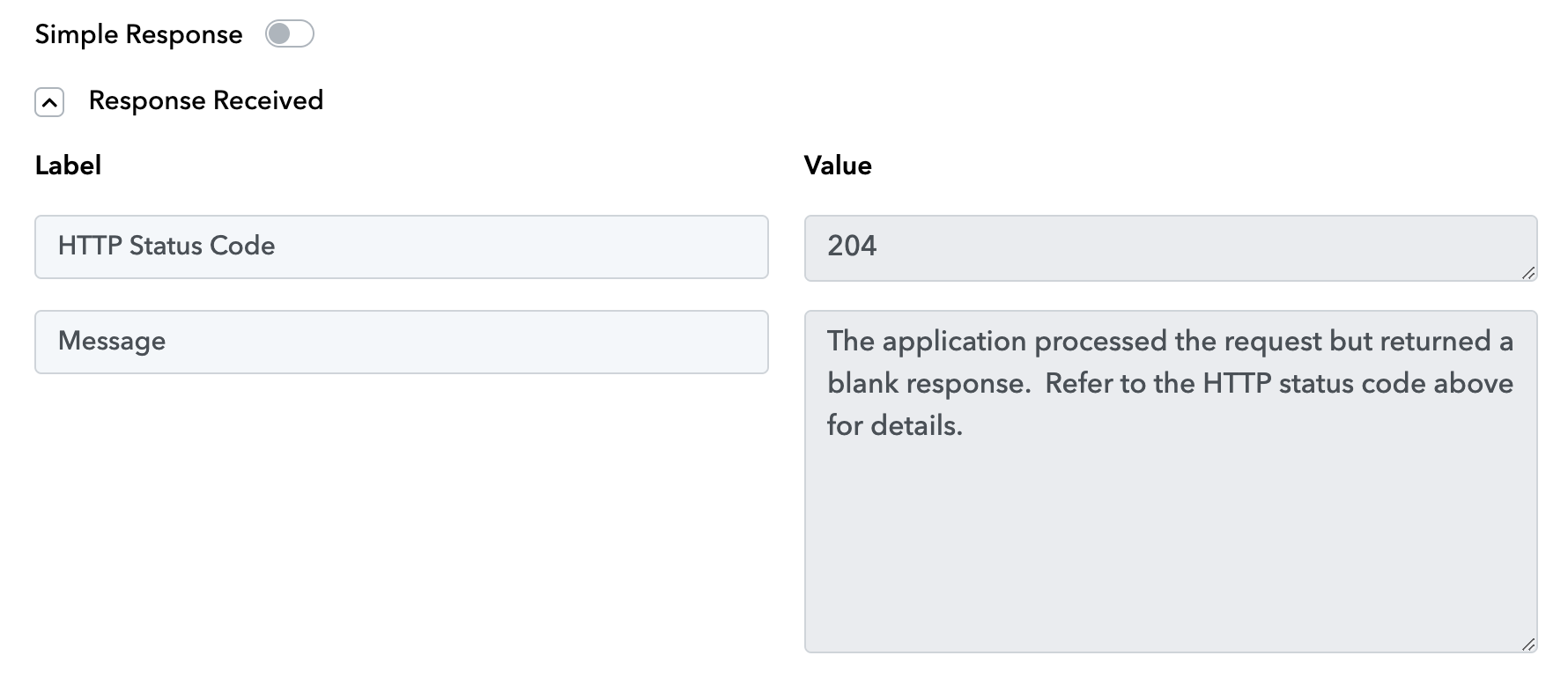
I have similar issue, but a HTTP Status Code 204 (both with Simple Response enable and disabled).
Can you help me?
Hey @Oukside
Kindly try out the same method suggested in the above reply by following the tutorial video mentioned.
Let us know if it works for you.
Hey @OuksideKindly try out the same method suggested in the above reply by following the tutorial video mentioned.
Let us know if it works for you.
Hi.
I accurately follow the method above but it doesn't work.
Hello @Oukside
Kindly share the workflow URL so we can look into it and provide you with better assistance.
Hello @OuksideKindly share the workflow URL so we can look into it and provide you with better assistance.
Here the link:
https://connect.pabbly.com/workflow/mapping/IjU3NjUwNTY1MDYzZTA0MzE1MjZhNTUzMjUxMzci_pcHello @Oukside
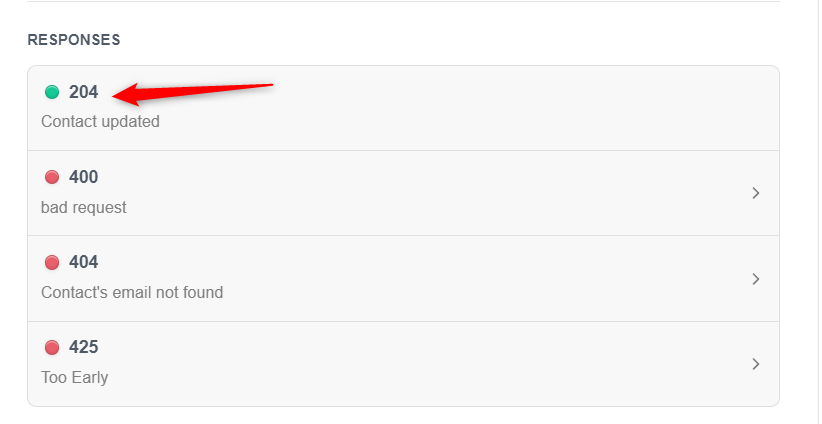
As we have checked your workflow, the response sent from Brevo's end is received in different formats, consider the below-attached screenshots for info.
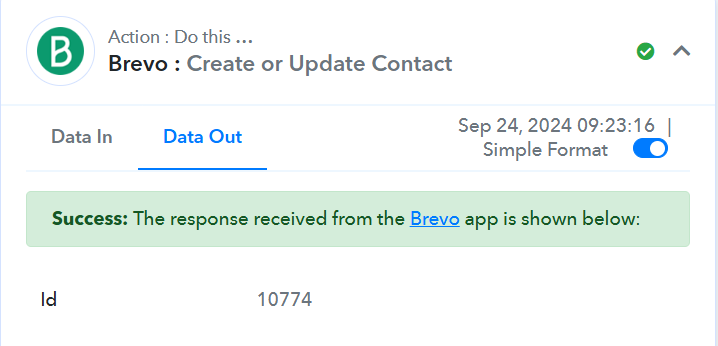
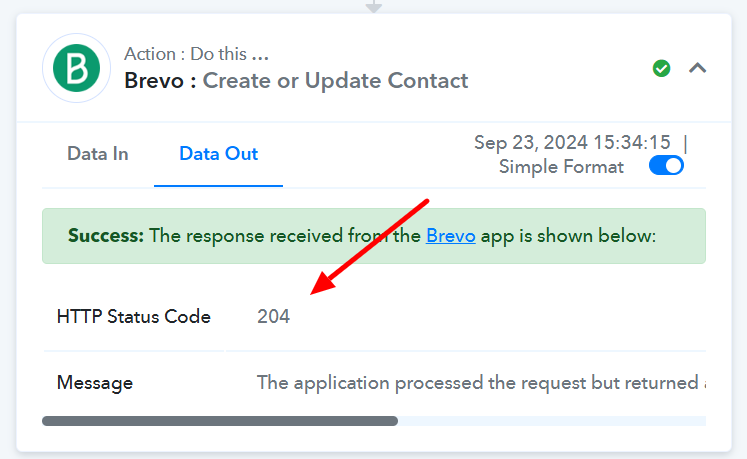
Although the HTTP status code 204 is a success code, also we have checked in the case of the "HTTP status code 204" response the contact has also been created. we have checked by the email received in this task history - IjU3NjUwNTZkMDYzNTA0MzI1MjY0NTUzNTUxMzQ1MTZhNTQzMjBmMzQi_pc
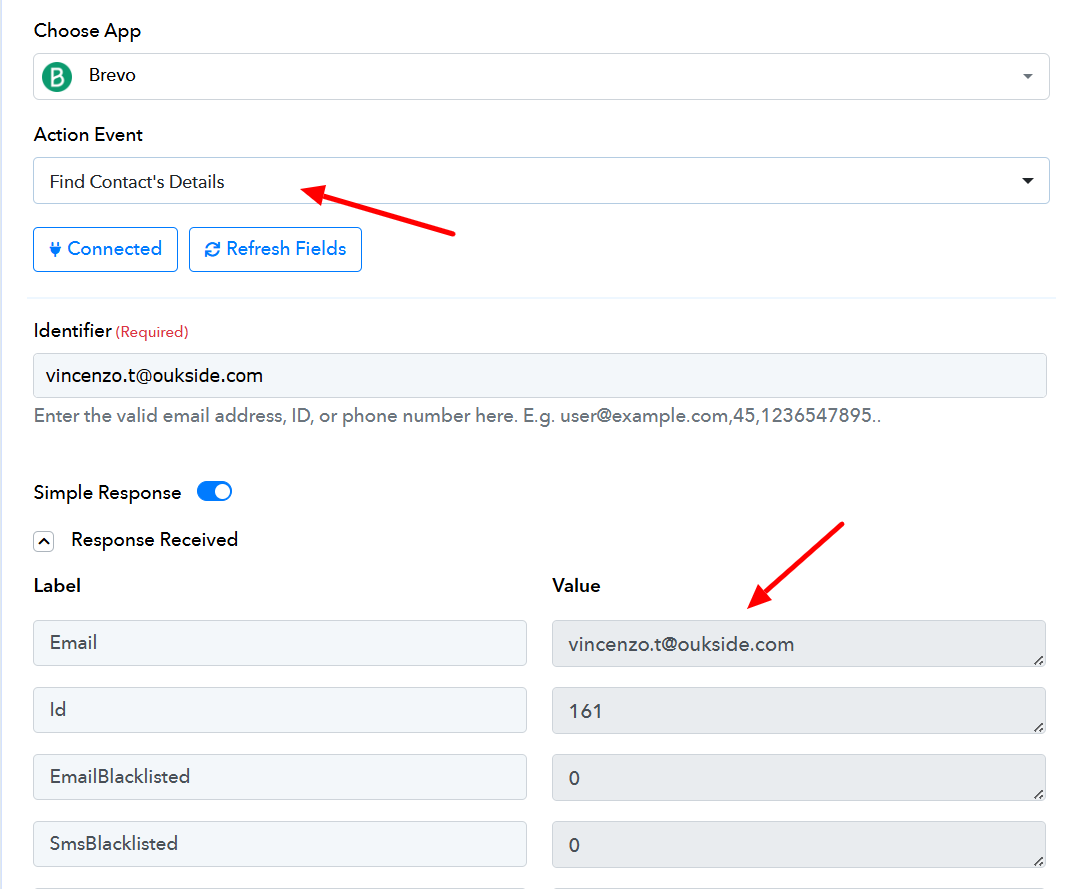
Ok, I see that actually the integration works. So I can ignore the HTTP status code 204?
That's the default response from Brevo when a contact is successfully updated. You don't need to worry about it.