Create a task in Clickup from Go High Level, using Pabbly Connect.
Status: Closed · Asked by Enfoque Visionario on · 0 views
Hello, Pabbly team. I followed a step-by-step tutorial you posted on YouTube
youtube.com/watch?v=vTIivHRqWPs
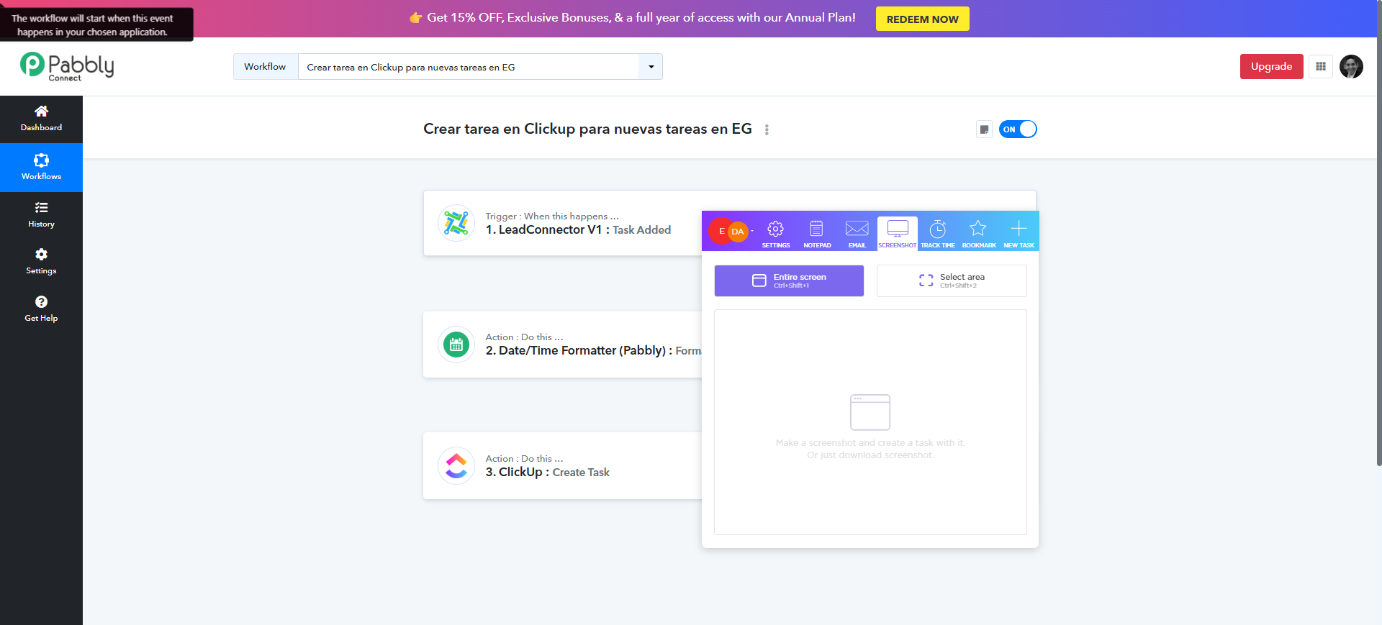
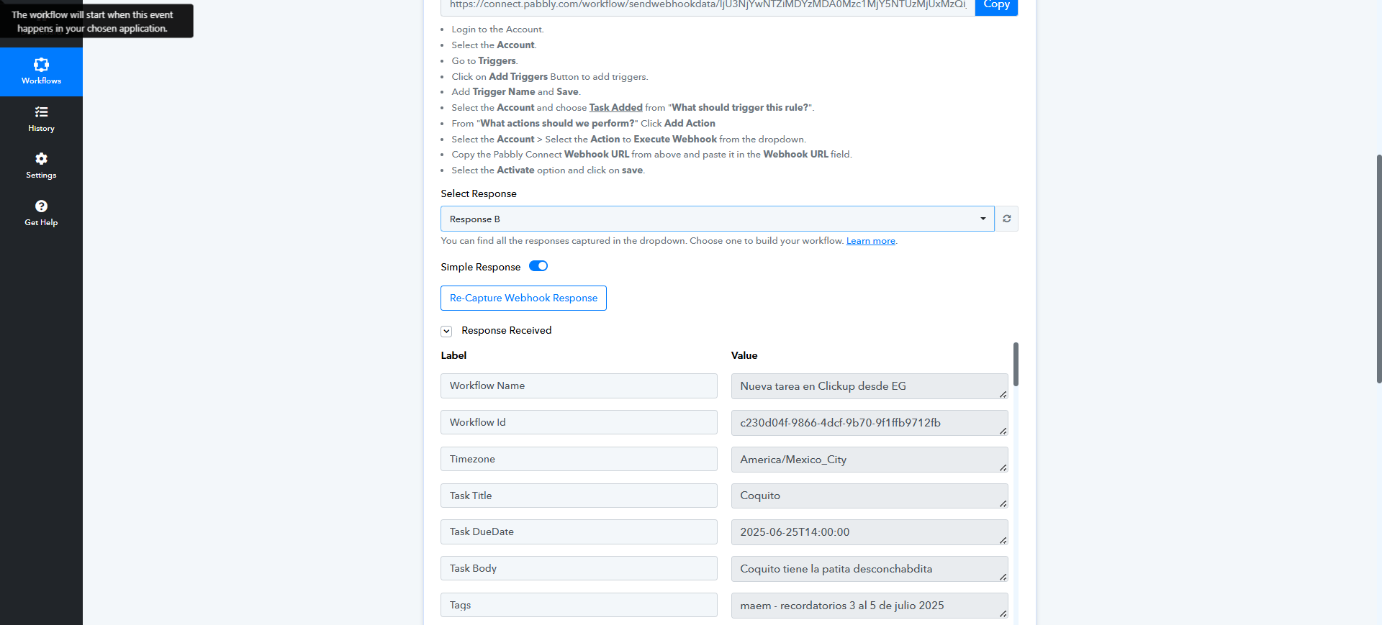
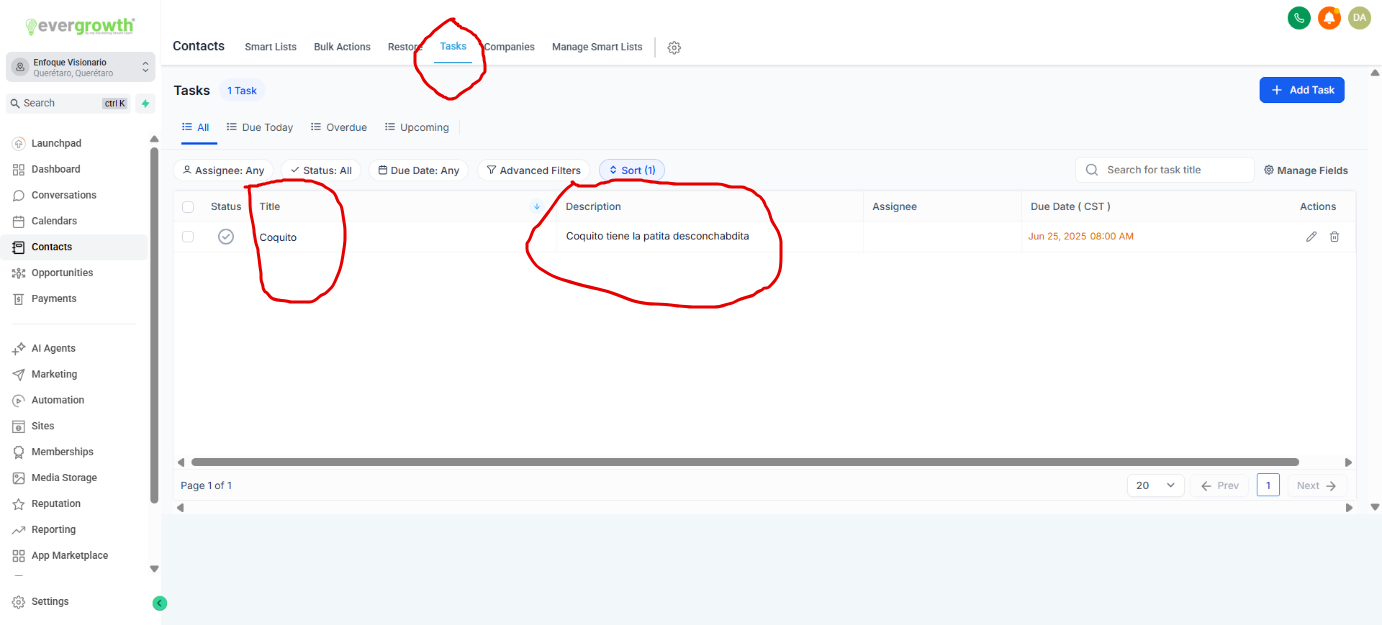
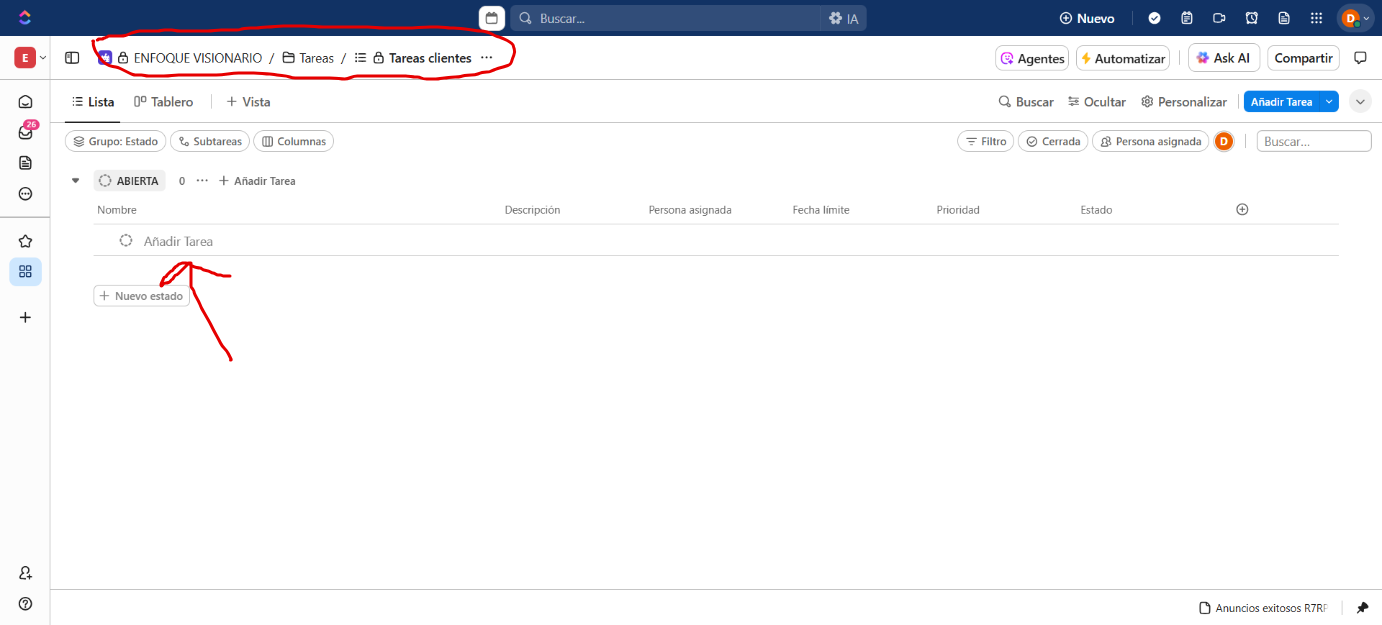
to create a new task in Clickup from a new task in Go High Level using Pabbly Connect.Specifically, I want that when I create a new task in Go High Level, the task is automatically created in a specific list in my ClickUp.
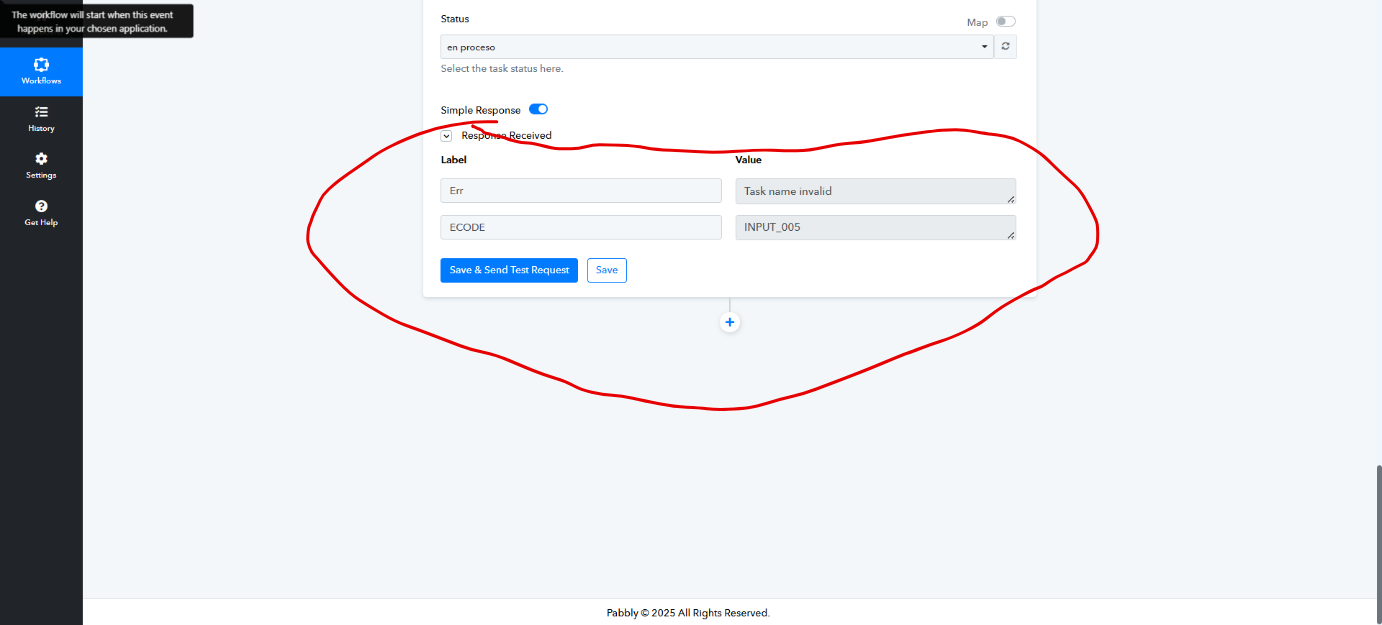
However, I am getting the following error:
Err
Task name invalid
ECODE
INPUT_005
I have tried many different things, but I cannot get this automation to work.
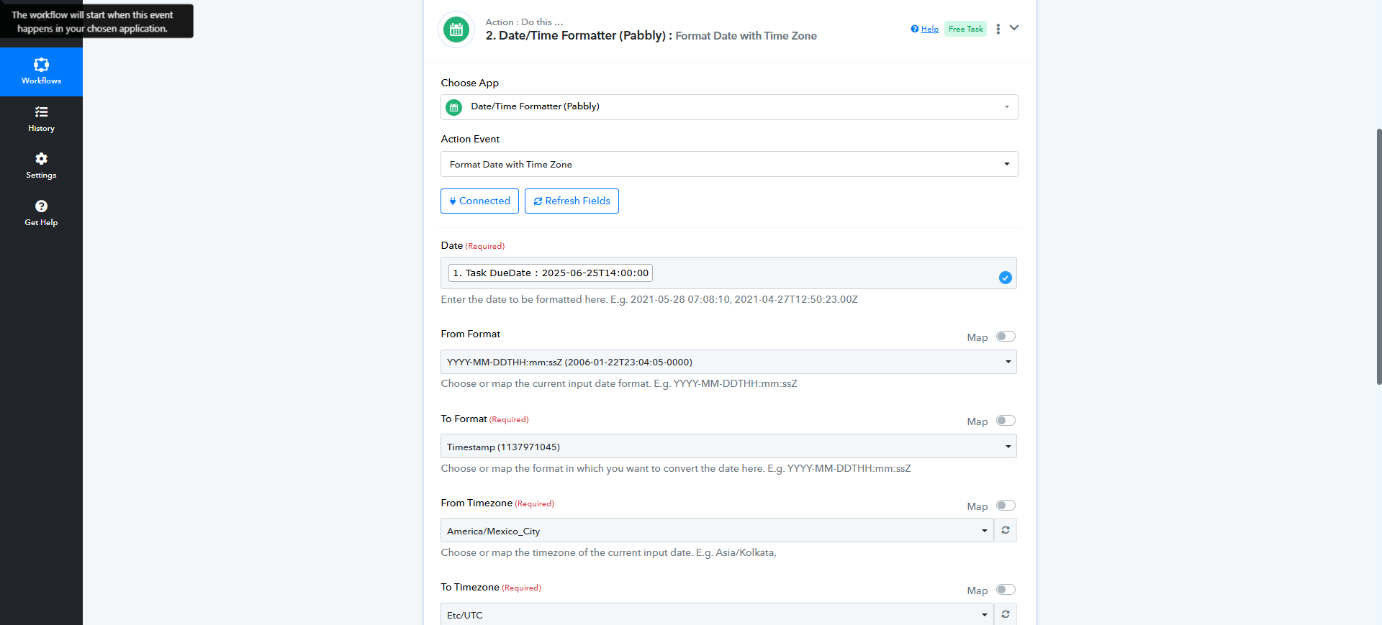
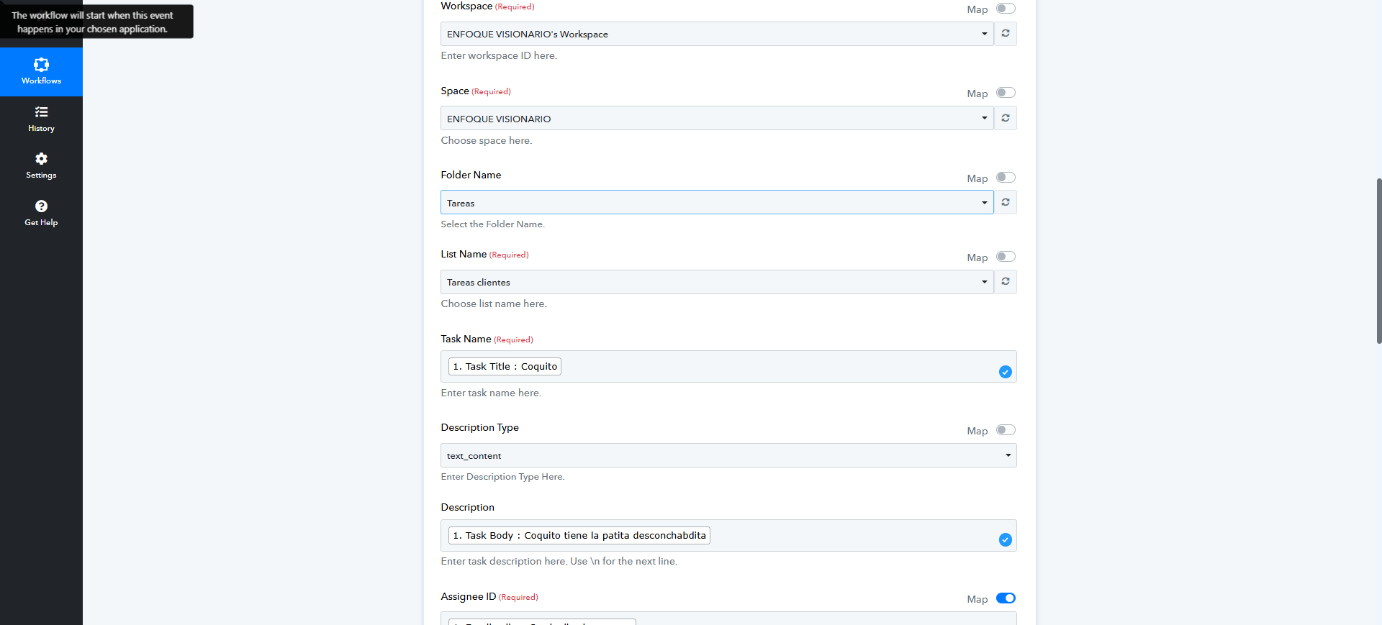
I am sharing my screenshots with you, and I hope you can help me find the error so I can fix it.
Best regards, I look forward to your response.
Hi @Enfoque Visionario,
In the Assignee ID field of the ClickUp: Create Task action step, you cannot directly pass the email address of the assignee. You need to map the ID associated with the assignee instead.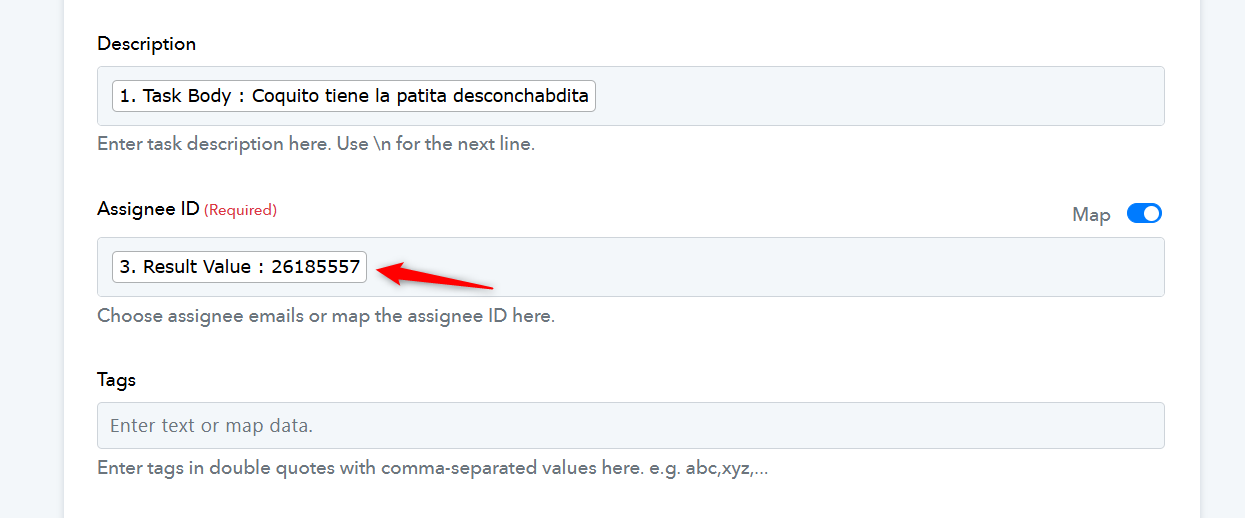
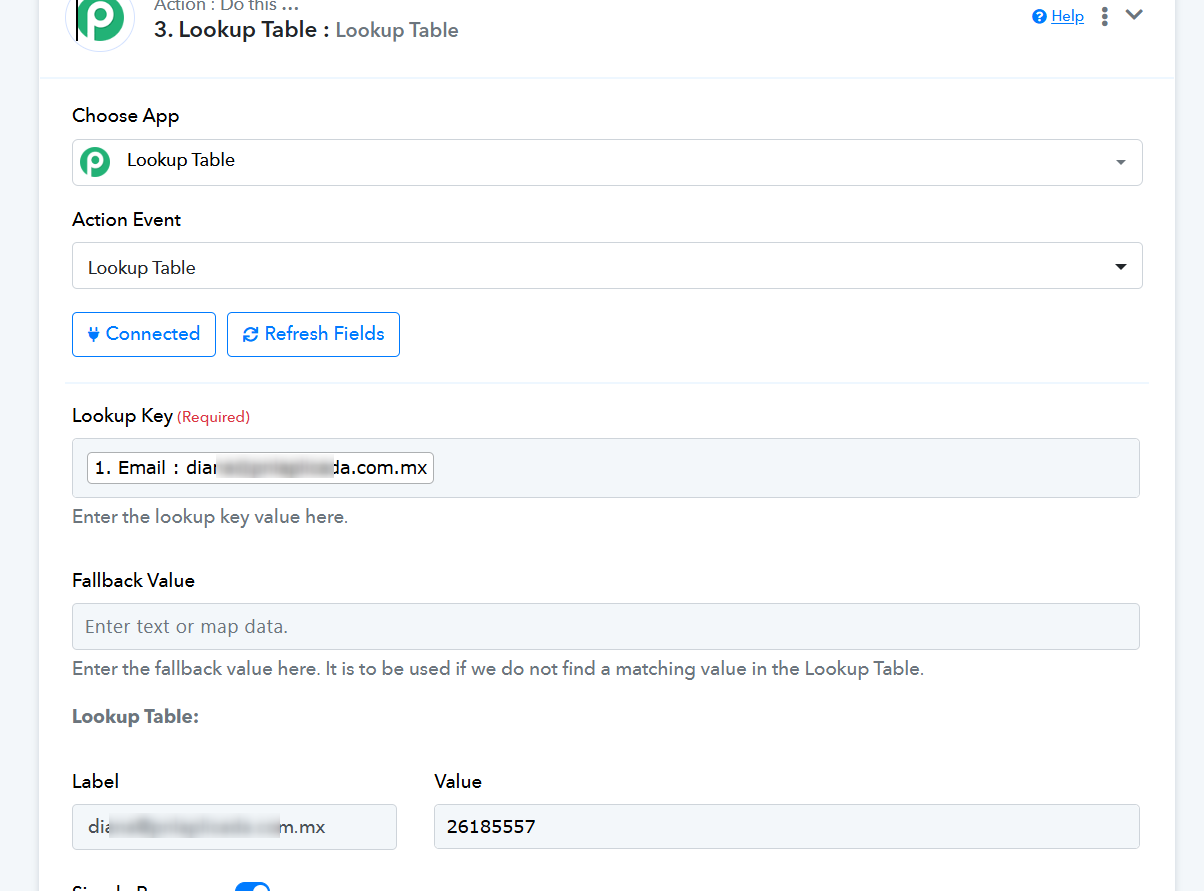
We have added a Lookup Table to your workflow that provides the assignee ID when given an email address. We then mapped this ID to the ClickUp action step, and it appears to have resolved the issue.
You can add multiple email addresses along with their corresponding assignee IDs to the Lookup Table. Each time it receives an email address, it will return the associated Assignee ID.
Thanks so much.
We’d love to hear your feedback, and it would mean a lot if you could leave us a quick review on Google.