Data Not Sending to Google Sheets
Status: Open · Asked by LeadWorks on · 0 views
I have a simple workflow that is pulling purchase data from Woocommerce and sending it to Google Sheets. Everything works fine in a test environment, but in a live environment, the first step is working fine (Woocommerce Trigger), but the second step (Add New Row to Google Sheets) never fires.
Hi @LeadWorks,
It appears that you have made some changes to your workflow after the execution of this task because of which we are unable to diagnose the exact reason why step 2 didn't execute.
Task History ID - IjU3NjUwNTY1MDYzNDA0MzQ1MjY1NTUzMDUxMzU1MTY2NTQzOTBmMzIi_pc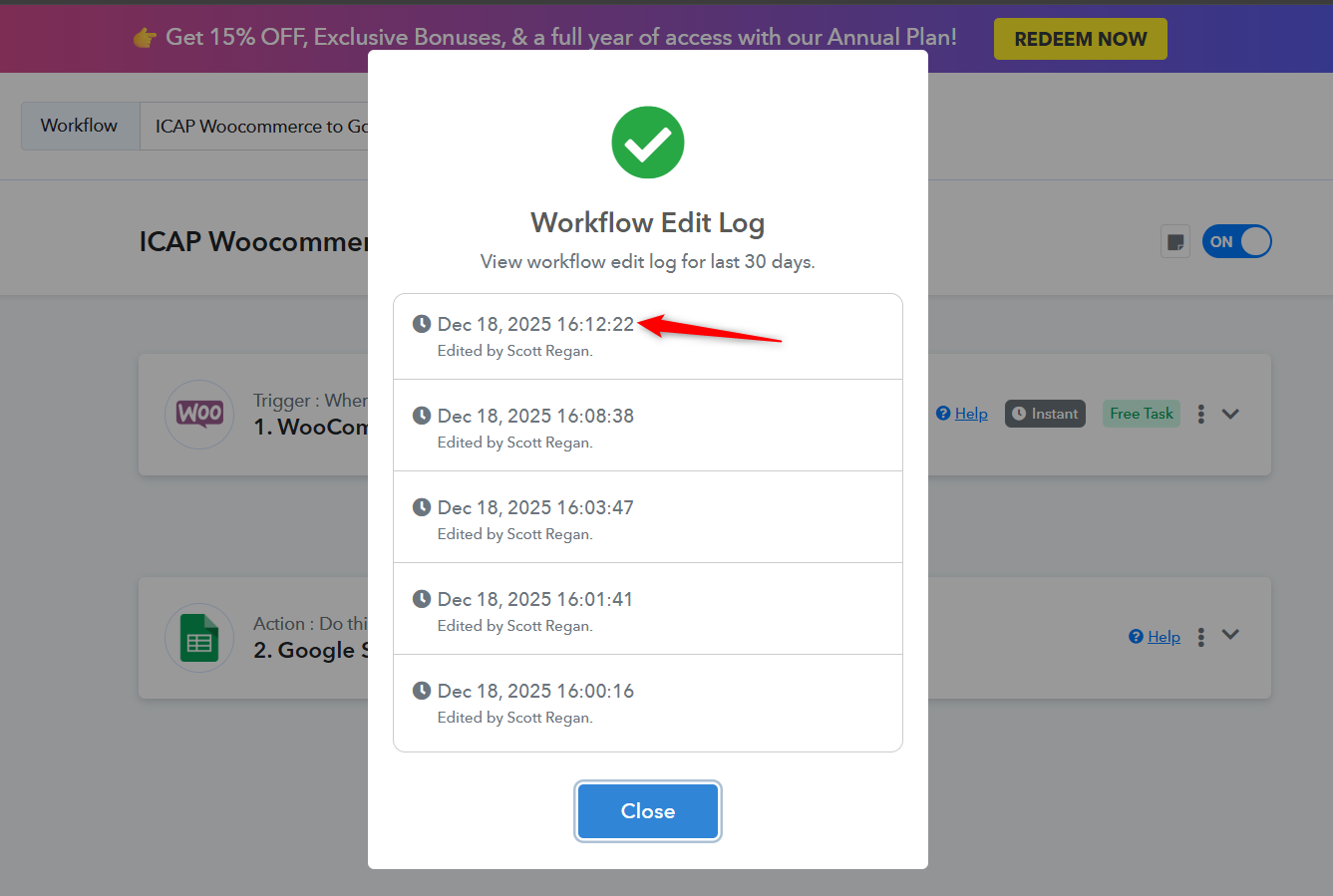
Please create 2–3 new orders in WooCommerce without clicking the “Re-Capture Webhook Response” button. Since it has already been clicked, the first order will be captured in the workflow setup (test environment). The next order should trigger your workflow, run the automation, and add the data to Google Sheets.
If it does not work, please let us know without making any changes to the workflow.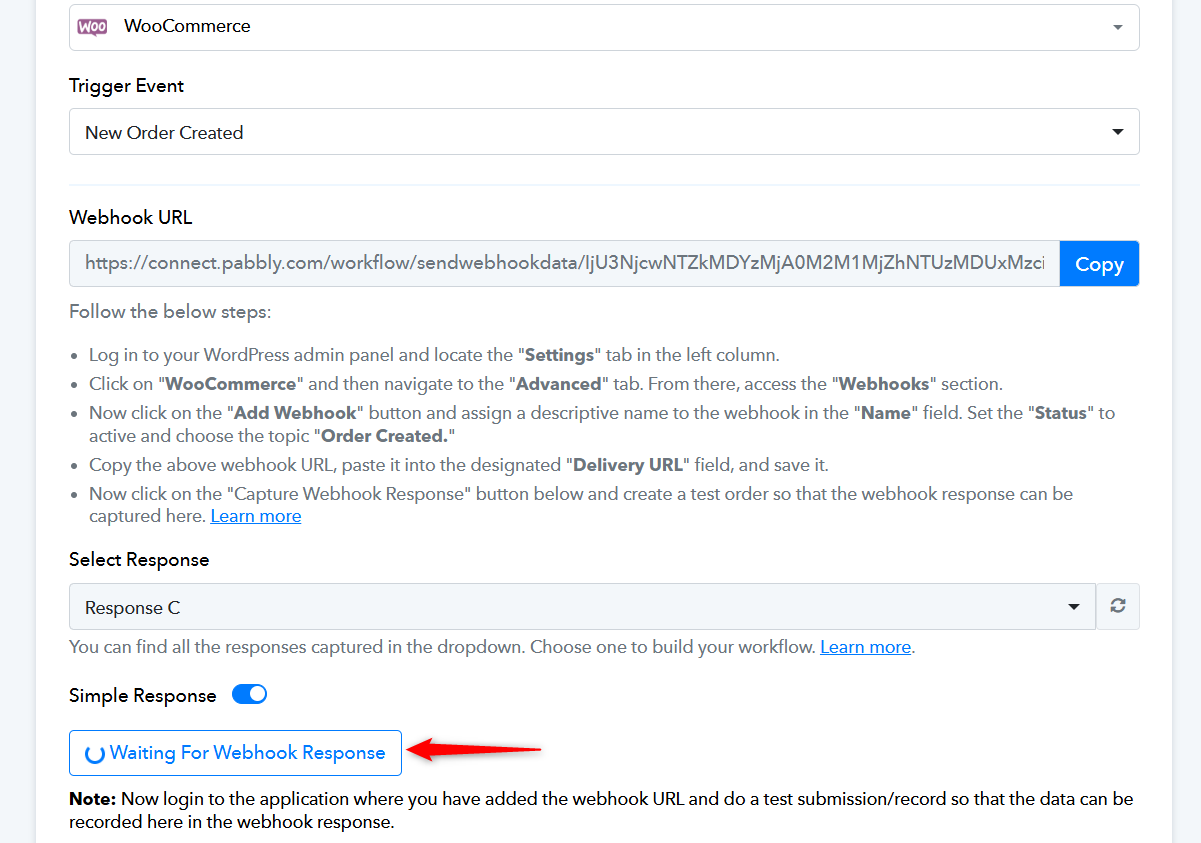
Thanks & Regards,
Arshil Ahmad
Customer Support Associate
? Pabbly.com
?Rate your support
It is working now. Thank you.
Thank you for the update. We're glad we were able to help.
Thanks & Regards,
Arshil Ahmad
Customer Support Associate
? Pabbly.com
?Rate your support