Date form compilation not mapped
Status: Open · Asked by giuliotdw on · 0 views
In automation with pabbly to collect customer data on a sheet file the date field is not mapped. the form is created using cf7. Is it possible to fix it? Thanks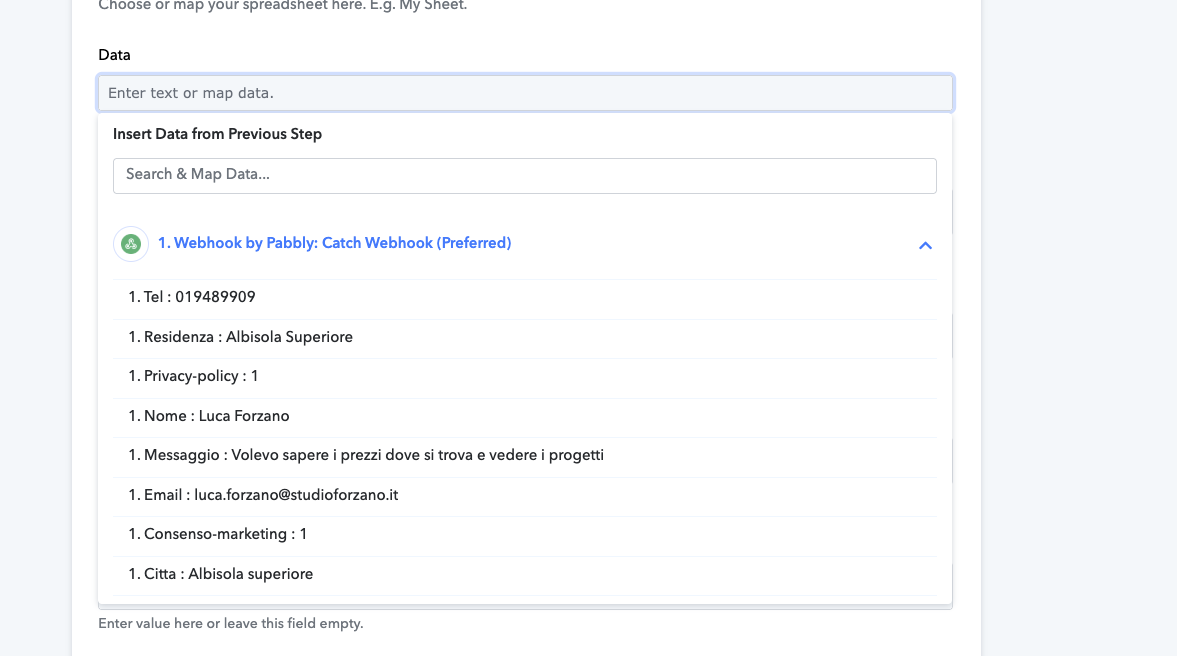
In automation with pabbly to collect customer data on a sheet file the date field is not mapped. the form is created using cf7. Is it possible to fix it? Thanks
Try to recapture it. Or you can use pabbly date and time action to capture current date and time.If you are still not able to solve this on your own feel free to DM me and we can do a free zoom call. FYI I'm not from Pabbly Connect team, just a freelancer who helps other Pabbly users.
Hello @giuliotdw,
Could you please provide us with the Workflow URL where you are facing this issue? This will help us investigate the problem more effectively and assist you accordingly.

Here is the url pabbly https://connect.pabbly.com/workflow/mapping/IjU3NjYwNTY5MDYzZjA0MzQ1MjZlNTUzMzUxMzUi_pc
Try to recapture it. Or you can use pabbly date and time action to capture current date and time.If you are still not able to solve this on your own feel free to DM me and we can do a free zoom call. FYI I'm not from Pabbly Connect team, just a freelancer who helps other Pabbly users.
I have already tried multiple tests to capture the date but I don't see it.
Hello @giuliotdw,
It seems that in the "Date" field of your Google Sheet, you're trying to add the date when the form is submitted. However, the webhook data does not include a date field to map.
To resolve this, I suggest adding a free step "Date/Time Formatter by Pabbly" between the "Webhook by Pabbly" and "Google Sheets" steps. This will allow you to insert the current date into your sheet automatically.
Thank you for the answer but how do I get the date value? Or do I have to get it manually?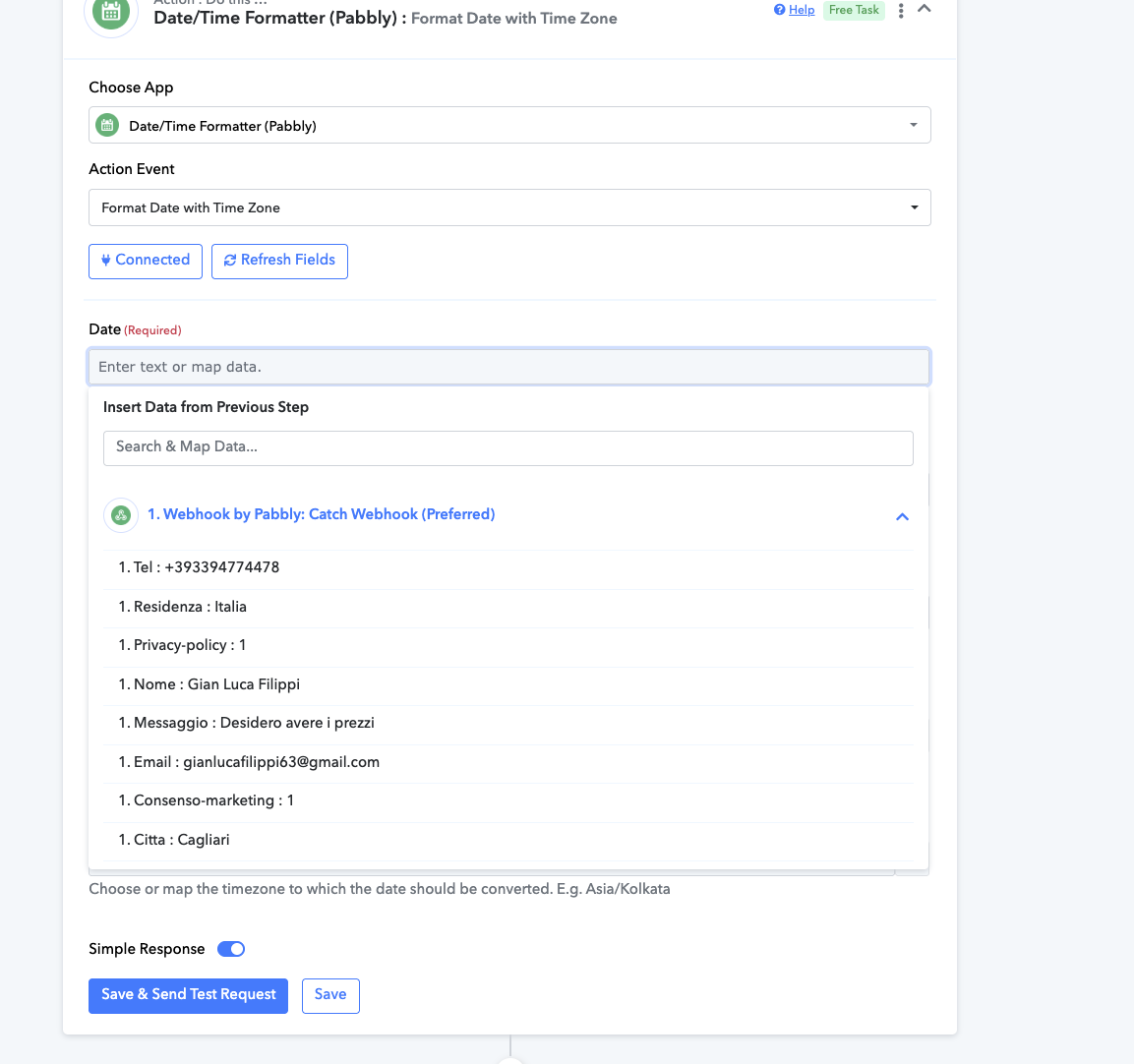
Hello @giuliotdw,
To add the current date in UTC format, please select the "Current Date" action event. If you prefer to use the date in your specific time zone and custom format, you can use the "Modified Current Date" action event.
You can refer to this video for step-by-step guidance on setting up the Date/Time Formatter by Pabbly:
youtube.com/watch?v=XpRkxwytOOg
(Start from 8:55 for relevant instructions)
Thank you for your reply and patience I solved it!!!
Hello @giuliotdw,
Thankyou for update.