Delay after queue not working properly.
Status: Open · Asked by Fanny Opti-Biz on · 0 views
Hello @Preeti Paryani ,
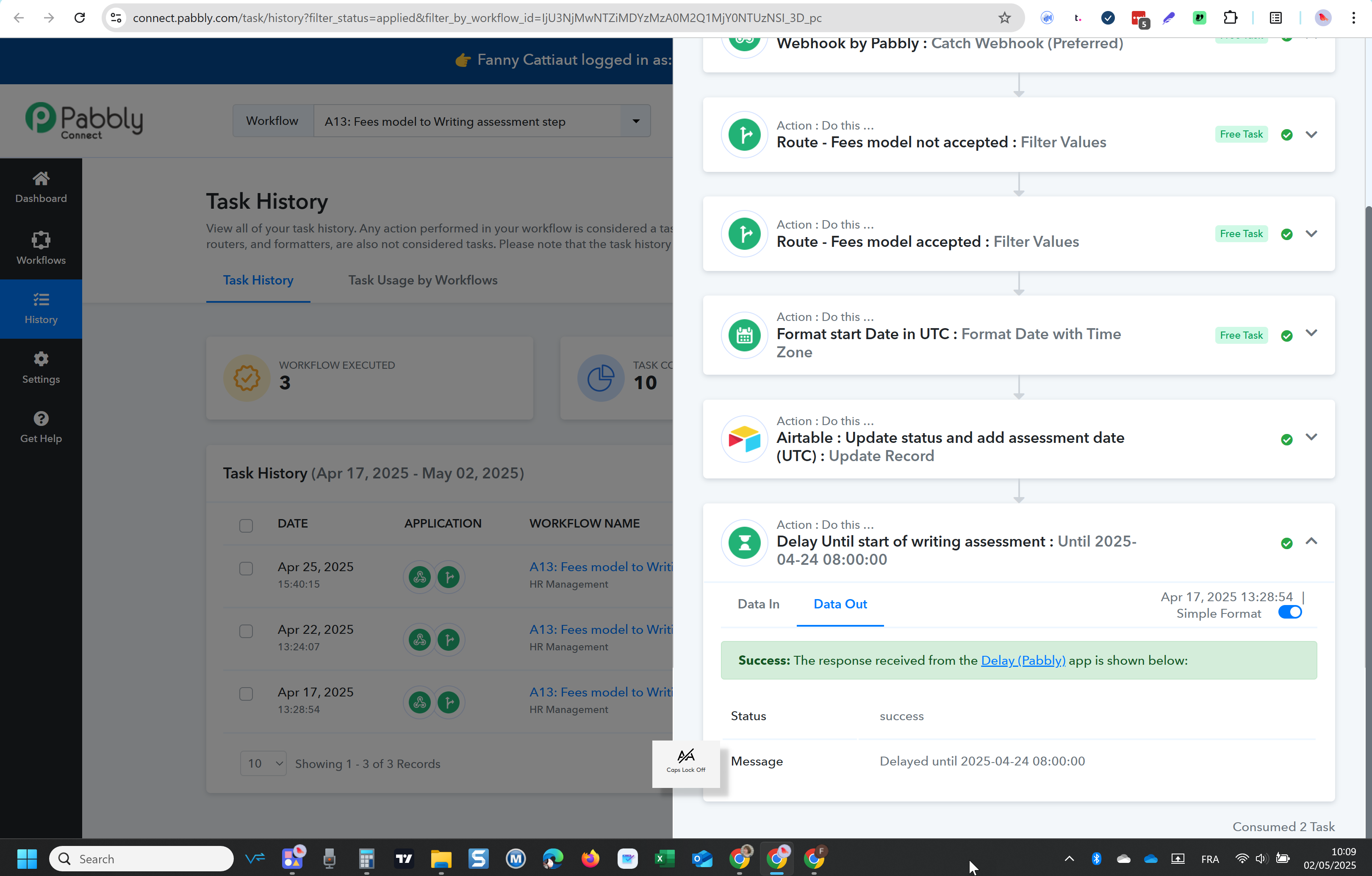
I have same issue: the delay step has stopped the workflow which is now stuck.
- delay step started on 17/4 until 24/04
- it simply stopped there and did not resume on 24/04.
Hello @opti-biz,
Could you please provide us with the Workflow URL where you are facing this issue? This will help us investigate the problem more effectively and assist you accordingly.
[IMG width="578px" height="174.141px"]https://lh7-rt.googleusercontent.com/docsz/AD_4nXfW88qb49u-Lxk6z5saOh_f6ntteaikqzu_0IQB8cJJDYY_-AaoBSwrj9IEXCOFjA_QNWZzteETnTlMav4A5KX7zUW64LrFAHU1pE9WJ5kAtmaaVQqo1B833PcETMs0LlZKB2WB?key=PL4GUVQWZ8u13PditD4i_cYb[/IMG]
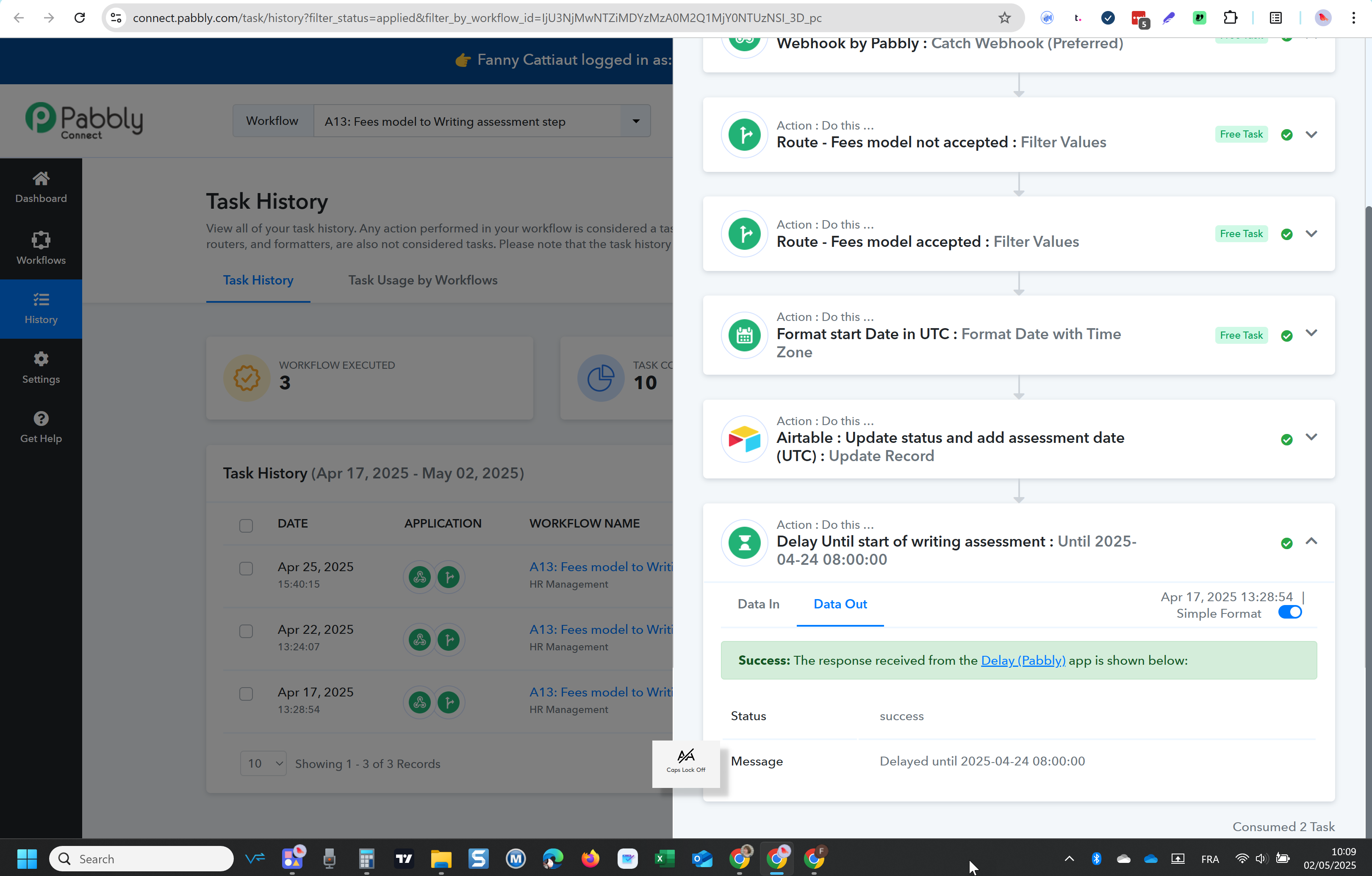
@Preeti Paryani Hello, I am having the same issue.
The workflow stopped at the delay step, and now, the delay date is passed, but the workflow has not resumed.
Can you please check?
Hello @opti-biz,Could you please provide us with the Workflow URL where you are facing this issue? This will help us investigate the problem more effectively and assist you accordingly.
[IMG width="578px" height="174.141px"]https://lh7-rt.googleusercontent.com/docsz/AD_4nXfW88qb49u-Lxk6z5saOh_f6ntteaikqzu_0IQB8cJJDYY_-AaoBSwrj9IEXCOFjA_QNWZzteETnTlMav4A5KX7zUW64LrFAHU1pE9WJ5kAtmaaVQqo1B833PcETMs0LlZKB2WB?key=PL4GUVQWZ8u13PditD4i_cYb[/IMG]
Hello, here is the workflow id: IjU3NjMwNTZiMDYzMzA0M2Q1MjY0NTUzNSI_3D_pc
Thank you
Fanny
Hello @opti-biz,
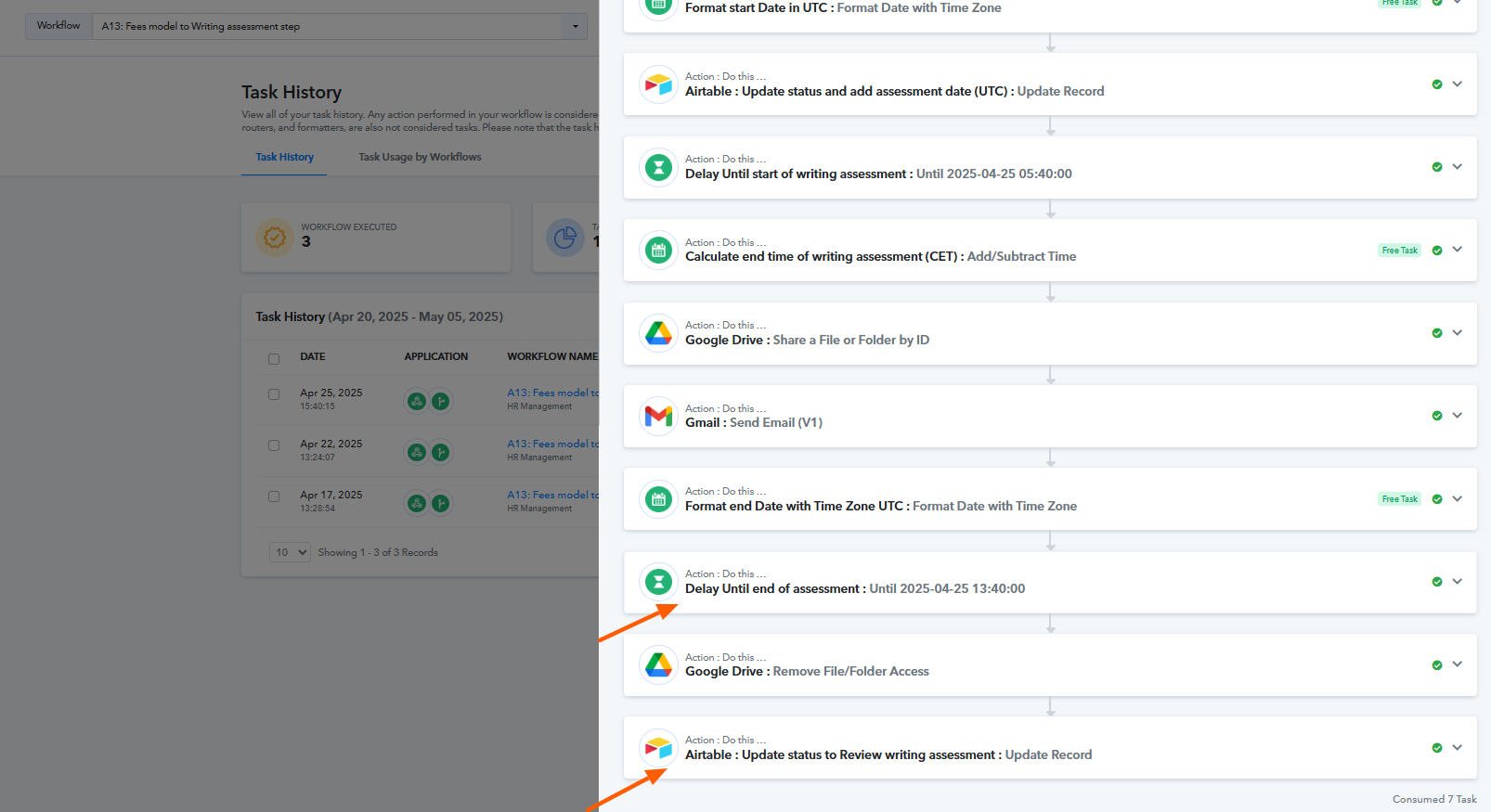
Upon reviewing the workflow history, we observed that it has been working as expected. Please refer to the attached image for more details.
Hello @opti-biz,Upon reviewing the workflow history, we observed that it has been working as expected. Please refer to the attached image for more details.
Hello @Preeti Paryani
You did not look at the right instance; you should check
Executed at
Apr 17, 2025 13:28:54, (UTC+02:00) Europe/Madrid
Hello,
Greetings!
We’ve checked and found that the issue occurred due to a temporary server downtime. In case you face any similar issues again, please don’t hesitate to let us know—we’ll be happy to assist you promptly.
Hello,
same error occured again !
https://connect.pabbly.com/workflow/mapping/IjU3NjMwNTZiMDYzMzA0M2Q1MjY0NTUzNSI_3D_pc
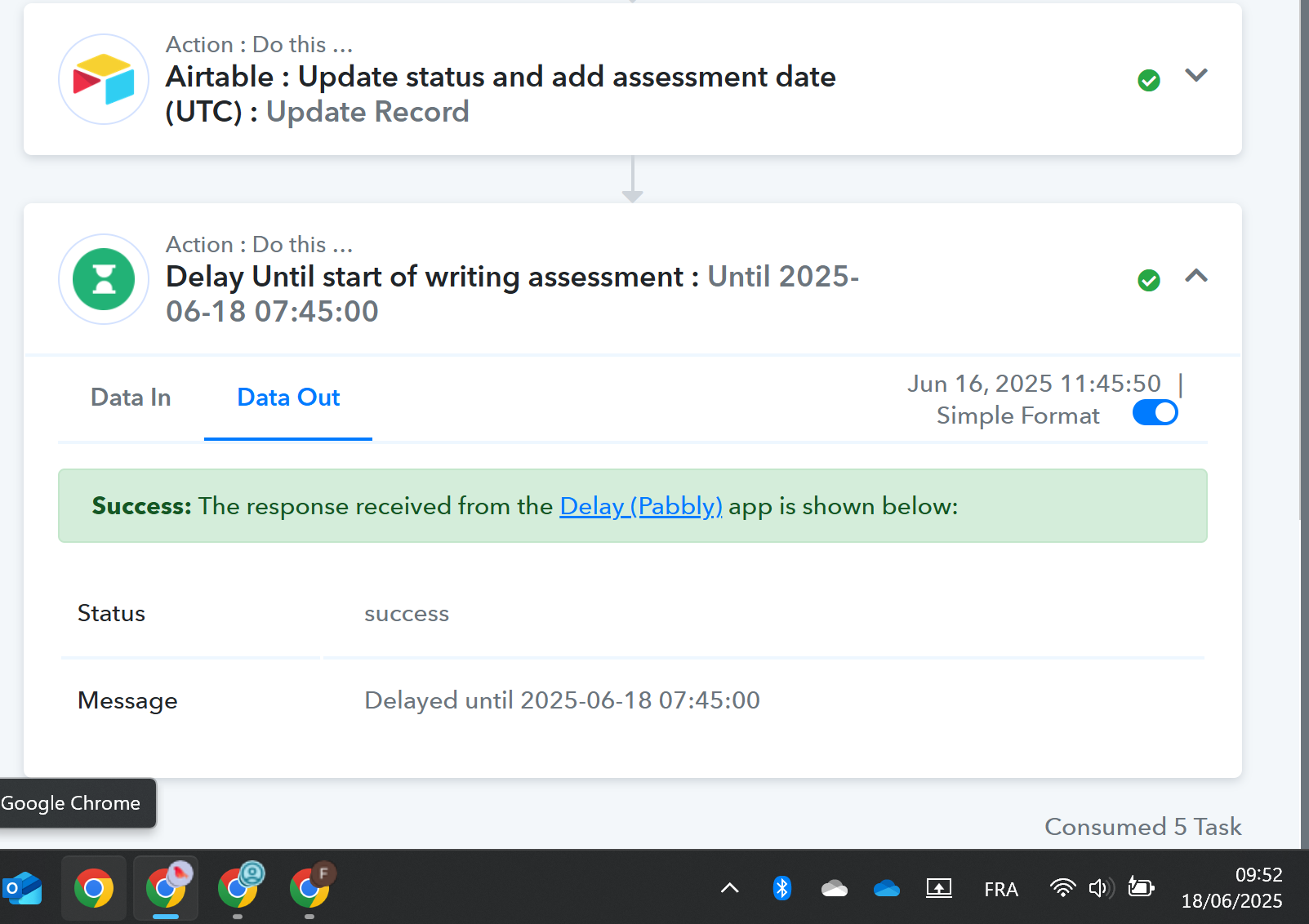
the workflow is stuck in the delay step, and there is no way to unblock it. Please help, this is crucial for operations in the company
Hello @opti-biz,
We would like to inform you that our team has implemented some changes specifically related to the Task History section.
The task in question appears to have been processed during the update window roughly between 11:30 AM and 01:00 PM, which may have affected how it is displayed.
We recommend monitoring the workflow again from the Task History section going forward. The changes made during that period may have impacted the visibility or status of tasks, but subsequent executions should now reflect correctly going forward.
Please check the connected applications as well to confirm if the expected actions were completed. Let us know if you observe any further discrepancies.
@Preeti Paryani Could you specify which timezone should I consider for the update window you mentioned ?
The task in question was expected to execute at 7:45 UTC
Hello @opti-biz,
The timezone I mentioned was IST.