Difficulties with Only Social and Pabbly
Status: Open · Asked by mindfulguy on · 0 views
Hi,
I got OnlySocical the the other day and one of the reasons was that I saw it's integreation with Pabbly.
I'm trying to set it up to automatically post to social media when a new podcast eposide is released but the UI for settting up the post action is very confusing.
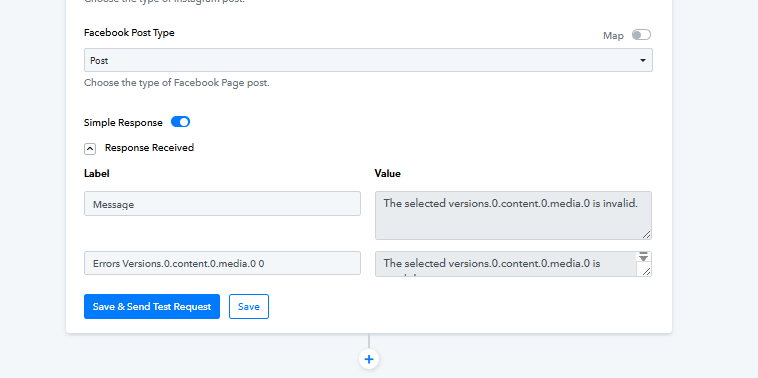
It seems like I have to create an action to a) get the account data b) get all the tags c) get all the medial than somehow cobble together another action using that information. But no matter what I do, I keep getting the error
Errors Accounts.0 0 - The selected accounts.0 is invalid
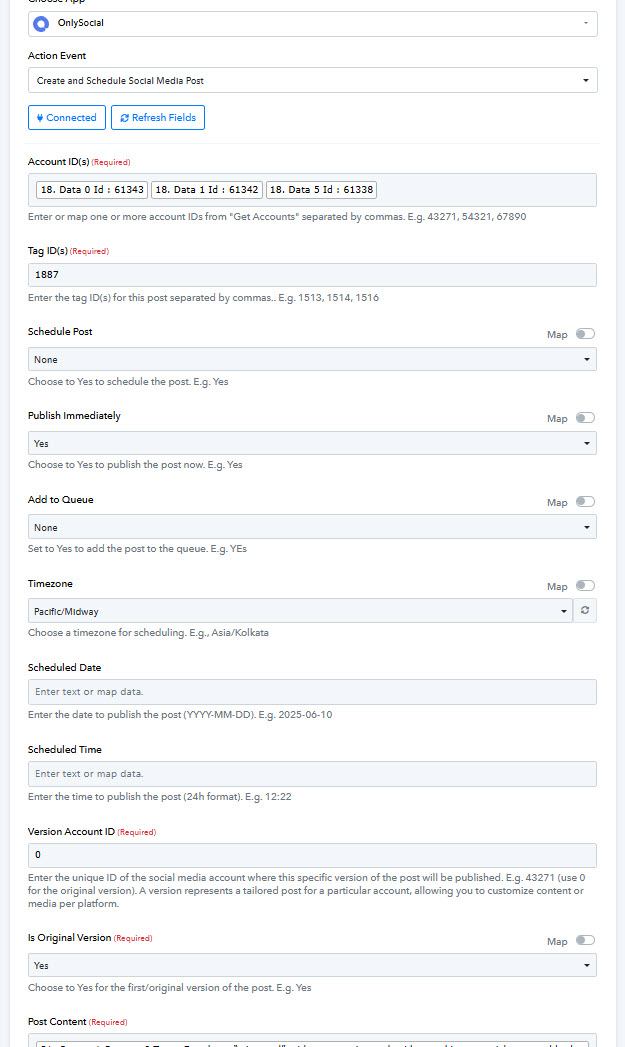
But the Verstion Account ID field has the comment "Enter the unique ID of the social media account where this specific version of the post will be published. E.g. 43271 (use 0 for the original version)."
I am not sure what the "orignal version" as I have only one version.
Is there a paper or article on use OnlySocial with Pabbly?
Thanks,
Brett
Thanks
Hi @mindfulguy,
Are you looking to create only a text post without any media file attached?
Hi,
No, I am attaching media.
Further down this form (not shown), I am specifying the media ID,
Overall, this isnt working and these no apparant way to fix it, so I'll have to figure out something else.
Hello @mindfulguy,
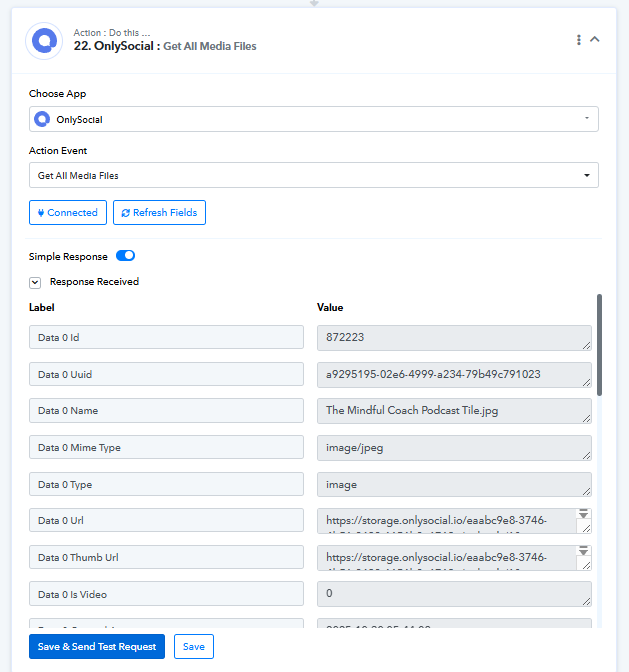
To get the media ID you can use the action named Get All Media Files.
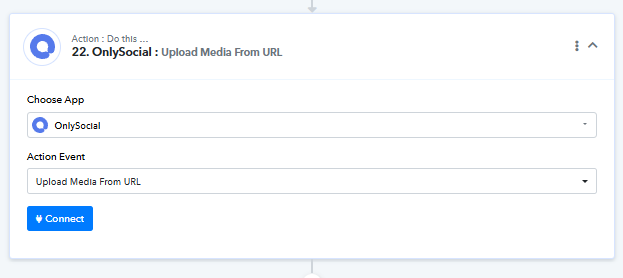
Or you can first upload the media using the Upload Media from URL action and then use the media ID received from this step further in the next action.
Hi, yes, I see that. But that wasnt the question.
The media is correct.
I am getting
Errors Accounts.0 0 - The selected accounts.0 is invalid
SEE THE SCREENSHOT I POSTED ABOVE, please of "Version Account ID"
Note that I have entered a zero there because the UI says
Enter the unique ID of the social media account where this specific version of the post will be published. E.g. 43271 (use 0 for the original version)."
But I get the error
Errors Accounts.0 0 - The selected accounts.0 is invalid
The media has nothing to do with this.
Thanks
Hello @mindfulguy,
The error says The selected versions.0.content.0.media.0 is invalid, which means that the mapped media ID is invalid.