Drive to Blogger
Status: Open · Asked by tuzzell on · 0 views
i set this up using
Drive trigger > pabbly text formatter > blogger (create post) > excel for link storage. The free version only posted a couple of posts to Blogger, and not correctly. The titles were HTML Markdown, and the body just said html. The trigger is linked to a folder with html docs. not sure what the issue is.
Hello,
It would be helpful if you could share the URL of the workflow you've created so that we can thoroughly review it and provide further guidance.
Please be aware that to assist you effectively, we may need to access your Pabbly Connect account. If you're comfortable with this, please grant us permission by stating in your next reply: "You have my permission to log into my Pabbly Connect account, and edit workflow {If required}. Here is the registered email address associated with it."
Looking forward to assisting you further.
this is the url when im in the workflow. https://connect.pabbly.com/workflow/mapping/IjU3NjYwNTY4MDYzMzA0MzQ1MjY5NTUzMDUxMzIi_pc
You have my permission to log into my Pabbly Connect account, and edit workflow {If required}. Here is the registered email address associated with it [email hidden]
We have added the 'API (Pabbly)' module as step 2 of your workflow to extract content from your Google Doc. You can map this data to the Google Blogger action step.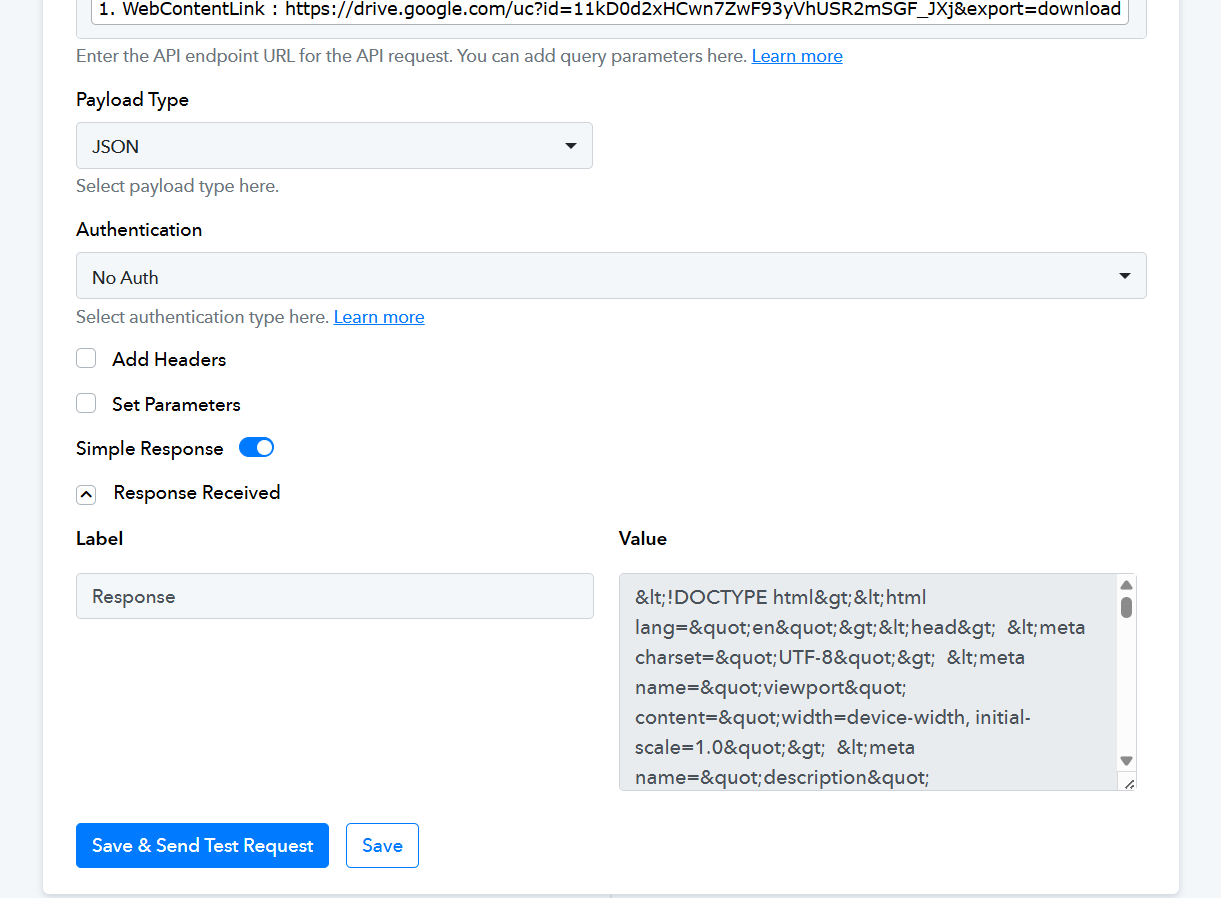
thank you. what do i need to do to make my html post to blogger?
You can map the response from the API (Pabbly) module to the Google Blogger action step to post the content on Blogger.
im not sure i follow. is my blogger action step not set up correctly?
Your workflow is setup correctly. We have mapped the data on your behalf. Please click on 'Save & Send Test Request' and check if the content is being posted to your Google Blogger.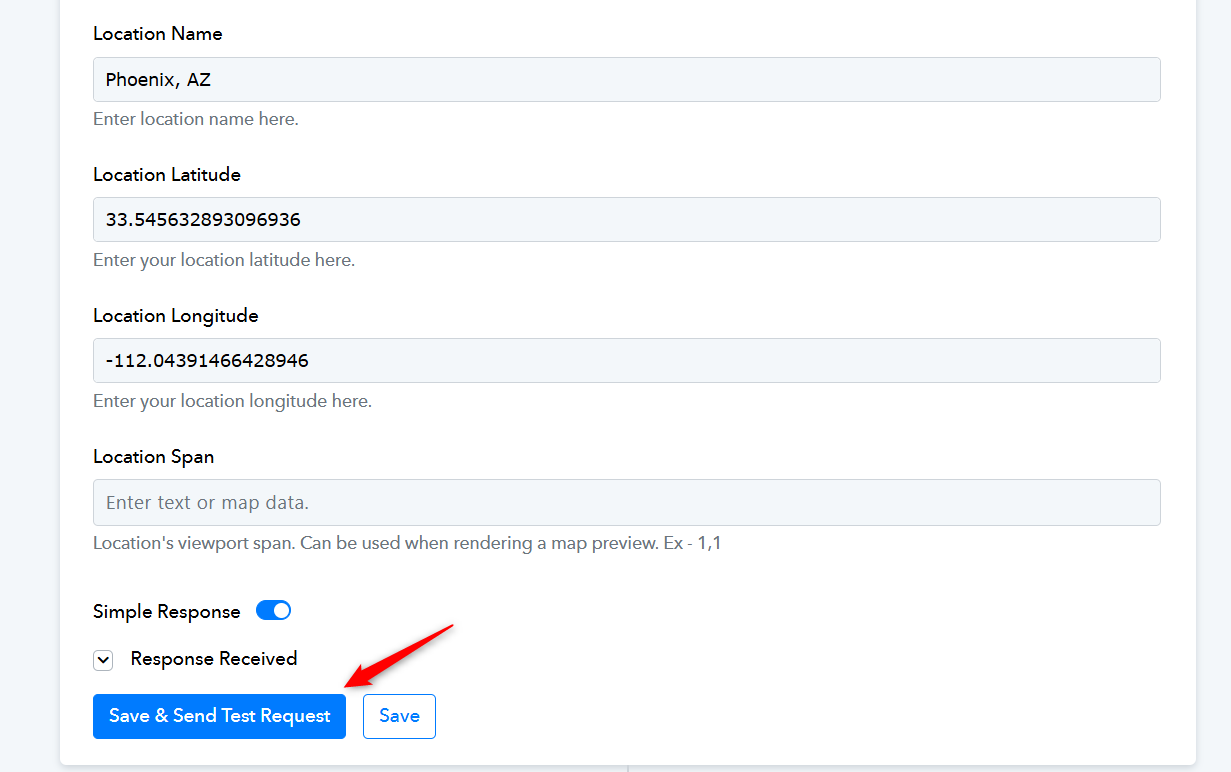
great when will my actions happen again?
Google Drive has a trigger interval of 24 hours, so it may take up to 24 hours for a new file uploaded to your Google Drive folder to trigger your workflow. For paid plans, we can reduce the trigger interval time to 10 minutes.
https://www.pabbly.com/connect/?currency=usd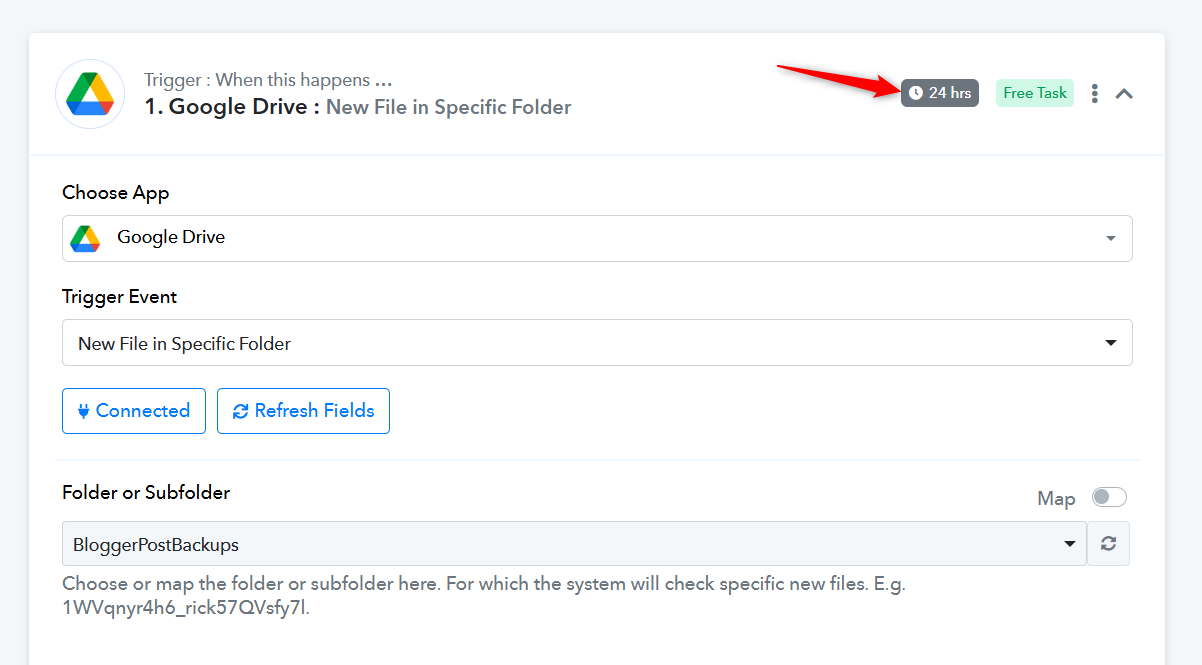
[TABLE]
[TR]
[TD][JUSTIFY]
This email is to notify you that for the workflow "Drive to Blogger" , a recent task was not executed due to following error -[/JUSTIFY]
Task History ID: IjU3NjUwNTY5MDYzNTA0MzQ1MjY1NTUzMTUxMzE1MTY0NTQzNzBmMzEi_pc
Step Name: Google Blogger > Create a Post
Connection Name: Pabbly Blogger #1
Task Error Detail:
{
"error > code": 400,
"error > message": "Invalid JSON payload received. Unknown name \"\": Root element must be a message.",
"error > errors > 0 > message": "Invalid JSON payload received. Unknown name \"\": Root element must be a message.",
"error > errors > 0 > reason": "invalid",
"error > status": "INVALID_ARGUMENT",
"error > details > 0 > @type": "type.googleapis.com/google.rpc.BadRequest",
"error > details > 0 > fieldViolations > 0 > description": "Invalid JSON payload received. Unknown name \"\": Root element must be a message."
}[/TD]
[/TR]
[/TABLE]
Task History ID: IjU3NjUwNTY5MDYzNTA0MzY1MjZmNTUzNTUxMzM1MTY2NTQzMjBmMzYi_pc
We have added multiple Text Formatter steps to your workflow to extract the title of your blog. This appears to have resolved the issue. Please monitor your workflow for a while and check whether the content is being posted correctly.
Please refrain from making any changes to the workflow and just monitor it for a while.
thanks. ill report back
it worked, but the html code pasted to the site. it wasnt pasted in the html code area in blogger, so the page just showed the code.
in compose view, it shows the html. i deleted the html, and put it in the html code section, and the blog post works, but i can see anything in the compose view, and the featured image doesnt populate.
it worked, but the html code pasted to the site. it wasnt pasted in the html code area in blogger, so the page just showed the code.
Thank you for the update.
in compose view, it shows the html. i deleted the html, and put it in the html code section, and the blog post works, but i can see anything in the compose view, and the featured image doesnt populate.
Could you please create a short screen recording and elaborate a bit more on what you mean?
We tried posting the data directly from the document you uploaded to Google Drive, and it appears to have the same issue. Please check whether the content you are attempting to post is in the correct HTML format.
https://drive.google.com/file/d/19mu8Bj6nUGoPQcrxP2isNT6WHhJ4uX4c/view?usp=sharing
We also tried creating the post using the 'Create a Post' action step by clicking the 'Save & Send Test Request' button, and it appears to be showing up in the 'Compose View'.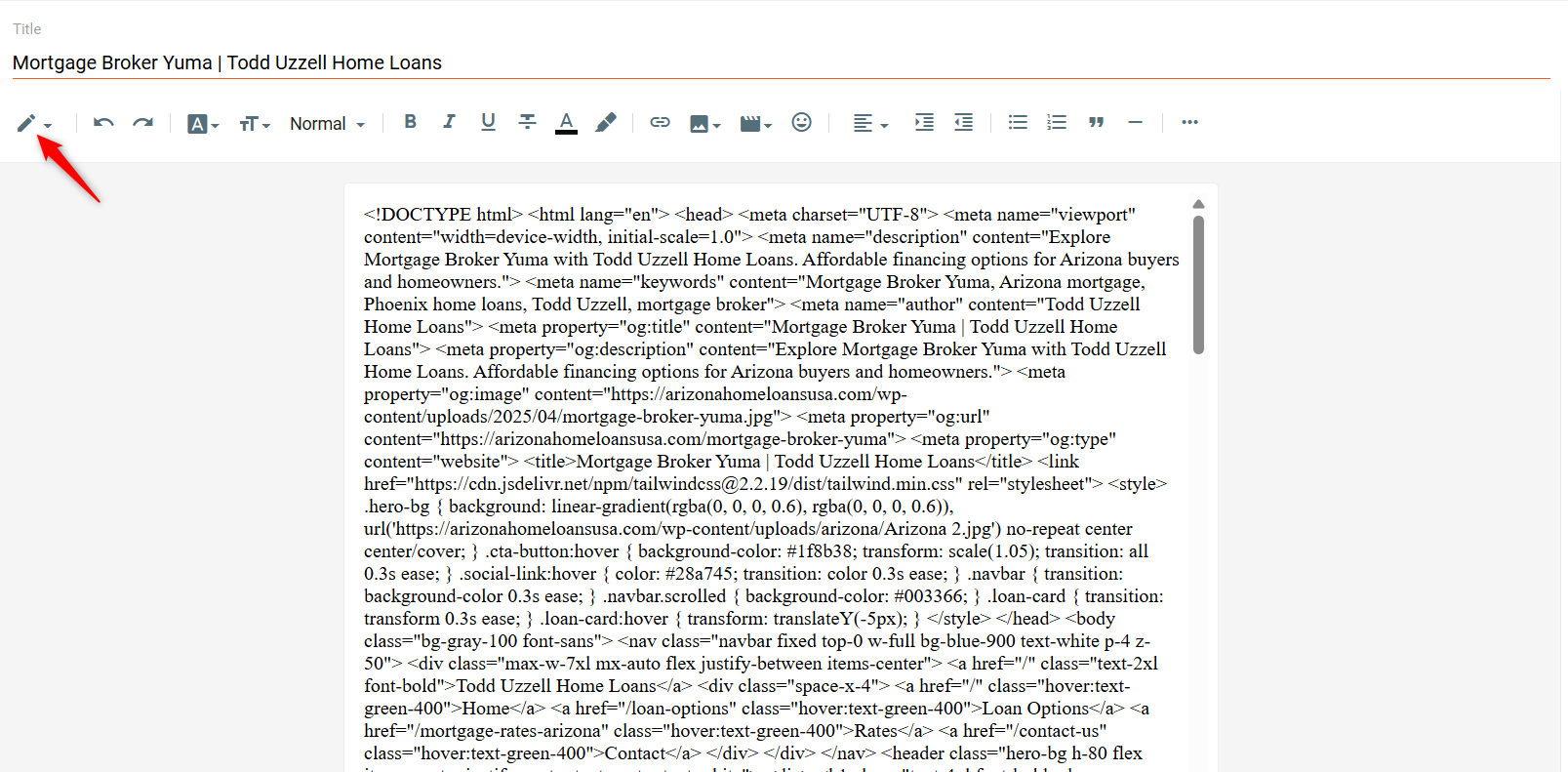
i used this html to build this site. www.arizonahomeloansusa.com and to embed into google sites. it worked well.
As shown in the video we shared above, the HTML appears to produce the same issue when the content is directly pasted from a Google Docs file into Blogger.
We recommend reaching out to Google Blogger's support team to understand why this issue is occurring.