Dropbox to Trello: Add find card and add attachment
Status: Closed · Asked by Pooks on · 0 views
Hi,
I want to do the following.
New .wav file is added to a specific folder in Dropbox and then pabbly searches for a card on a specific board that matches the file name and adds it as an attachment.
I have dropbox finding the file,
then used a filter action to only return files that are .wav files,
then a Trello action to get all cards from a specific board but thats as far as I have been able to go so far.
How would I search for a card with the same name as the .wav file and then add the file as an attachment to that card?
thanks!
Please try using the 'Search Card' action event to search for a card by its name, and then use 'Create Attachment On Card' to add the file as an attachment to that card.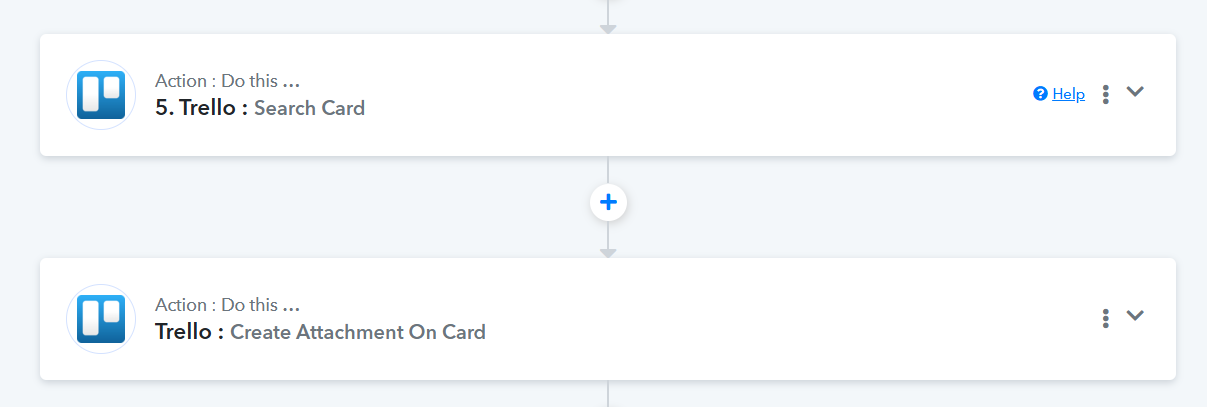
Thanks for the quick response, I can now add attachments but it only seems to add URL's in, I want to be able to add the file itself in to the Trello card. Is that possible?
Hello @Pooks,
Currently, under the "Create Attachment to Card" action event, only file URLs can be passed. The file URL provided must be a downloadable URL to successfully add the file to the Trello card.
Could you please share a screenshot showing how the file is currently being attached and how you would like it to appear? This will help us understand your requirements better and advise you accordingly.
Ah ok.
The files I want to attach are temporary so I don’t want to reference the url, I want the file in Trello so I can use it from there not Dropbox.
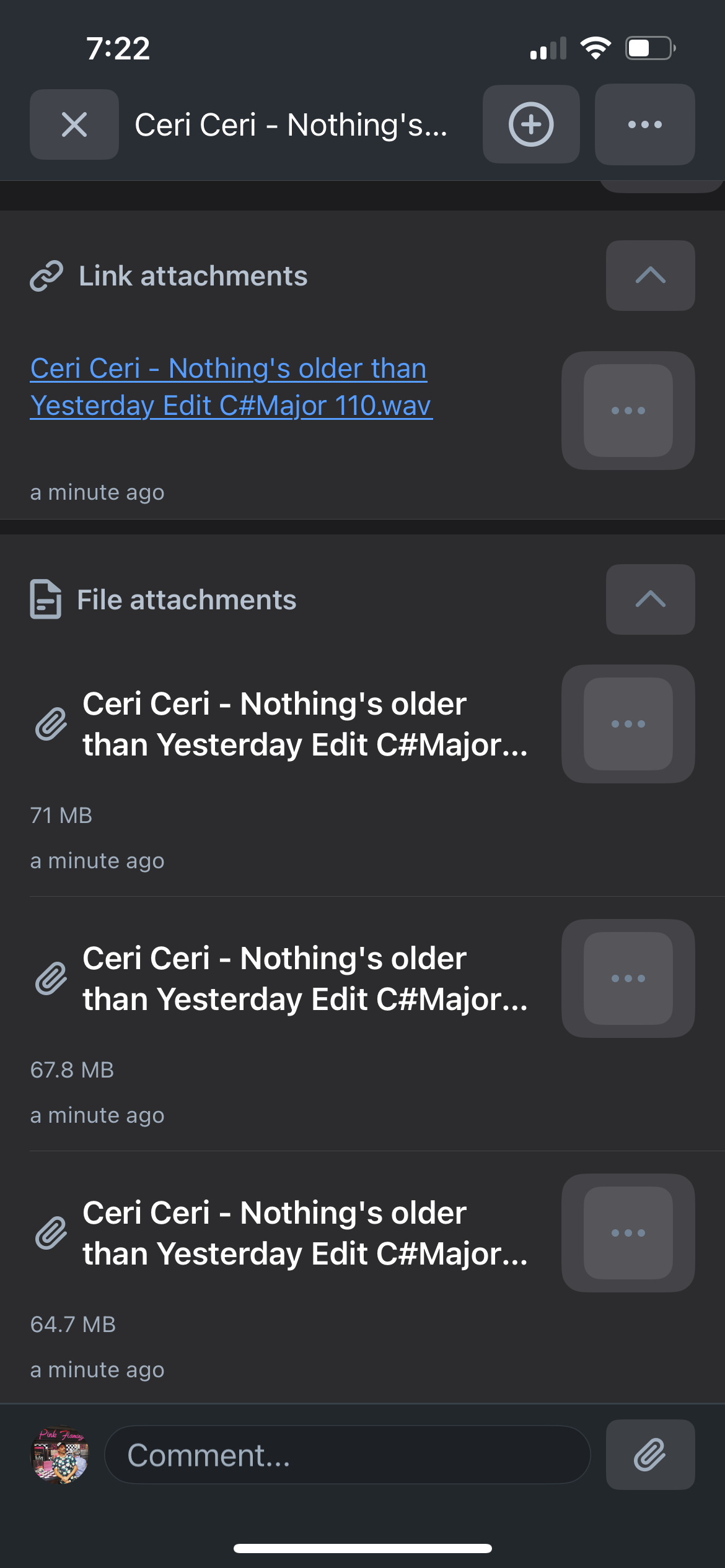
In the screenshot you can see the files attached at the bottom were done using Zapier to attach the files.
Pabberly attached the top one which shows as a link attachment.
What I want is a file attachment not a link attachment.
In Zapier it is done using the Trello “add attachment to card” action.
Hello @Pooks,
Could you please share the file URL you are trying to attach? This will allow us to test it on our end, as it seems that the files are being added as file attachments rather than link attachments on the cards.
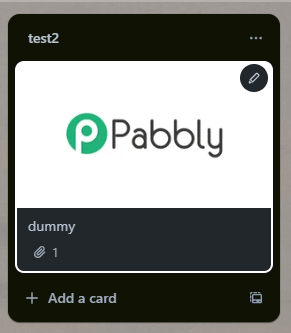
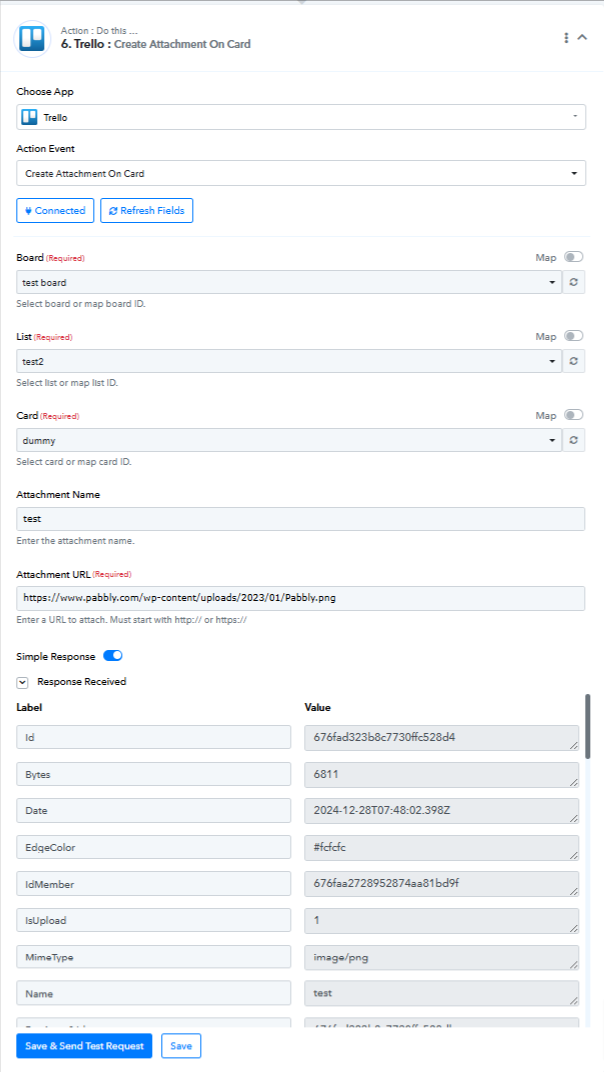
Sorry for the confusion the attachments that are files were added via Zapier and the attachment link was added via Pabbly.
I showed you both so you could see what I want vs what I am getting from Pabbly.
The file url is
What I need to be able to move my automation to Pabbly is file attachments not url attachments.
Hello @Pooks,
We understand your requirements. However, it appears that the file you shared is no longer available, as it seems to have been deleted. Could you please provide us with a valid file URL for a file that exists in your account?
Looking forward to your response.
We have added a Text Formatter to your workflow to make the Dropbox URL a downloadable link. Please check if it is being added as an attachment to Trello.
Hi, yes the url link is there but I do t want that.
I really need to add the file to the card not a link to the file.
Once the file is added I will then remove it from Dropbox so having a link will get broken.
Can you add this functionality?
Has this also been added as a URL rather than an attachment to the Trello card?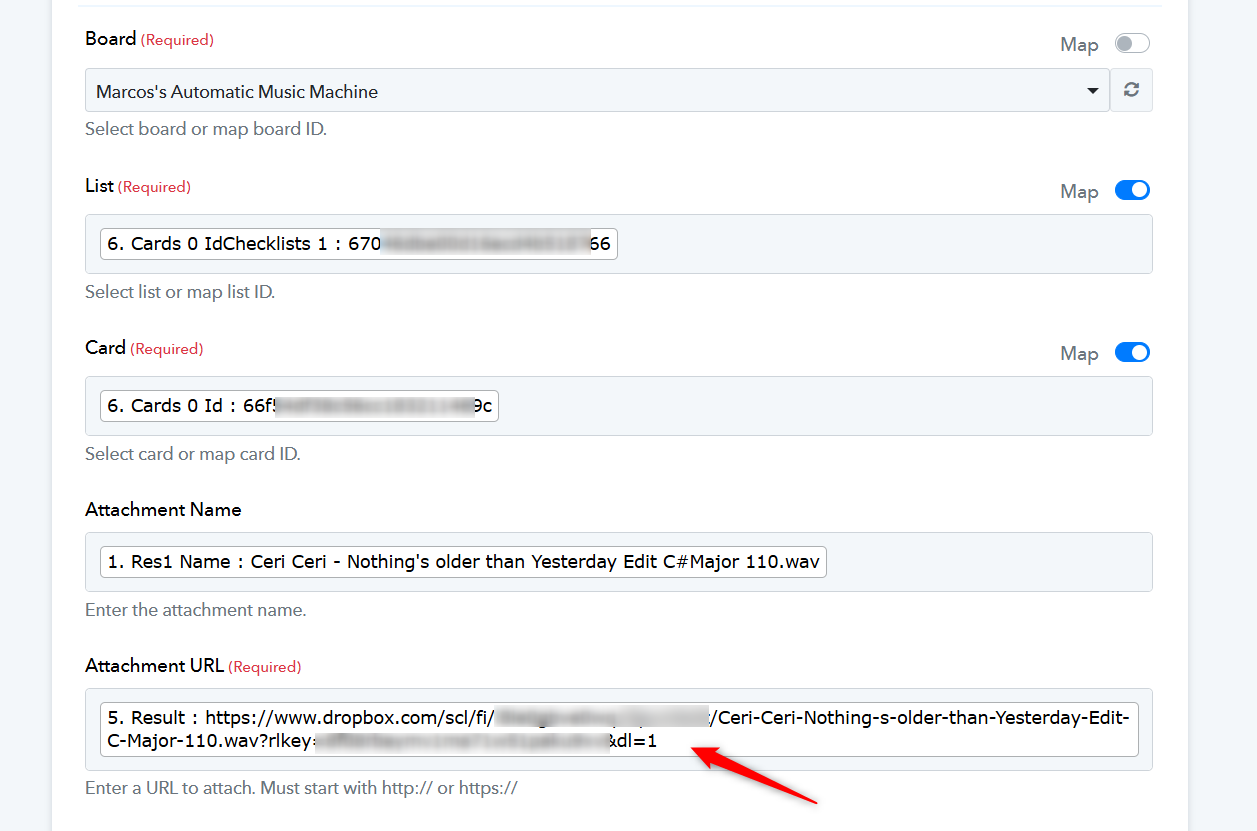
Could you please check again?
The only file I see attached is from 2 days ago and I think that was done by Zapier. I have now disabled the zapier action to stop confusion.
I can see a url attachment from 10 hours ago but it’s link end with adl=o not 1
Just reran the actions with your change in and it worked! I have a file attachment now.thanks so much for this!!!
Hello @Pooks,
Thanks for the update, we'd love to hear your thoughts! If you have a moment, please rate us on Google. Your feedback helps us improve.