Ecwid integration
Status: Open · Asked by virsingh77 on · 0 views
Is there a minimum order value threshold for a new order from ecwid to be triggered in pabbly? I am trying to enter a new addition to my workflow but its not able to see my test orders? the value of the test orders is less than rs 100. The normal orders are getting triggered.
Hi @virsingh77,
There is no minimum order value threshold for the Ecwid trigger step from our end. Any real order with a Paid status will trigger your workflow.
Thanks & Regards,
Arshil Ahmad
Customer Support Associate
? Pabbly.com
?Rate your support
So why did the 2 test orders not trigger? I have attached the ecwid screenshots of the 2 test orders that were created in ecwid and are not visible in pabbly
Could you please share the email address used in these two orders? Also, please specify the timezone of the time shown in your screenshot.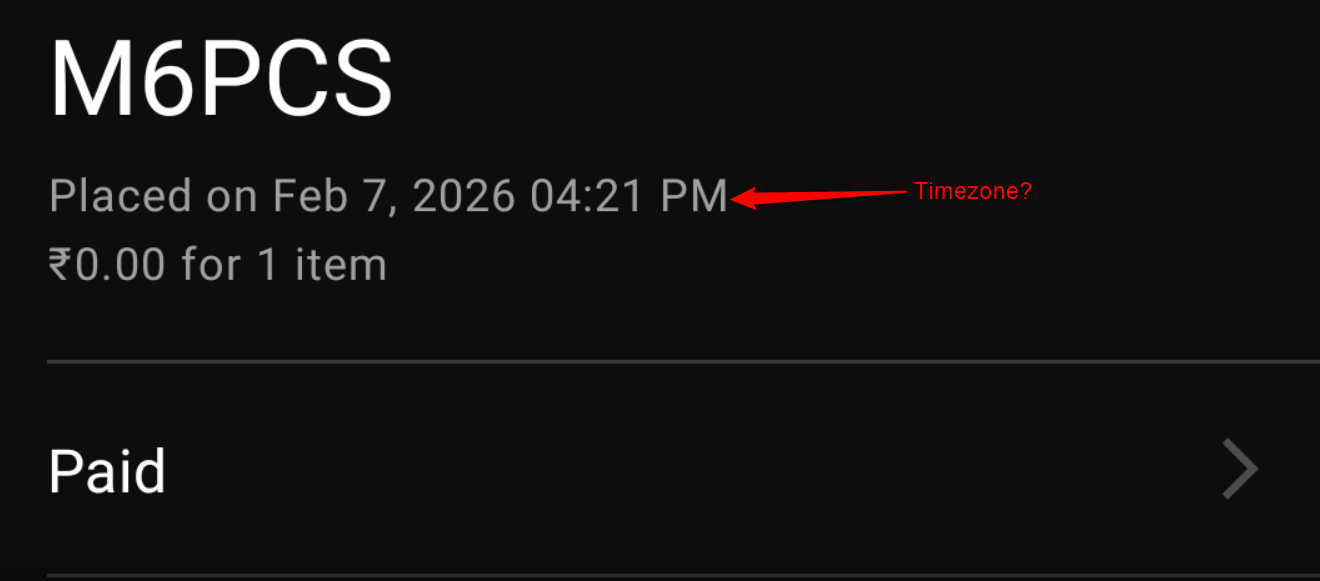
Thanks & Regards,
Arshil Ahmad
Customer Support Associate
? Pabbly.com
?Rate your support
the email id is [email][email hidden][/email] and the timezone is IST (UTC + 5:30)
Also i saw the option to change the Pabbly view from Classic to I think New and the its now very hard to see and modify the workflows as the boxes have become very narrow (see attached screenshot) How do I rectify this?
So why did the 2 test orders not trigger? I have attached the ecwid screenshots of the 2 test orders that were created in ecwid and are not visible in pabbly
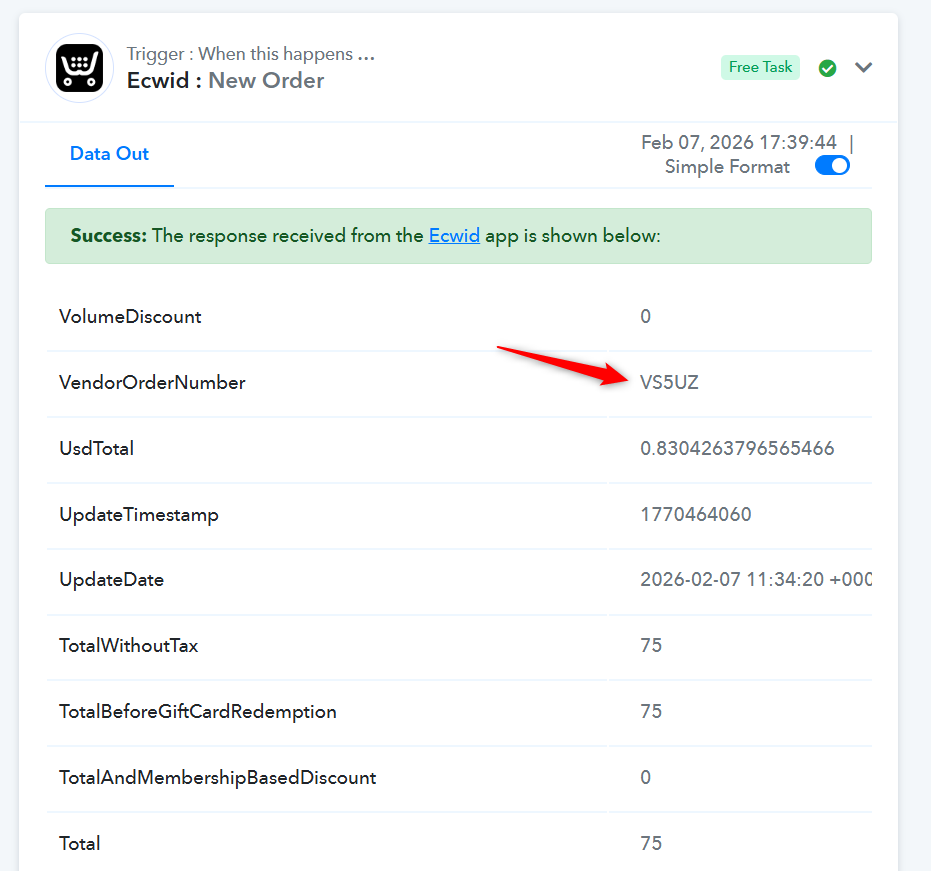
Thank you for the confirmation. Based on your Task History, we can see that your workflow did execute for an order with an amount of ₹75. It appears that Ecwid treats ₹0 orders differently, which is why that order did not trigger the workflow. We recommend creating a test order of at least ₹1 to check whether the workflow triggers as expected.
Task History ID - IjU3NjUwNTY0MDYzNzA0MzY1MjY4NTUzMDUxMzM1MTYxNTQzMzBmMzUi_pc
================================================
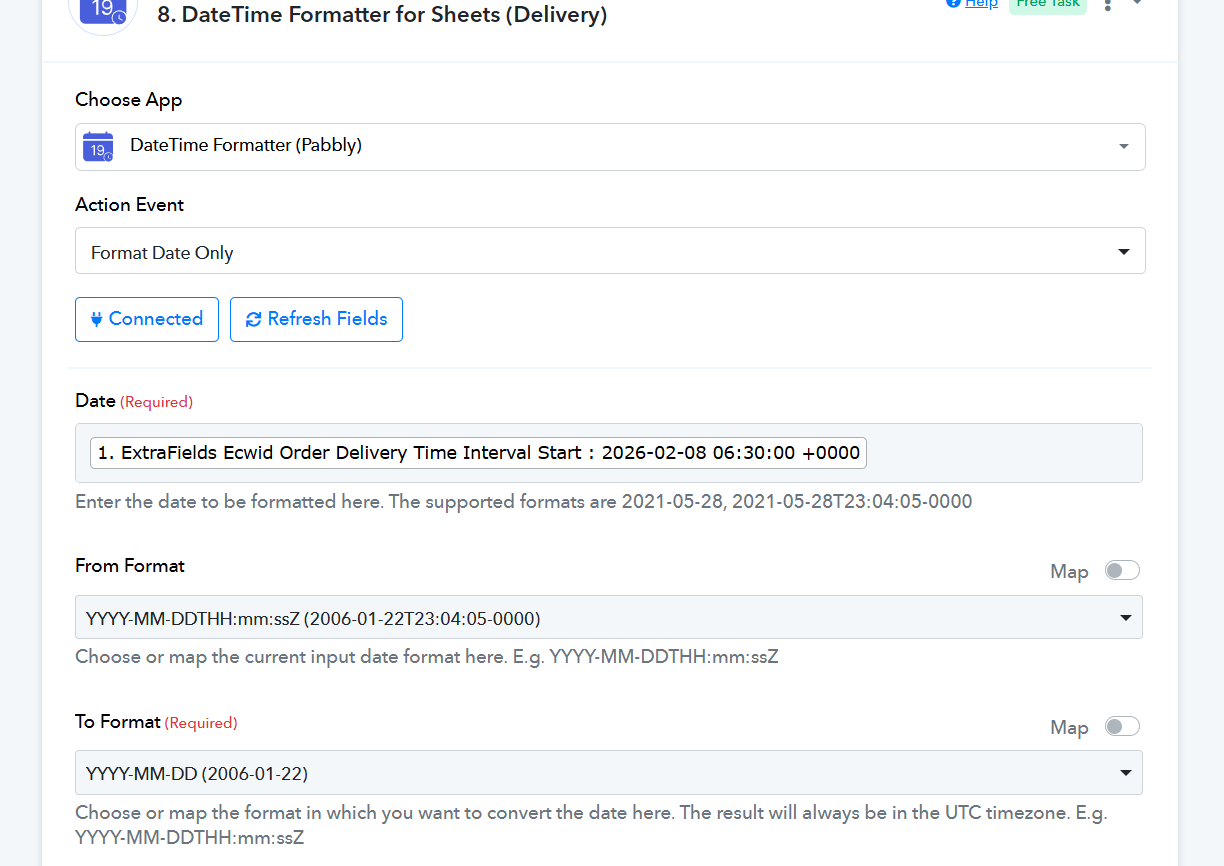
Also i saw the option to change the Pabbly view from Classic to I think New and the its now very hard to see and modify the workflows as the boxes have become very narrow (see attached screenshot) How do I rectify this?
The data appears to be correct on our end. Please try performing a hard refresh of your browser and see if that resolves the issue.
Thanks & Regards,
Arshil Ahmad
Customer Support Associate
? Pabbly.com
?Rate your support