Email Parser New Responses not Updating
Status: Open · Asked by Chappy on · 0 views
Hi, I've been forwarding multiple emails to the email parser, but the only email that it received and stored in "Responses" (Select Response) is the forwarding verification from Google.
I kept refreshing the responses but all that appeared was the very 1st response it received from Google.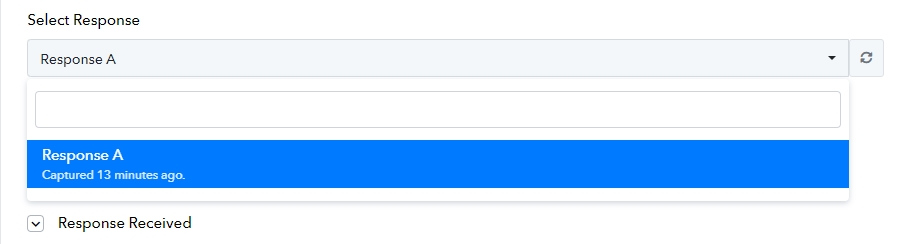
It also shows "3 Free Tasks Consumed" I think from the forwarded emails that I've sent, but it didn't appear in the responses.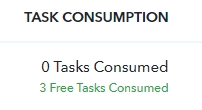
What I had to do was select recapture response, only then it was added in the list of responses.
Hi @Chappy,
It seems you have been able to capture the email body in Response B.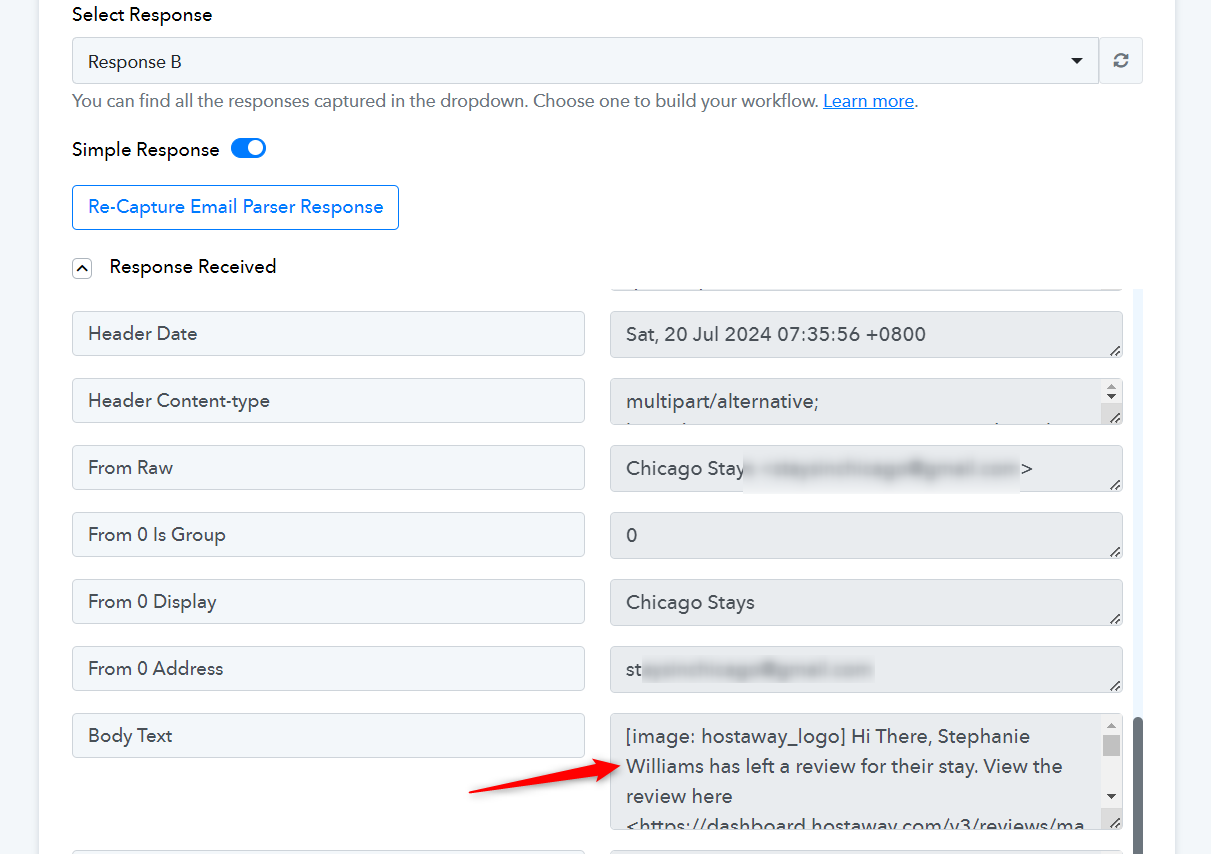
Yes, only by selecting "re-capture email parser response" but until now you can see that after multiple emails received, I only have 2 responses to select from.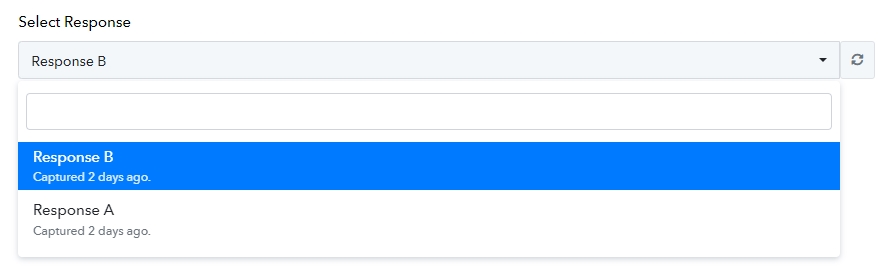
I have other workflows and when I hit refresh all of emails received in the parser appears in the "Select "Response" once you hit refresh.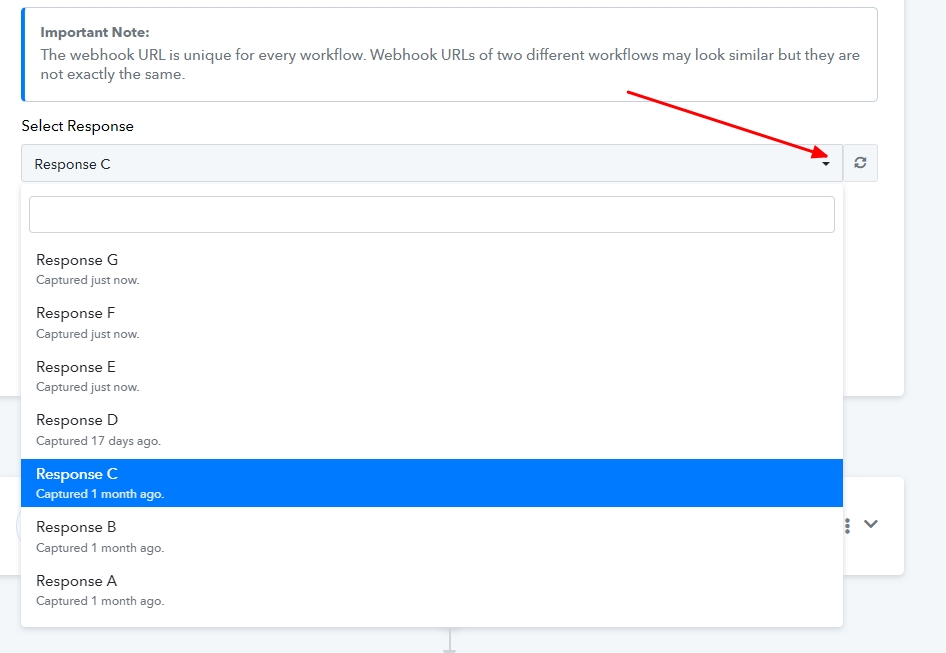
(I hit refresh right now, and then all the new ones appeared)
Yes, only by selecting "re-capture email parser response" but until now you can see that after multiple emails received, I only have 2 responses to select from.
We have updated the select response field with the latest entry from your task history ID.
If the issue persists, kindly record a brief video demonstrating how you are attempting to capture the webhook response.
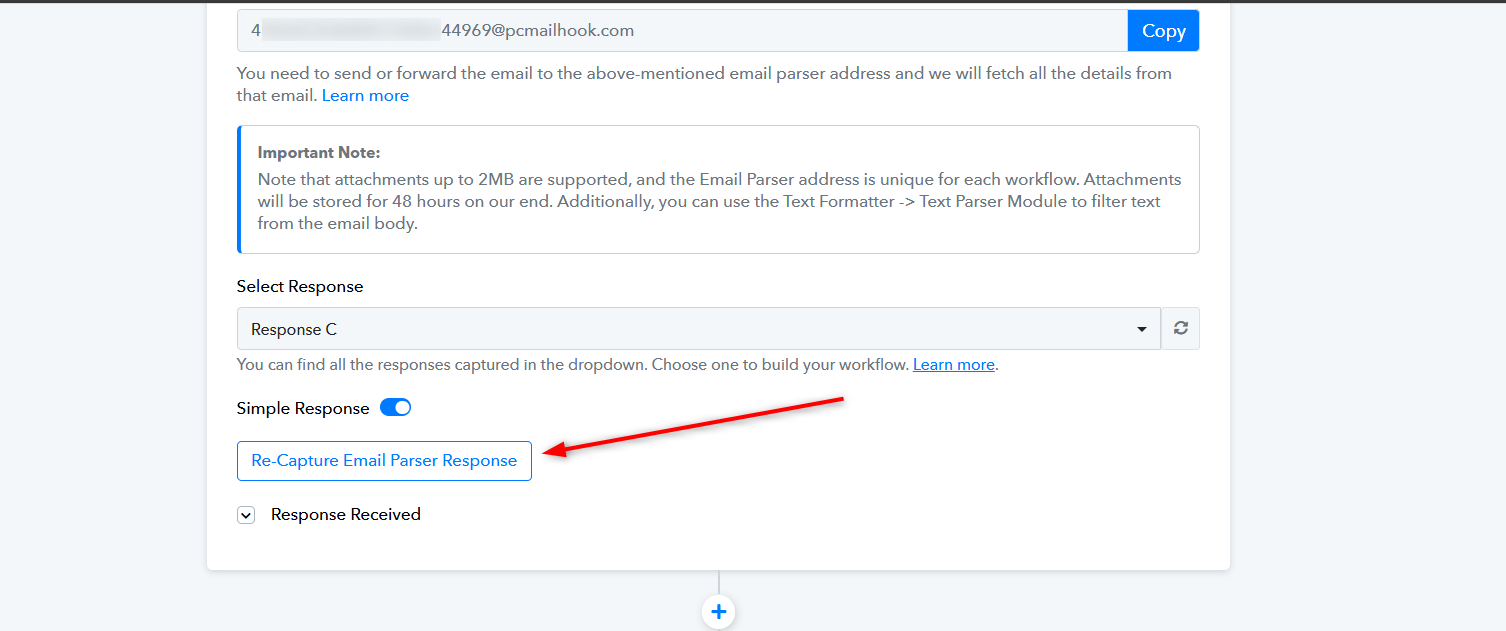
How do you capture the historical responses? I selected re-capture, and it is waiting for a new one. Can we pull in the responses from the last few days to double check the mapping?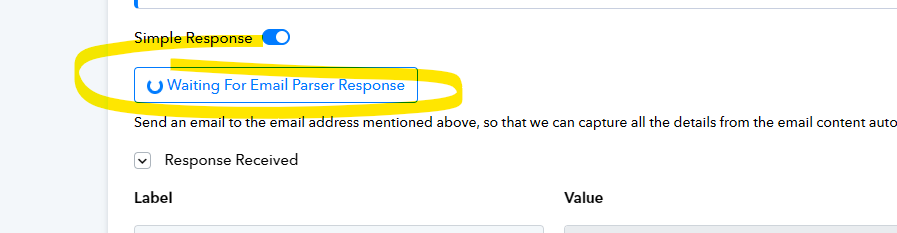
You can click on the 'Refresh' button to capture the latest 5 responses from your Task History.
https://forum.pabbly.com/threads/select-trigger-response.14210/