Email Parser removing Formating from email body
Status: Closed · Asked by mohan_kumar on · 0 views
Hi,
My Email Parser removing Formating from email body including pargraphs, headings and links, Email Parser is entire email body text as on single text paragraph, please guide.
Hello @mohan_kumar,
Could you please share the workflow URL where you're setting this up? This will help us review how the fields are configured, identify the root cause, and provide appropriate suggestions to resolve the issue.
Hello @mohan_kumar,
Thanks for sharing the details.
It seems you're referring to the Body Text field returned by the trigger. If you're looking for a structured version similar to what you see in your email, we recommend using the Body HTML field instead. This will provide the content in HTML format, preserving the structure and formatting of the original message.
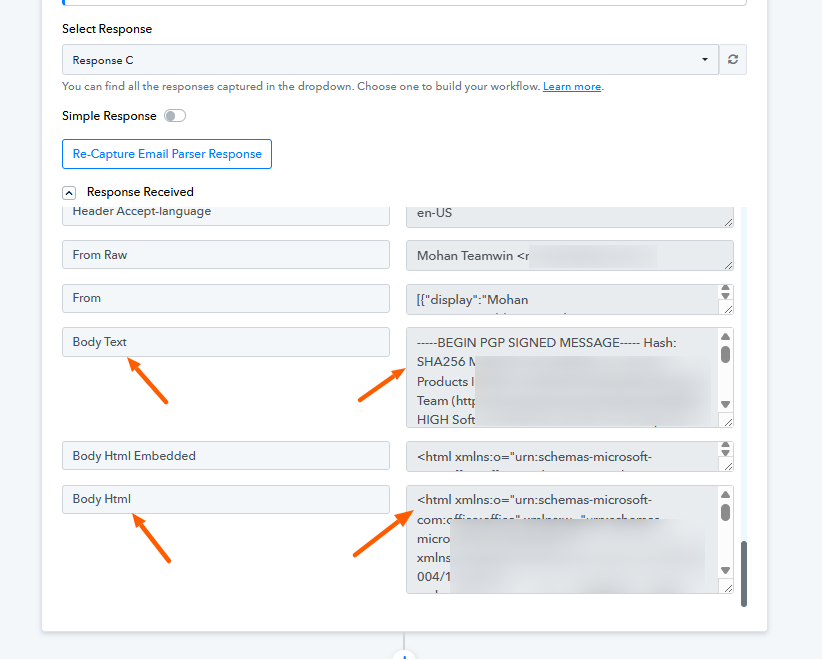
Then no need to do text format step correct, I can use the same to publish to wordpress blog, I also want to include featured image in the workflow, can you suggest?
Hello @mohan_kumar,
Yes, you may use the HTML content received from the email parser while creating the blog post in WordPress.
However, please note that the featured image must already be published in your media library. In the Create Post action, you’ll find a dropdown for selecting the featured image; simply choose the desired image from there.
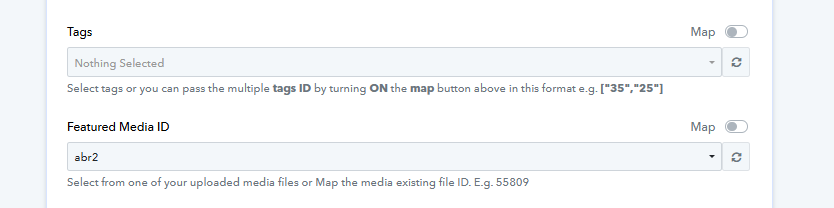
For better understanding, please refer to the attached image.
Ok, But still it is giving error can you please help?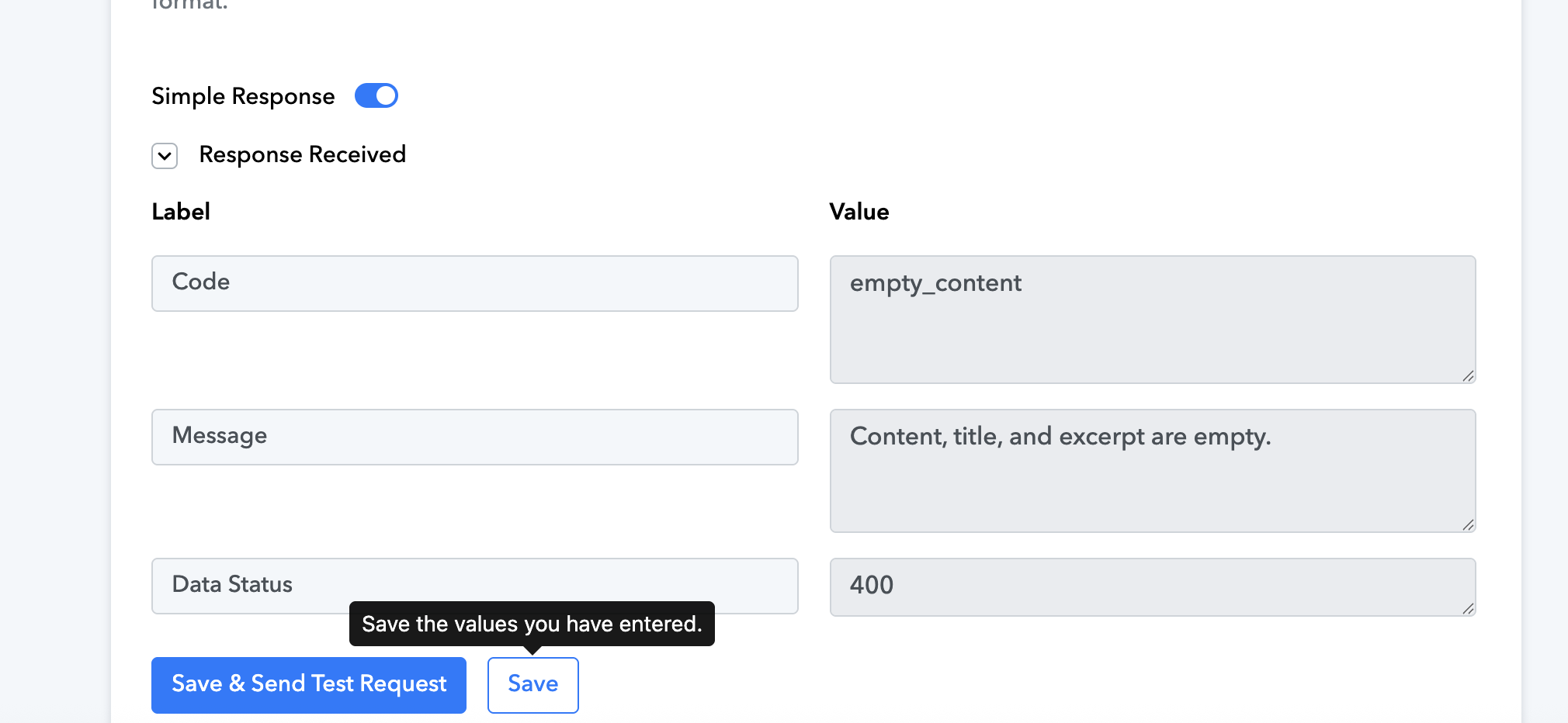
Hello @mohan_kumar,
You're receiving this error since the excerpt field is left empty under the action.
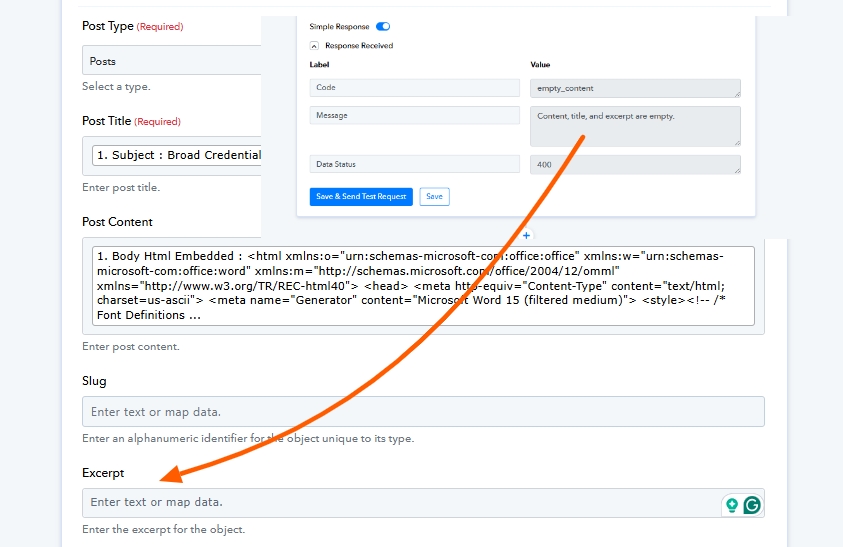
Actual excerpt is created automatically in WP, yesterday it was working without that but not today, let me try this and update you.
it is still not working, please check
Hello @mohan_kumar,
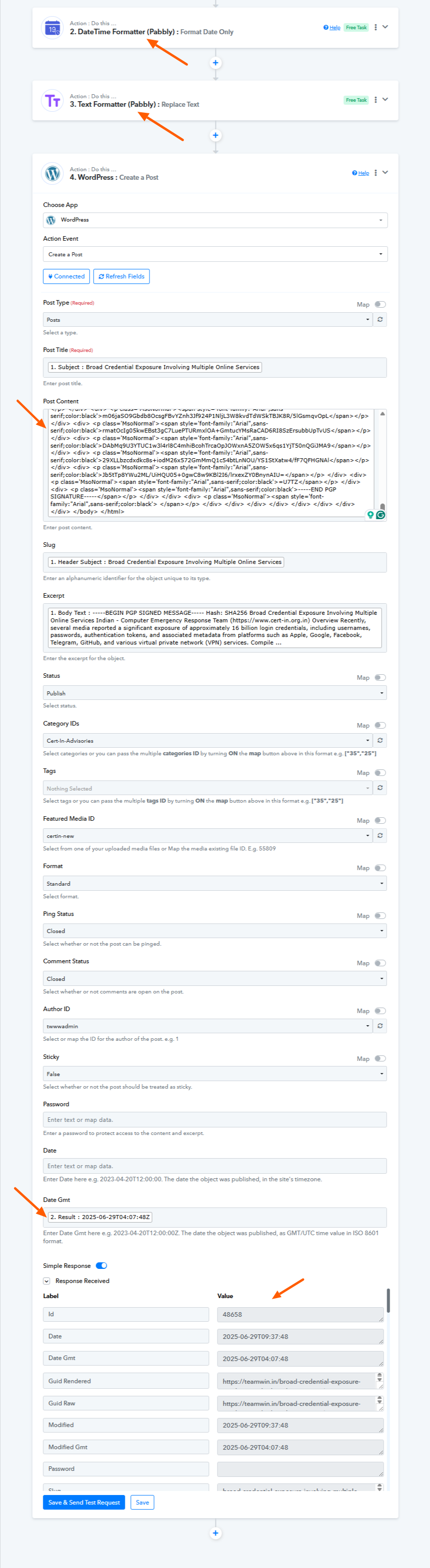
We’ve added two steps to your workflow:
- A Text Formatter step to remove double quotes from the content mapped in the WordPress section.
- A Date Formatter step to format the date as required.
Your Create Post action in WordPress now appears to be working fine.
Let us know if you need any further assistance.
Thanks lot for your help. I will check and revert.
Hello @mohan_kumar,
Glad we could have helped. Sure, please take your time.
Thanks for the support, it is working after "" were replaced (y)
Hello @mohan_kumar,
Thanks for the update. If you have a moment, please rate us on Google. Your feedback helps us improve.