Embedded code in workflow
Status: Closed · Asked by Carlos Melo on · 0 views
Hello,
Please, which is the best way to start a workflow with an embedded code ?
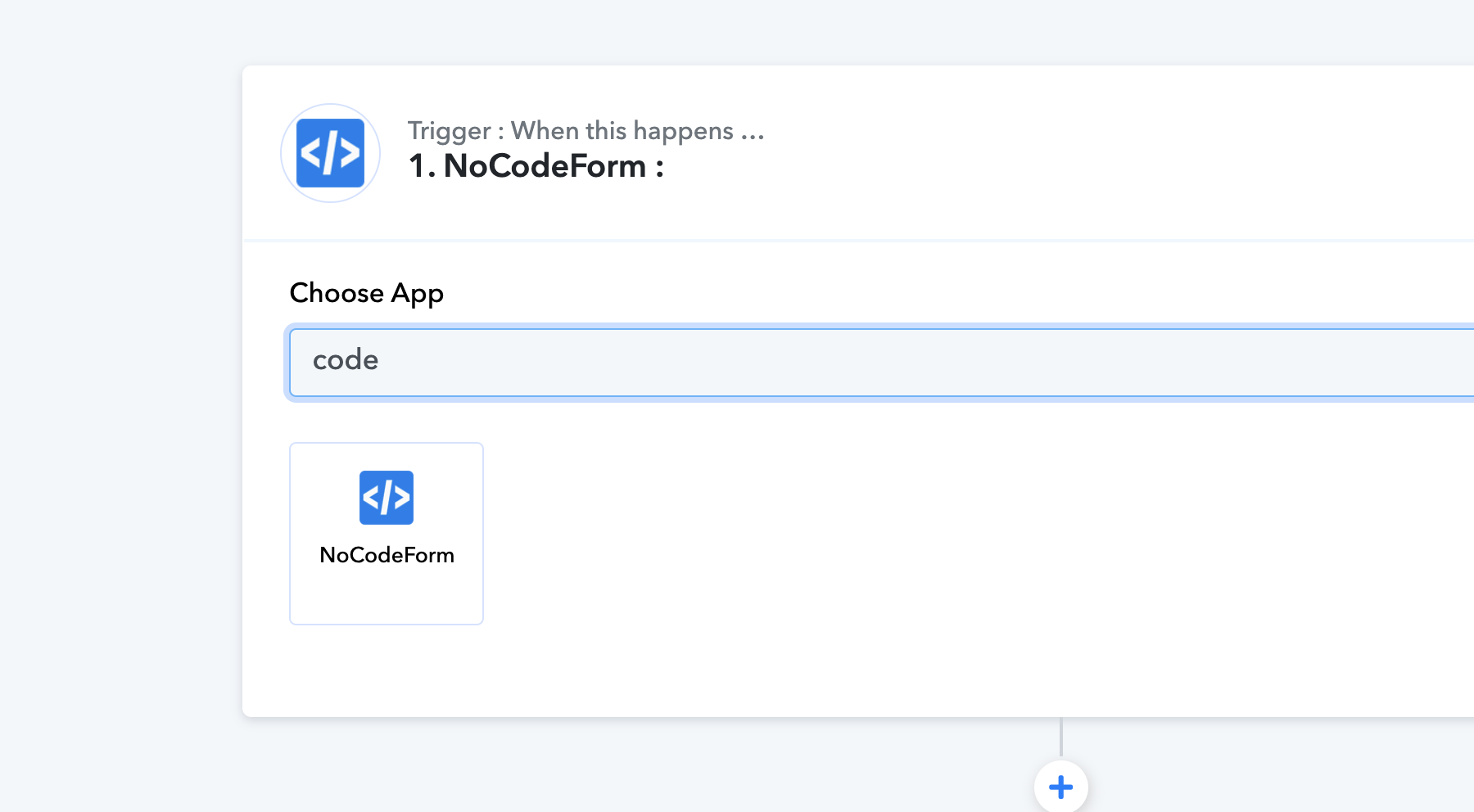
The app Code (Pabbly) is not available as the first step, as you can check in the image below:
Thanks,
Carlos M.
Hey @Carlos Melo
To initiate a workflow with embedded code when the app (such as Pabbly) is not an option for the first step, the optimal solution is to employ a webhook as the trigger.
Ok, Supreme, could you please elaborate that better for me ?
I want to embed a JotForm form code. So, how does a webhook can help with that ?
Certainly, could you please elaborate on your use case with Code by Pabbly? What are you trying to accomplish? Please share your use case in detail so that we can help you better.
Sure, Supreme.
What I need is to use a modified source code of a Jotform form. So I would have to start the workflow with a step that could accept that code.
Hey @Carlos Melo
If JotForm allows data to be sent, you can capture it here using a webhook or custom integration. However, we can only support webhooks to capture the response from JotForm. Beyond that, it's not possible to design code to retrieve the data directly from a trigger event.
Ok, thank you !