Empty Date Column stops the full workflow
Status: Open · Asked by Youkot on · 0 views
I have a workflow were I get a date sometimes and sometimes it is empty, whenever it is empty the workflow stops , can i populate current date whenever the date is empty?
Hi @Youkot,
We have added a Date/Time Formatter and a Text Formatter to your workflow, which should provide you with the desired result.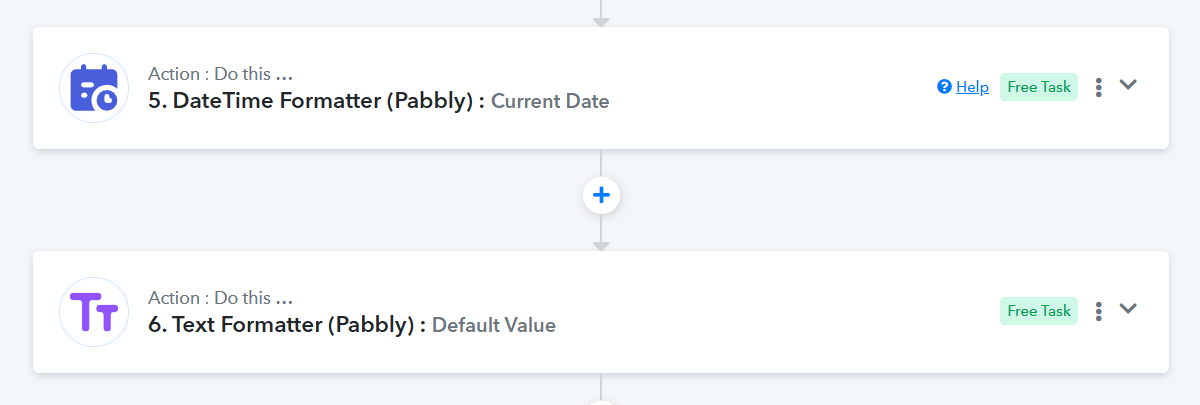
In Step 11 there is a column called Due Date, what do I use there? Result of step 9 or 8
Both steps 8 and 9 are exactly the same. What exactly do you want the due date to be, anyway?
The documents I get have a court date or its null, i am trying to calculate due date which is court date - 15 days.
if the court date is populated it worked good but yesterday i noticed that if court date is null it just stops the workflow
So you want it to use 'Court Date - 15 days', or, if that's not available, then use the current date minus 15 days? Is that correct?
yes
We have mapped the result from Step 6 (Default Value) to Step 8 (Add/Subtract Time), and from Step 8 to Step 11. This should help you achieve the desired use case.