Enable “Allowed Domains” Access for My Pabbly Account
Status: Open · Asked by samiahammed.shiak on · 0 views
Hi Team,
I’m working on a Salesforce integration using the Custom API Request (Beta) step.
I’m getting this error:
“Allowed domains: []. Learn more: https://forum.pabbly.com/threads/custom-api-request.19458/”
Please enable the Allowed Domains feature for my account so I can whitelist my Salesforce domain:
https://thylaksoftllc3.my.salesforce.com
Thank you.
Hello @samiahammed.shiak,
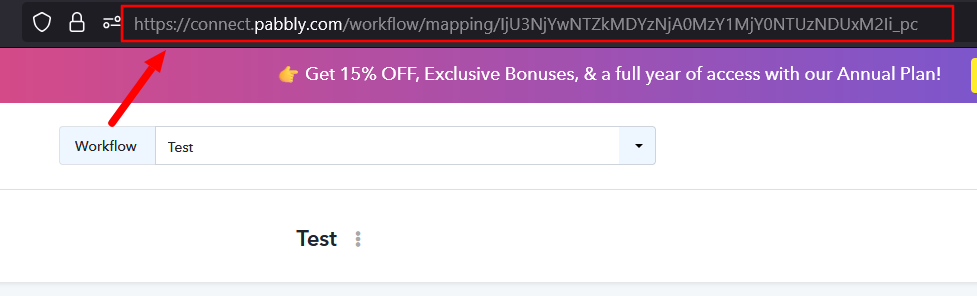
Could you please provide us with the Workflow URL where you are facing this issue? This will help us investigate the problem more effectively and assist you accordingly.
Also, please provide us with the API docs along with the endpoint you're trying to execute.
Please be aware that to assist you effectively, we may need to access your Pabbly Connect account. If you're comfortable with this, please grant us permission by stating in your next reply:
"You have my permission to log into my Pabbly Connect account and edit the workflow, if required. Here is the registered email address associated with it."
Looking forward to assisting you further.