Error 403 - The company does not have access to this feature.
Status: Open · Asked by MShahid on · 0 views
When talking to GHL Support, this is what they said, "The "Company does not have access" error in Pabbly typically occurs due to insufficient permissions or incorrect configuration. First, verify that the API credentials used in your workflow are correct and have the necessary permissions. Check that your platform account has the appropriate role or access level for the resource you're trying to connect. Review the Pabbly workflow configuration to ensure the correct account or workspace is selected, and confirm the API endpoint aligns with your platform's documentation. If the issue persists after testing the connection, it is strongly recommended to contact Pabbly support with the error details and steps you've taken."
Problem, When i use the exact same workflow for a different agency, it works flawlessly, if i connect a different agency, it doesnt work and shows this error. idk if the problem is from GHL side or Pabbly side, but i wanna resolve this ASAP.
Please HELP!!!
Hi @MShahid,
Could you please specify the type of account you used when making the connection with GHL in this step? Is it an agency account (owner) or a sub-account?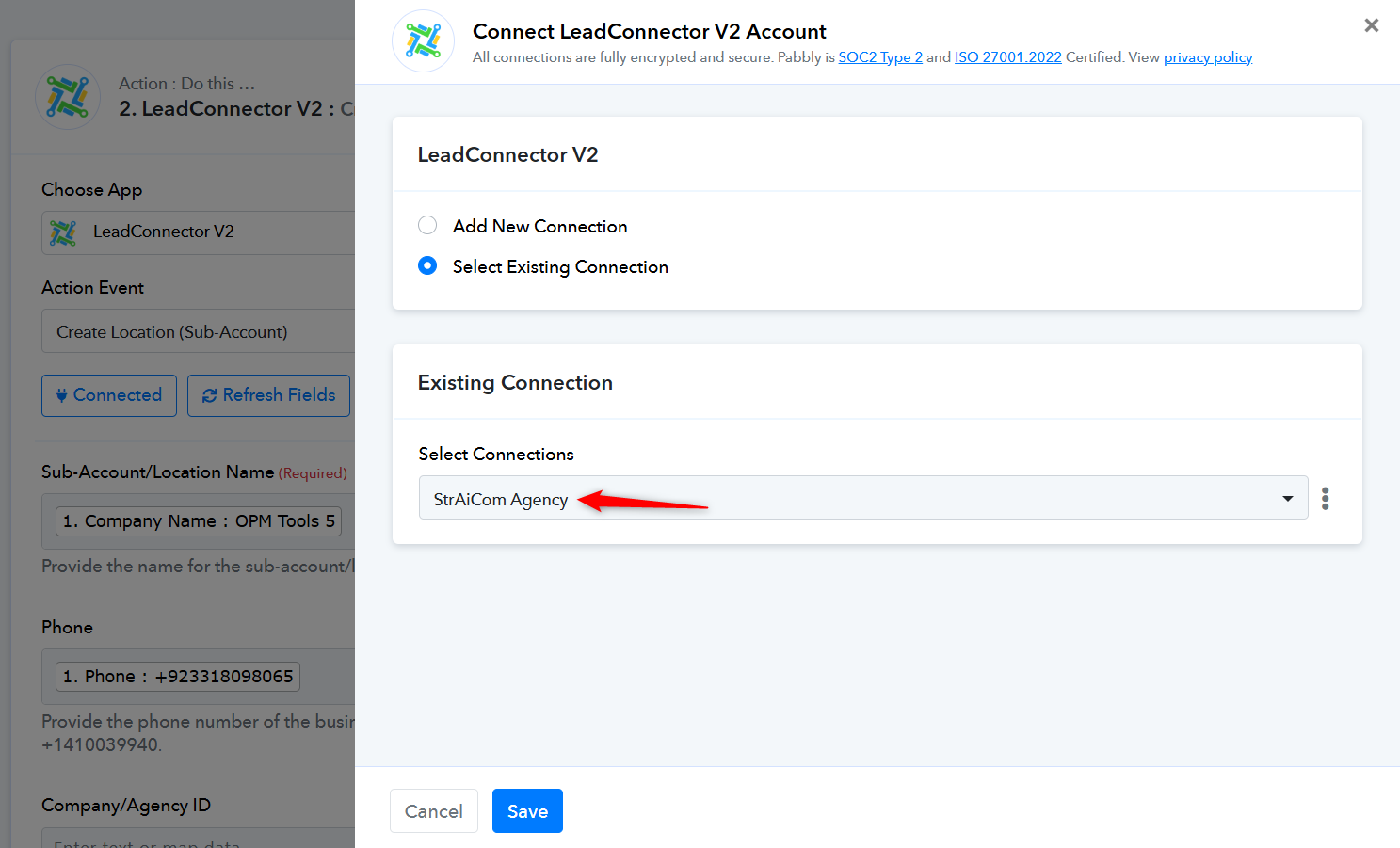
Its an Agency.
Please check out the thread shared below:
https://forum.pabbly.com/threads/automation-go-high-level.22420/#post-107708