Error response on LinkedIn "Share Company Post with Image" request
Status: Open · Asked by Khalipha Ndiaye on · 0 views
Hi there,
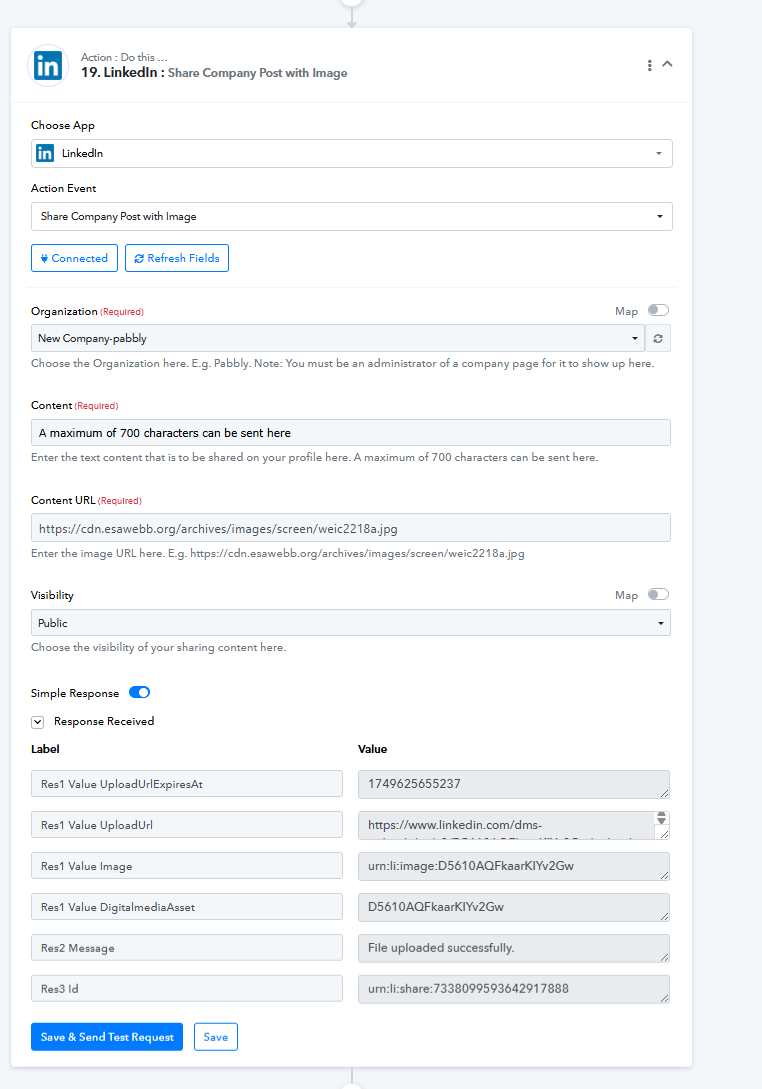
I’m have an error response when using request "Share Company Post with Image" in Pabbly Connect (look at attached screenshot)
Here’s the error response I’m receiving:
"ERROR :: /author :: "urn:li:organization:68196874" does not match urn:li:company:\d+|urn:li:member:\d+"
I've updated my LinkedIn connection as an admin of the company page. Does it look like I have to match the company and member account instead of just the company? What is the difference between "organisation" and "company" pages?
Could you please tell me how to set the author field correctly, or if there's a workaround to convert the organisation URN to a company URN in Pabbly?
Best regards,
Hi @Khalipha Ndiaye,
Could you please share the Workflow URL where you have this concern?
No, I can't share the workflow in public mode. You cannot debug or help without sharing publically?
Hello @Khalipha Ndiaye,
Please try using the action named Create Company Text Post with Image instead, and let us know if it works fine for you.
[IMG alt="1747814663055.png"]https://forum.pabbly.com/attachments/1747814663055-png.56733/[/IMG]
When can you debug it?
Hello @Khalipha Ndiaye,
We have escalated this concern for review. Please allow us some time, and we will get back to you with an update soon.
Hello @Khalipha Ndiaye,
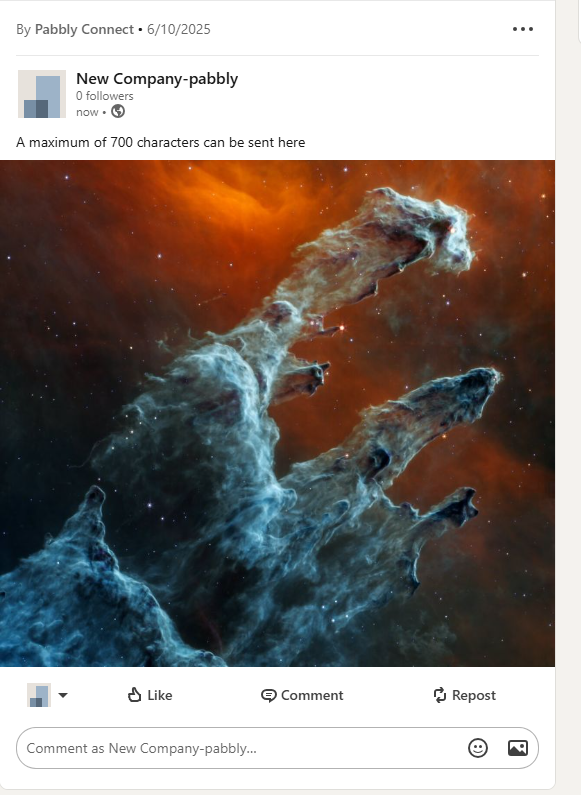
As our team tried testing the issue, the action already seems to be working fine. Refer to the attached images for better understanding.
Please try using it at your end and let us know how it goes. Additionally, we have used the image URL generated by File Uploader(Pabbly).