ERROR - Tiktok Ads (leads) into Google Sheets
Status: Open · Asked by whoisadrirs on · 0 views
Pabbly is getting the information correctly, but when it comes to my Google Sheets it shows "error".
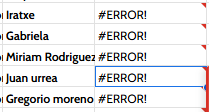
As you can see at the top, the telephone "comes fine", because it has numbers and those sttuf but I have no way to change the format of the cell.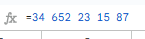
Any solutions? Thanks in advance.
Hello @whoisadrirs
Please provide us with the workflow URL with which you're having this issue so we can better look into the issue.
Here you have: https://connect.pabbly.com/workflow/mapping/IjU3NjUwNTY1MDYzNjA0MzM1MjY0NTUzMDUxMzci_pc
@Preeti Paryani
Hello @whoisadrirs
The workflow appears to be functioning correctly. To investigate further, we would require access to your Google Sheets. Kindly provide us with access so we can analyze and address the issue more effectively. Thank you!
Email address - [email protected]
Done @Preeti Paryani
Hello @whoisadrirs
The #ERROR occurs because Google Sheets interprets the + as a formula. To fix it:
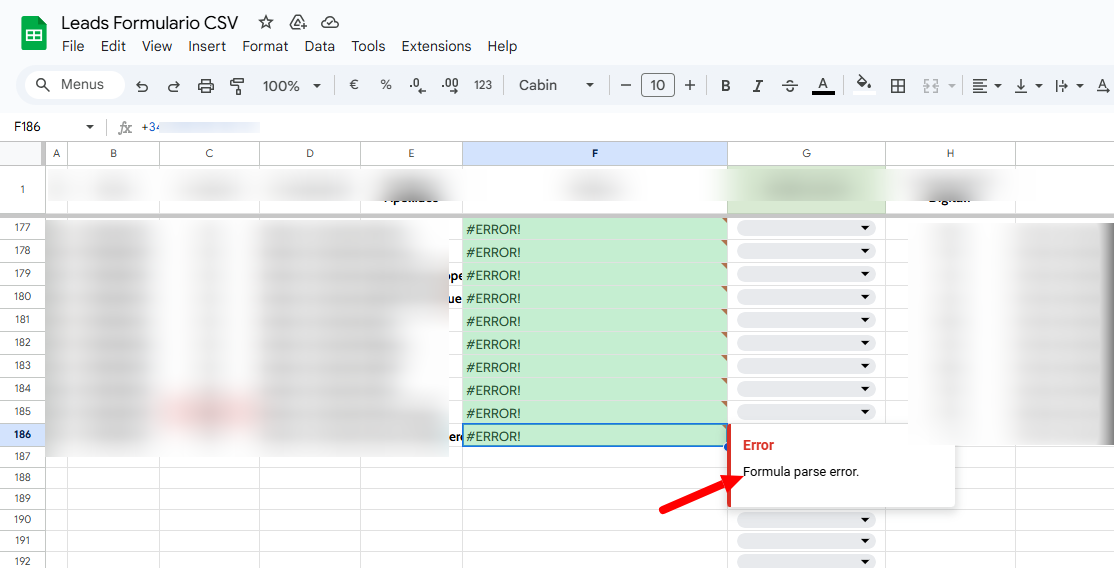
- Keep the + Sign: Add an apostrophe (') before the number (e.g., ' +34 606 13 47 24).

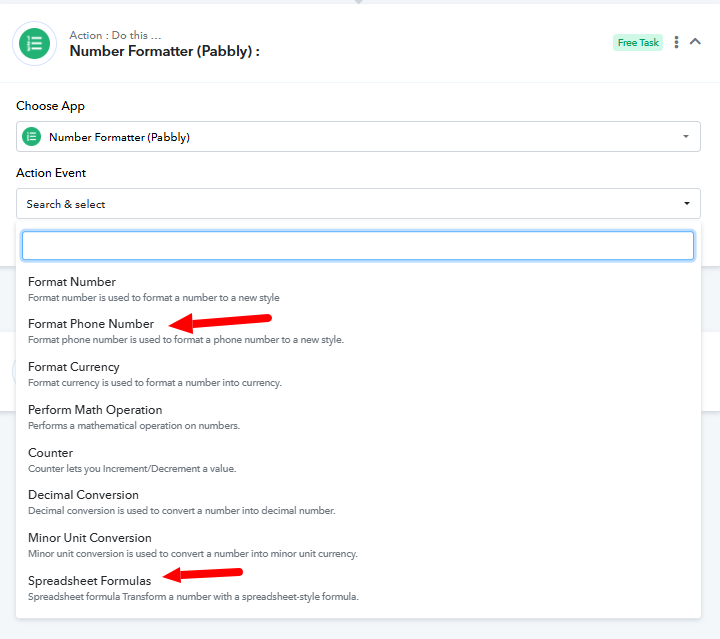
- Remove the + Sign: Use Pabbly Connect's Number Formatter to format the phone number before adding it to Google Sheets.