Error uploading .mp3 file using SFTP (Pabbly): Upload File
Status: Open · Asked by rodion6 on · 0 views
Hi Pabbly team,
I’m trying to use the SFTP (Pabbly): Upload File action to upload an .mp3 file generated by OpenAI, but I’m getting the following error:
Status: File extension not allowed: .mp3
Could you please confirm if the SFTP module does not support uploading .mp3 files?
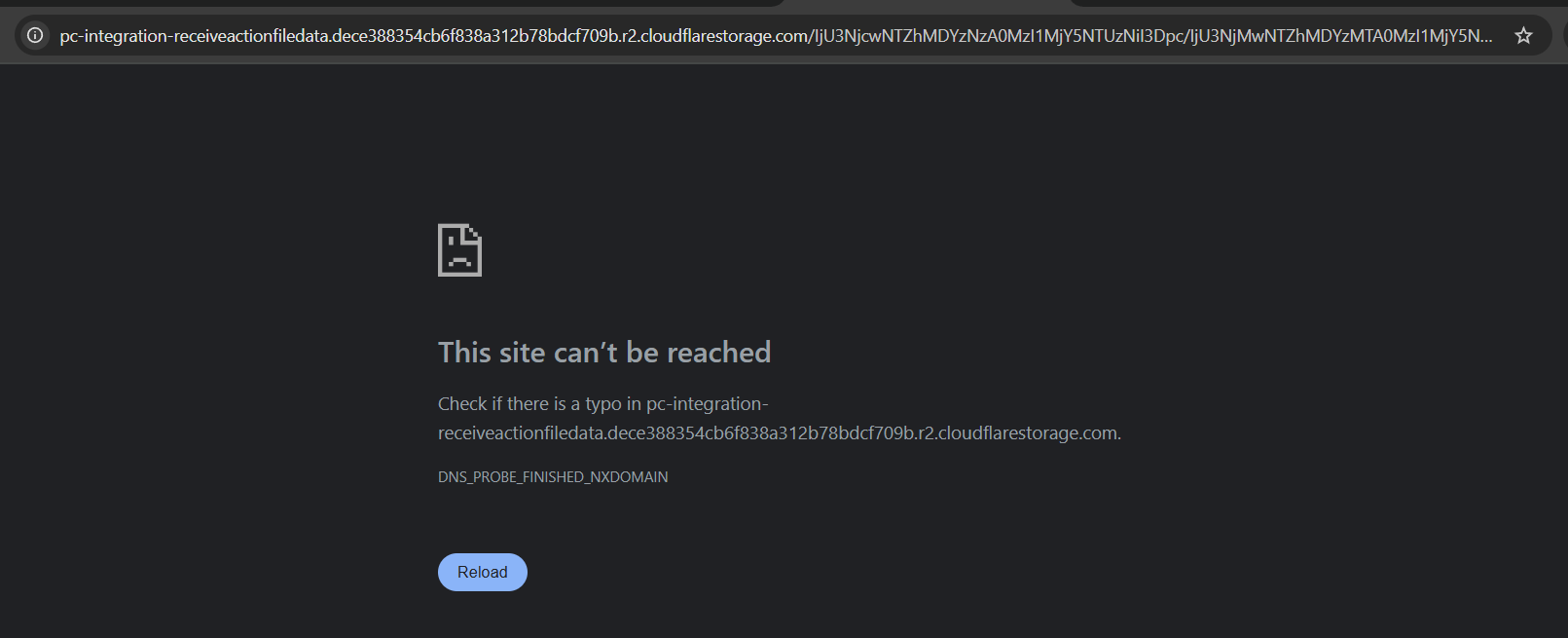
If that’s the case, what alternative would you recommend to get a direct URL to the previously generated .mp3 file (for example, by storing it in a Pabbly-compatible service)?
My main goal is simply to obtain a public or accessible link to the audio file to use in later steps of the workflow.
Thank you for your help.
Best regards,
Carlos Andrés González
Hi @rodion6,
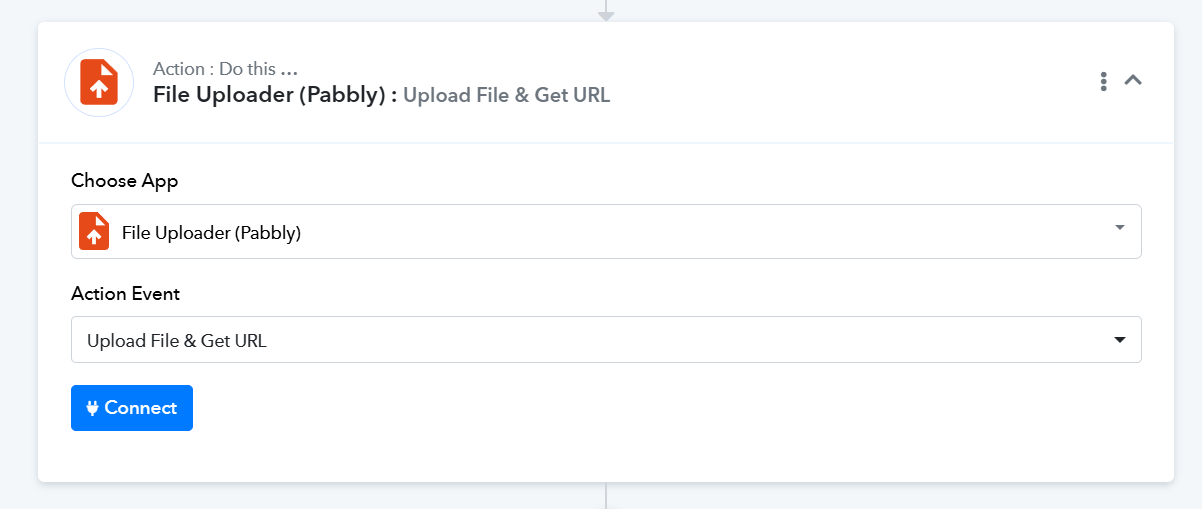
There seems to be an issue with the file being generated in the OpenAI action step. Once you get a valid URL, try uploading it to the File Uploader (Pabbly) action step to obtain the direct URL.