Error with Calendly-ConvertKit Automation in Pabbly
Status: Open · Asked by Support Team on · 0 views
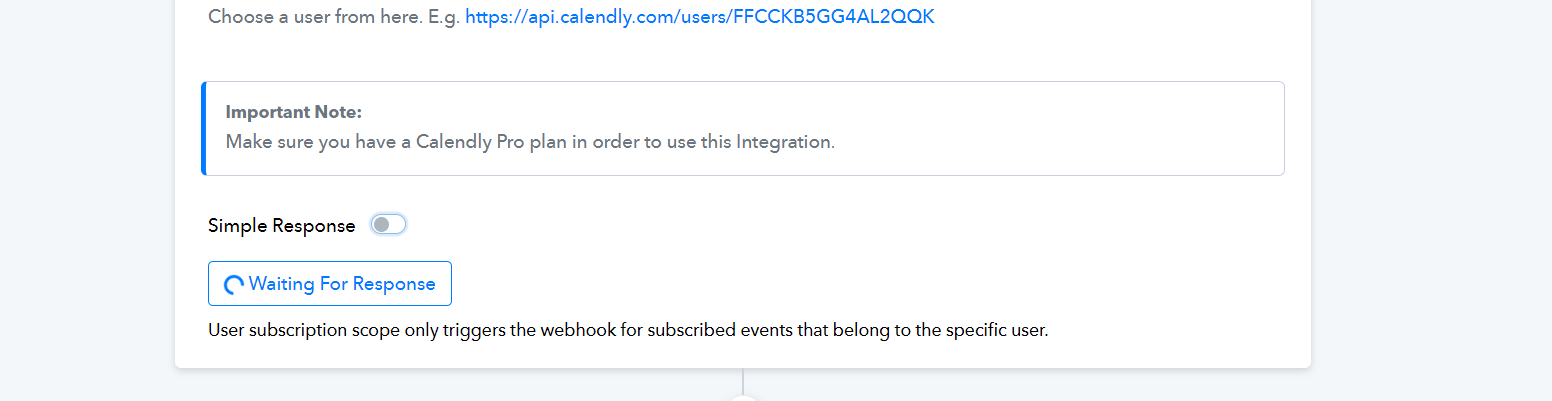
I’m encountering some issues while setting up an automation in Pabbly. My goal is to add new invitees to ConvertKit with a tag. However, whenever I try to connect Calendly, the system doesn’t seem to detect any response. The “waiting for response” button keeps loading indefinitely.
In the rare instances when it does detect something, an error appears, and no contact information is shown to proceed to the next step.
Please Help
Attachments
Hi @vitalweave,
Please create a new workflow from scratch (without cloning) and set up Calendly as your trigger step in this workflow. When setting up the trigger step, ensure that you click the 'Save & Send Test Request' button only once.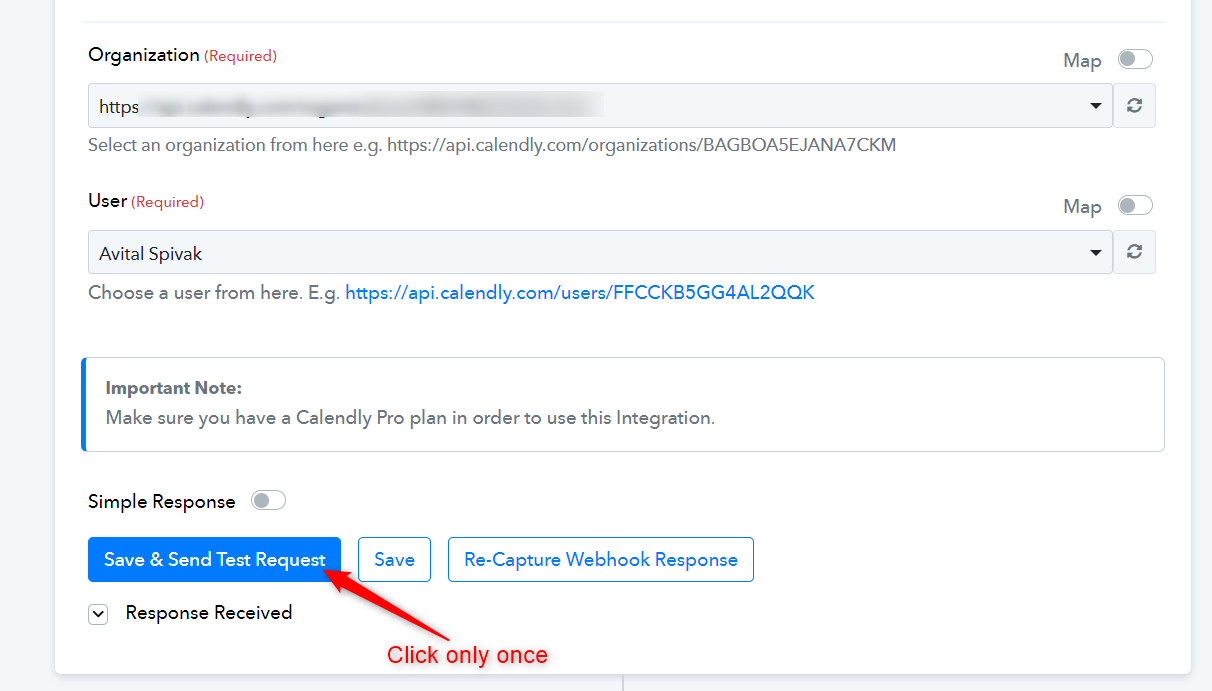
Watch the video shared below. Only the first half if relevant for you.
Hi Team,
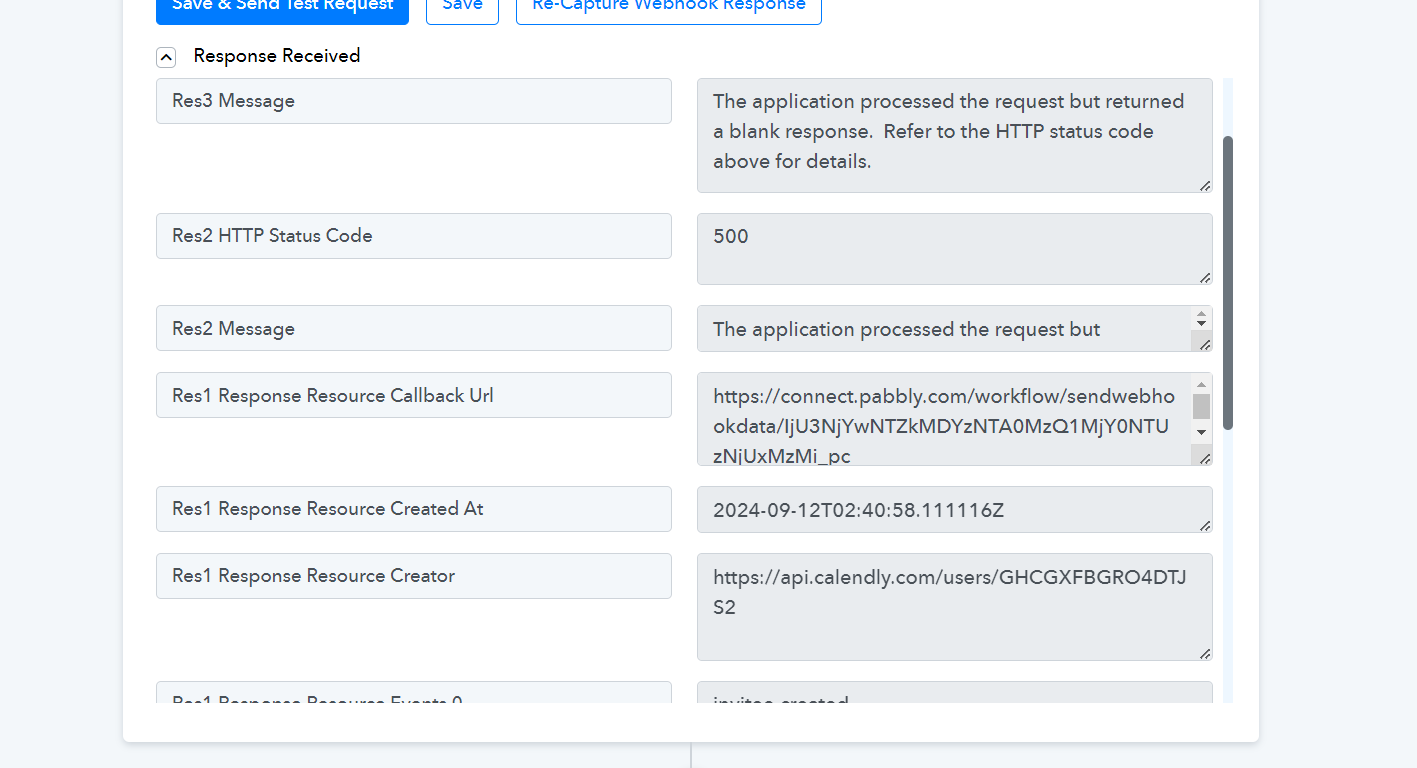
I tried by creating a new workflow but it does not recognise the entry. I got the following input that I have attached below. Please help
Attachments
Hey @vitalweave
Please create a new connection within a new workflow and verify it once more. Assistance for establishing a new Calendly connection can be found in the provided video lesson.