Error with step add row to table in excel
Status: Open · Asked by Fanny Opti-Biz on · 0 views
Hello,
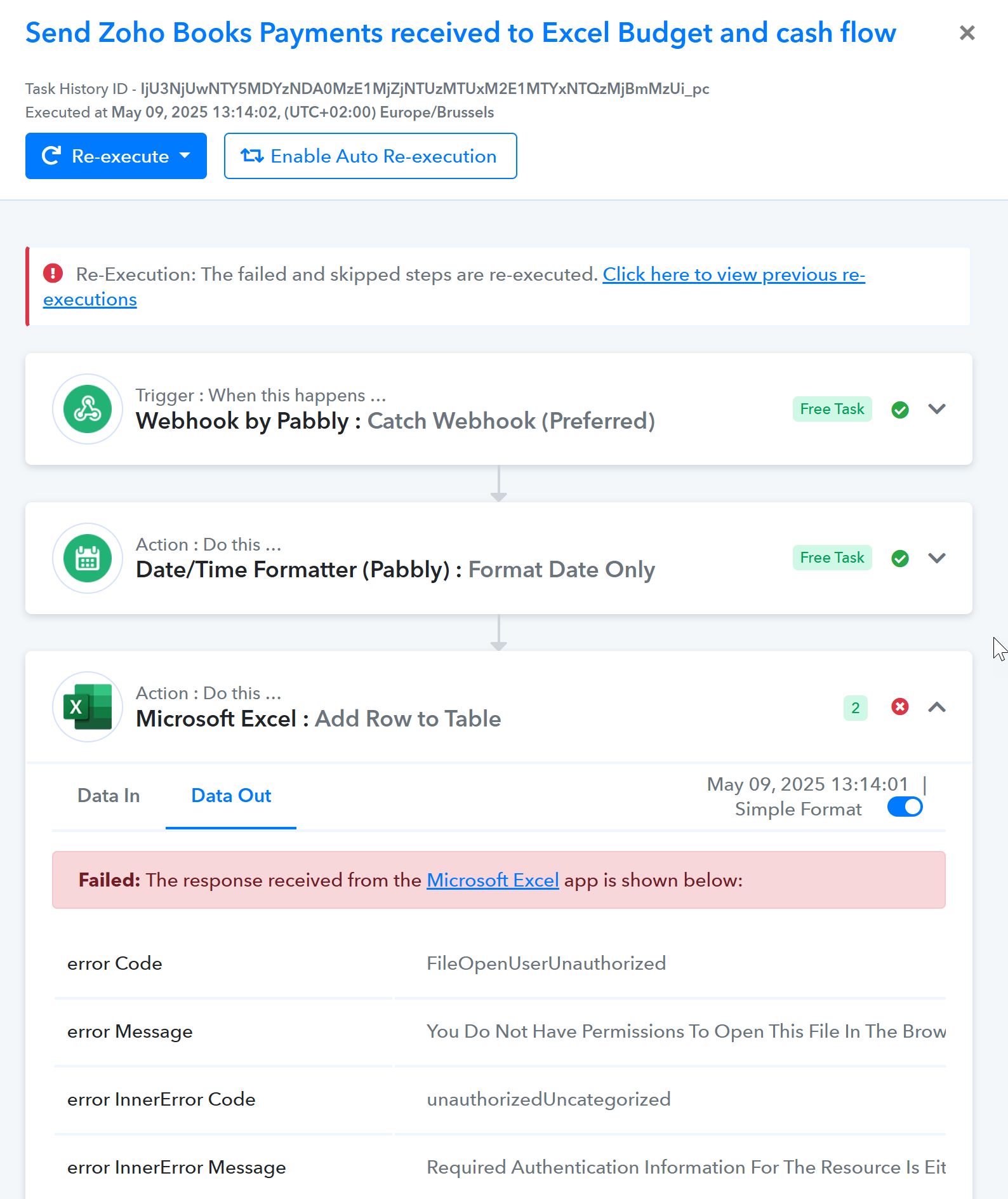
I am using the "add row to table" action in excel, but when it executes, it throws an error "FileOpenUserUnauthorized".
When I have the workbook open in another tab, the workflow executes properly, but it should execute also when the workbook is not opened.
Here is the url: https://connect.pabbly.com/workflow/mapping/IjU3NjAwNTY0MDYzMjA0MzM1MjZhNTUzYyI_3D_pc
I also have similar observation as in post https://forum.pabbly.com/threads/i-cant-connect-with-excel.23304/ meaning that my wokrbooks are not properly listed in the dropdown; hence I have to map the workbook id directly.
I tried to reconnect in incognito mode, without success.
My workbooks are on OneDrive, personal account.
Hello @opti-biz,
Please refer to this thread and follow the steps, and let us know if you can populate the Workbooks in Microsoft Excel.
Hello @opti-biz,Please refer to this thread and follow the steps, and let us know if you can populate the Workbooks in Microsoft Excel.
https://forum.pabbly.com/threads/error-with-step-add-row-to-table-in-excel.28956/
hello; which thread / steps are you referring to ?
Hello @opti-biz,
Apologies, please try access the above thread again and follow the mentioned steps.
@Preeti Paryani It still does not work.
I notice that the few workbooks I see listed are in fact those share with me by others; I cannot display my own... that is strange
@Preeti Paryani
Here is what I have done:
- in Onedrive, I have disconnected completely from another MS account (pro) that was listed there
- I have reconnected excel step in Pabbly Connect and refreshed several times
Then, more files appeared in the list, but for whatever reason, I cannot display all of them; for example, filtering on file name does not return the expected file.
I have inserted the excel file ID instead, and it now seems to work.
Thank you for the update. We're glad to hear that the MS Excel action step is now working correctly.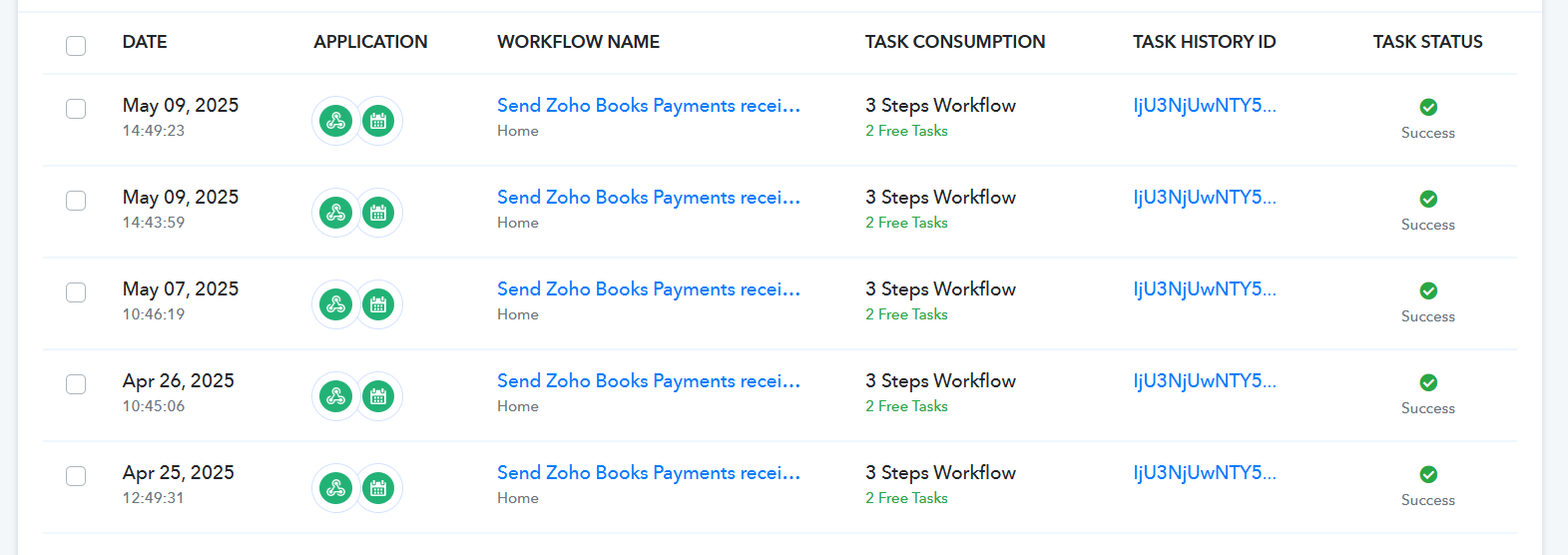
Thank you for the update. We're glad to hear that the MS Excel action step is now working correctly.
Actually, the problem is not fixed. It even seems to be back at initial point: my files are not found (apart from those shared by others with me
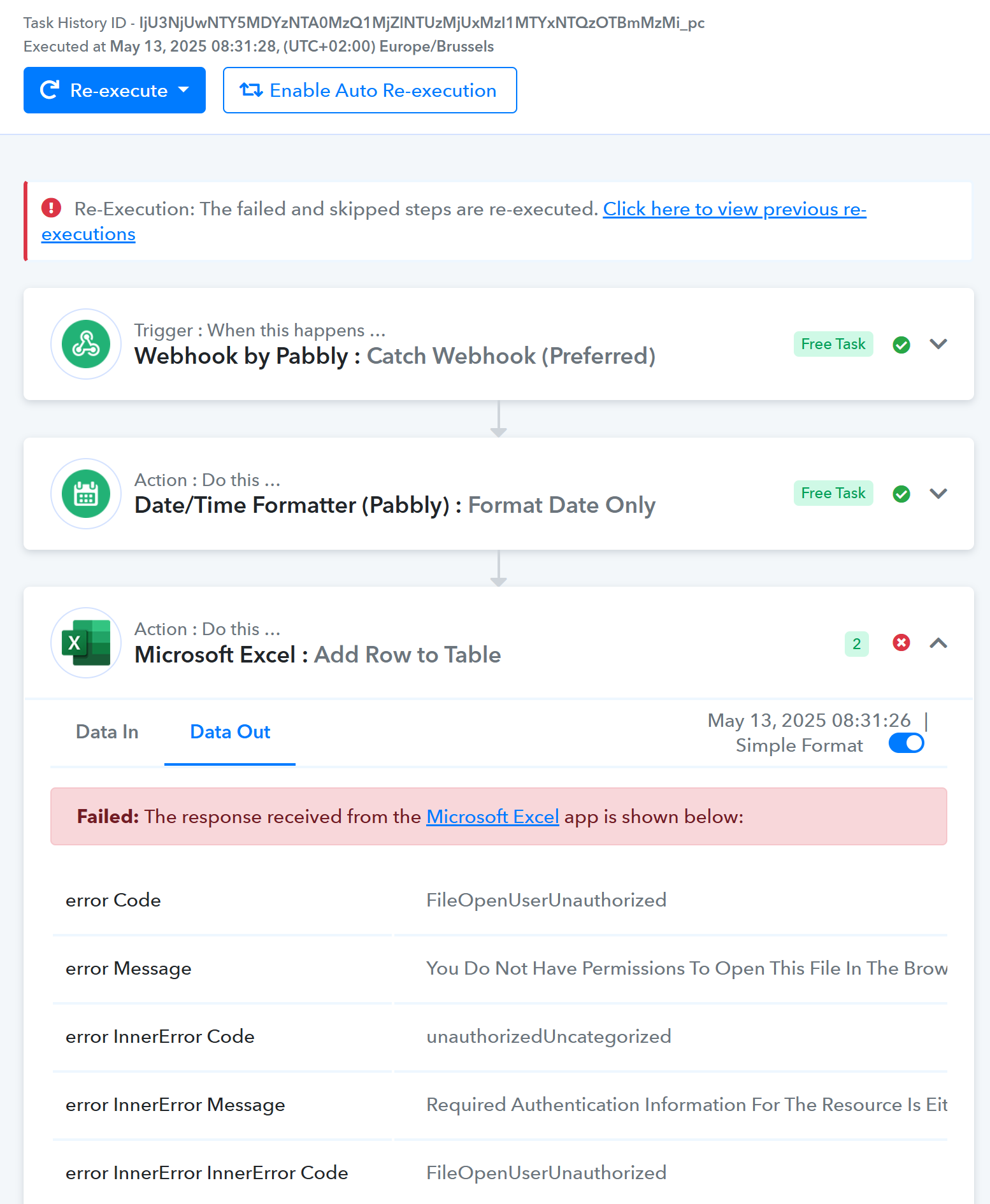
Task History ID - IjU3NjUwNTY5MDYzNTA0MzQ1MjZlNTUzMjUxMzI1MTYxNTQzOTBmMzMi_pc
Executed at May 13, 2025 08:31:28, (UTC+02:00) Europe/Brussels
Hello @opti-biz,
Upon checking, we noticed that the error message indicates you are not authorized to access the file.
Could you please confirm whether you have the necessary access permissions to the Workbook ID mapped in the action step?
This will help us identify the cause of the issue more accurately.
Hello @opti-biz,Upon checking, we noticed that the error message indicates you are not authorized to access the file.
Could you please confirm whether you have the necessary access permissions to the Workbook ID mapped in the action step?
This will help us identify the cause of the issue more accurately.
of course