EVEN AFTER COMPLETE SETUP OF API MESSAGES ARE NOT SENDING FROM PABBLY WORKFLOW
Status: Open · Asked by Shantanu on · 0 views
EVEN AFTER COMPLETE SETUP OF API MESSAGES ARE NOT SENDING FROM PABBLY WORKFLOW
Hi @Shantanu,
Could you please elaborate a bit more on the exact issue you are encountering? Also, please share the Workflow URL where you're experiencing this issue.
I have created 2 workflow, first is Facebook Leads form to Google sheet, it is working fine, Second workflow is Google Sheet to Whatsapp API , which is actually not working, I tried multiple times but still Whatsapp messages are not going through API
Worklfow Link: https://connect.pabbly.com/workflow/mapping/IjU3NjYwNTZiMDYzNjA0M2Q1MjZiNTUzMzUxM2Ii_pc
Task History ID - IjU3NjUwNTY5MDYzMDA0MzY1MjZiNTUzMDUxM2I1MTY0NTQzNTBmMzQi_pc
Based on your Task History, the WhatsApp Cloud API action step appears to be executing without any issues.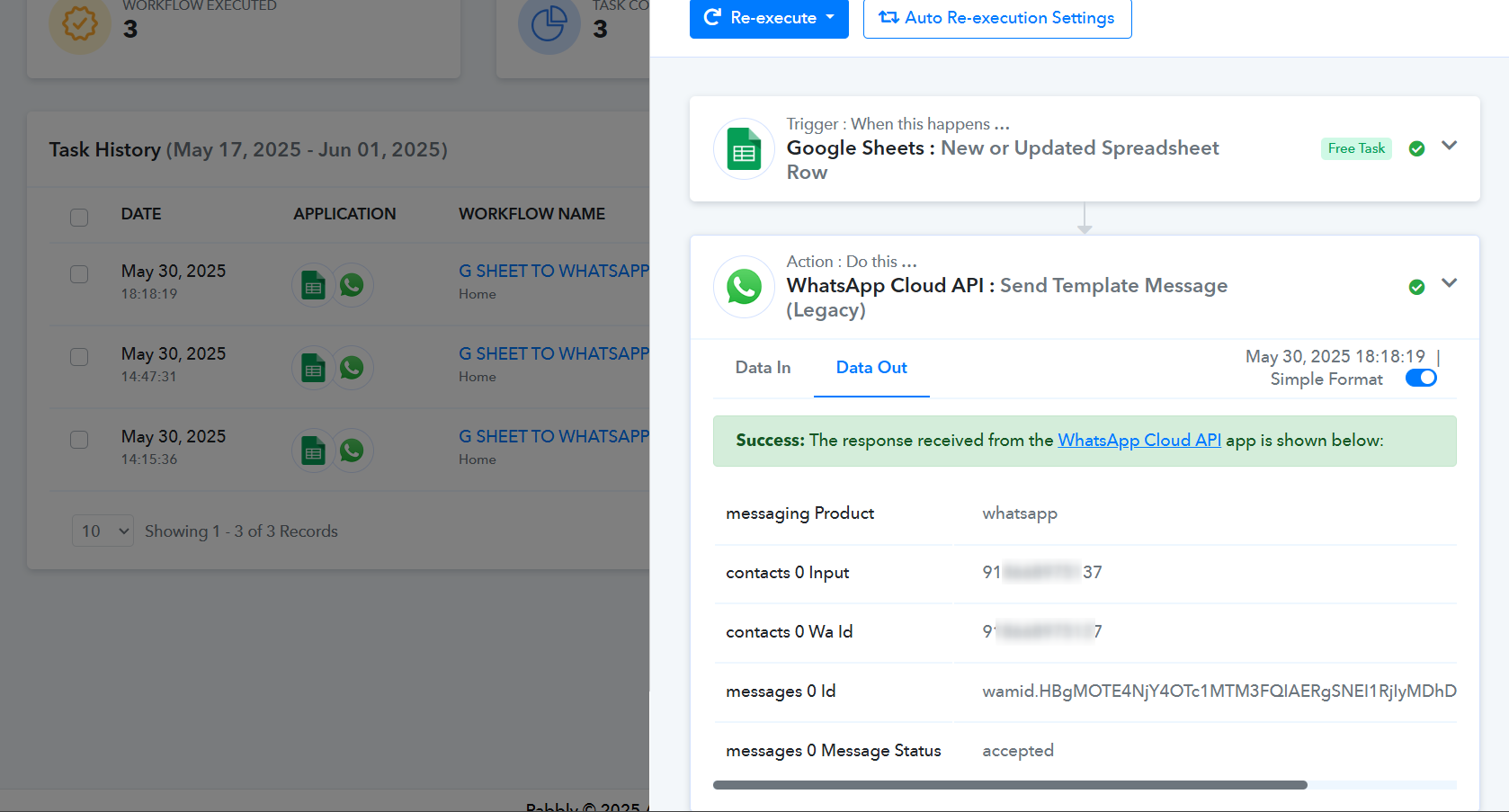
If the messages still aren't being sent, try using the 'Send Template Message (New)' action step instead.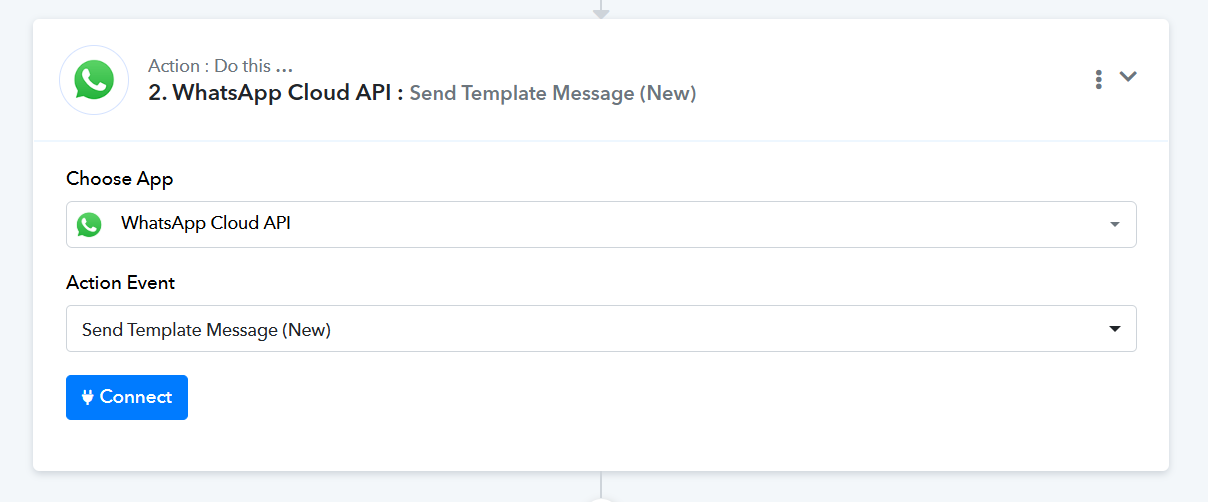
Hello,
WhatsApp Cloud API is not executing , only 3 Leads were exucuted among 100 leads , those 3 leads were also manuel entry, I request you to connect on Zoom or Google meet and guide me.
Hello @Shantanu,
Since the leads are being added to your Google Sheet through an automation, please ensure that the "Auto Send on Schedule" option is enabled under the extension settings.
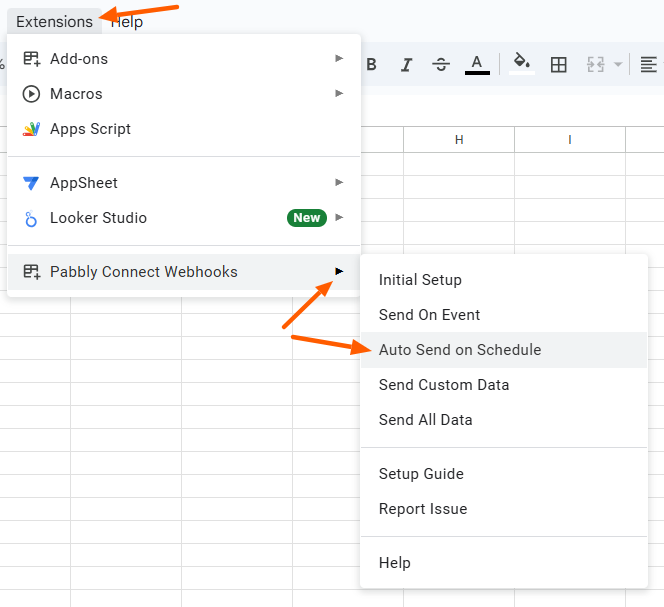
Additionally, if you also need manually added rows to be processed, you can keep the "Send on Event" option enabled. Otherwise, we recommend disabling it to avoid any unnecessary triggers.
Let us know if you need any further assistance.