every time i map date in google sheet action doesnt come
Status: Open · Asked by Parth Nayak on · 0 views
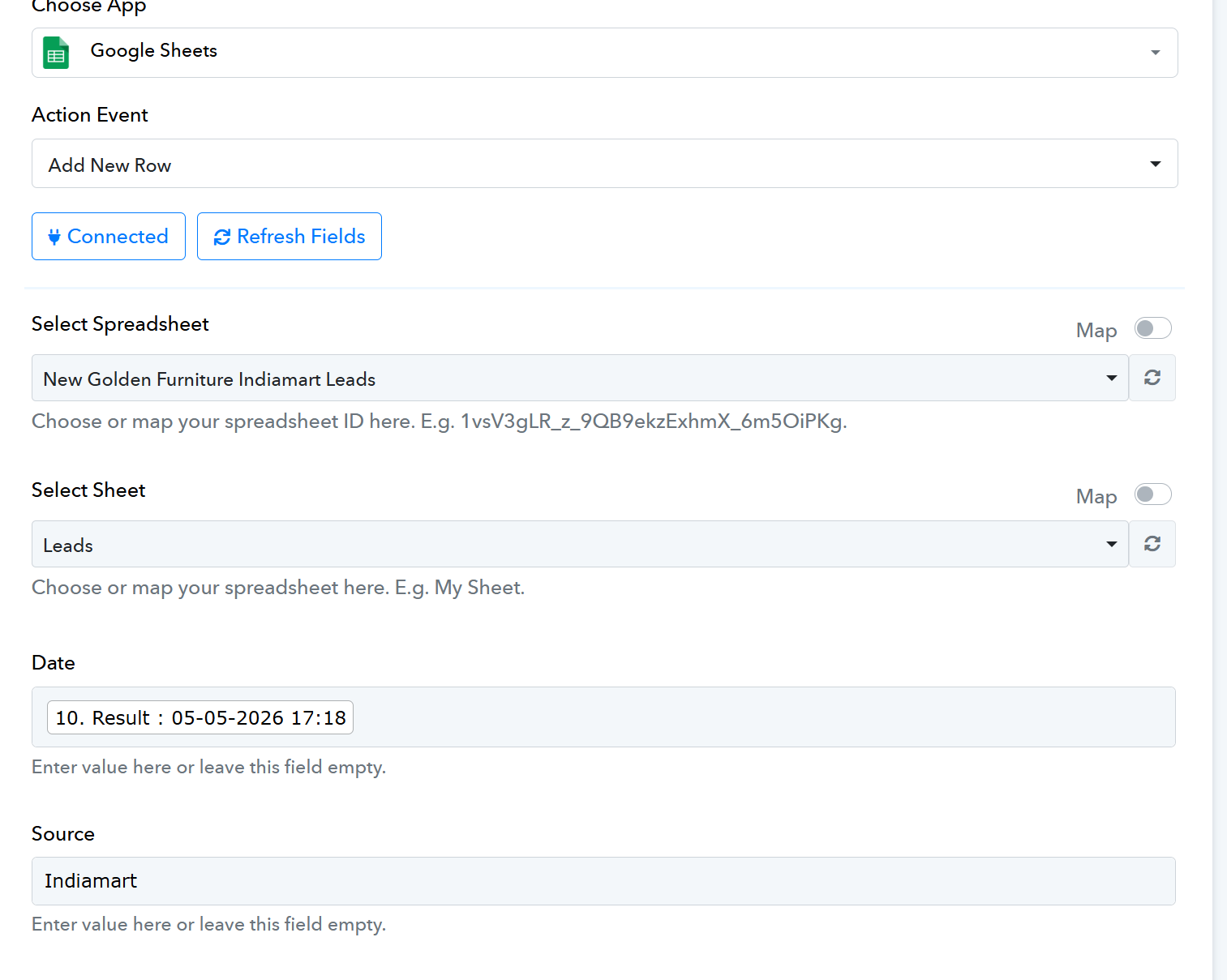
Hey @Parth,
Thanks for reaching out.
To check whether the date was added we have tested the “Get Rows” action from our end, and it appears to be returning the correct date value in the row. So currently, the Add new row action seems to be working as expected.
Could you please confirm if you are facing any specific issue related to the date field or share more details about the problem you are encountering?
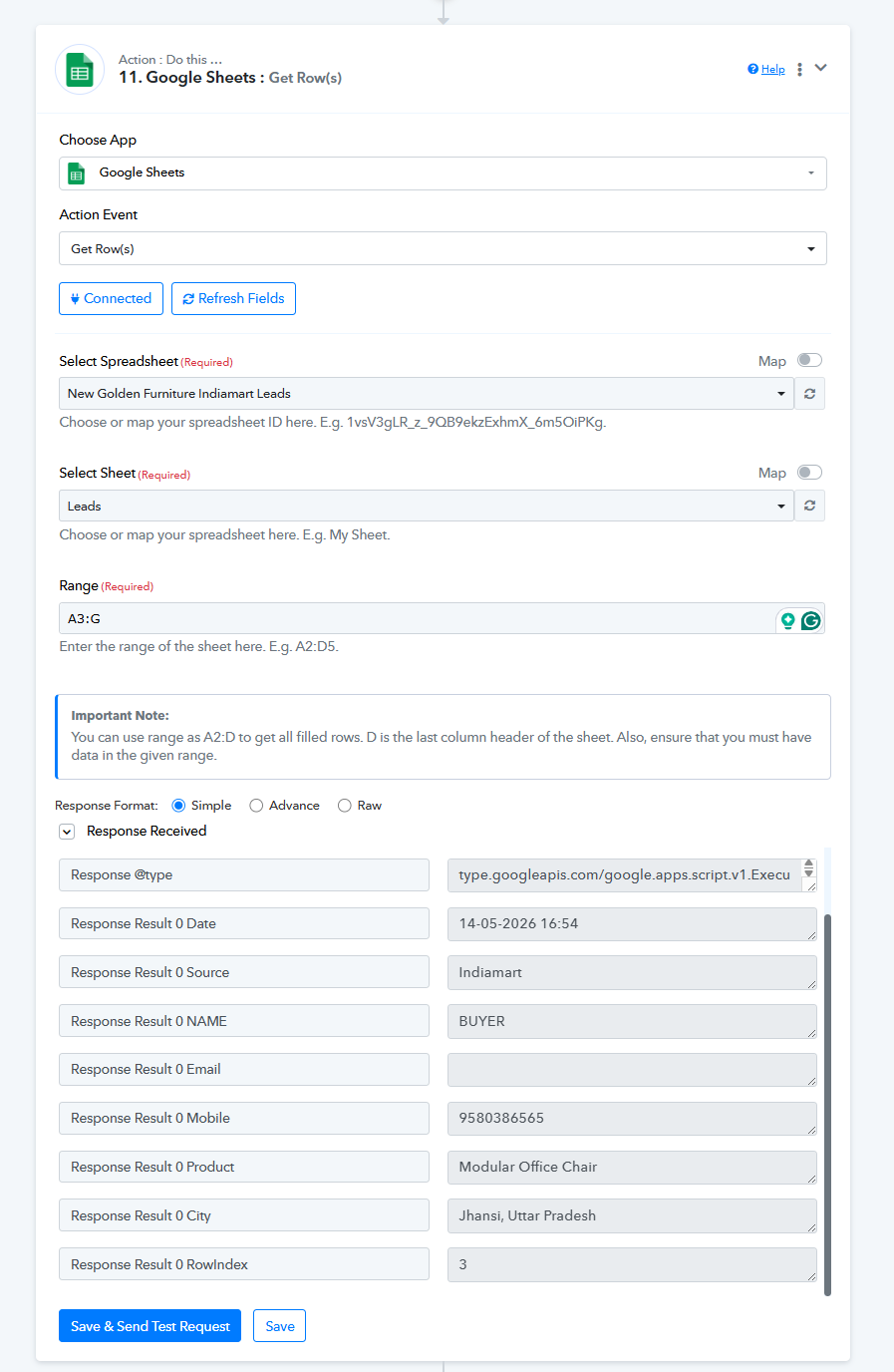
mostly it is happening that we are under emergency rectifying issues on our own, please note that above issue is persistent. even after putting dates multiple times it doesnot pass on to google sheet.
Hey @Parth,
As discussed over the phone, I request you to kindly share access to a Google Sheet having the same structure where you are frequently facing this issue.
Please share the sheet access with the below email address:
[EMAIL][email protected][/EMAIL]
This will help me test it from my end by adding rows in the sheet and check whether I am able to replicate the issue as well.
Hey @Parth,
Thanks for sharing the sheet access.
I tried adding a new row in the sheet from my end and was able to replicate the same issue. It appears that the problem is occurring because there are two identical columns in the sheet structure with the name “Date.”
Due to this duplicate column name, the data is not being mapped correctly while adding the row.
To test this, I renamed the second “Date” column to “Date 1” and then tried adding a new row again, and it worked properly afterward.
So, I recommend you try the same in your other workflow/sheet as well and check whether it resolves the issue. Also, please make sure that the Google Sheets headers are not identical.
Thanks for the information.