Facebook Create Page Photo Not working
Status: Open · Asked by Carlo The Computer Guy on · 0 views
I need help!
I uploaded my photos to Google Drive and shared them and use JavaScript in Pabbly. The photos are less than 4MB and they are all .PNG files; however, I am getting the attached error. Can someone please help?
Thanks!
Hi @pcservices,
Could you please share the Workflow URL where you have this concern?
Hi @pcservices,Could you please share the Workflow URL where you have this concern?
Yes, here it is: AmHGZ7KCslJKssIp63_qDMf
Once again, thanks!
Please share the Workflow URL. It should be available in the address bar of your browser.
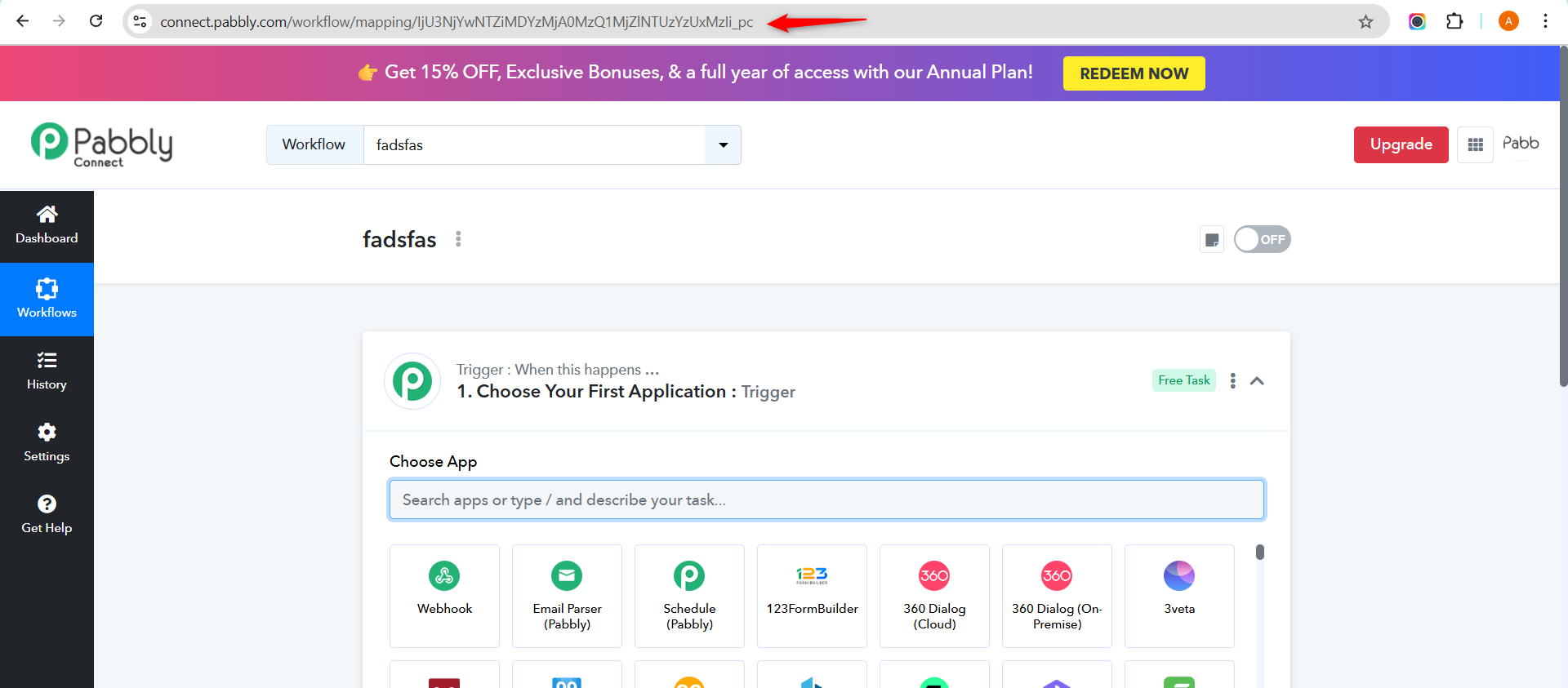
Please share the Workflow URL. It should be available in the address bar of your browser.
Here is it! https://connect.pabbly.com/workflow/mapping/IjU3NjYwNTZiMDYzMzA0MzE1MjZiNTUzNTUxMzEi_pc
My Mistake!
Hello @pcservices,
It appears that while the file URL is technically downloadable, it is not accessible. When we attempted to access it, we encountered the error shown in the attached image, however other png files were easily getting accessible. This could be the root cause of the issue you're facing.
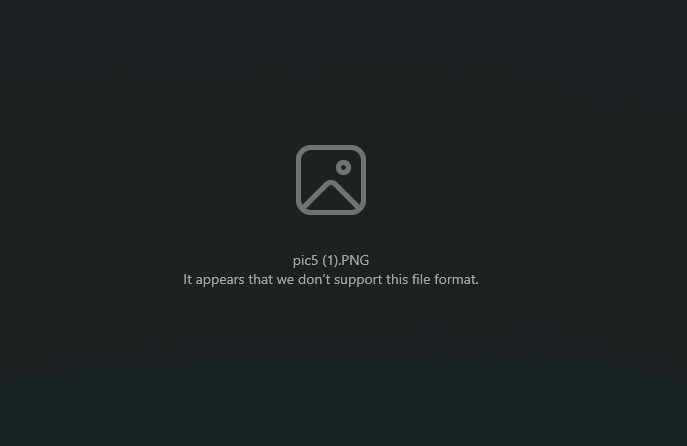
We recommend ensuring that your images are publicly accessible to avoid this problem going forward.
Please let us know if you need any assistance with this.
Hello @pcservices,It appears that while the file URL is technically downloadable, it is not accessible. When we attempted to access it, we encountered the error shown in the attached image, however other png files were easily getting accessible. This could be the root cause of the issue you're facing.
We recommend ensuring that your images are publicly accessible to avoid this problem going forward.
Please let us know if you need any assistance with this.
Hi! How did you try to access the files? I can access them fine by copy and paste the links to a browser. Please see below.
Original link will display the image:
https://drive.google.com/file/d/1Ja3YYdsGTNwBbUiphH1joGAnXrdNfDwS/view?usp=sharing
Converted link will download the image: https://drive.google.com/uc?export=download&id=1Shl4KtdBdUcNQPEDyA__v8qxdN0-bX3D
Hi! How did you try to access the files? I can access them fine by copy and paste the links to a browser. Please see below.Original link will display the image:
https://drive.google.com/file/d/1Ja3YYdsGTNwBbUiphH1joGAnXrdNfDwS/view?usp=sharingConverted link will download the image: https://drive.google.com/uc?export=download&id=1Shl4KtdBdUcNQPEDyA__v8qxdN0-bX3D
I was able to get it to work by removing one extra space. before the one of the links. I will keep you posted if it does it again. Once again, thank you!