Facebook Get Account Insights Advance - limitation
Status: Closed · Asked by Support on · 0 views
Hi, i'm trying to get all ads from my ad account. However because there's too many ads, the RSS was cut off 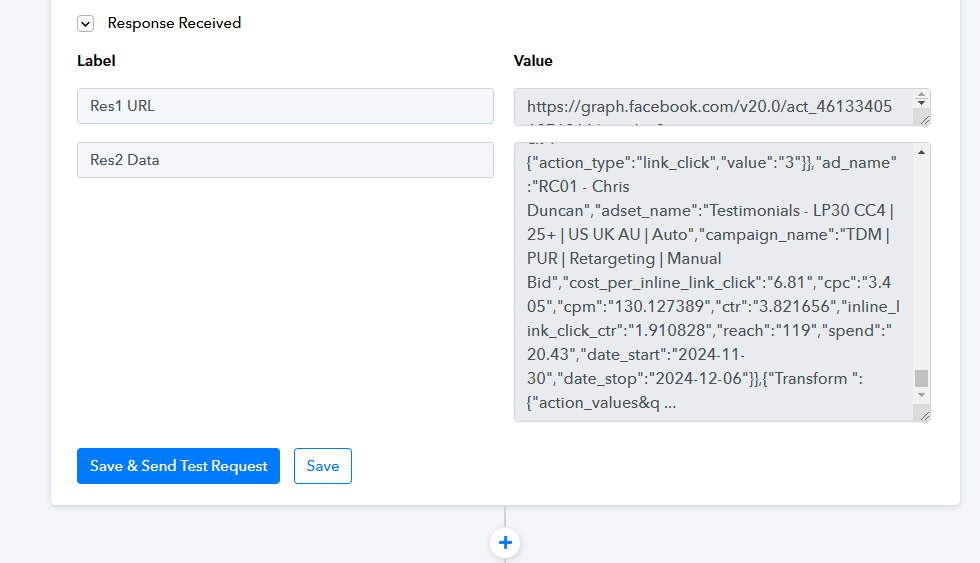
How do I get it to show all?
One way i can think is to have an action to list all available Adsets, then iterate through each adset and request the ads within that adset.
If you know what I mean...
But i don't know how to do that... any ideas?
Set up Scheduler as the trigger step of your workflow. Then, use the Facebook Ads: List Ad Sets action to retrieve all your Ad Sets. Next, add an Iterator to process each Ad Set, and use the response from the Iterator wherever needed.
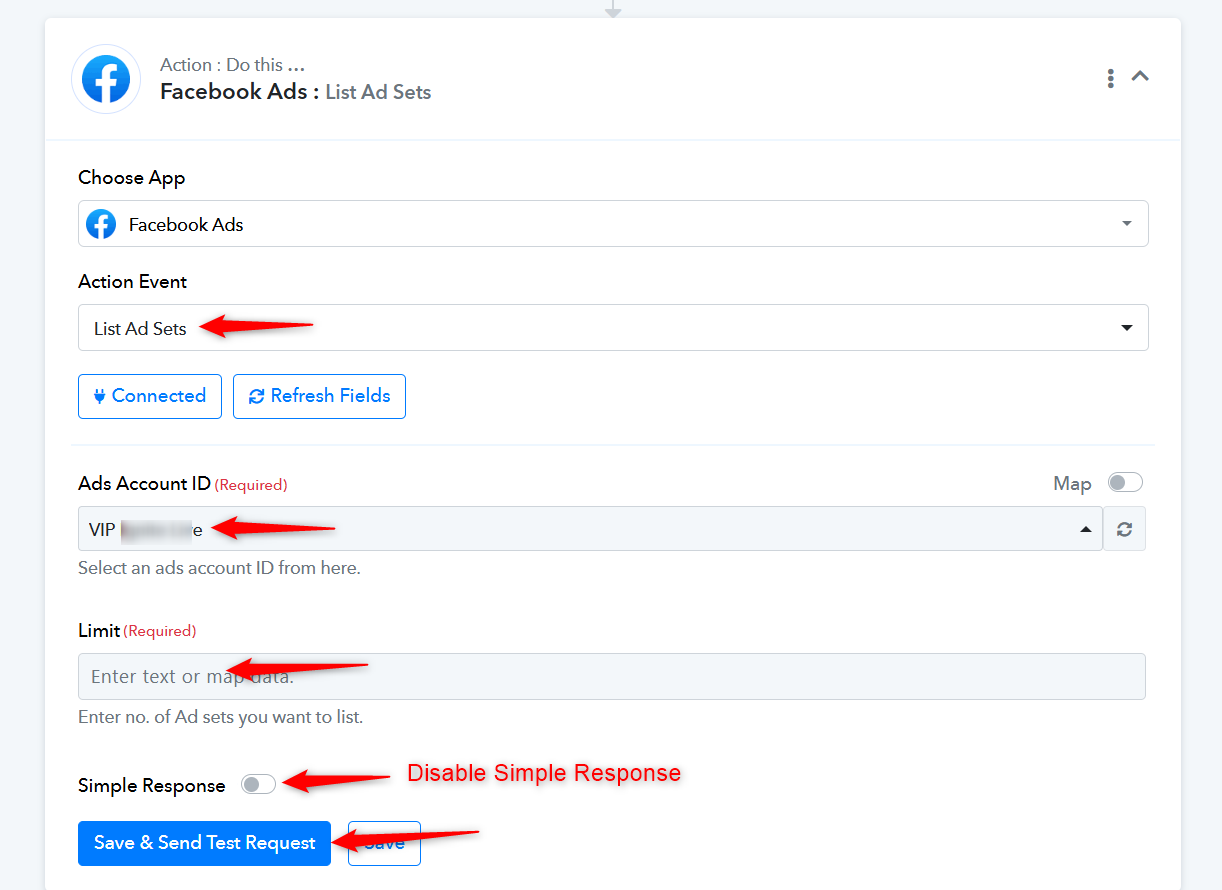
cool!
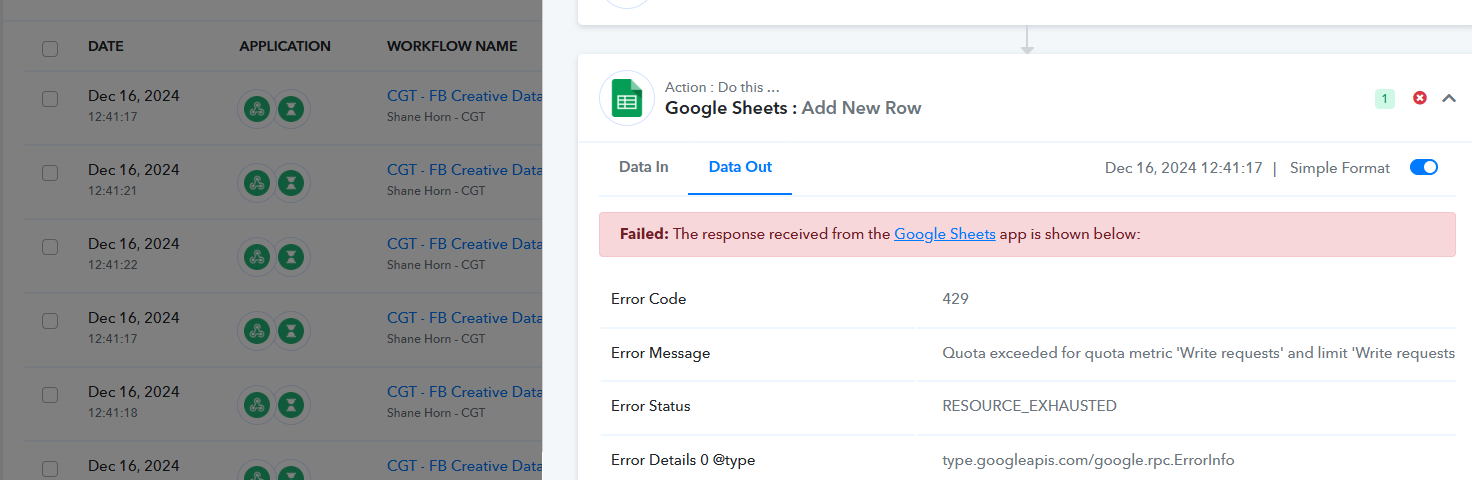
i got it working by listing campaigns then listing adsets then getting the ads! Now i can mitigate the Quota exceeded error
THANK YOU!
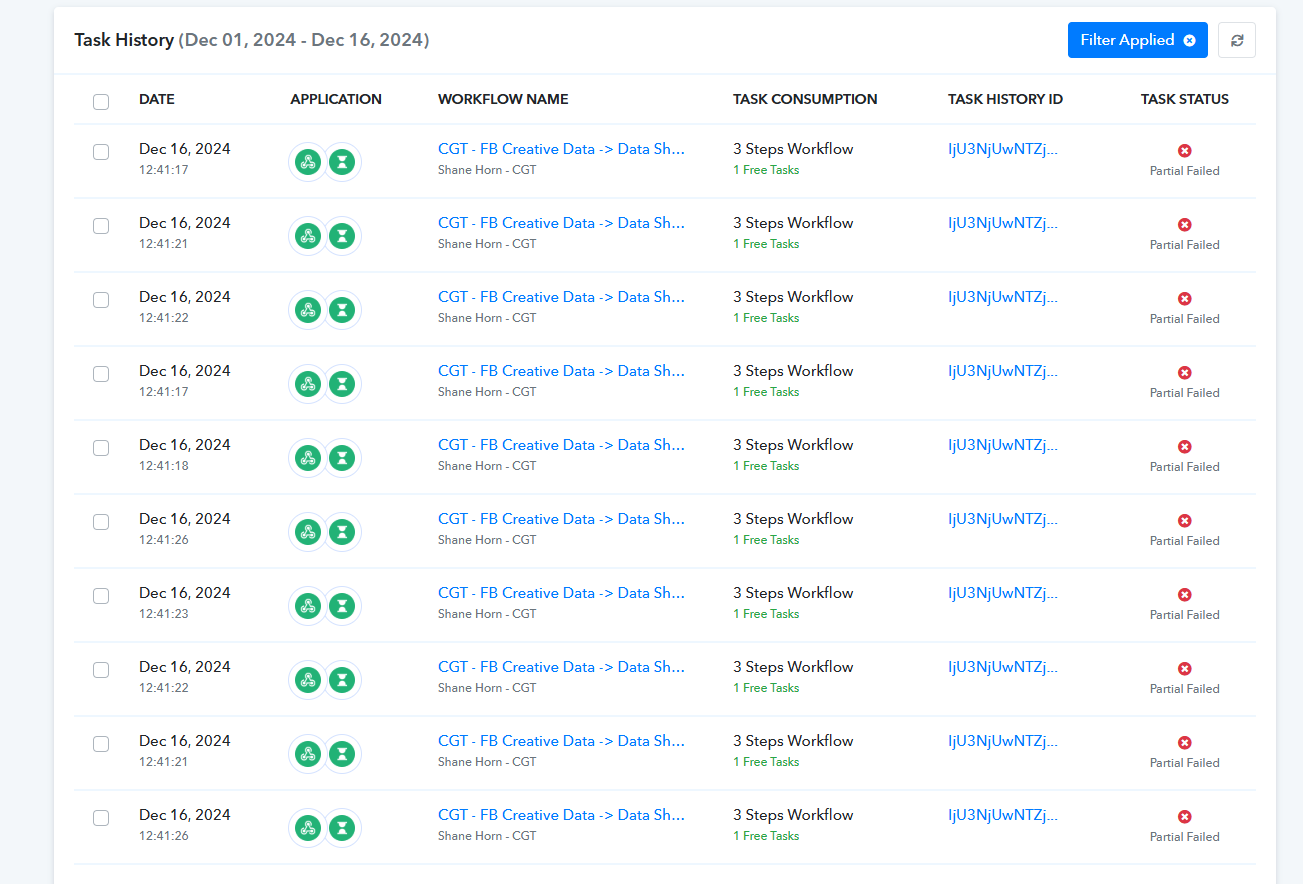
But sometimes i still get this error
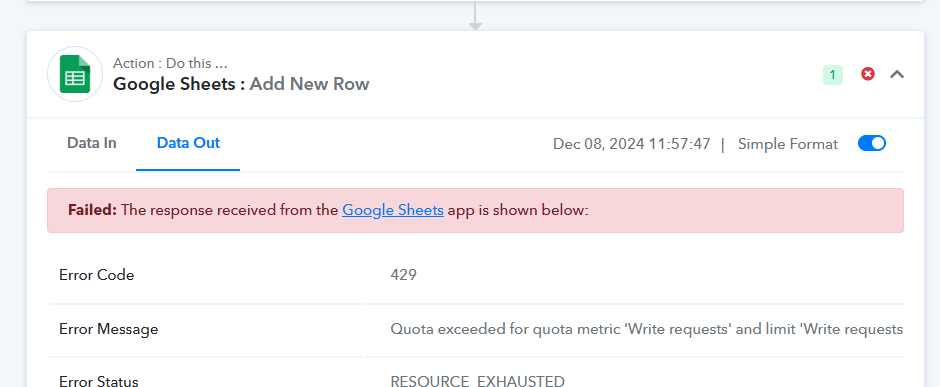
Is there a way to have this specific action try again in 5 minute if this happens?
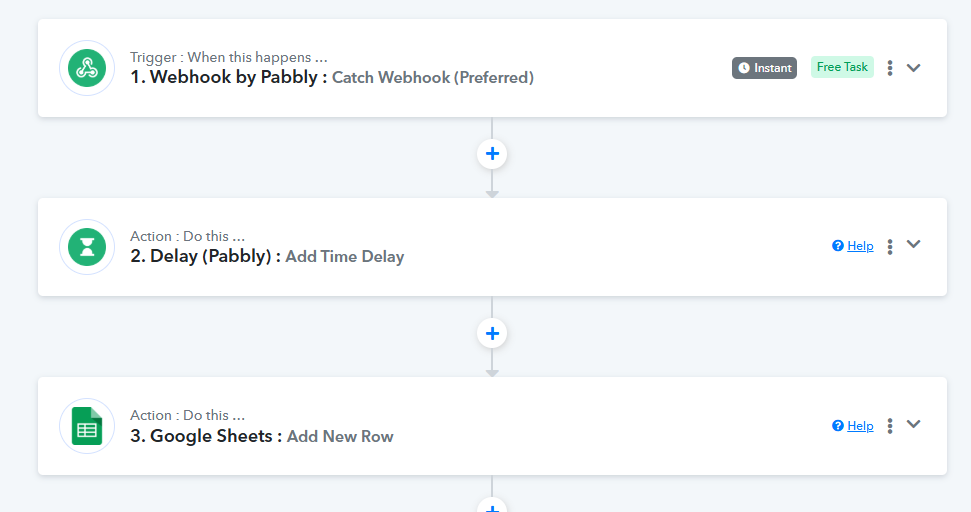
You can add a Delay step to your workflow before the 'Add New Row' action step to ensure there is some time between the addition of two rows.
youtube.com/watch?v=8t2lEzmvpTE
Is there a way to have this specific action try again in 5 minute if this happens?
You can enable auto-re-execution for this.
https://forum.pabbly.com/threads/how-to-enable-auto-re-execution-for-workflows.15088/
I'm trying this now but the delay caused the other Get FB Insights to stop iterating
https://connect.pabbly.com/workflow/mapping/IjU3NjYwNTZmMDYzNjA0M2Q1MjY5NTUzNjUxMzMi_pc
You can see the history. Delay broke the workflow
This issue occurs when we use an Iterator and a Delay step within the same workflow. If you wish to use an Iterator and a Delay step in the same process, you will need to split your workflow into two parts using a Data Forwarder.
To do this, add a Data Forwarder immediately after the Iterator step. Forward the data to a different workflow, then add the Delay and Google Sheets action step in the other workflow.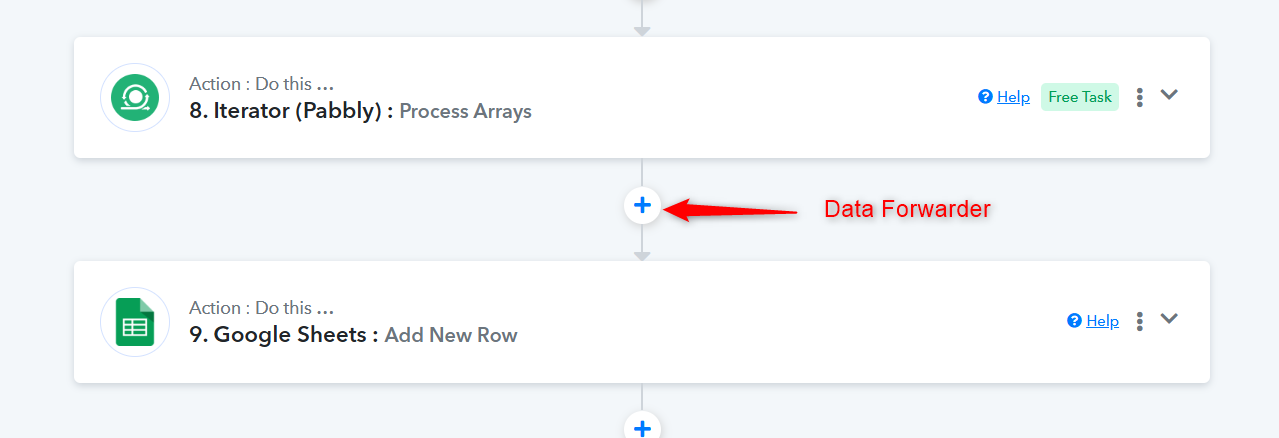
i tried it, it is still the same
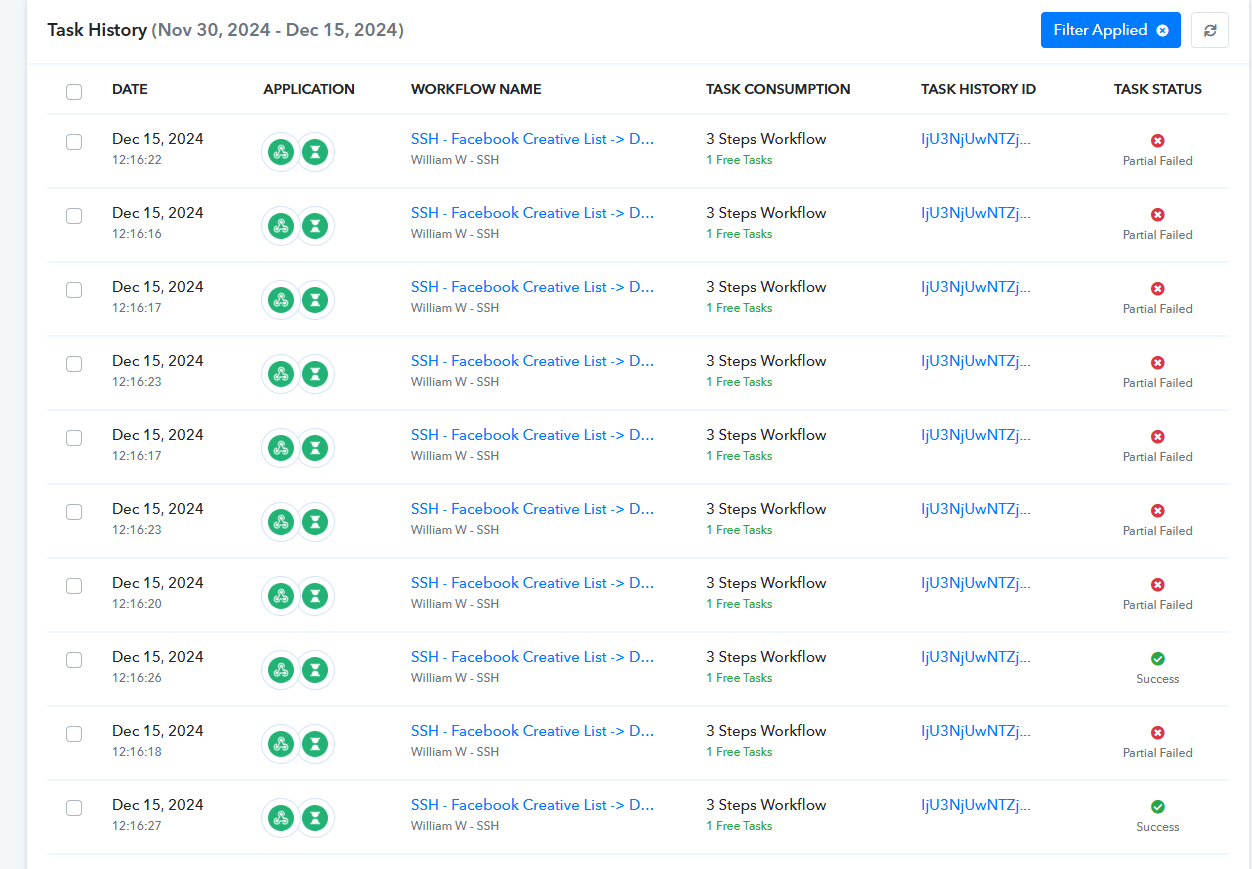
Based on your Task History, we can see that the data is being forwarded from this workflow:
https://connect.pabbly.com/workflow/mapping/IjU3NjYwNTZmMDYzNjA0M2Q1MjY5NTUzNjUxMzMi_pc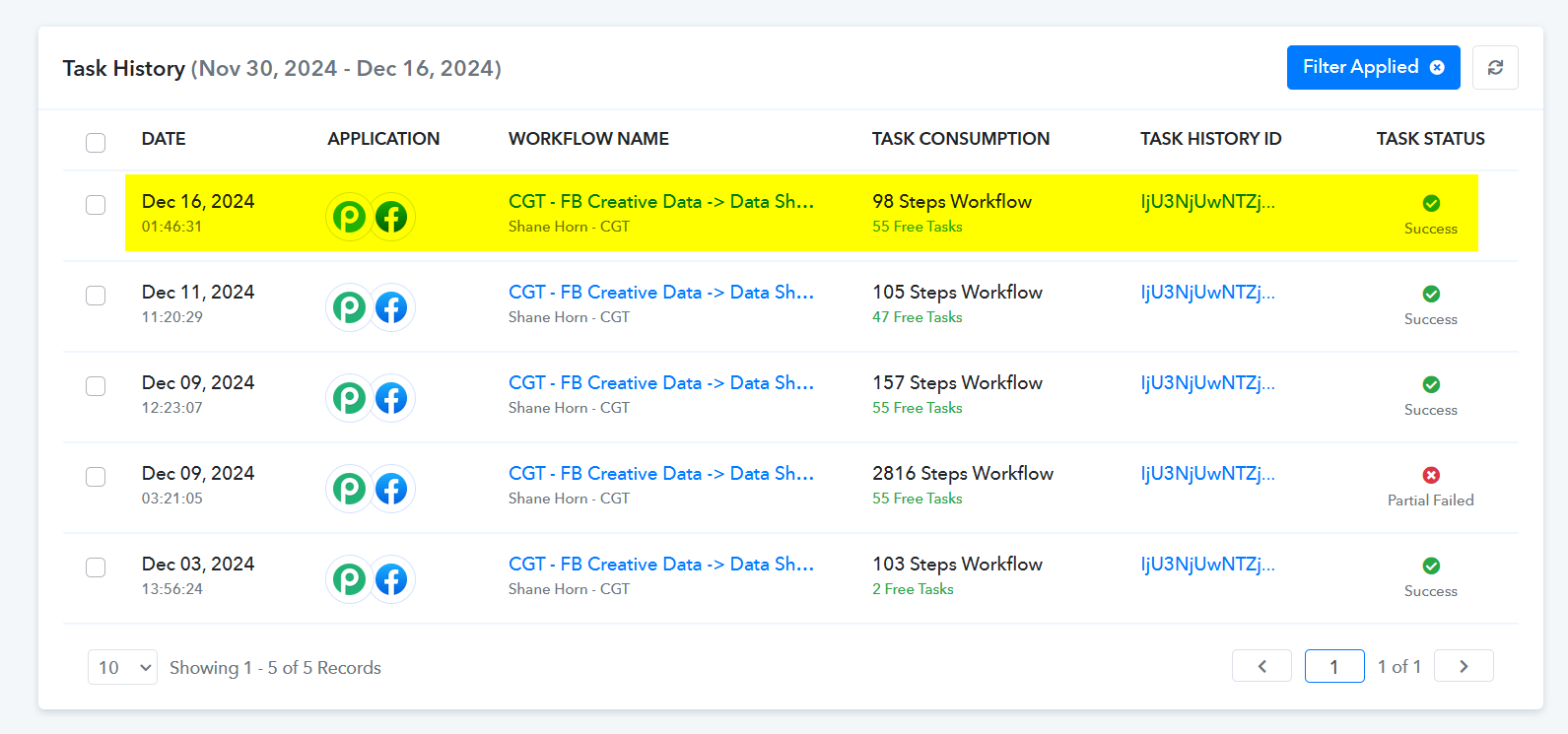
To the workflow shared below, without any issues.
https://connect.pabbly.com/workflow/mapping/IjU3NjYwNTZmMDYzNDA0MzM1MjZmNTUzZDUxMzMi_pc
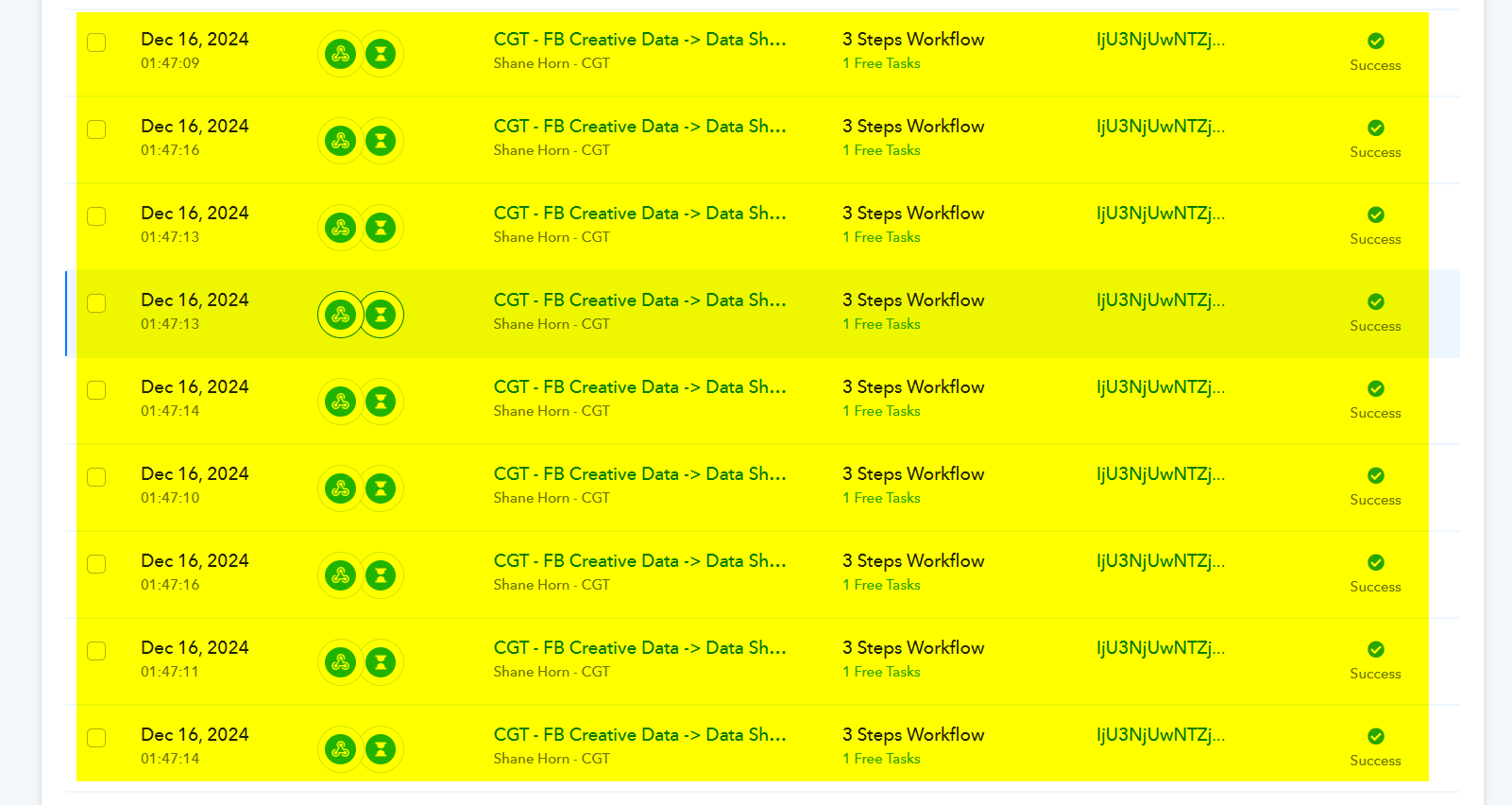
Based on your Task History, we can see that the data is being forwarded from this workflow:
https://connect.pabbly.com/workflow/mapping/IjU3NjYwNTZmMDYzNjA0M2Q1MjY5NTUzNjUxMzMi_pcTo the workflow shared below, without any issues.
https://connect.pabbly.com/workflow/mapping/IjU3NjYwNTZmMDYzNDA0MzM1MjZmNTUzZDUxMzMi_pc
i had a mistake in the workflow. After correcting it, this is now the correct one, with error
ok. it's solved.
I added a counter and and set it to increase and reset to use that as a delay to the second workflow.
Hello @TheDigitalMarketers
Thanks for the update!