Facebook Lead Ads - No Webhook Subscription
Status: Open · Asked by daniel_s on · 0 views
Hello,
I am struggling to connect Pabbly with a particular Facebook lead form. I have done it with other ad accounts so I'm not what the problem is.
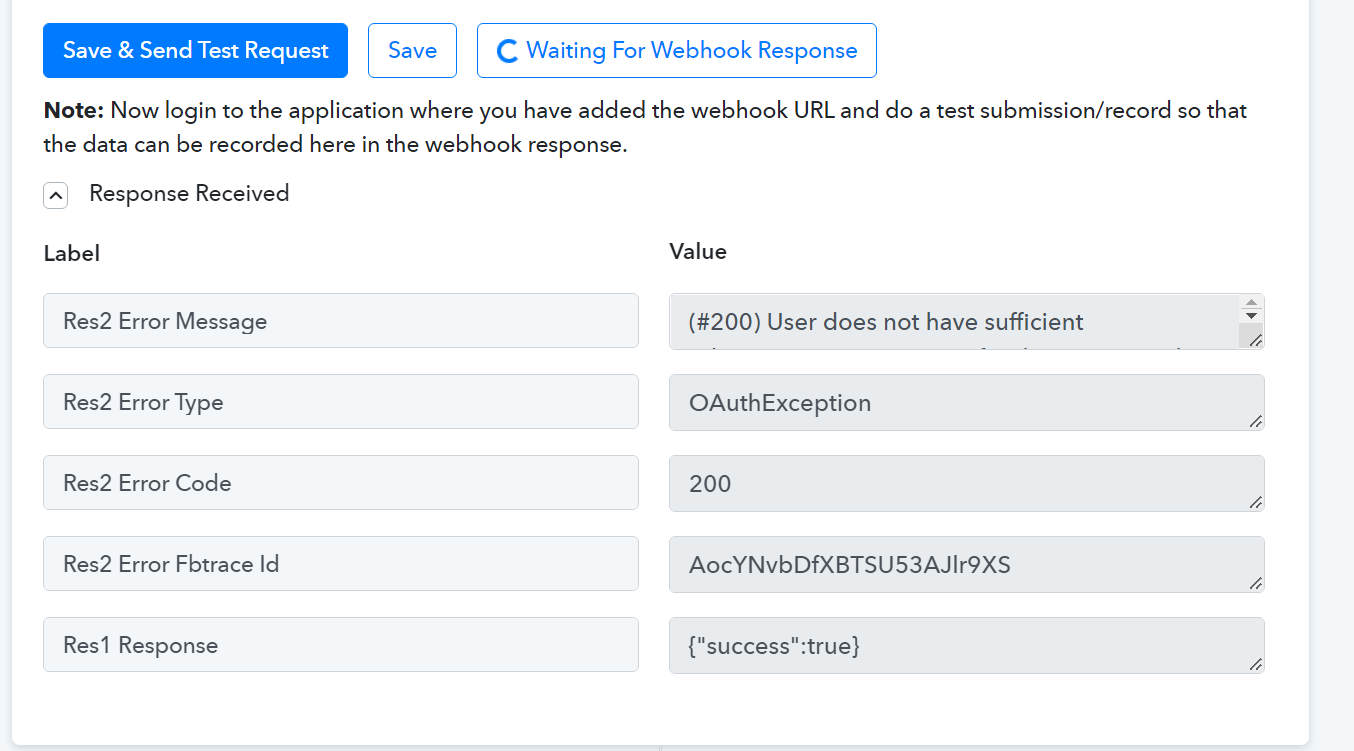
Effectively, whenever I submit a test form, the Webhook Response does not get updated:
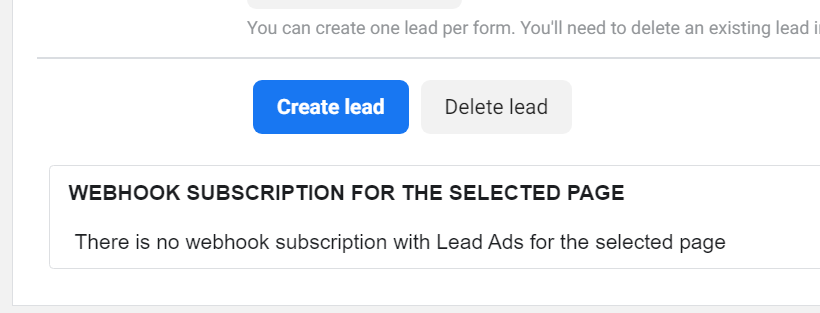
In the Facebook Leads Ads Testing Tool, it says there is no webhook subscription. Shouldn't this automatically get filled with some information? (It does with another ad account I have connected Pabbly to).
I have checked and double checked my permissions to access Leads for the selected Page, and I have reconnected the Lead Ads Form many times.
What could be the issue please?
Thanks,
Daniel
Hey @daniel_s
Could you please recreate the workflow from scratch and reconnect the Facebook leads ad and let us know if you are still getting this issue?
Hello Kunal,
I have actually been through this step multiple times. I am thinking that I don't have admin access to the Lead form or something but this can't be the case as I have double checked.
Am I missing something obvious here?
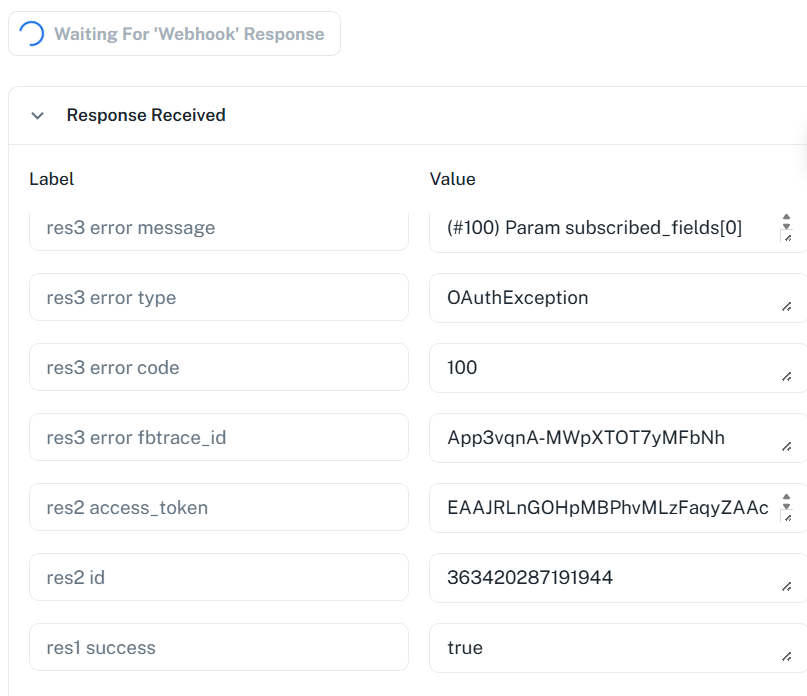
I have tried again and partial success. I am getting this new error. What does it mean please?
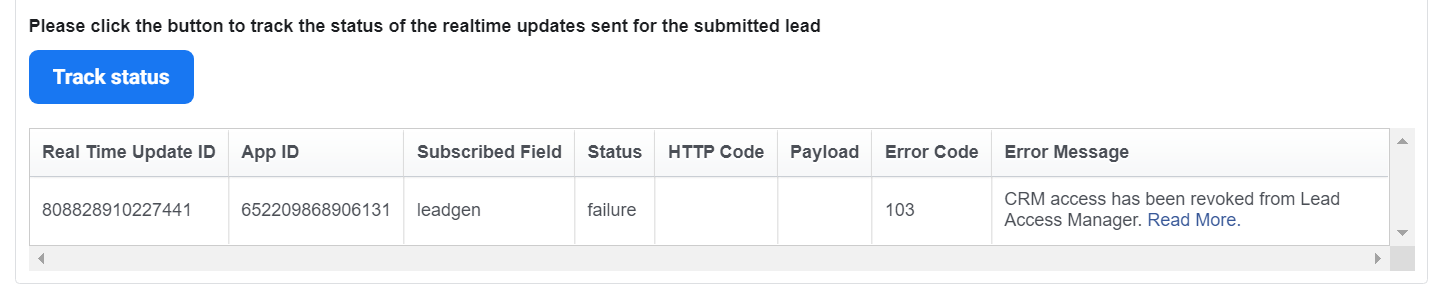
I figured this bit out actually. I had to give Pabbly Connect access as the CRM within Facebook Business Manager. It was all rather confusing and took a long time as I had no previous experience.
It would be useful if you had some 'how-to' articles on this, rather than just your videos.
Hey @daniel_s
We are glad that you figure out the issue. We will check with the team if they can create a few support articles for solving this type of issue so that other customers will get benefitted.
Thanks
Kunal
Facing the same issue.
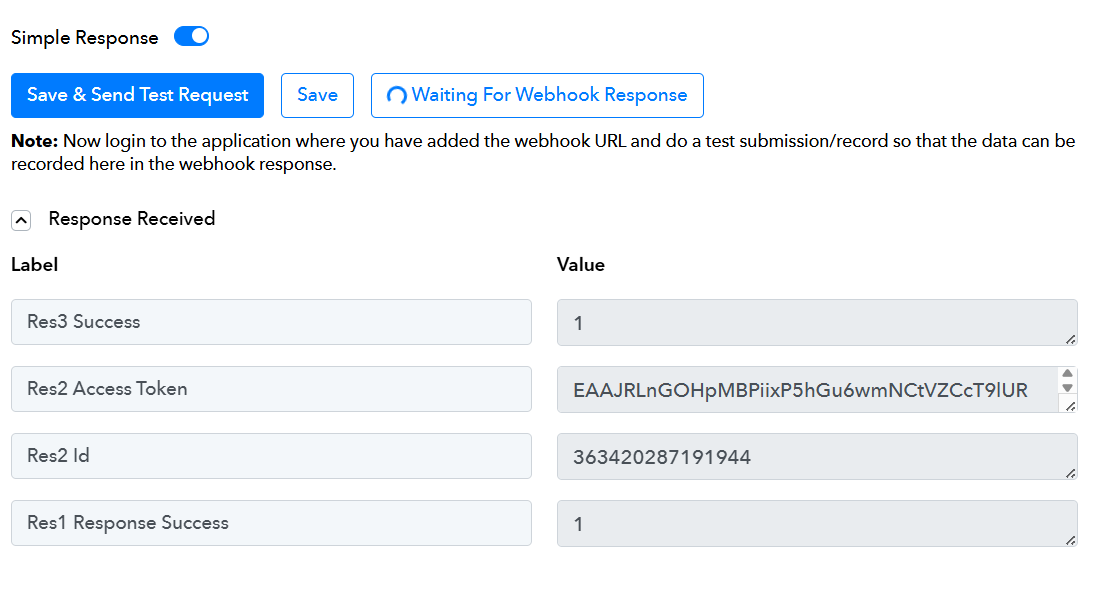
Lead is going through the "Leads Ad Testing," but when connecting Pabbly with the form, its doing nothing
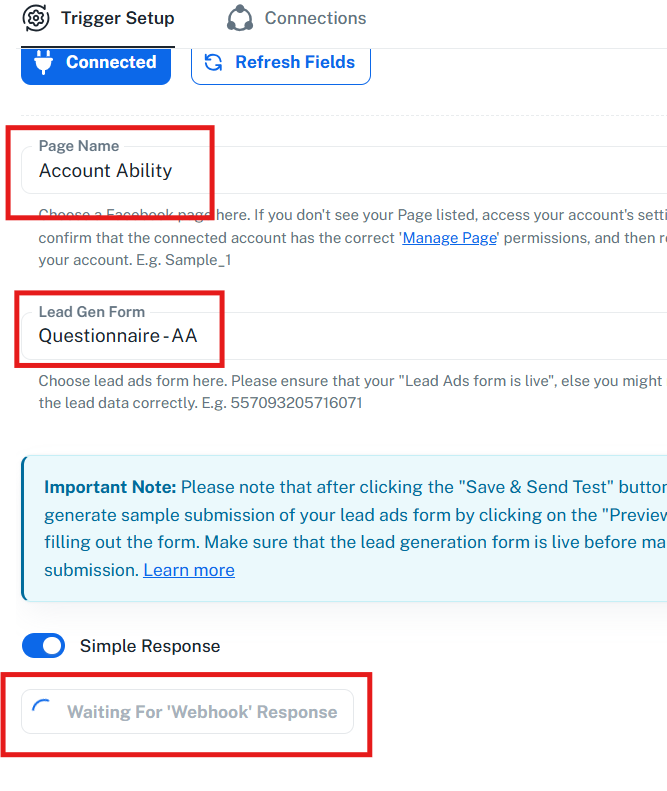
Workflow:
IjU3NjYwNTY0MDYzNzA0MzA1MjZhNTUzMzUxM2Ii_pc
Hello @waheedakhtar,
Could you please try setting up the workflow in the classic builder and let us know how it goes?
Workflow:
IjU3NjYwNTY0MDYzNzA0MzA1MjZhNTUzMzUxM2Ii_pc
Hello @waheedakhtar,Could you please try setting up the workflow in the classic builder and let us know how it goes?
same issue
Hello @waheedakhtar,
Could you please confirm whether you have added a test lead using the Testing Tool after clicking the “Save and Send Test Request” button? If not, please add a lead using the provided link: https://developers.facebook.com/tools/lead-ads-testing
If you have already added a test lead but are still not receiving it, kindly confirm whether you are the owner of the Facebook page from which you are trying to capture leads. If you are, please ensure that your Facebook and Meta account configurations are set up as demonstrated in this video: https://www.loom.com/share/326b3e6b49ad4bc9975c1a49d6331920?sid=bc6d8b6e-e6fd-4250-aca5-90ac827d4d78.
Hello @waheedakhtar,
This issue with the Facebook Lead Ads: New Lead Instant trigger in the new UI has been fixed. You would be able to capture the lead under it.
you should contact there support for this i guess
Hello @angelnumbers,
In the specific case, the issue is with the trigger in the new UI, which is already resolved.