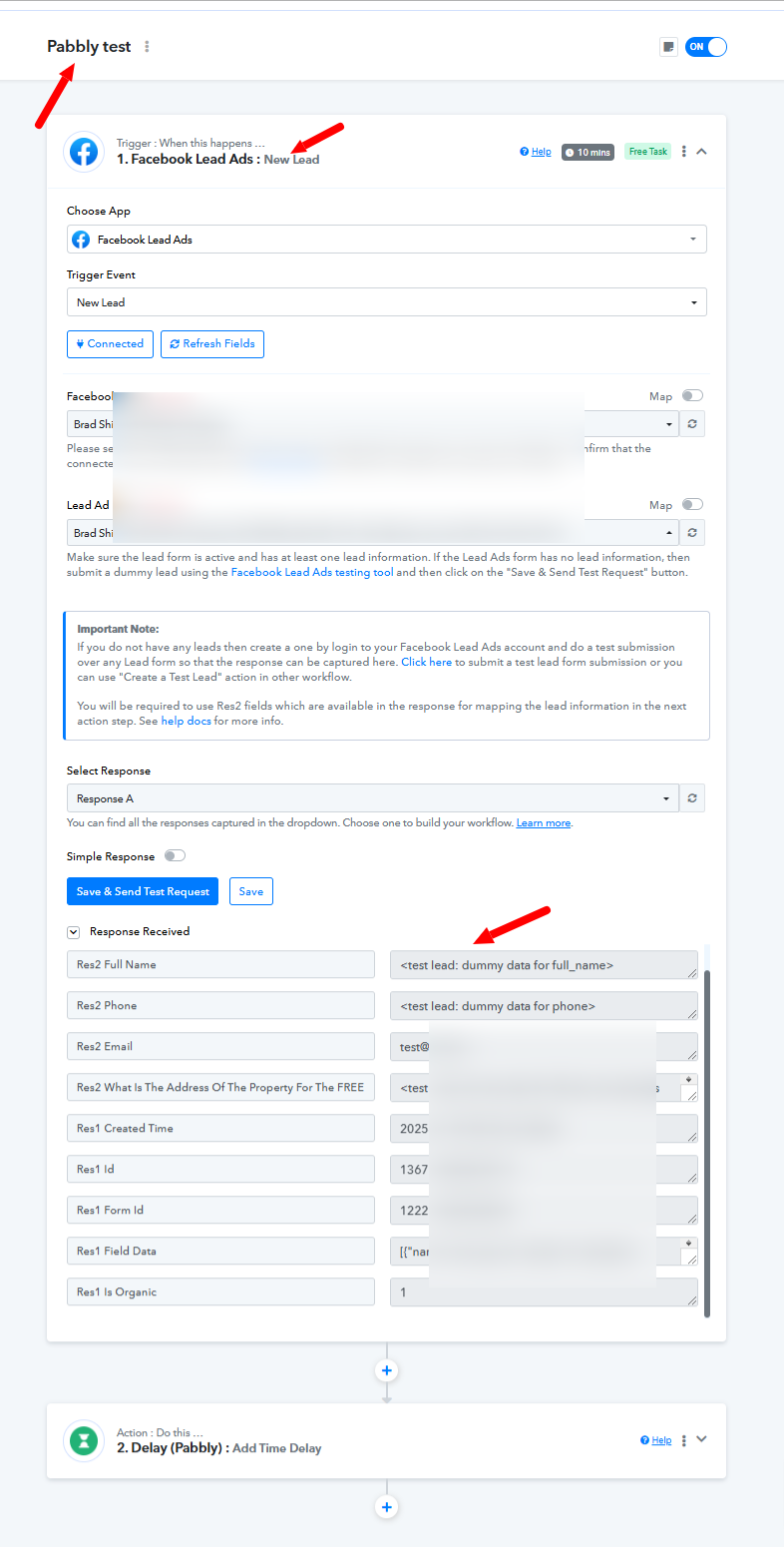
Facebook Lead Form not Connecting to Google Sheet
Status: Open · Asked by Jay W@HyperLeads on · 0 views
When clicking the 'Save and Send Test Request' button, I then generate a test lead through the Facebook lead testing tool.
Workflow: https://connect.pabbly.com/workflow/mapping/IjU3NjYwNTZmMDYzNDA0MzE1MjZmNTUzNDUxMzQi_pc
All connections appear to be working..
Kind regards,
Jay
I am having the same issue as well.. Seems to be a recent problem.
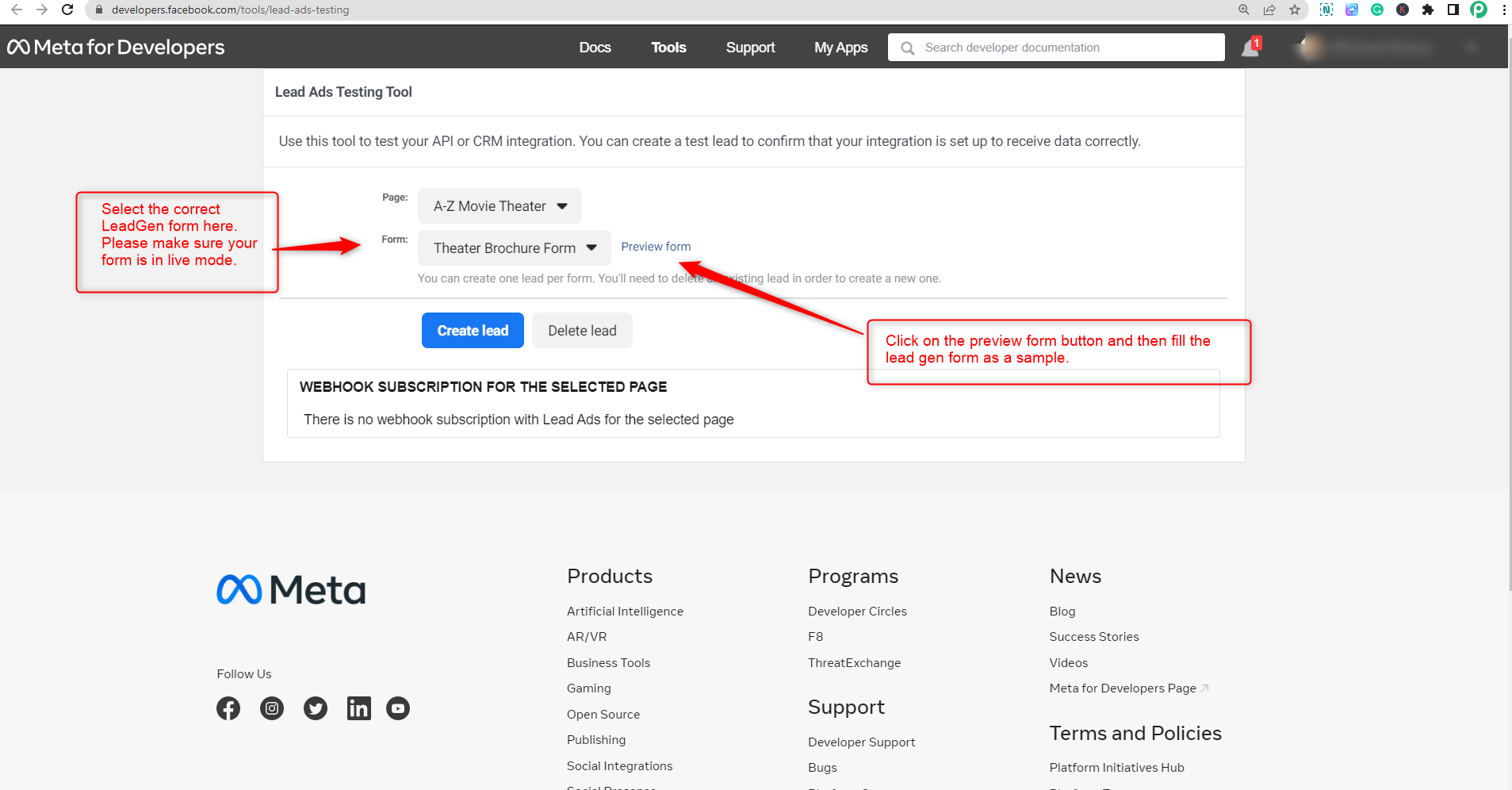
I noticed this come up in the lead form testing tool:
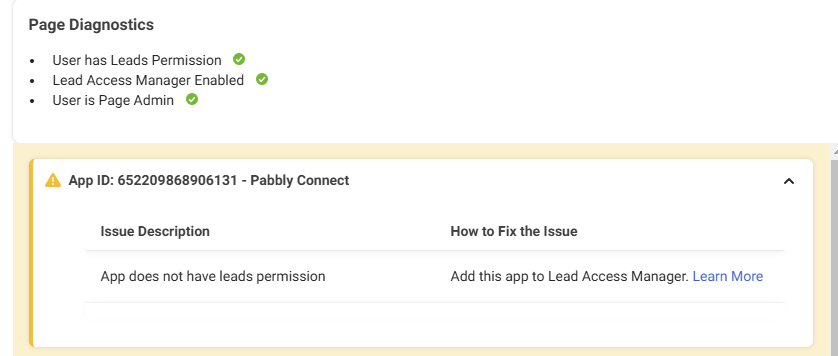
I've never had this issue or done anything differently with other workflows when connecting to the Facebook lead form the standard way based on the
Here's the access as well:
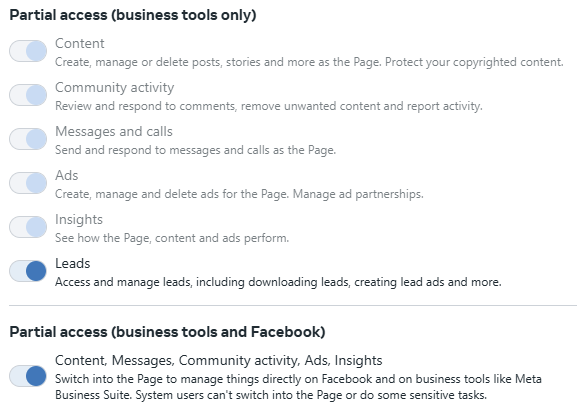
I've never had to go into the 'Lead Manager' to provide access. I've created new workflows from scratch and still getting the same issue.
Hello @jmw01,
Could you please delete the test lead associated with the form in your shared workflow? This will allow us to test it more effectively on our end.
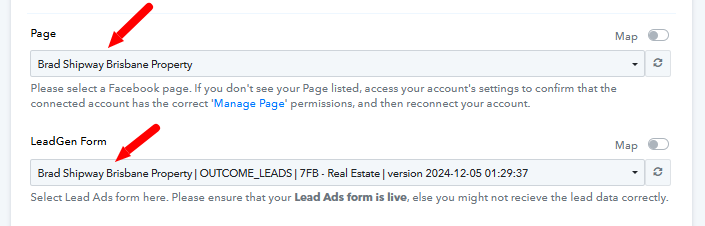
Yep, this is now done.
Hello @jmw01,
We tested both the New Lead Instant and New Lead Instant (Beta) triggers for the specified form, but the test lead was not captured. However, when testing the New Lead trigger, the test lead was successfully captured.
We recommend the following steps:
- Contact Meta Support to verify if there are any issues with the form.
- Alternatively, try using the New Lead trigger during runtime to capture a lead.
Please ensure you add a lead by previewing the form. Note that the New Lead trigger has a capture delay of approximately 10 minutes, so you'll need to wait for that duration to verify if the lead gets captured.
 We have established a test workflow for you please use that to test the New lead trigger - https://forum.pabbly.com/threads/facebook-lead-ads-new-lead-instant.10609/.