Facebook Lead Gen errors but Workflow was marked successful
Status: Open · Asked by Niels Przybilla on · 0 views
Hello,
I have a workflow that is catching lead ads from facebook. It is marked as succesful run.
But in details I see it failed.
[TABLE]
[TR]
[TD]Error validating access token: The session has been invalidated because the user changed their password or Facebook has changed the session for security reasons.[/TD]
[TD][/TD]
[/TR]
[TR]
[TD]type[/TD]
[TD]OAuthException[/TD]
[/TR]
[TR]
[TD]code[/TD]
[TD]190[/TD]
[/TR]
[TR]
[TD]error_subcode[/TD]
[TD]460[/TD]
[/TR]
[TR]
[TD]fbtrace_id[/TD]
[TD]Ame8RIyfNGQ1I7THjFWqnhM[/TD]
[/TR]
[/TABLE]
This is a petty not contacting leads for 10 days
Please maark these as failures in teh future.
many thanks and best wishes
Niels
Hi @niels.przybilla,
Please allow us some time to explore the feasibility of your request. We will get back to you with an update shortly.
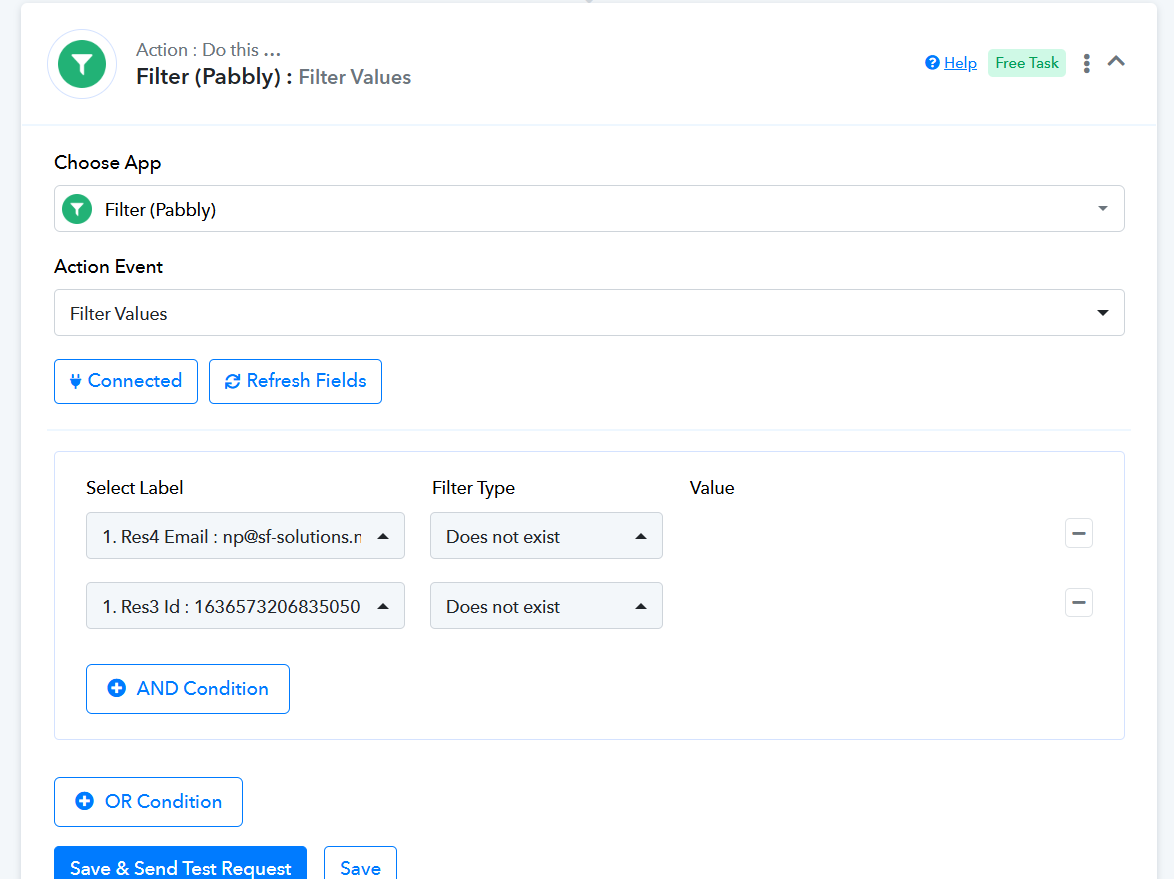
Our technical team has informed us that it is currently not possible to mark the trigger step as unsuccessful. However, since triggers do not consume tasks, there's no task usage involved. To prevent the subsequent actions from executing, you can add a Filter as step 2 of your workflow. This will stop the following steps from running in case of authentication-related errors.
We also recommend avoiding the legacy version of the 'New Lead Instant' trigger event and using the updated 'New Lead Instant' trigger event instead.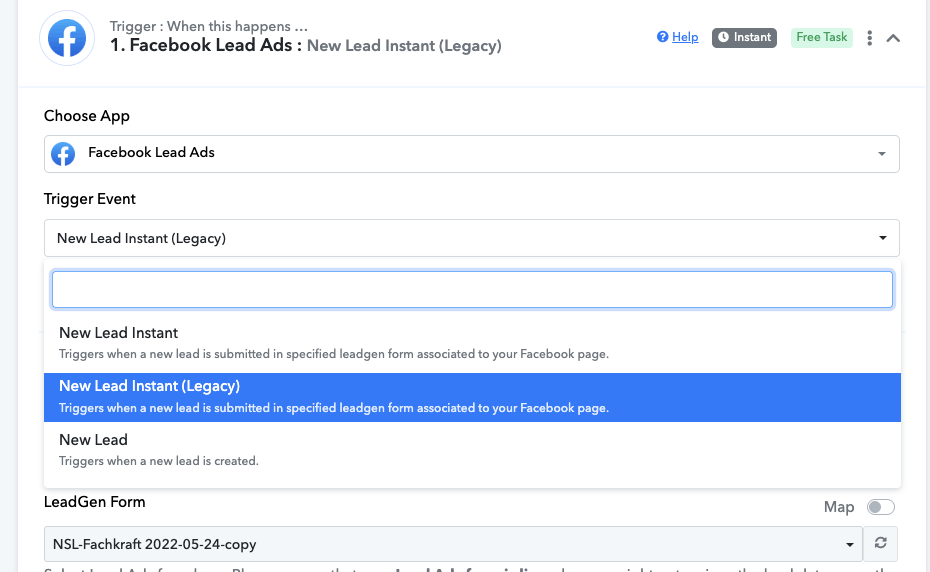
Hello Arshil,
this is not a solution ... Let's call it nice ... a joke.
If i do not see that it fails ... I am trusting in Pabbly that it is working ... So i will never see that it fails ...
I cannot have a look every day if pabbly somewhere is hiding that a trigger did not work
Best wishes
Niels
Currently, it's not possible to mark the trigger step as unsuccessful. However, you can add a Filter and Gmail as the last two steps of your workflow. Configure the Filter to ensure that the Gmail step is executed only if no Email or ID is received in the trigger step. Then, set up Gmail as the final step to receive notifications in your email.