Facebook page, instagram business, not showing up
Status: Open · Asked by stevenphan on · 0 views
Facebook page, not showing up. Even though I have full permissions and have deleted the app and reloaded it, the list of pages still does not show up. However, if I connect another account, it shows up. I don't know what the error is, please let me know.
Hello @stevenphan,
Please share a screenshot showing the permission provided to the Pabbly Connect under the Business Integrations section.
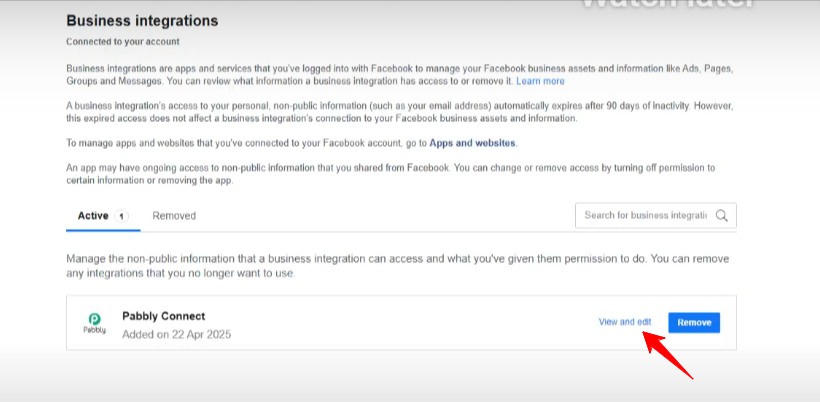
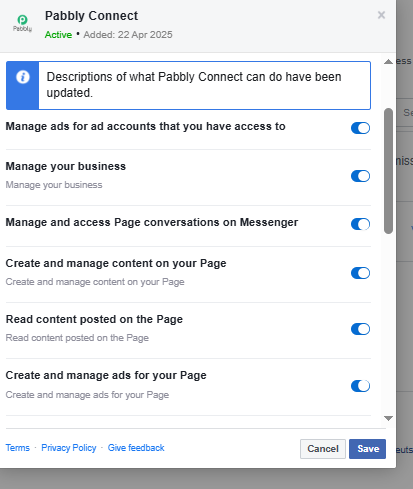
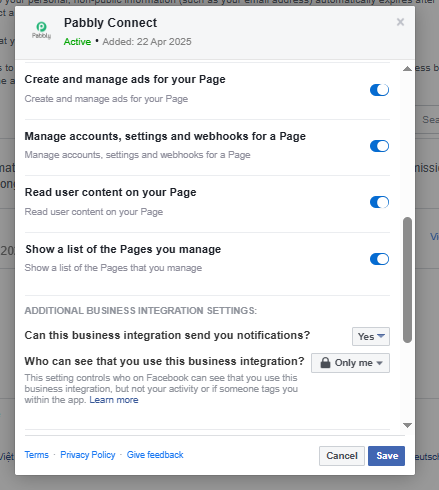
Hello @stevenphan,
We recommend creating a new connection instead of updating the existing one to check if it helps resolve the issue.
Additionally, if that doesn’t resolve the issue, you can try enabling the "Map" button next to the Page ID field, then manually enter the Page ID and configure the action accordingly.
Once updated, please test the setup and let us know if it works correctly.
Hello @stevenphan,We recommend creating a new connection instead of updating the existing one to check if it helps resolve the issue.
Additionally, if that doesn’t resolve the issue, you can try enabling the "Map" button next to the Page ID field, then manually enter the Page ID and configure the action accordingly.
Once updated, please test the setup and let us know if it works correctly.
if using mapping then it works fine. But i don't understand why the list is not displayed
Hello @stevenphan,
At the moment, we’re also unable to determine the exact reason why the list isn’t displaying. However, we're glad to know that it’s working correctly when using mapping.
Hello @stevenphan,At the moment, we’re also unable to determine the exact reason why the list isn’t displaying. However, we're glad to know that it’s working correctly when using mapping.
hi team, this problem continues for my FB account and now IG too. Currently using Mapping is no longer effective. Although it was working fine before.
Link: https://connect.pabbly.com/workflow/mapping/IjU3NjYwNTY4MDYzNDA0MzU1MjZkNTUzNzUxM2Ei_pc
with some shops i have problem displaying IG caption. https://connect.pabbly.com/workflow/mapping/IjU3NjYwNTY4MDYzMjA0MzE1MjY5NTUzMTUxMzMi_pc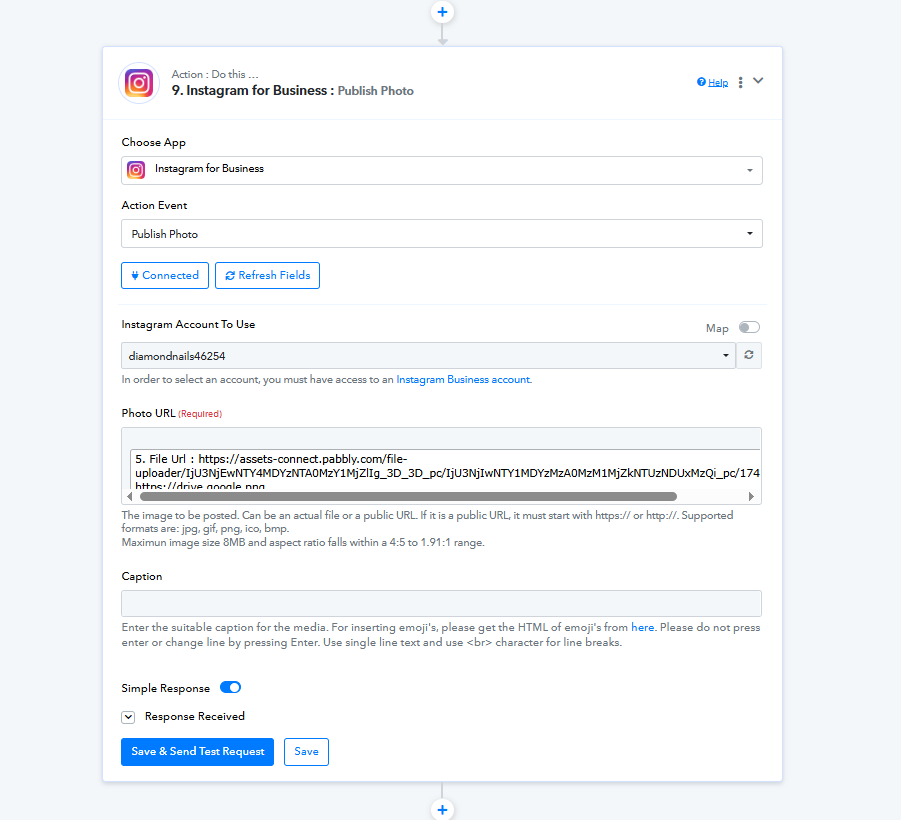
Hello @stevenphan,
Please try deleting the action step and then re-adding it to the workflow. This often helps resolve such issues.
Let us know if this works or if you continue to face any difficulties.
if delete it then it works fine. But please tell me why this error. Because I use a large number so I can't check each one.
Another important problem is that although I have fully connected and granted permission, the Page section of FB and IG still does not show. If using ID then it works.
Hello @stevenphan,
While we're not entirely sure of the exact cause, the issue might have occurred due to cached data from a previously saved action. Deleting and re-adding the step likely refreshed it and resolved the problem.
Regarding the Page section not showing FB/IG pages, this usually happens when there are a large number of pages linked to the account. In such cases, using the Page ID directly is a reliable workaround.