Failed to Getting Response New Mail Gmail
Status: Closed · Asked by Dinarway Dinarway on · 0 views
Previously I created this workflow and it's working fine. But this time when I want to update the workflow, its failed to getting response for new email. I already tried this tutorial and success for getting new dummy message but still "waiting for response"
https://connect.pabbly.com/workflow/mapping/IjU3NjYwNTY4MDYzNzA0MzI1MjZiNTUzMTUxMzIi_pc
Hi @Dinarway Dinarway,
Please receive a new email at the address connected in your trigger step; it will then appear in the trigger step response.
Currently, there is no data in your recent task history, which is why the tutorial you shared above is not working. Once emails start triggering your workflow and get captured in your Task History, you can follow the tutorial and it will work as expected.
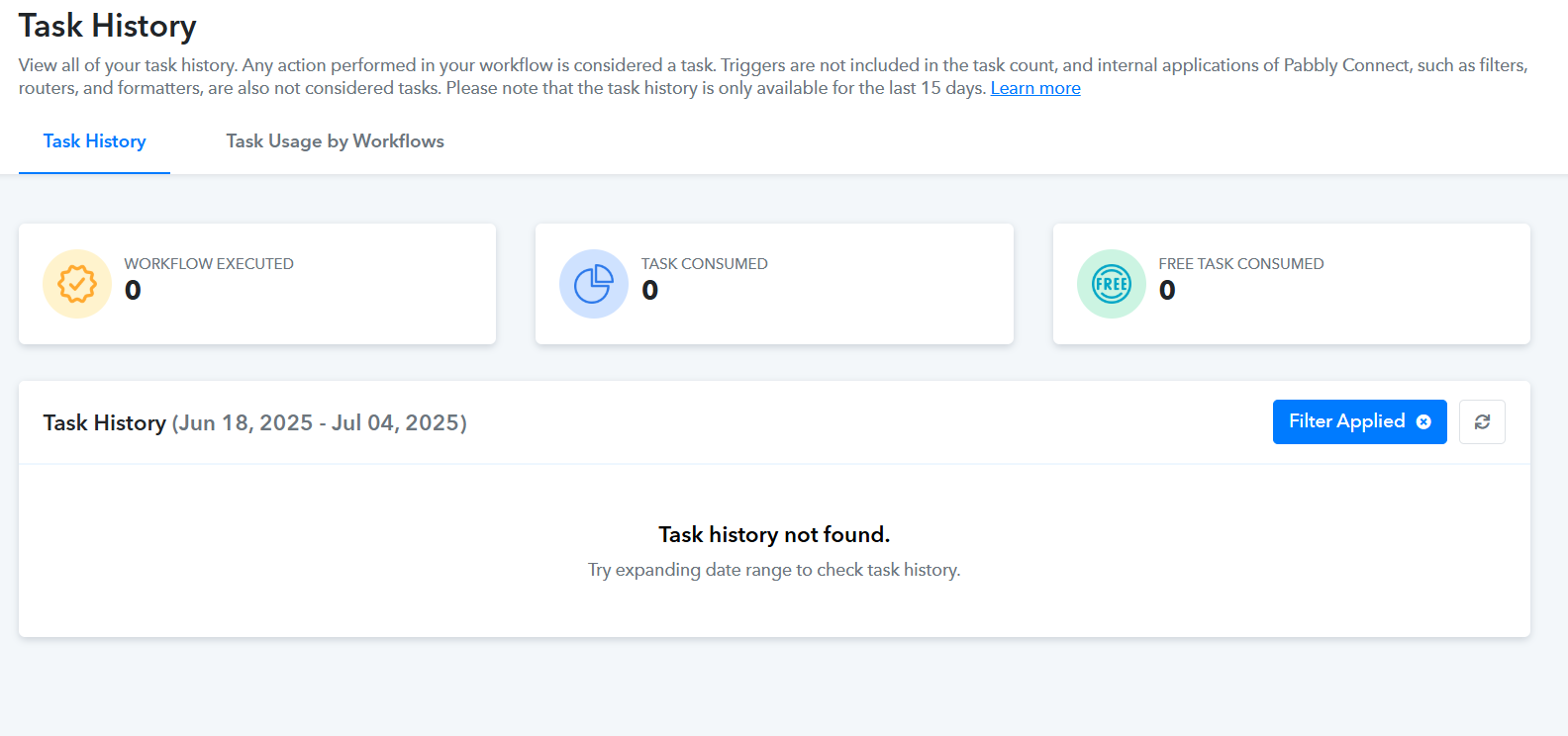
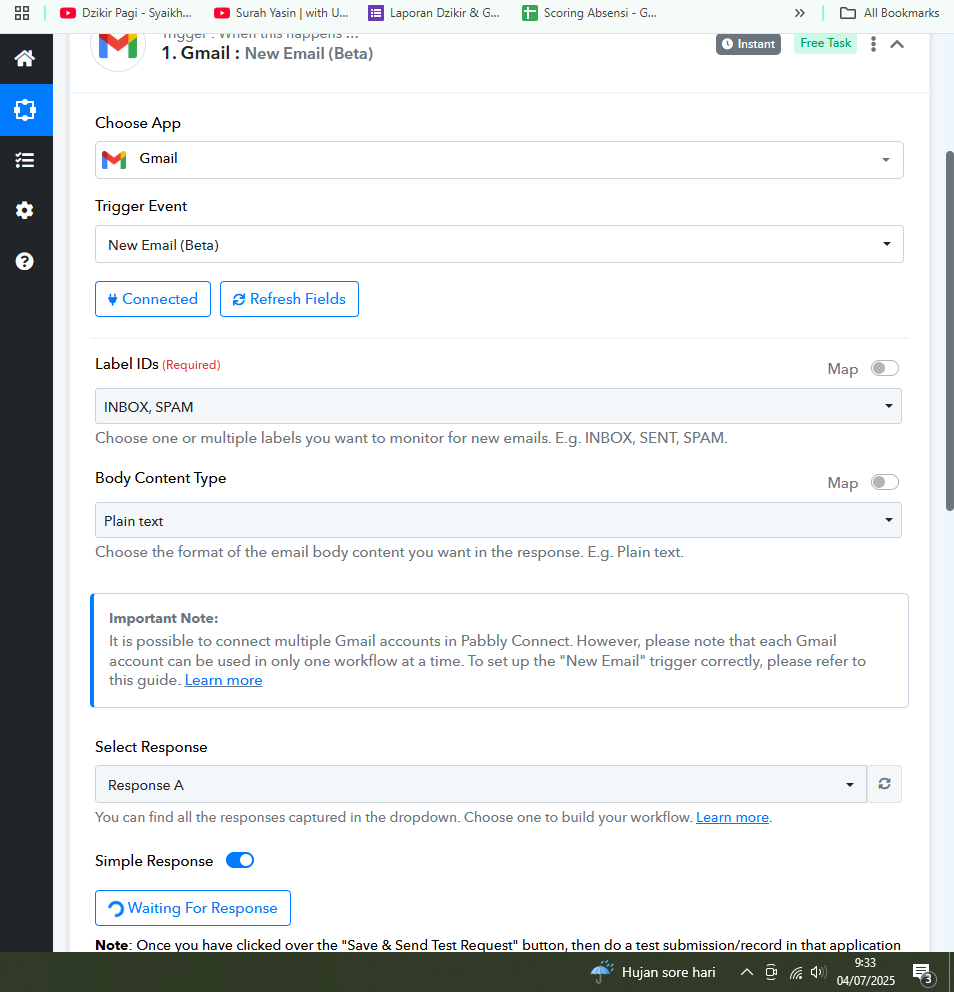
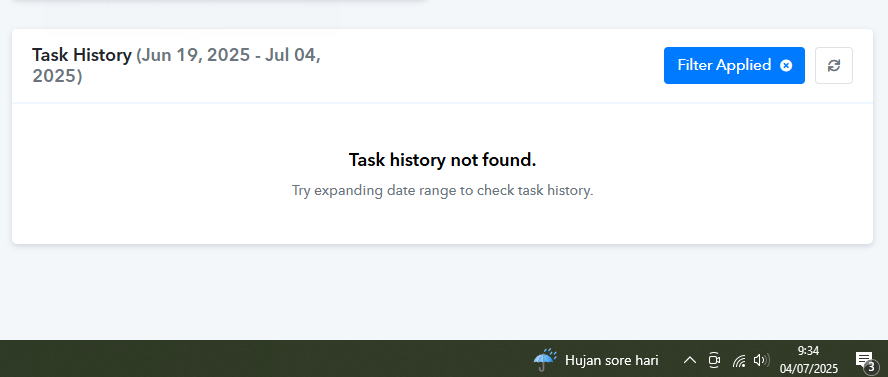
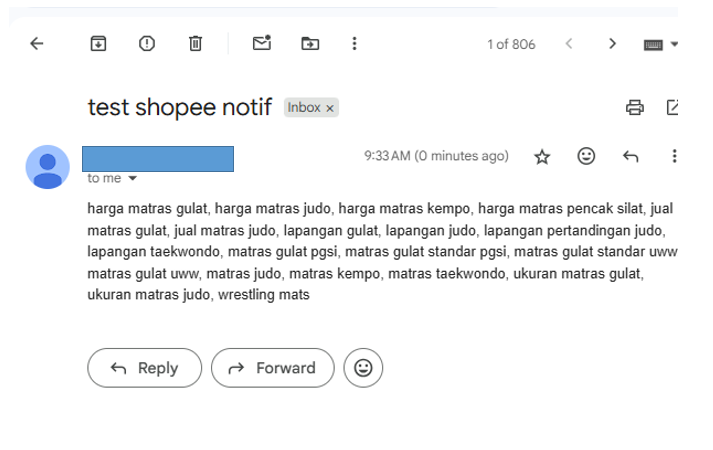
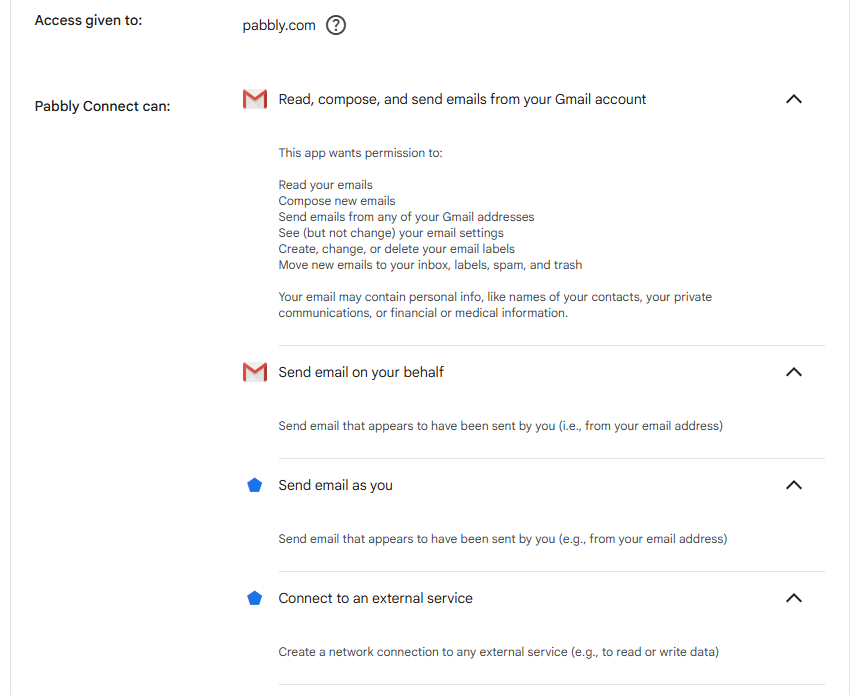
As you can see on my attached images, it's not catching the new received email as a response, I already tried that numerous times. And I already wait for a couple of minutes too and give access to pabbly. Is there any solution?
Hi @Dinarway Dinarway,
Thanks for sharing the details.
As mentioned in the help doc for this particular trigger, only one trigger can be used per Pabbly Connect user when connecting with Gmail.
If you’ve set up multiple workflows using the same Gmail trigger, only one of them will work, whichever was set up first.
Hi, Preeti Paryani! Thanks for the reply. I'll note the conditions needed.
Hello @Dinarway Dinarway,
You're welcome. For now, we are closing this thread.
Please feel free to reach out if you need any further assistance by creating a new thread.