Getting Brevo Contacts into Go High Level
Status: Closed · Asked by cacvisions on · 0 views
I cannot find any tutorial on how to get Brevo contacts into Go High Level. I set my workflow trigger to when a contact is added to a Brevo list, but it does not pull all of the contact's info. How do I get all the contacts' info into Pabbly Connect? Once I have that, how do I then get the contact information into Go High Level and tag it appropriately? Please advise.
Hi @cacvisions,
Could you please share the Workflow URL where you have set up Brevo as the trigger step?
Please use the 'Find Contact's Details' action step as Step 2 of your workflow and see if it gives you the complete details.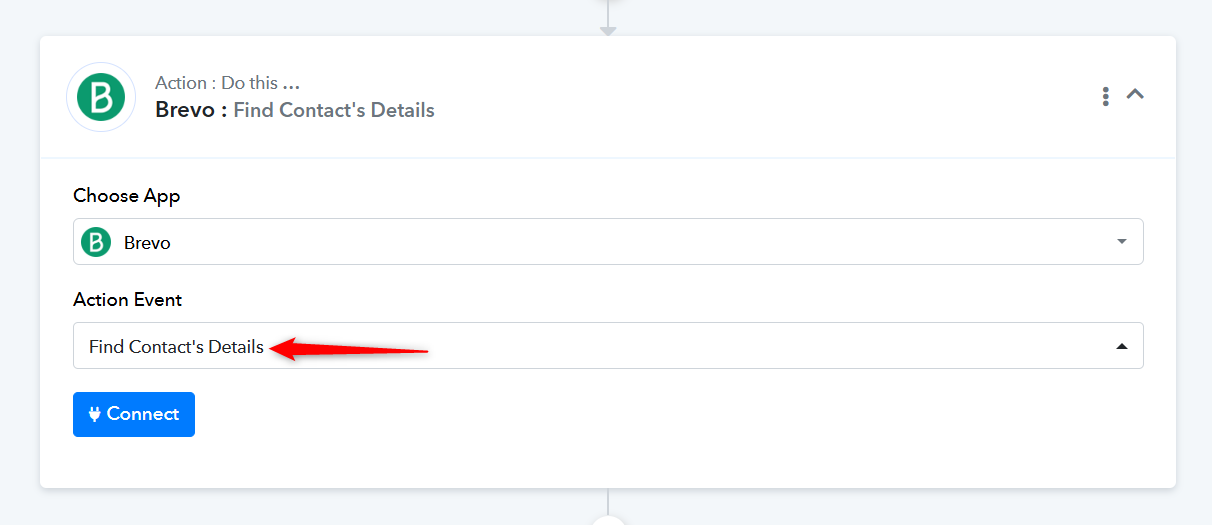
Watch this video to understand how you can establish a new connection with your Brevo account.
After extensive searching on YouTube, I found a Pabbly video that demonstrated how to do just that, using SendInBlue (Brevo's previous incarnation). I figured that out, and I can now obtain the contact information. Now I am getting a 401 Invalid JWT error when trying to create a new contact in Go High Level using LeadConnector V2. I have used LeadConnector V2 in the past, but now it keeps giving me the error. I have revalidated the connection. What can be happening with this?
I had to create a new connection for LeadConnector V2. It is now working.
I had to create a new connection for LeadConnector V2. It is now working.
Thank you for the update. We're glad it's working now.