Getting the following error while connecting Zoho Books - 4091
Status: Open · Asked by Pranjal on · 0 views
Hi,
I have been trying to integrate a google sheet to create Customers and their invoices in Zoho Books. The step until creating the customers has been resolved but I am not able to create the invoices and I am getting the following error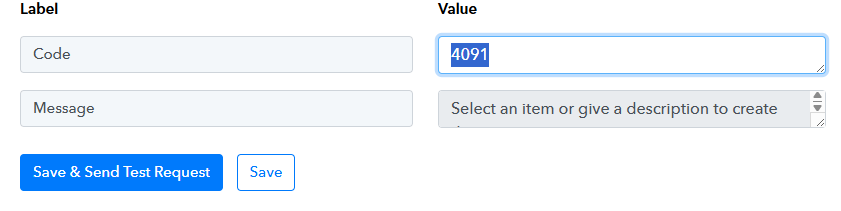
Hi @Pranjal,
https://connect.pabbly.com/workflow/mapping/IjU3NjYwNTY4MDYzNjA0MzA1MjY0NTUzNzUxMzMi_pc
The amount you were trying to pass in the 'Create Sales Invoice' action step contained a comma. We used a Text Formatter to remove the comma, and it appears to have resolved the issue.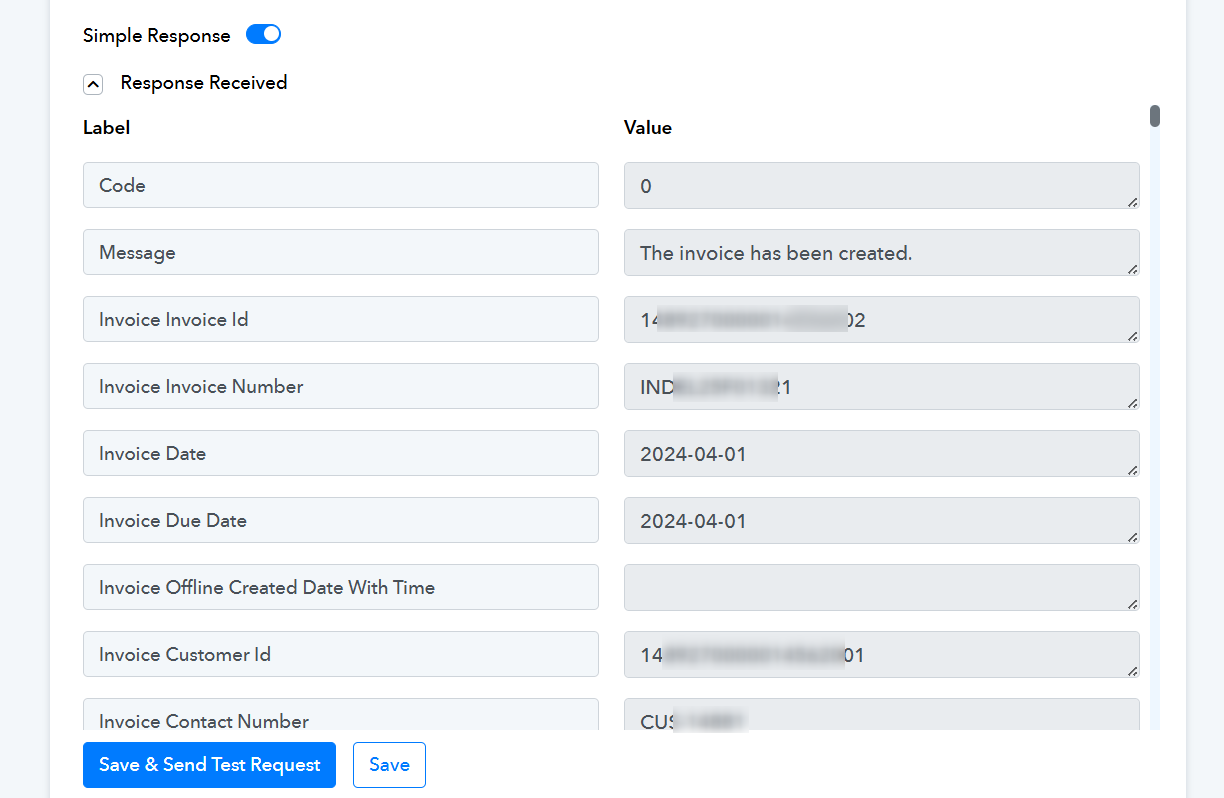
Great.. What happens when there are 2 items in the invoice. The invoice generated in zoho has only one item but the sheet which has been uploaded has 2 line items in the invoice.
https://docs.google.com/spreadsheets/d/1WkvSE9ZB9gLouvakcliwutfKM6PyKI0odwTYjJIuU4Q/edit?usp=sharing
Kindly advise on that
Hello @Pranjal,
As per your current workflow, one invoice is created for each row added in the Google Sheet.
If you want to add multiple line items in a single invoice, please add all item details (like name, quantity, rate) in comma-separated format within a single row.
In the Zoho Books: Create Sales Invoice step, you can directly map these comma-separated values in the line items fields.